
RENTAL EQUIPMENT FOR YOUR NEXT REQUIREMENT
Laptops On Rent in Salem – Flexible Plans for Work & Study
Looking for Laptops On Rent in Salem for study, business or a temporary project? Rentopay helps you enquire for a device suited to your workload and rental period. Share what you’ll use it for, the quantity you need and your delivery PIN code to check options in Salem, Tamil Nadu.
To rent a laptop in Salem, start with the software you depend on and the dates you need the device. Compare the proposed configuration and complete rental charges before confirming. The opening button and the laptop-card buttons use the same enquiry form.
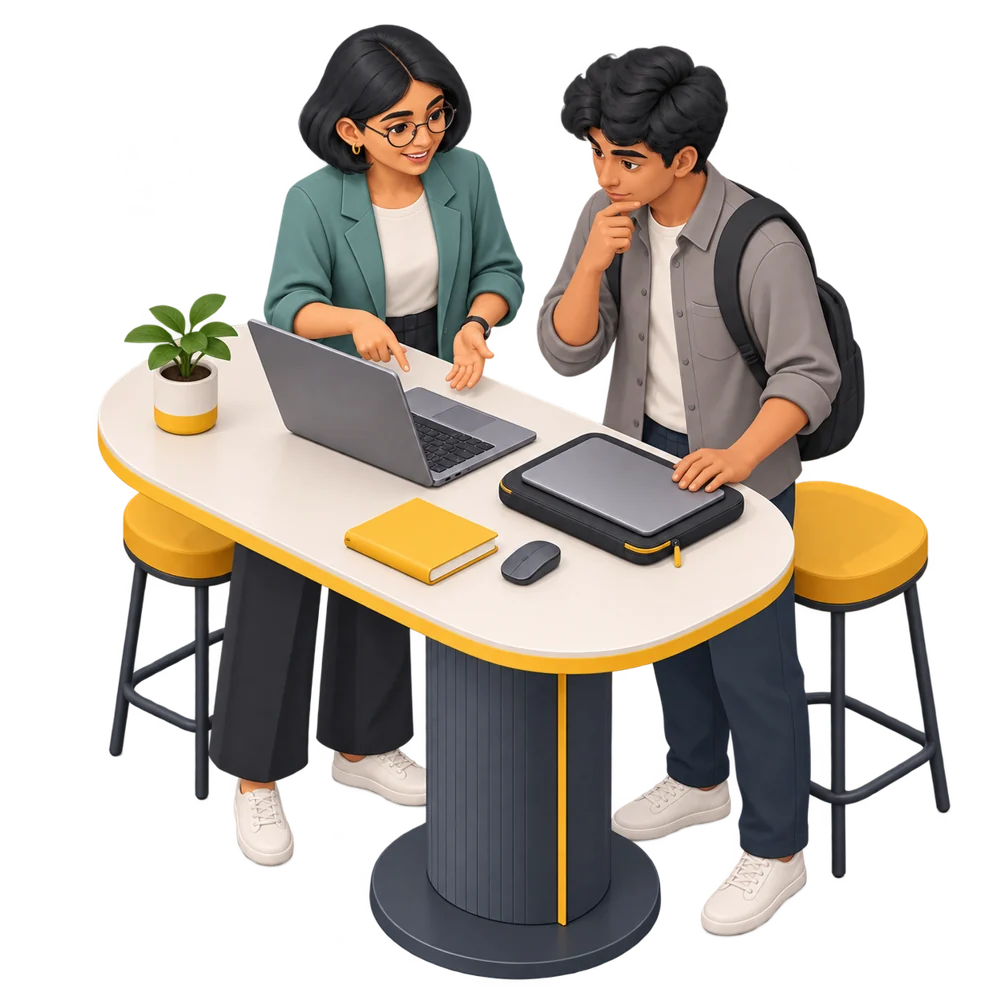
Explore Lenovo, Dell, HP & Asus Options
Our laptop rental services in Salem let you enquire about Lenovo, Dell, HP and Asus options. These cards show specification ranges across different models. Ask for the exact processor, RAM, SSD and operating system available for your booking; not every combination is stocked at all times.

Lenovo Laptops

Dell Laptops

HP Laptops
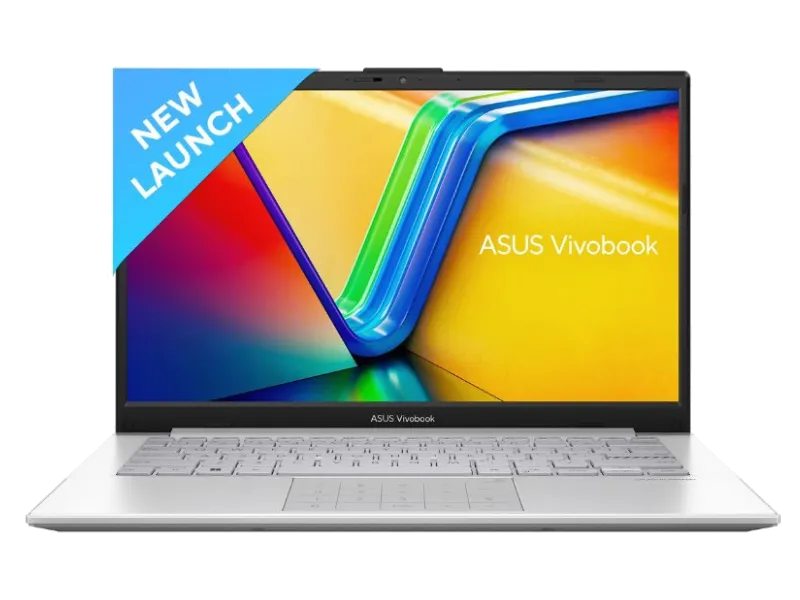
Asus Laptops
Find a Configuration That Fits Your Work
Match the laptop to your heaviest regular tasks. Office tools, design and development have different memory, graphics and storage requirements.
Everyday office work
For documents, spreadsheets, email and meetings, check the keyboard, webcam, SSD and memory needed for multitasking. Mention accounting software, printers or external screens that must work with the device. A suitable office setup should fit the tools you actually use.
Programming & creative tools
For programming or creative work, share software requirements. Confirm processor generation, graphics, memory and operating system before choosing a model.
Classes & online meetings
Students and trainees should follow the requirements given by their course provider. Confirm camera, microphone and Wi-Fi functionality for online sessions. For examinations, check permitted devices and installation rules with the institution before booking a machine for assessment.
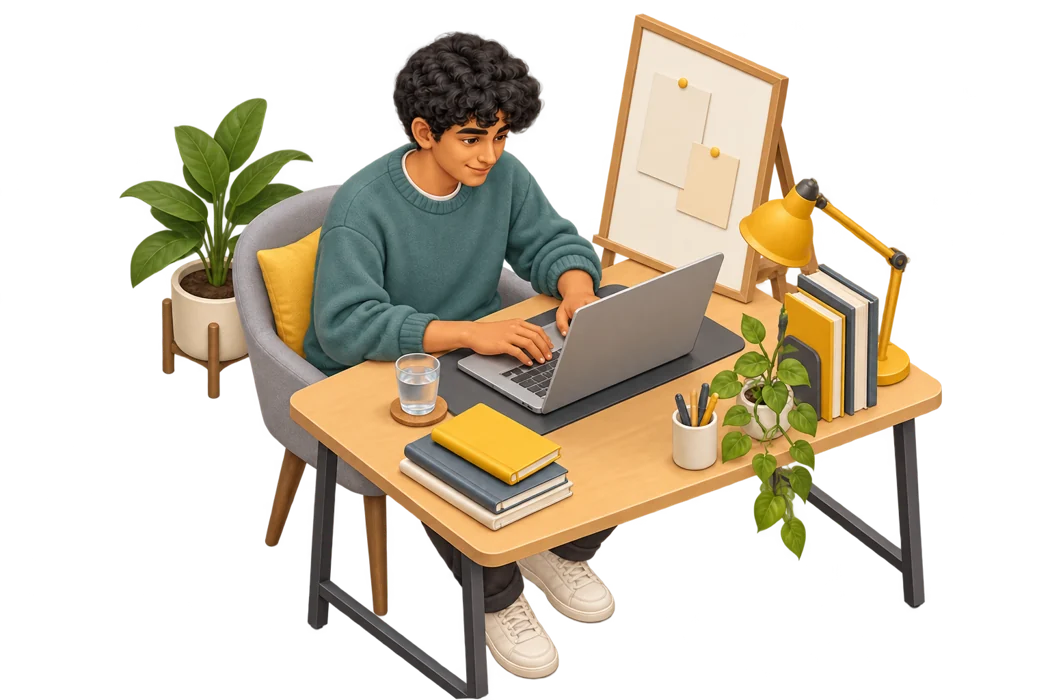
A Useful Device for Study and Independent Projects
You can rent a laptop in Salem for a defined requirement such as coursework, an internship, a freelance assignment or the time your own device is being repaired. Share your expected start and end dates, then ask which plans and configurations fit that period.
For students, freelancers and professionals in Salem, Tamil Nadu, choosing the right laptop starts with understanding your daily work. Tell us whether you need it for online classes, spreadsheets, coding, design or video editing so our team can suggest a suitable configuration.
Prepare a Consistent Setup for Your Team
Businesses comparing laptop rental services in Salem can send one brief for employee onboarding, training or a temporary assignment. Include quantity, user roles and deployment dates together. Ask whether matching configurations are available and agree who will handle setup, accounts and approved software.
- List essential software and any authorised licences.
- Confirm whether devices need the same operating system.
- Identify accessories and delivery addresses for each team.
- Discuss setup responsibilities and support arrangements.
For a team split across cities, see our laptop rentals in Chennai page and share each delivery address. You can also explore corporate laptop rental or MacBook rental for a different team or platform requirement.
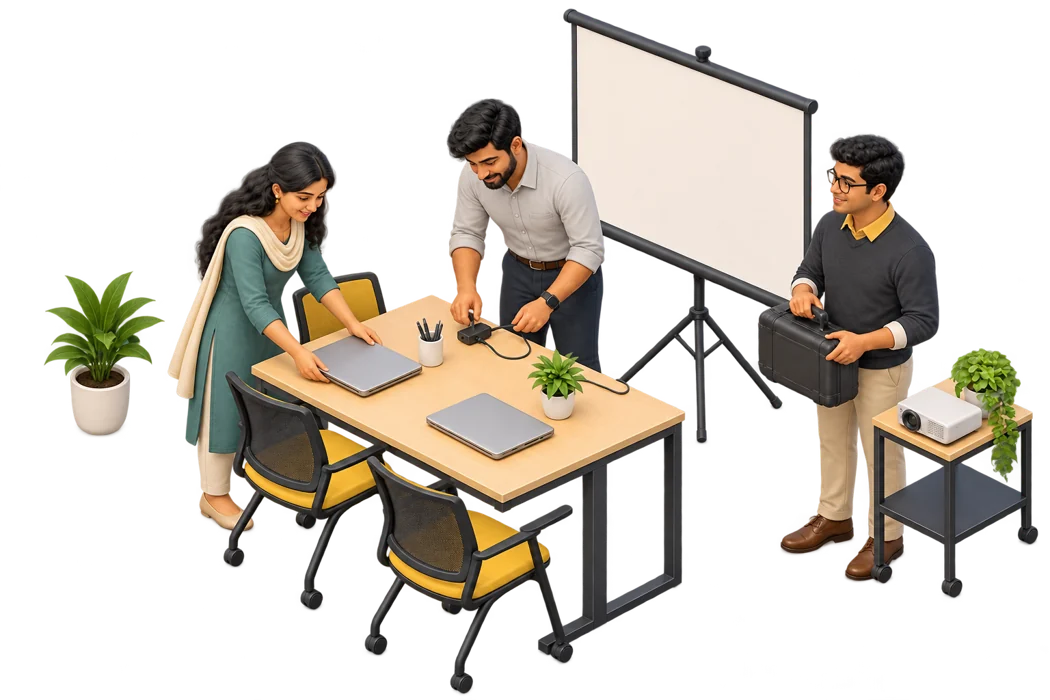
Compare Equipment, Plans and Service Terms
Compare laptop rental services in Salem using the exact device, total cost and minimum commitment. Ask how delivery, support, renewal and return work.
Send specifications, dates and address through the enquiry form. Confirm availability, verification and any collection arrangement, then retain your quotation.
Know the Complete Cost Before Booking
The price of laptops on rent in Salem depends on configuration, quantity and duration. Ask for a written cost breakdown so you can compare equivalent equipment. Check the following before accepting a plan:
- Rental amount, billing frequency and minimum tenure.
- Applicable GST and required invoicing details.
- Any deposit, refund conditions and deductions.
- Delivery, pickup and optional accessory charges.
- Extension billing and early-return conditions.
- Support, repair and replacement arrangements.
Confirm paid software licences and accessories separately. Submit verification documents through Rentopay’s confirmed process and retain your booking terms.
Rent a Laptop in Salem: Three Steps to Get Started
1. Send a complete brief
Describe your work, essential software, preferred specifications and device quantity. Add your rental dates, complete address and PIN code. Flag a scheduled class, joining date or project deadline early in the enquiry.
2. Review the booking details
Check the exact model and charges, including applicable taxes, any deposit and transport. Confirm the minimum term, verification documents and support arrangement. Agree delivery timing after stock and booking requirements have been checked.
3. Check the delivered device
On arrival, compare RAM, storage and operating system with your quote. Test the screen, keyboard, camera, wireless connection, charger and required ports. Record existing marks and report a mismatch promptly.
Keep backups while using the laptop. Before returning, sign out of accounts and follow the approved data-removal process. Contact the team before your rental ends if you need an extension, and return the charger and any other supplied accessories.
Check Delivery Availability Near You
Send your address and PIN code to check delivery in Salem, Tamil Nadu. Enquiries may include the areas below; availability, dates and transport charges are confirmed for the individual booking rather than assumed from the neighbourhood name.
For bulk laptop rentals, share the number of devices, required specifications and rental dates. If you need delivery to multiple locations, mention the quantity and address for each. For events or training sessions, enquire early so our team can check availability and coordinate delivery.
Laptops On Rent in Salem: Frequently Asked Questions
These answers cover common questions about configurations, rental periods, delivery and support. The quotation and agreement confirm the terms for the device you select.
1. How are laptop rental services in Salem priced?
Rates depend on the model, configuration, quantity and rental term. Request a written quote showing rent, applicable GST, deposit and delivery or pickup charges. Confirm minimum tenure before comparing monthly prices.
2. Can I book a device for one month?
Share your required start and end dates. The team will confirm available plans and devices, including any minimum commitment. Ask how renewal notice and extension billing work if you may need the device longer.
3. Which laptop brands can I request?
You can enquire about Lenovo, Dell, HP and Asus options shown on the page. Specific models depend on stock. Confirm processor generation, memory, storage, operating system and condition in the quote rather than assuming all devices are identical.
4. Can students rent equipment for college work?
Students can enquire for coursework, internships and temporary study needs. Provide the software requirements and dates. For examinations, confirm permitted hardware and installation rules with the institution before completing the booking.
5. Can a business request several matching laptops?
Send the quantity, employee roles, required software and deployment dates together. Ask whether matching configurations are available and discuss accessories, delivery addresses, billing and support for the complete order.
6. Can I collect the laptop from a local counter?
Confirm whether collection is available and verify the address directly with the team before travelling. This city page and map do not establish a walk-in counter. Your booking will confirm the applicable delivery or collection arrangement.
7. Will I need a security deposit or documents?
Any deposit and verification requirements are confirmed for the selected plan. Ask for the amount, refund conditions and possible deductions in writing. Use the document-submission process confirmed by Rentopay.
8. Are paid software and accessories included?
Check the charger, operating system and additional accessories in the quotation. Paid Office, accounting or design applications are not automatically included with hardware. Discuss authorised licensing and installation needs before setup.
9. What happens if the laptop develops a problem?
Report the symptoms through the support channel supplied with your booking. Assistance, repair or replacement follows the agreed terms and stock availability. Confirm the support process in advance if downtime could disrupt important work.
10. How do I extend the plan or return the device?
Contact the team before the rental ends to confirm revised charges or collection. Back up your files, sign out of accounts and follow the approved return instructions. Return all supplied accessories and keep the handover confirmation.
Send Your Requirements for a Rental Quote
Ready to rent a laptop in Salem? Send your device quantity, software needs, dates and PIN code. The team can check suitable options for Salem, Tamil Nadu and discuss a quotation that matches your requirement.