
WORK • STUDY • PROJECT TEAMS | LUDHIANA, PUNJAB
Laptops for Rent in Ludhiana – Flexible Plans for Your Next Project
Looking for laptops for rent in Ludhiana without making an immediate hardware purchase? Tell Rentopay what you need to run, how many devices you need and for how long. We’ll help you enquire for a suitable configuration and confirm the rental terms for your address in Ludhiana, Punjab.
From a replacement work laptop to equipment for a temporary team, start with your workload. Request a quote covering the device, rental period and delivery arrangements before you book.

Explore Laptops for Rent in Ludhiana
Explore Lenovo, Dell, HP and Asus options for work, study and project teams in Ludhiana, Punjab. The ranges below cover different models; exact specifications, availability and rental charges are confirmed when you enquire.

Lenovo Laptops

Dell Laptops

HP Laptops
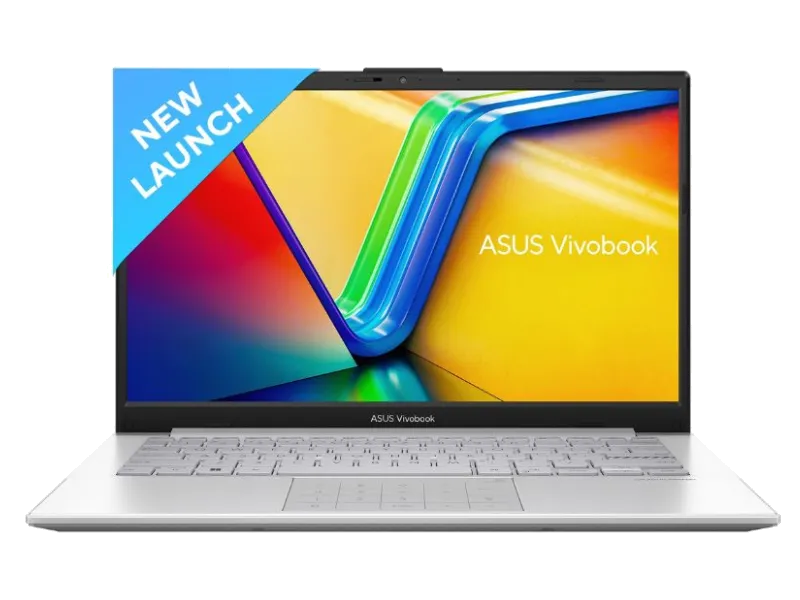
Asus Laptops
Start with the job, then choose the laptop
A rental should solve a particular need. Describe the work first so the proposed device has the right balance of performance, portability and cost. The same specification will not suit every role, even when two users prefer the same brand.
Accounts, orders & everyday office work
For spreadsheets, billing tools, email and browser-based applications, prioritise an SSD, comfortable keyboard and enough memory for multitasking. Mention printers, barcode devices or accounting software that must connect to the laptop.
Design, development & demanding projects
For larger codebases, creative files or technical applications, share software names and recommended requirements. Specify dedicated graphics, memory or display needs where relevant. Ask for the exact processor model rather than relying on an i5 or i7 label.
Coursework, training & a temporary backup
Students and trainers should check course requirements, webcam quality and permitted software. A rental can also cover repairs to your own machine. If an examination is involved, confirm the institution’s device rules before placing an enquiry.
Build a useful configuration shortlist

A practical laptop rental in Ludhiana begins with a few specific questions. Use these as a shortlist when discussing available models, rather than choosing the cheapest device without checking what it can do.
- Processor: ask for the model and generation, and match them to your applications.
- Memory: discuss how many applications, browser tabs or large files you use together.
- Storage: confirm SSD capacity and how much free space your work requires.
- Connections: list external displays, USB devices, headsets and network accessories.
- Operating system: check the required version, application compatibility and licensing.
Tell the team if weight, screen size or battery condition matters for travel. Available combinations depend on stock. Specialist software and accessories should be listed separately in the quote.
One device for an assignment or a coordinated team setup?
A defined personal requirement
If you need one machine for an internship, freelance assignment or a gap between devices, share the expected start and end dates. Ask about the minimum tenure and extension charges. Renting may help for a defined period; compare the total expense with buying if the requirement is likely to become permanent.
Several devices with a common brief
For employee onboarding, demonstrations or a training batch, provide quantity, user roles and deployment dates together. Ask for consistent configurations where possible, and identify who will handle setup and user access. Our corporate laptop rental page covers wider team enquiries.
Put software and accessories in the same brief
A laptop can meet your basic specifications and still miss an important part of your setup. A sales team may need a headset and reliable video meetings, while someone preparing catalogues may depend on a particular display or application. List those requirements alongside the laptop, rather than adding them after delivery.
For shared devices, decide who will install approved applications, manage user accounts and keep backups. If you are replacing an existing work machine, note the files and settings you need to transfer. Your employer’s IT policy may affect how a rental device connects to company systems.
Ask for the supplied accessories and authorised software to be recorded in the quote. This gives both sides a clear reference at handover and makes it easier to check that the delivered setup matches the requirement.
Plan delivery around your Ludhiana address
Send your full address, PIN code and required start date so the team can check serviceability and available equipment. Enquiries may include the areas below; delivery dates and charges are confirmed for each booking rather than assumed from the neighbourhood name.
If your team is split across multiple addresses in Punjab, mention every location and the quantity needed at each. Allow time for availability checks, verification and configuration before a scheduled joining date or event.
The map is a city reference and does not indicate a Rentopay branch or collection counter.
A better handover: check, record, then start work

When the device arrives, spend a few minutes checking it against your quote. This makes it easier to report a mismatch before you begin an important task.
- Confirm the model, RAM, storage and operating system.
- Test the keyboard, screen, camera, Wi-Fi and required ports.
- Check the charger and any other supplied accessories.
- Record existing marks or damage and report any concern promptly.
During the rental, keep backups and report faults through the agreed support contact. Before returning, sign out of accounts and follow the confirmed data-removal instructions. Arrange any renewal or pickup before the rental ends.
Laptop rental in Ludhiana: your questions answered
These answers cover common booking questions for Ludhiana, Punjab. The quotation and rental agreement confirm the terms for your chosen device.
1. How much does it cost to rent a laptop in Ludhiana?
The quote depends on configuration, quantity and duration. Ask for the exact model and a breakdown of rent, applicable taxes, deposit and transport charges. Confirm the minimum term before comparing monthly amounts.
2. Can I request a laptop for one month?
Share your intended dates when enquiring. The team will confirm available devices and plans, including any minimum tenure. Ask about renewal notice and billing if your requirement might extend beyond the original period.
3. Can businesses rent multiple laptops in Ludhiana, Punjab?
Businesses can enquire for employee onboarding, project teams and training batches. Provide quantities, roles, applications and dates together. Confirm configuration consistency, delivery addresses and support arrangements for the full order.
4. Can I request delivery to Focal Point or Model Town?
Send the complete address and PIN code to check serviceability. Stock, booking completion and the location affect delivery arrangements. Confirm the proposed date and any transport charges before planning around it.
5. Are paid applications included with the laptop?
Confirm the operating system and software included in your quote. Paid accounting, design or office applications are not automatically part of hardware rental. Discuss authorised licences and installation permissions before setup.
6. What happens if a rental device stops working?
Contact the support channel supplied with your booking and describe the fault. Repair, replacement and response arrangements follow the agreed terms and device availability. Confirm these details beforehand if downtime would disrupt critical work.
7. Is a security deposit required?
Any deposit and verification requirements are confirmed for the specific booking. Request written payment and refund conditions, including possible deductions. Submit documents through the process confirmed by Rentopay.
8. How do I extend the rental or return the laptop?
Contact the team before the agreed end date. Confirm extension charges or collection arrangements, back up your files, sign out of accounts and return all supplied accessories. Retain the handover confirmation.