Intel Evo Certified Laptops: Worth It in 2026?
Intel Evo certified laptops are thin-and-light laptops that Intel tests and approves for a premium everyday experience: fast wake, strong battery life, smooth performance on battery, and modern ports/connectivity. In plain terms, the Evo badge signifies that the laptop should feel quick and dependable for work, study, and travel, not just look good on a spec sheet.
If you keep bouncing between classes, meetings, cafes, and home, the Evo label can save you from common laptop pain: slow wake-up, weak battery, lag on battery power, bad video calls, and ports that force adapters.
Intel Evo Meaning: what the badge actually signals
Let’s break it down.
- Intel Core / Core Ultra tells you the processor family.
- Intel Evo tells you the overall laptop experience meets Intel’s tested targets.
So the Intel Evo meaning is simple: Evo is a platform certification, not a chip name. The manufacturer (Dell, HP, Lenovo, ASUS, Samsung, etc.) builds a full laptop design, and Intel verifies the design against key experience goals.
This also explains a common confusion: not every Intel laptop is Evo, and not every Core Ultra laptop is automatically Evo. A laptop needs to meet the full checklist to earn the badge.
If you want Intel’s own explanation in plain language, read Intel’s overview of the Intel Evo platform.
What are Intel Evo-certified laptops, really?
Here’s the clean definition you can use:
Intel Evo certification is Intel’s verification that a laptop design meets a set of real-world experience targets, including instant wake, long battery life on typical use, fast charging, and modern connectivity.
It’s less about raw benchmark scores and more about how the laptop behaves in daily life.
Intel Evo certification requirements (the checklist that matters)
Intel updates requirements over time, but the spirit stays the same: a premium mobile laptop should feel fast, last long, and connect easily.

Here’s a practical checklist you can use while shopping.
If you want the clearest answer to what Intel Evo certification is, keep these experience targets in mind (they can vary by generation, but Intel verifies them on real-world workflows):
- Wake in under 1 second from sleep
- 9.5+ hours of real-world battery life on many Full HD Evo designs
- Fast charging over USB‑C (quick top-ups, with results varying by brand)
- Modern connectivity, such as Wi‑Fi 6E and Thunderbolt 4, supports easier docking and fewer connection headaches
- Premium everyday basics like a backlit keyboard, precision touchpad, and a 1080p-class webcam on many models
|
Requirement area |
What it means in real life |
What to check before you buy |
|
Instant wake |
You open the lid, and it’s ready quickly |
Look for “instant wake” / “wake in under 1 sec” in official spec or reviews |
|
All-day battery (real-world) |
You get through a full day of mixed work |
Look for Evo badge + user reviews (not just “up to” claims) |
|
Consistent performance on the battery |
Laptop stays smooth even unplugged |
Look for review notes like “performance stays stable on battery.” |
|
Fast charging over USB-C |
You top up quickly between classes/meetings |
Check for USB-C charging + fast-charge claim + included charger wattage |
|
Modern connectivity |
Faster Wi‑Fi and simple docking |
Check Wi‑Fi generation, Bluetooth, and USB‑C/Thunderbolt support |
|
Premium basics |
Better keyboard, trackpad, camera, and display |
Check keyboard backlight, precision touchpad, 1080p camera, and display brightness |
A small but important detail
If you’re comparing two laptops that look similar, the Evo one usually has fewer weak links. It’s the difference between a laptop that’s great on day one and one that still feels good after six months of travel and daily calls.
What Evo does NOT guarantee
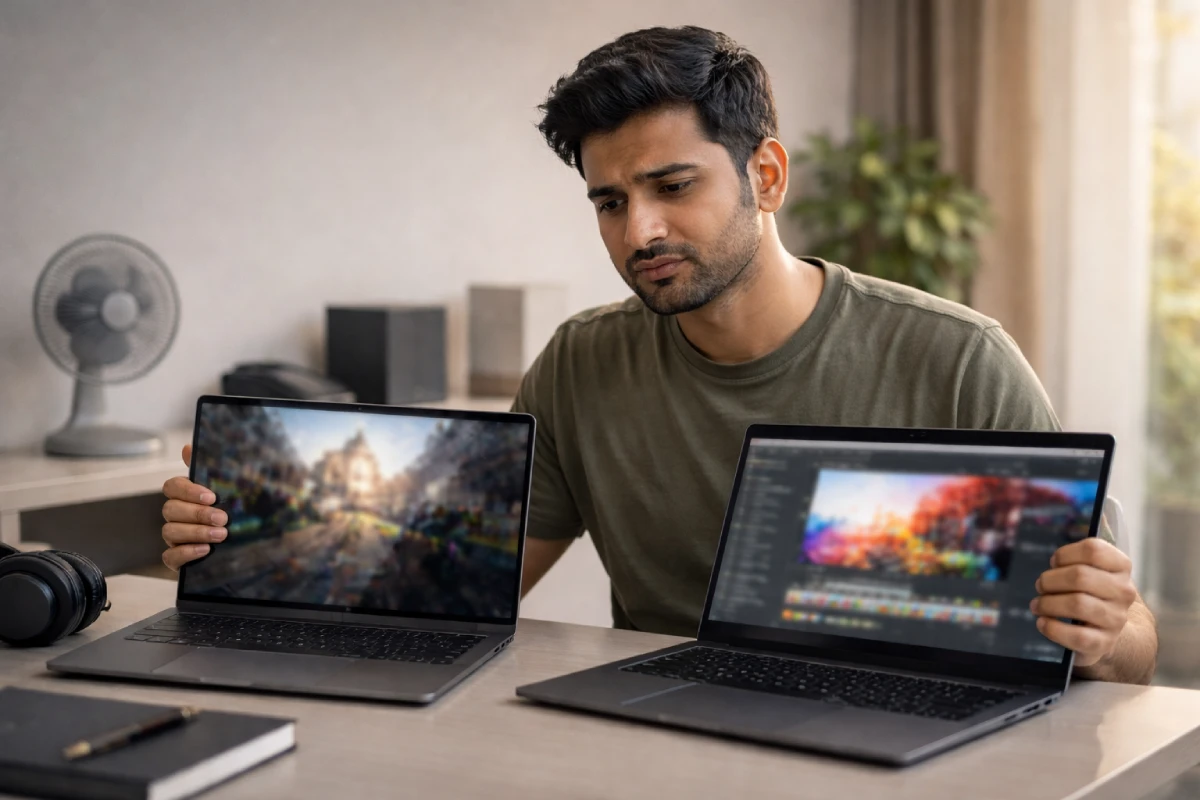
This part matters because marketing can make the badge sound like magic.
- Evo is not a gaming certification. You can game on some Evo laptops, but the badge focuses on mobility and everyday experience.
- Evo doesn’t automatically mean the best display. Many Evo laptops have great screens, but you still need to check resolution, brightness, and color.
- Evo doesn’t mean “no fan noise.” Thin laptops still have thermal limits.
- Evo doesn’t guarantee a touchscreen or 2‑in‑1. Some have it, some don’t.
Think of Evo as a strong “quality filter,” not a guarantee of every feature.
Intel Evo vs “thin laptop without Evo”: what changes day-to-day
If you’ve used a laptop that looks premium but feels annoying, you already know the gap.
With many non‑Evo thin laptops, you might see:
- good performance when plugged in, but lag when unplugged
- A battery that drops fast on video calls
- slow wake, random stutters, or flaky Wi‑Fi
- too few ports, forcing adapters
With Intel Evo-certified laptops, brands have to build around the total experience. That often means better tuning, better parts selection, and tighter validation.
Who should choose Intel Evo-certified laptops
1) Students (college, MBA, coaching)
If you want one laptop that covers notes, projects, presentations, and online classes, Evo helps. If portability is the big reason you’re even considering Evo, start with this shortlist of the best lightweight laptops for rent and then filter by your budget and screen size.
Best if you:
- move around campus and rely on a battery
- attend long online classes
- hate carrying a heavy charger
2) Working professionals and hybrid teams
Evo shines in daily calls, quick boot/wake, and consistent speed.
Best if you:
- live on Zoom/Meet
- travel for work
- switch between multiple apps and browser tabs all day
3) Creators who value portability (light editing, content work)
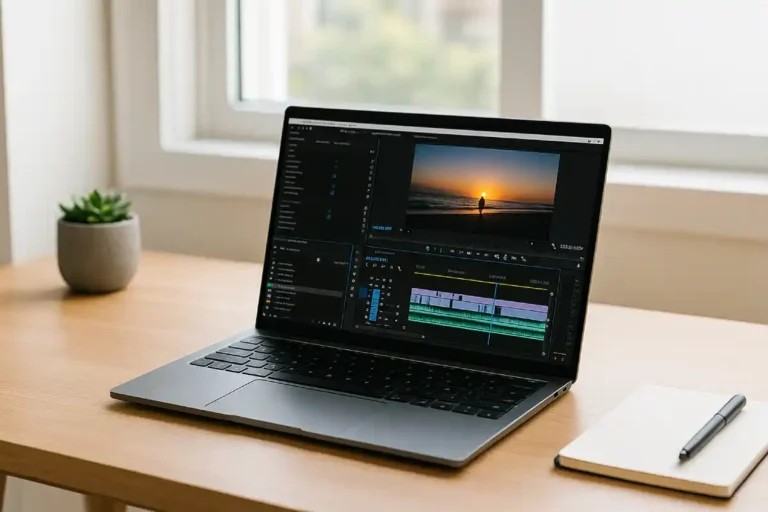
For light-to-medium editing, a good Evo laptop can feel fast and convenient.
Best if you:
- edit short videos, reels, and basic motion graphics
- work with Canva, Figma, Lightroom (light), or CapCut
If you do heavy 4K editing every day, pick a creator laptop with stronger cooling and graphics.
How to confirm a laptop is truly Evo certified.

This is one of the most common buyer questions, because sellers sometimes mix terms.
Use this simple method:
- Look for the Intel Evo badge on the laptop body or product images.
- Check the product title/spec sheet for “Intel Evo” or “Evo Edition.”
- Cross-check with the brand’s official page for that exact model number.
- Read 1–2 trusted reviews and confirm the basics: wake speed, battery, USB‑C charging, Wi‑Fi/ports.
If the listing says “Evo-like” or “Evo powered,” treat it as marketing fluff. The laptop either has the Evo badge or it doesn’t.
Intel Evo and Core Ultra: what’s new in the latest Evo generation
Evo started with Intel Core mobile generations and now continues with Intel Core Ultra laptop processors.
What this really means is: many current Evo laptops blend the same Evo user-experience goals with newer platform improvements such as better efficiency and AI-ready hardware.
You’ll commonly see Evo designs with:
- selected Intel Core (11th–14th Gen) laptop processors, and
- selected Intel Core Ultra (Series 1, Series 2, Series 3) laptop processors.
Practical takeaway for buyers:
- If you want the newest platform features, look for the Core Ultra + Evo badge together.
- If you want value, an older-gen Evo laptop can still feel premium for study and office work.
Buying guide: how to pick the right Intel Evo laptop (without overpaying)
Here’s a simple way to decide.
Step 1: Choose your screen size
- 13–14 inch: best for travel, students, and cafés
- 15–16 inch: better for spreadsheets, multitasking, and long hours
Step 2: Don’t skip these basics
- 16GB RAM (ideal for 2026 multitasking; if you’re unsure, use this how much RAM is good for a laptop guide to match RAM to your work)
- 512GB SSD (minimum if you store files locally)
- A good keyboard and trackpad (you’ll feel this every day)
Step 3: Check ports like you check engine oil
At a minimum, look for:
- USB‑C charging
- enough USB ports for your daily gear
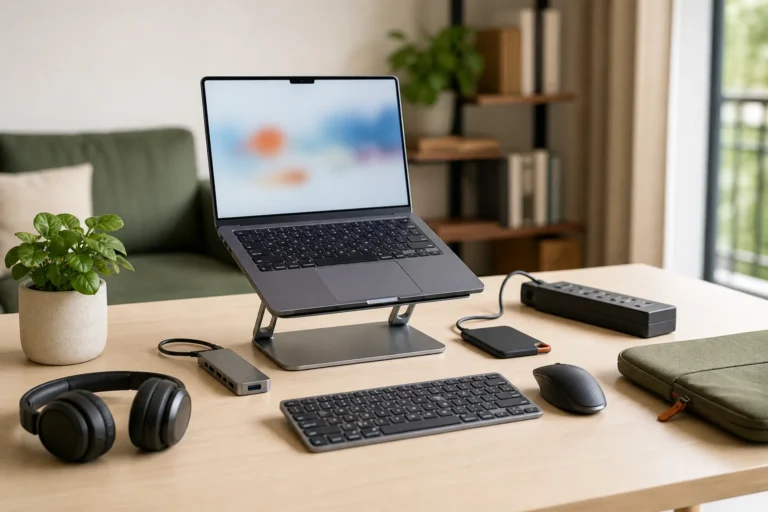
- HDMI or a plan for a USB‑C hub
Step 4: Use reviews to validate battery life
Battery claims on listings often say “up to 15–20 hours.” Real life depends on brightness, Wi‑Fi, meetings, and background apps. If battery is your #1 priority, compare real-world options in our list of laptops with the best battery life in India.
So use a simple rule:
- If reviews say “gets through a workday,” you’re safe.
- If reviews say “needs a charger by afternoon,” it’s not what you want.
Renting an Evo laptop in India: smart questions to ask
If you rent laptops for a team, a training batch, or a short-term project, Evo can be a smart baseline. If you need the step-by-step process, here’s a simple guide on how to rent a laptop before you shortlist models. You can get a premium experience without paying the full purchase cost.
Before you rent, ask:
- What battery health do you maintain?
- Do you provide the original fast charger?
- Does the model support USB‑C charging?
- Which Wi‑Fi version does it support?
- Do you provide on-site replacement in my city?
These questions protect you from the most common rental headaches.
A quick consumer note (India): don’t get fooled by false badges
Sometimes listings use confusing language like “Evo-inspired” or “Evo performance.”
If a seller claims “Evo certified” and the laptop doesn’t actually have the Evo badge, it can count as misleading advertising.
In India, the Consumer Protection Act, 2019, empowers the Central Consumer Protection Authority (CCPA) to act against misleading ads. If you face a clear mismatch between what the seller promised and what you received, keep screenshots of the listing, the invoice, and the product label. Start with a written complaint to the seller, then use official consumer grievance channels if they refuse to fix it.
This doesn’t mean you must go legal over every small issue. It means you should document the basics if the seller misrepresents a certification.
FAQs
1) What are Intel Evo-certified laptops in one line?
Intel Evo-certified laptops are laptops that Intel verifies for a premium daily experience, like fast wake, strong battery, and modern connectivity.
2) What is Intel Evo certification, and who gives it?
What is Intel Evo certification? Intel gives it after verifying a laptop design against its experience targets. The badge belongs to the laptop design, not just the processor.
3) Intel Evo means, is it a processor?
No. The Intel Evo’s meaning is a platform badge. The processor may be Intel Core or Intel Core Ultra, but Evo is about the whole laptop experience.
4) What are Intel Evo certification requirements?
Intel evo certification requirements focus on real-world usability: instant wake, long battery life, fast charging, smooth performance on battery, and modern connectivity.
5) Are Intel Evo laptops good for gaming?
They can run casual and some competitive games, but Evo targets mobility and everyday performance. If gaming is your priority, choose a laptop built for sustained graphics performance.
6) Is Intel Evo better than Intel vPro?
They solve different problems. Evo focuses on user experience. vPro focuses on business manageability and security. Some business laptops can have both.
Conclusion: Should you choose an Intel Evo laptop?
If you want a laptop that feels quick, lasts long, wakes instantly, and stays dependable on the go, Intel Evo-certified laptops are a safe bet. The badge doesn’t replace smart shopping, but it removes a lot of risk.
Here’s the simplest decision rule:
- Choose Evo when you value battery + mobility + daily reliability.
- Skip Evo when you need heavy gaming/3D power, or you prefer budget-first.
For most students, professionals, and hybrid teams in India, Evo hits the sweet spot: premium experience without the guesswork.