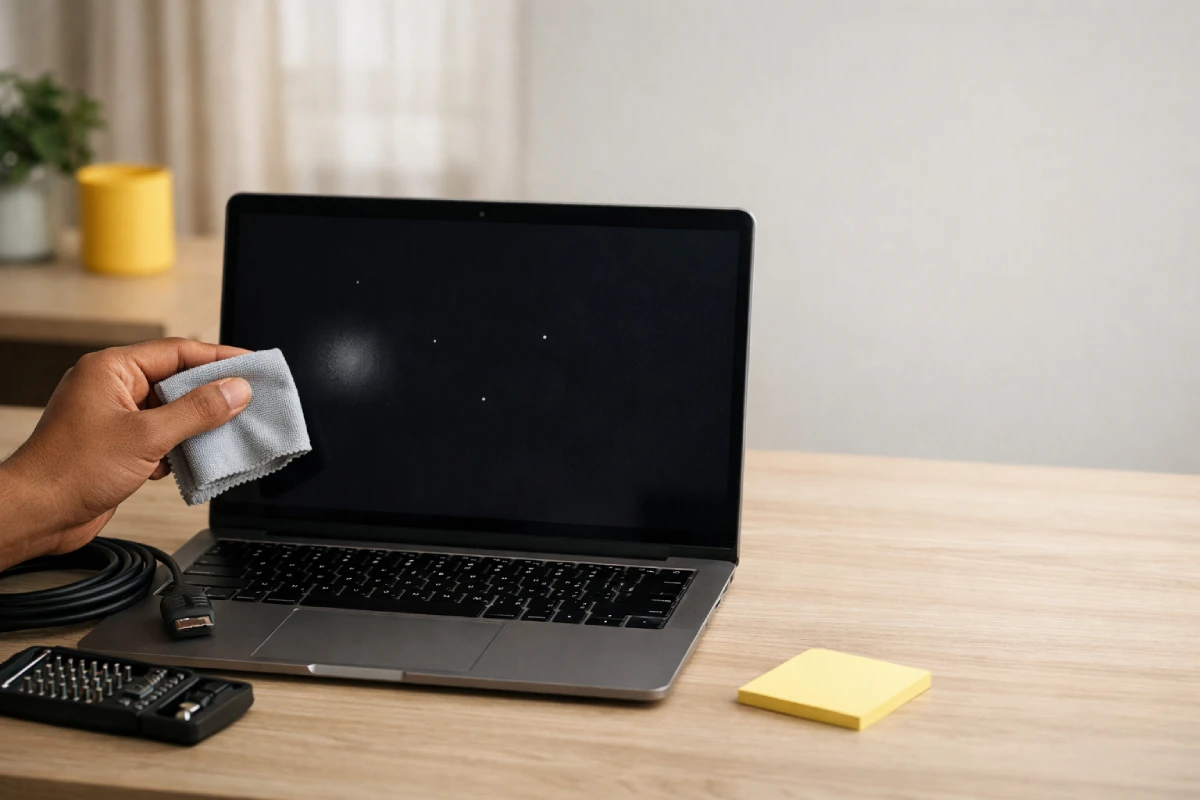
White Dots in the Laptop Screen? Stop the Panic, Fix It
If you see white dots in the laptop screen, the cause is usually one of three things: a bright/stuck pixel, pressure damage inside the LCD layers, or uneven backlight (hot spots / light bleed). The right fix depends on which one you have, so don’t start with random “fix videos.”
The fastest way to diagnose white dots in a laptop screen is a screenshot test, an external monitor test, and a quick, solid-color test.
Quick answer: White dots inthe laptop screen usually come from bright pixels or pressure marks. If they don’t show in screenshots, the panel hardware is the culprit.
Do these 2 tests for white dots in the laptop screen
These tests prevent wasted time and wrong repairs for white dots in the laptop screen.
1) Screenshot test for white pixels (30 seconds)
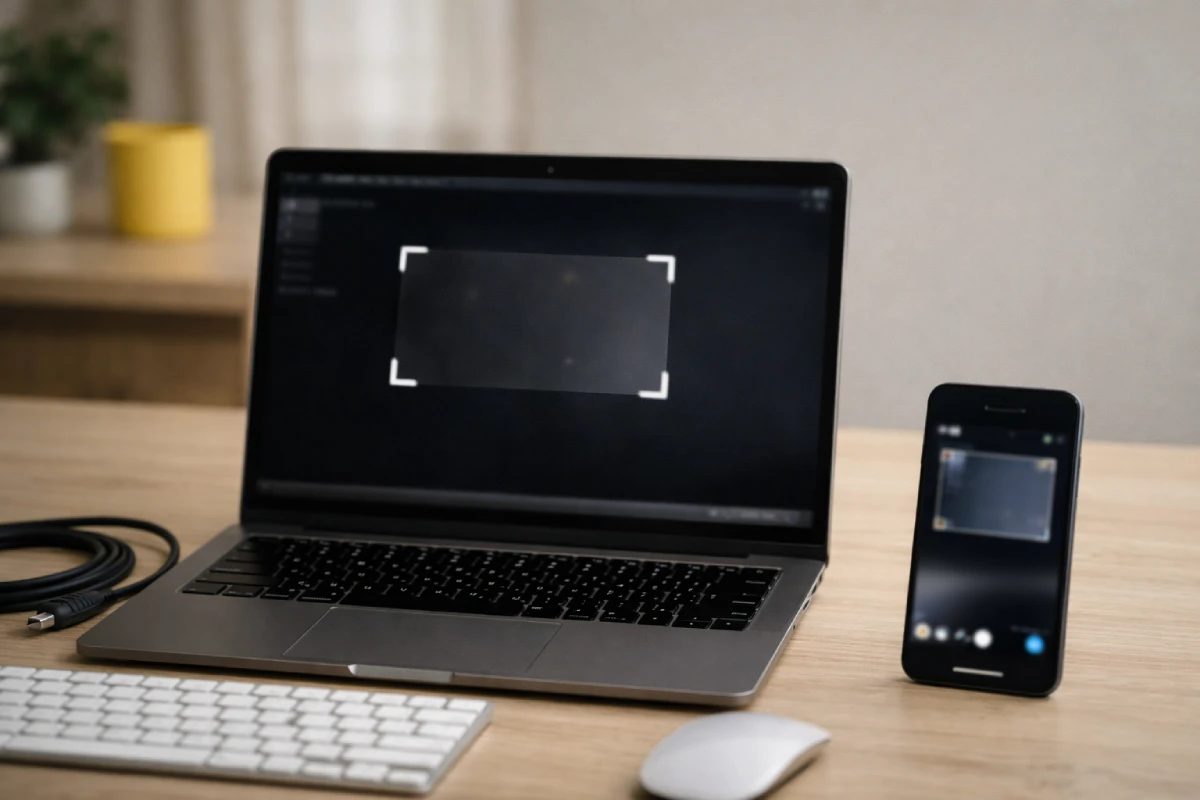
Take a screenshot and view it on your phone or another laptop. If you need it, Microsoft lists the official Windows screenshot shortcuts (Win + PrtScn, Win + Shift + S).
- Dots NOT in the screenshot: screen hardware issue (panel layers, backlight diffuser, or LCD pressure damage).
- Dots ARE in the screenshot: software/GPU path (drivers, app rendering, GPU artifacting).
Short answer block: If the white spot on display disappears in screenshots, skip Windows resets. Focus on the screen hardware.
2) External monitor check for GPU artifacting (2 minutes)
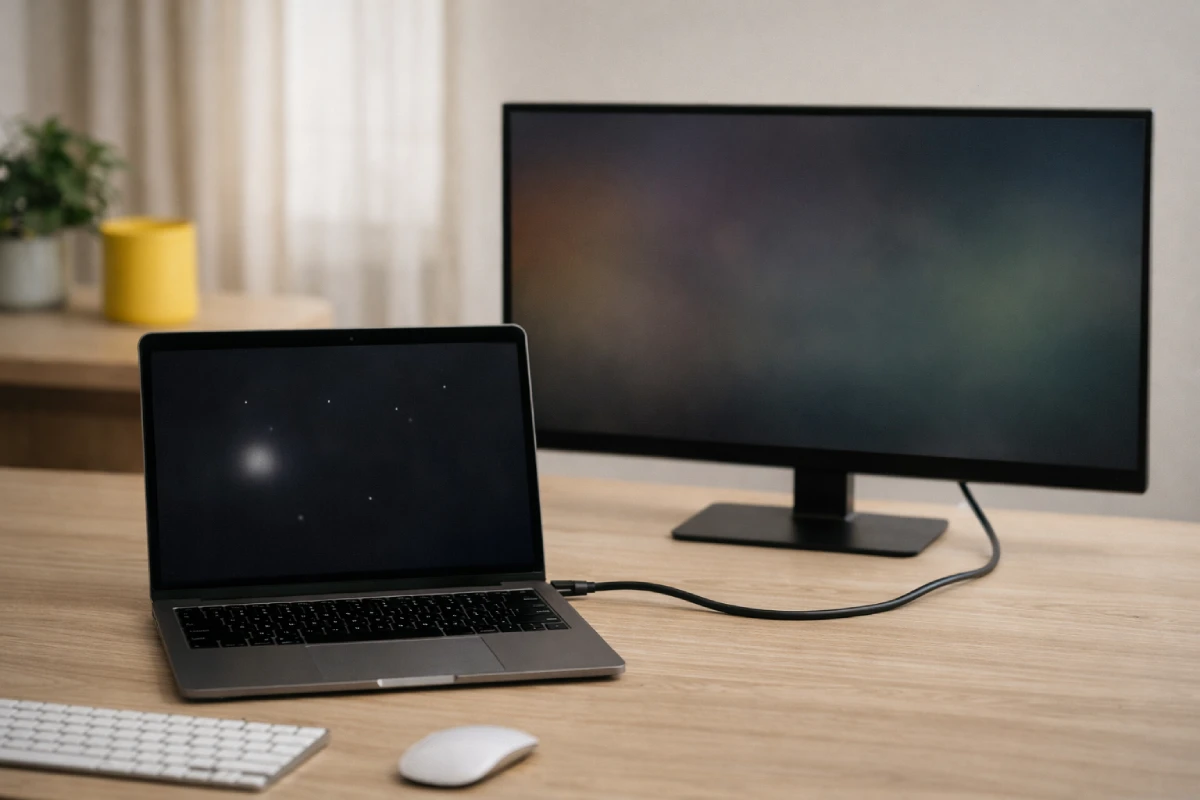
Connect a TV/monitor via HDMI.
- External display is clean: your laptop panel or display cable is at fault (common for white dots in the laptop screen).
- External display shows the same dots: suspect GPU/driver/settings first.
If the dots change when you open/close the lid, suspect a loose display connector near the hinge.
How to tell bright pixels vs screen white spots
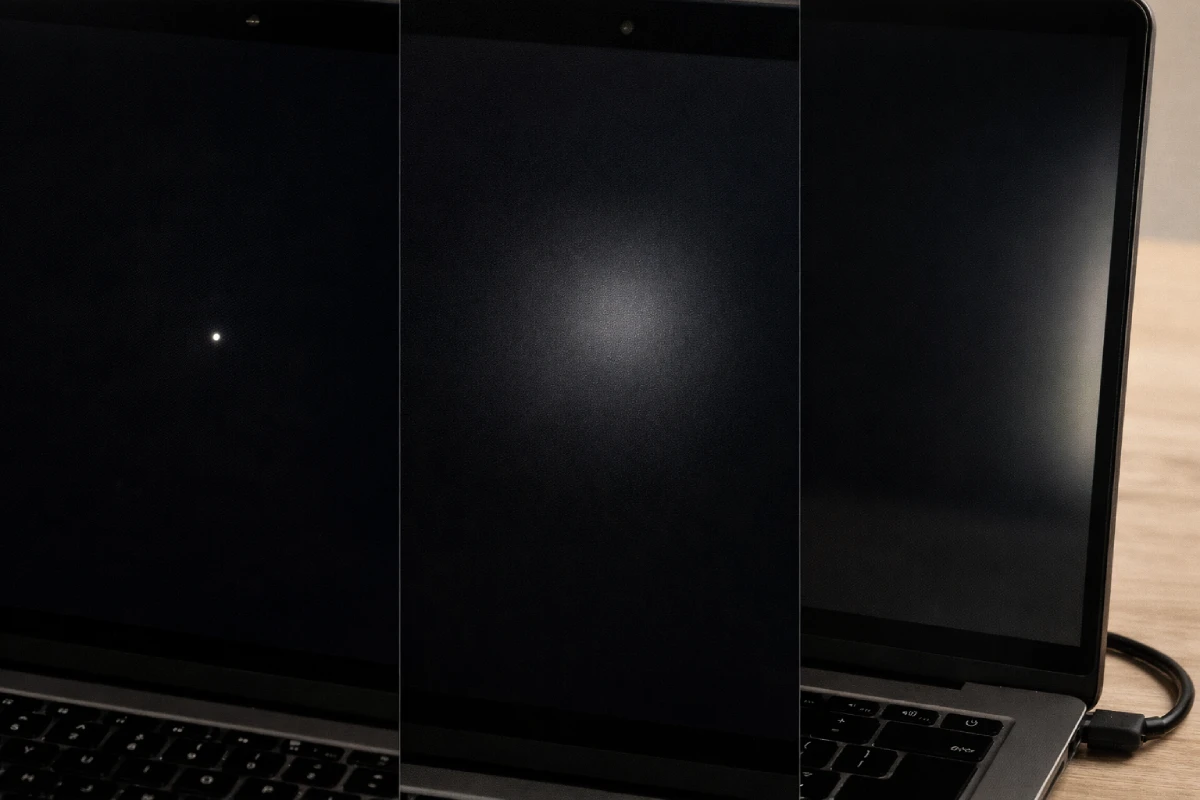
Pinpoint dots act like pixels. Soft patches act like backlight or pressure damage.
| What you see | Likely cause | Quick check | Best next step |
| Tiny, sharp, white dots inthe laptop screen | Bright/stuck pixel | Black screen; dot stays needle-sharp | Pixel test tool (limited), then warranty if new |
| Soft, round,d white spot under the glass | LCD pressure damage/panel uniformity | Doesn’t move; often near keyboard contact points | Usually permanent; service is if bothersome |
| Glowing patch near edge/corner (screen white spot) | Backlight bleed / hot spot | Worse in a dark room; changes with brightness | Lower brightness; compare in normal room light |
| Laptop screen is white with lines + flicker | Cable/connector or GPU | Changes with lid movement | Stop flexing the lid; service |
Bright pixel vs dead pixel: the 10-second check
- Dead pixel: usually black.
- Bright pixel: stays lit and often looks like a tiny white dot.
Dell’s Display Pixel Guidelines explain how brands classify bright pixel defects (often seen as white dots). Lenovo’s glossary also breaks down dead pixels vs bright pixels in plain language.
Backlight bleed (IPS glow) vs real white spots
Dell explains light leakage, hot spots, and why it can look worse in low light in its guide on troubleshooting light leakage on laptop screens. ASUS shares a practical way to judge it in a normal room in its LCD screen light leakage judgment checklist. Judge it in normal room lighting, from your usual viewing distance.
Safe fixes for laptop screen white dots
Start with zero-risk steps. Avoid pressure, heat, and opening the bezel when dealing with white dots in the laptop screen.
1) Clean a white spot on display safely
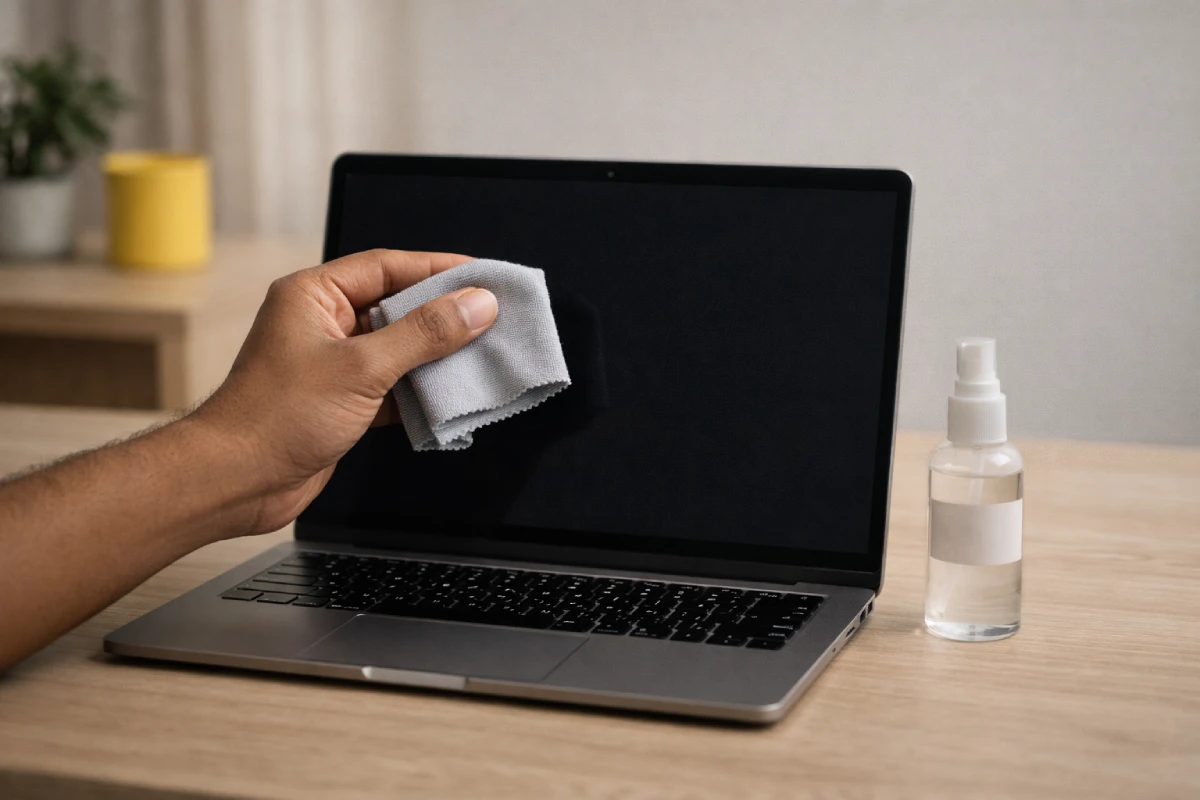
Turn the laptop off. Wipe with a dry microfiber cloth first. If needed, use a lightly damp microfiber cloth with distilled water.
Avoid alcohol sprays, window cleaners, and hard rubbing. They can damage coatings and create new “white spot on display” glare.
2) Solid-color test for laptop screen white dots (3 minutes)

Show full-screen black, white, red, green, and blue. If you want a clean set of patterns, use the free EIZO monitor test and cycle through the color screens.
- Dot stays tiny on every color: pixel path (white pixels on laptop screen).
- Patch gets brighter on black: backlight/pressure path.
3) Pixel refresher tools for stuck pixels (tiny dots only)
Pixel-fixer tools can sometimes free a stuck subpixel.
Rules:
- Only try this for tiny, sharp white dots in the laptop screen.
- Run 20–30 minutes, then stop and retest.
- If you see flicker or more artifacts, quit.
4) If dots show in screenshots: driver and settings fixes
If the “white dots in laptop screen” appear in screenshots:
- Update graphics drivers from your laptop brand’s support page (not random driver sites).
- Turn off hardware acceleration in the affected app.
- Set refresh rate to 60 Hz and retest.
If your laptop also feels sluggish while you troubleshoot, use these easy tips to improve laptop performance to rule out simple slowdowns that can look like GPU issues.
If the dots appear in screenshots and on an external monitor, treat it like GPU/driver artifacting first.
DIY myths that worsen LCD pressure damage
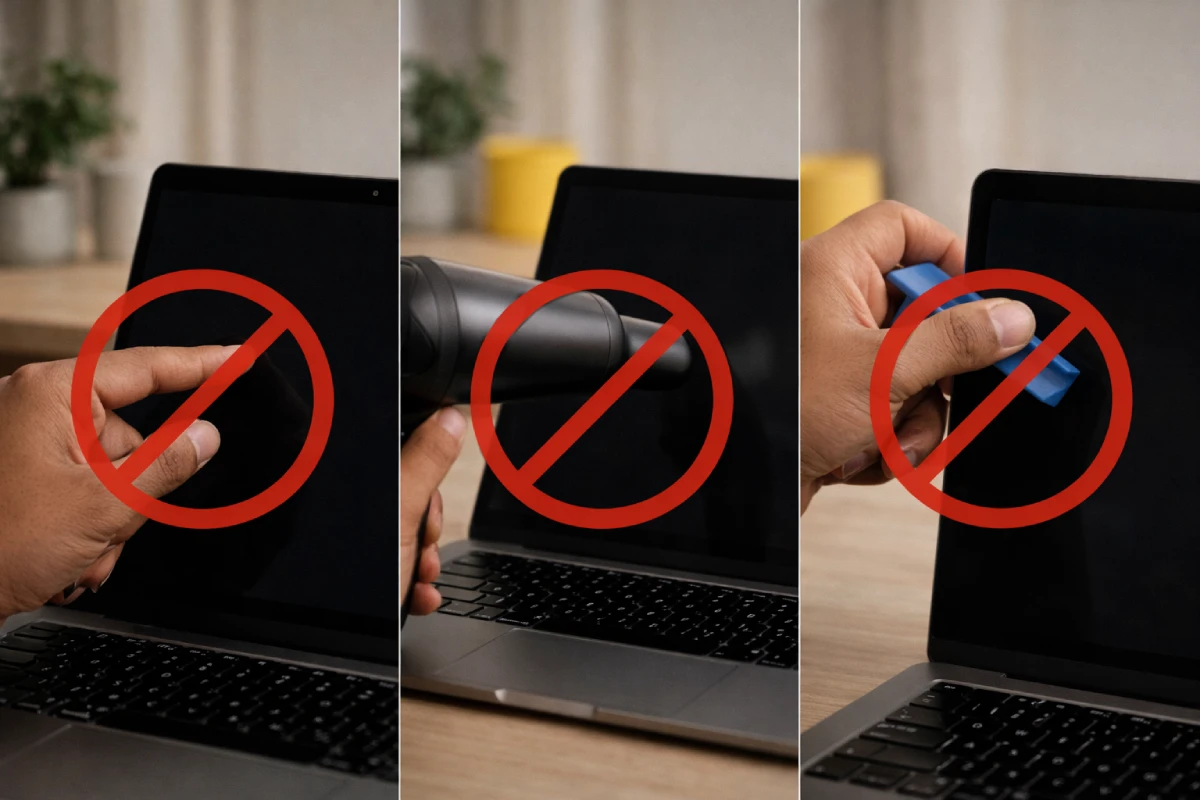
Takeaway: Many “DIY hacks” can turn small white dots in a laptop screen into bigger patches.
- Don’t press or massage the spot. Pressure is a common cause of LCD damage. Extra pressure can enlarge the patch and can complicate warranty claims.
- Don’t use heat. Hair dryers and hot cloths can warp screen layers. If your machine runs hot often, fix the root cause with this guide on how to prevent a laptop from overheating.
- Don’t open the bezel unless you accept the risk of cracking the panel and voiding the warranty.
When a white spot on the display needs service
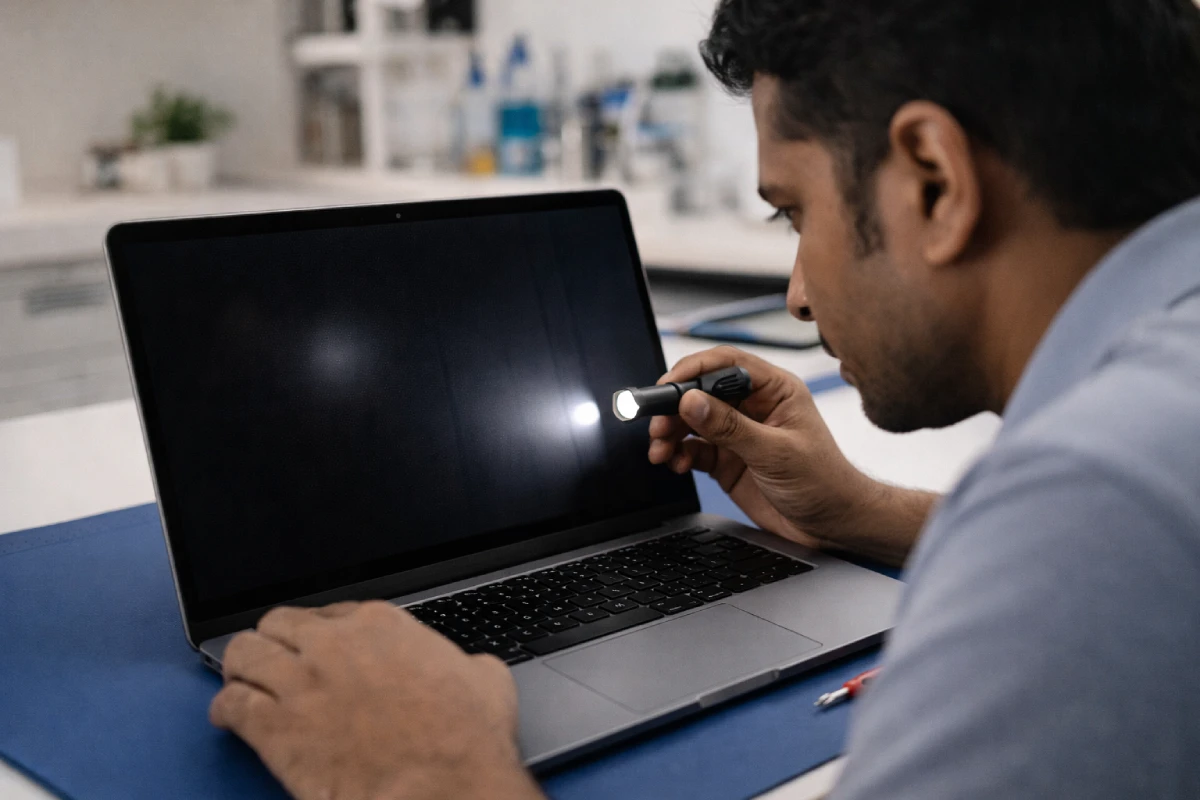
Go to service when white dots in the laptop screen spread, pair with lines, or change with lid movement.
Go to a service center if:
- The spot grows week to week, or you see multiple patches onthe laptop screen
- You see a laptop screen white with lines, flicker, or sudden color shifts
- The spot changes when you move the lid (hinge cable)
- The laptop is new, and you’re within the return/warranty
Take photos and note your screenshot/external-monitor results. It speeds up diagnosis.
If your display sometimes goes fully dark at startup (separate from the white spots), read why my laptop screen is black when I turn it on to quickly separate boot/display faults from panel damage.
What people misdiagnose about white dots
In real repair work, the biggest money-waster is guessing.
My rule:
- No dots in screenshots = screen hardware.
- Dots in screenshots + on external monitor = GPU/driver path.
- Soft patch = not a pixel problem, so pixel videos won’t help.
Do the two tests first. It’s the fastest way to handle white dots in a laptop screen with confidence.
Laptop screen replacement in India: repair vs replace
Soft patches and pressure marks usually lead to panel replacement.
Cost varies by screen size, resolution, touch vs non-touch, and panel type (IPS/OLED). Basic panels may cost a few thousand rupees; premium/touch/OLED panels cost much more. Before you pay, ask the shop:
- exact panel model number
- warranty on the part
- OEM vs compatible panel
If your laptop is under warranty, check your brand’s pixel/display policy.
Why LCD pressure damage creates screen white spots
LCDs are layered. Pressure dents the diffuser stack and creates a bright patch.
Don’t close the lid with items on the keyboard; use a padded sleeve, and clean gently. Many “white dots in laptop screen” cases start with pressure in a bag.
Need a backup laptop while you repair?
Screen repair can take time. If you need a dependable backup laptop for work, study, or client meetings, Rentopay can help you stay productive.
Explore laptops for rent in Bangalore and get a ready-to-use laptop while your device gets fixed.
If you’re new to rentals, here’s a simple walkthrough on how to rent a laptop so you know what documents and timelines to expect. Want a quick cost idea first? Check laptop rental prices in Bangalore.
FAQs
Why do white dots appear on a laptop screen?
Common causes are bright pixels, pressure damage in the LCD layers, or backlight hot spots. Do a screenshot test: if the dots don’t appear in the screenshot, it’s the screen hardware, not Windows.
Can I fix white dots in the laptop screen at home?
Only sometimes. Pixel refreshers may help tiny bright pixels, but they won’t fix soft patches. Avoid pressing the screen, using heat, or opening the bezel if you care about the warranty.
How do I know if it’s a pixel issue or pressure damage?
Pixels look needle-sharp and stay tiny. Pressure damage looks like a soft, bright circle or patch. Check solid colors: pixel defects jump out on black; pressure patches look like a glow under the glass.
Do white spots on display spread over time?
Bright pixels usually stay stable. Pressure marks can worsen if the lid keeps getting squeezed in a bag. If the spot grows fast or turns cloudy, get it checked soon.
What if I see a white spot plus lines or flicker?
That combo often points to a loose display cable near the hinge or a GPU issue. Test on an external monitor. If it changes when you move the lid, stop flexing it and service it.
How much does a laptop screen replacement cost in India?
It depends on size, resolution, and panel type. Basic panels may cost a few thousand rupees; premium/touch/OLED panels cost much more. Ask for the panel model, part warranty, and OEM vs compatible.