Features of Apple MacBook: M1 to M5 Guide
Quick answer: MacBook features vary by Air or Pro family, chip generation, unified memory, storage, display, ports and software compatibility. The newest generation is not automatically the best value for every workload; start with the applications and accessories you must use.
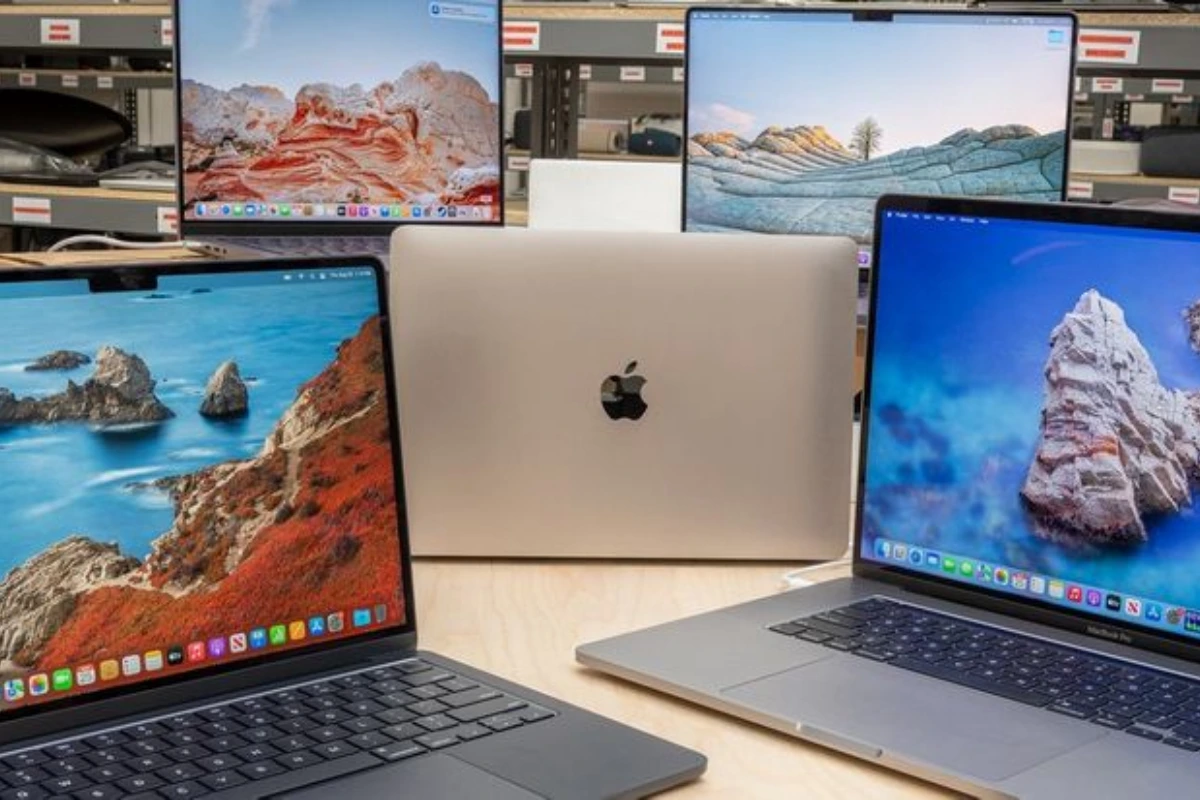
MacBook features that matter most
- Apple silicon generation: Chip generation affects performance class, media features, external-display support and connectivity, but the practical benefit depends on the workload.
- Unified memory: Memory is shared across the system. Choose enough for browser tabs, development tools, creative applications or virtualized workloads before ordering.
- Storage: Compare working files, offline media and application size. Cloud storage does not remove every local-storage requirement.
- Display and portability: Screen size, weight and battery expectations matter when the laptop moves between classes, offices or client sites.
- Ports and external displays: Confirm the exact number and type of displays, docks, adapters and peripherals required for the selected model.
- Software compatibility: Check macOS support, required plug-ins, device drivers, security tools and any Windows-only application before choosing a MacBook.
Apple silicon generations from M1 to M5
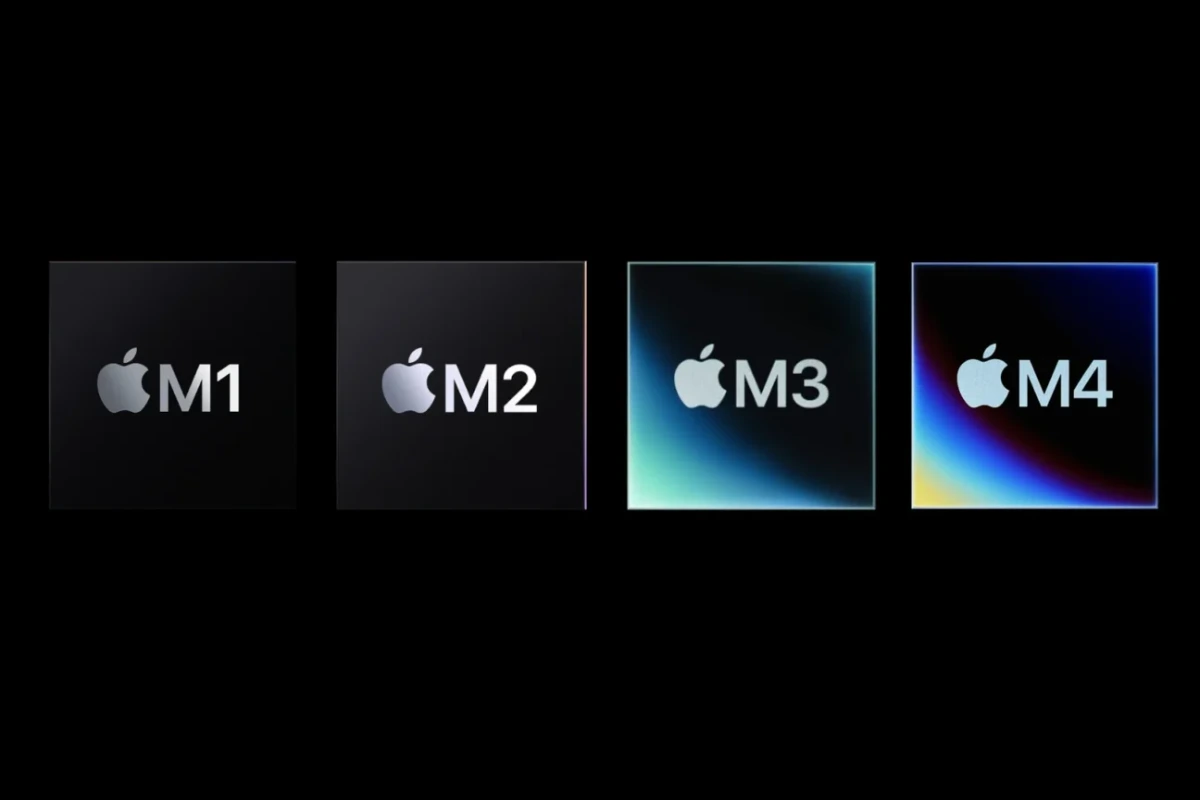
Apple introduced M1 Macs in November 2020, beginning the Mac transition to Apple silicon. Later M2 and M3 generations expanded the range before MacBook Air moved to M4 in March 2025 and M5 in March 2026. A generation label is useful, but Air versus Pro, memory, storage and the exact model can matter as much as the chip name.
M1 and M2
M1 established Apple silicon in MacBook Air and other Macs. M2 followed with a redesigned MacBook Air generation. These older models may still handle everyday work, but operating-system support, application requirements, battery condition and the exact configuration should be checked rather than inferred from the chip alone.
M3
Apple introduced the 13-inch and 15-inch MacBook Air with M3 in March 2024. Apple’s announcement lists 3-nanometre technology, up to 24GB unified memory and support for up to two external displays when the laptop lid is closed. Configuration-specific limits still apply.
M4
Apple introduced MacBook Air with M4 in March 2025. The generation started with 16GB unified memory, added a 12MP Center Stage camera and supported up to two external displays in addition to the built-in display. M4 is a distinct generation, but it is no longer Apple’s newest MacBook Air.
M5
Apple introduced MacBook Air with M5 in March 2026. Apple lists 512GB starting storage, Wi‑Fi 7, Bluetooth 6, higher memory bandwidth and up to 18 hours of stated battery life. Those manufacturer specifications do not confirm that any particular M5 configuration is available from Rentopay.
MacBook Air M4 vs M5: when does the generation change matter?
The M5 generation may matter when local AI work, larger storage options, newer wireless connectivity or memory bandwidth is relevant. For document work, browsing and routine meetings, the practical difference may be smaller than the difference between memory or storage configurations. Use the detailed MacBook Air M4 vs M5 comparison for the current manufacturer-stated differences.
MacBook Air or MacBook Pro?
MacBook Air prioritises portability and a fanless design in current Air generations. MacBook Pro is the family to examine when sustained processing, additional display options, higher-end chip choices or a broader port set is required. Do not choose by product name alone: compare the exact year, chip, memory, storage, display and ports.
A practical MacBook selection checklist
- List the applications, browser workload, peripherals and external displays you need.
- Choose the MacBook family and screen size that fit mobility and sustained-workload needs.
- Set a minimum unified-memory and storage requirement before comparing generations.
- Check macOS and plug-in compatibility for specialised work.
- Compare purchase cost or a written rental quote across the same requirement period.
- Confirm the exact model, configuration, battery condition, accessories and support terms before committing.
MacBook rental availability
For commercial information, see the national MacBook rental page. Apple’s current product range and Rentopay’s rental inventory are separate. Ask Rentopay to confirm the exact model, chip, memory, storage, accessories, location coverage, price and written support terms when requesting a quote.
Official Apple sources
- Apple: introduction of M1 Macs (2020)
- Apple: MacBook Air with M2 (2022)
- Apple: MacBook Air with M3 (2024)
- Apple India: MacBook Air with M4 (2025)
- Apple India: MacBook Air with M5 (2026)
Frequently asked questions
What are the main features to compare in a MacBook?
Compare the Air or Pro family, chip generation, unified memory, storage, display, ports, external-display support, battery expectations and software compatibility.
Is M5 always better than M4 for every user?
M5 is the newer generation, but the value of upgrading depends on workload, storage, connectivity, memory needs and price. Routine users may gain more from the right configuration than from the newest chip name alone.
Can I assume a current Apple model is available to rent?
No. Apple availability does not confirm Rentopay inventory. Ask for the exact model, configuration, location coverage and current quote.
Should I choose MacBook Air or MacBook Pro?
Air can fit portability-focused work, while Pro is the family to examine for sustained demanding workloads and broader high-end options. Compare the exact model and application requirements.