Integrated vs Dedicated Graphics – Which Is Better for Your Laptop?
The integrated vs dedicated graphics decision comes down to your workload. Integrated graphics usually suit browsing, Office, online classes and portable everyday use. A dedicated GPU is generally the better choice for demanding gaming, 3D rendering and graphics-heavy creative work. However, the exact GPU, memory, power limits and cooling matter more than the category alone.
You do not automatically need a separate GPU for a good laptop experience. Equally, buying a machine with a graphics badge does not guarantee smooth performance in every game or application. Compare the whole laptop with the work you actually plan to do.
Integrated Graphics Meaning: What Do Both Options Actually Do?
Integrated graphics meaning is straightforward: the GPU is part of the processor or system-on-chip and normally shares system memory with the CPU. It handles display output, graphics and supported video or compute tasks without a separate GPU chip.
A dedicated graphics card, also called a discrete GPU, is a separate graphics processor, usually with its own video memory. In most laptops, it is built into the motherboard rather than fitted as a removable desktop-style card.
Intel’s explanation of integrated and discrete graphics describes the memory and power differences. Dedicated designs typically provide more graphics headroom, while integrated designs usually favour efficiency.
Integrated vs Dedicated Graphics: What Is the Difference?

In an integrated graphics vs dedicated graphics comparison, look beyond the headline performance claim. These are common tendencies, not guarantees for every model.
|
Factor |
Integrated graphics |
Dedicated graphics |
|---|---|---|
|
Memory |
Shares system or unified memory |
Usually has its own VRAM |
|
Typical strengths |
Daily productivity, portability, media |
Demanding games, 3D and GPU-heavy work |
|
Power and cooling |
Usually lower demand |
Usually higher demand under load |
|
Cost and size |
Often enables simpler, lighter designs |
Can add cost, weight and cooling needs |
|
Performance |
Depends on chip and memory bandwidth |
Depends on GPU, power, VRAM and cooling |
A strong modern integrated GPU can outperform an older or entry-level discrete option. Apple silicon also shows why an integrated design does not necessarily mean low performance. Compare exact devices and relevant application tests.
For the wider division of work between processors, read Rentopay’s CPU vs GPU guide.
Why Your Laptop Graphics Choice Matters
Your graphics choice affects more than frame rates. It can influence purchase or rental cost, battery runtime, fan noise, weight and the size of the power adapter. Paying for unused GPU capability may leave less budget for RAM, storage or a better screen.
Integrated graphics are often enough for documents, meetings, streaming and ordinary programming. Many can also handle light photo work or less demanding games. Heavier games, complex scenes and accelerated effects may justify a discrete GPU. Video editing depends on codecs, effects and software support as well as the GPU.
Battery life remains a whole-system result. A laptop with a dedicated GPU may conserve power by using its integrated GPU for lighter work.
What Do VRAM and GPU Power Mean?
VRAM is the graphics processor’s working memory for textures, frames and other data. Capacity matters when a workload exceeds it, but more VRAM alone does not make a GPU faster. Shared system memory reported by Windows is not equivalent to the same amount of dedicated high-bandwidth VRAM.
- Check the software’s recommended GPU and memory requirements.
- Match expectations to your game settings, resolution or project size.
- Consider memory bandwidth and total RAM on integrated or unified-memory systems.
- Check sustained performance, cooling and the laptop’s graphics power limit.
NVIDIA’s laptop GPU specifications list power ranges alongside memory specifications. The same GPU name can appear in differently configured laptops, so compare the exact model and its operating limits.
Rentopay’s VRAM guide explains how memory needs change with workload.
Who Actually Needs a Dedicated GPU?
Students working mainly in browsers, documents and online classes can usually start with integrated graphics. Engineering, animation or architecture students should follow their course software’s requirements; some projects need stronger graphics or certified drivers.
Professionals doing demanding 3D, complex editing or modern gaming should shortlist dedicated options and check application benchmarks. Everyday office teams may benefit more from sufficient RAM, a reliable webcam, portability and support.
Startup founders should buy or rent by role. A developer using cloud services may need no discrete GPU, while a colleague running local GPU-heavy models could need substantial graphics memory and a compatible software platform.
AI features do not all run on the GPU. Our NPU in laptops guide explains another accelerator used by supported on-device AI tools.
How to Choose Laptop Graphics Before Buying or Renting in India
For dedicated GPU vs integrated GPU, begin with the heaviest task you regularly perform. Then check the complete laptop rather than paying for a component you rarely use.
- List your games, software, project sizes and target display resolution.
- Check official requirements and benchmarks for those workloads.
- Compare the exact GPU, memory configuration and power limits.
- Check RAM capacity, CPU, SSD and cooling alongside graphics.
- Review battery, weight, charger size, display and ports.
- For a rental, confirm the GPU model and specifications in the quote.
For modern multitasking, 16GB RAM is often a sensible starting point, but creative or technical projects may require more. Memory requirements vary, especially when the CPU and GPU share it.
Rentopay Brand Take – Choose the Workload, not the GPU Badge
The useful question is whether graphics performance will improve your actual work. A student attending classes and a designer rendering scenes should not automatically receive the same configuration.
A dedicated GPU can be worthwhile when it removes a measurable limitation. Otherwise, an integrated-graphics laptop may provide a better balance of portability and cost. For temporary projects or changing team needs, rental lets you request suitable equipment for the period required. Confirm the exact configuration and terms before booking.
How Do Integrated and Dedicated GPUs Work Together?
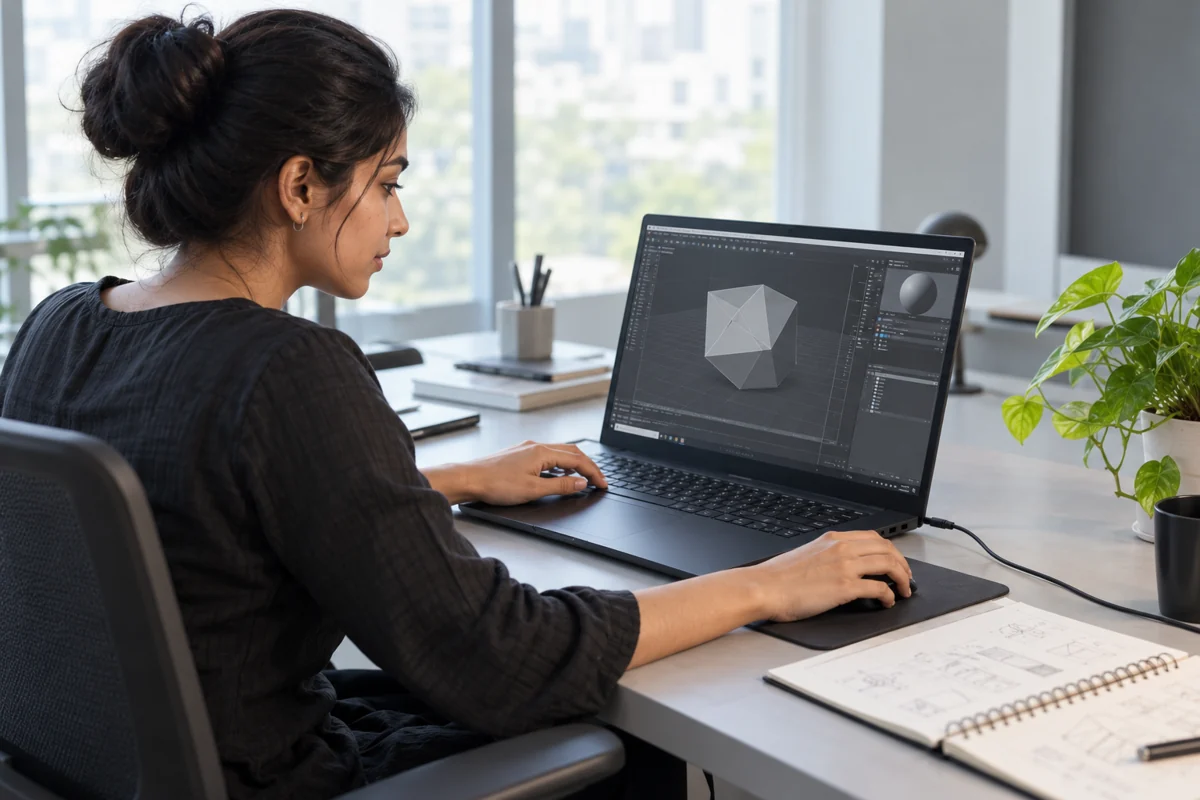
Many laptops contain both types. The integrated GPU can handle lighter tasks, while the dedicated GPU renders demanding graphics. The operating system, drivers, application settings and laptop design determine which processor does the work.
NVIDIA’s Optimus technology explanation describes a design in which the discrete GPU renders frames and the integrated GPU handles display output. Some laptops also offer a MUX switch or other display-routing options; support varies by model.
This does not combine both GPUs into one faster processor for every application. If software is using the wrong GPU, review its graphics preference and the manufacturer’s guidance. Compare demanding performance on the intended power mode, usually while plugged in.
Final Verdict
Integrated vs dedicated graphics has no universal winner. Integrated graphics are often the practical choice for study, office work and mobility. A dedicated GPU is usually preferable when demanding games, 3D or accelerated creative applications need more graphics capability.
Check the exact GPU, software compatibility, memory, power and cooling. If you are renting for a course, business team or project, Rentopay can help you enquire for hardware that matches the requirement.
Frequently Asked Questions About Integrated vs Dedicated Graphics
These answers cover the practical differences, memory requirements and upgrade limits that matter when choosing laptop graphics.
1. Which is better: integrated vs dedicated graphics?
Integrated graphics usually suit everyday work and portability. Dedicated graphics generally offer more headroom for demanding graphics workloads. The exact hardware and software determine which is better for you.
2. What is the integrated graphics meaning?
It means the GPU is part of the processor or system-on-chip and normally shares system or unified memory instead of using a separate discrete GPU with its own VRAM.
3. Do I need a dedicated graphics card for office work?
Usually not for documents, email, browsing and meetings. Check specialist applications separately, particularly if they use complex 3D models or substantial GPU acceleration.
4. Can integrated graphics run games?
Yes, depending on the GPU, game, memory and settings. Less demanding games may run well, while demanding titles can require reduced settings or a stronger dedicated GPU.
5. Is more VRAM always better?
No. Enough VRAM helps a workload fit in memory, but GPU architecture, bandwidth, power, cooling and software also affect performance. Capacity alone is not a speed score.
6. Can a laptop use integrated and dedicated graphics?
Yes. Many hybrid laptops use integrated graphics for lighter work and the dedicated GPU for demanding tasks. Display routing and switching behaviour depend on the model.
7. Can I upgrade the dedicated GPU later?
Usually not. Most laptop GPUs are soldered or otherwise not user-upgradeable. A few modular or external-GPU arrangements exist, but compatibility must be checked before purchase.
8. Does a dedicated GPU always reduce battery life?
Not by a fixed amount. An active discrete GPU typically increases power demand, but hybrid switching can conserve energy. Battery capacity, screen, CPU and workload also matter.