
macOS Tahoe 26: What’s New and Worth Using
If you’re searching for what is new in macOS Tahoe 26, here’s the straight answer: it adds a new Liquid Glass design, a rebuilt Spotlight (actions + clipboard history), deeper iPhone-to-Mac Continuity (Phone app + Live Activities), and expanded Apple Intelligence features on M‑series Macs. Apple has also shipped follow‑up updates, so macOS Tahoe 26.2 features like Edge Light and AirDrop verification matter too. If you also want the timeline and upgrade window, see our macOS Tahoe 26 release date guide. For Apple’s own overview of the headline changes, check Apple’s official macOS Tahoe feature page.
macOS Tahoe 26 new features at a glance
Here are the macOS Tahoe features most people notice fast:
- Liquid Glass UI (transparent menu bar, refreshed sidebars, new icon styles)
- Folder customisation (colour + emoji/symbol)
- Flexible Control Centre layouts (and menu bar pins)
- Spotlight actions + quick keys + clipboard history
- Phone app on Mac + Live Activities from iPhone
- Messages screening + polls + chat backgrounds
- Apple Games app for your library and updates
Quick table: 26.0 vs 26.1 vs 26.2
| Version | What’s new (high level) |
| macOS Tahoe 26.0 | Liquid Glass, Spotlight actions + clipboard, Phone app + Live Activities, Apple Intelligence expansions |
| macOS Tahoe 26.1 | Tinted Liquid Glass option, FaceTime audio improvements, Apple Music AutoMix over AirPlay |
| macOS Tahoe 26.2 | Edge Light, AirDrop codes, Freeform tables, Podcasts chapters, Games library filters |
Liquid Glass design: the biggest visible change
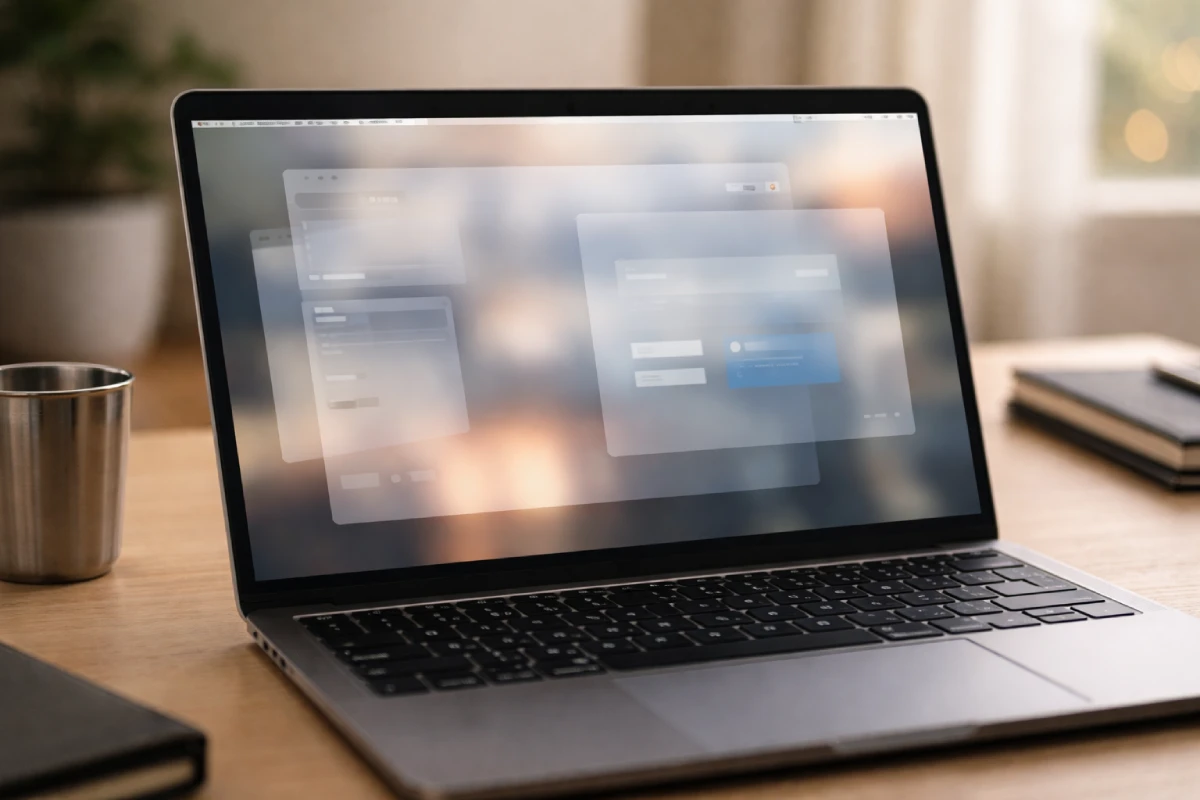
The headline macOS Tahoe’s new features start with the interface. Liquid Glass uses transparency and depth to make apps feel lighter while keeping the Mac layout familiar.
Two practical wins:
- Folders: colour folders and add an emoji/symbol so projects pop at a glance.
- Control Centre: rearrange controls and pin your favourites into the menu bar.
If the default look feels too clear, macOS Tahoe 26.1 adds a tinted option that increases opacity.
Continuity upgrades: Phone app and Live Activities on Mac
Tahoe 26 makes iPhone + Mac feel like one setup.
Phone app on Mac
Your Mac can relay calls through a nearby iPhone, but the real value is call handling:
- Call Screening helps you decide if a call is worth picking up
- Hold Assist reduces the stuck-on-hold problem
- You also get Recents, Contacts, Voicemail, and optional Live Translation (hardware-dependent)
Live Activities in the menu bar
Live Activities you start on iPhone (deliveries, rides, timers, and similar) can appear on your Mac menu bar. Click to jump into iPhone Mirroring when needed.
Spotlight: search is now an action, and the clipboard
Spotlight is a core reason people will remember Tahoe 26. It’s no longer just a launcher.

Actions and quick keys
You can run actions directly from Spotlight: send a message, create an event, run a shortcut, and more. Spotlight assigns quick keys to actions you repeat, so common tasks take only a few keystrokes.
Clipboard history built in
A standout macOS Tahoe feature is clipboard history inside Spotlight. If you copied something earlier and lost it, you can pull it back without installing a separate clipboard app. If you want the exact steps and shortcuts, Apple explains it here: search your Clipboard history in Spotlight on Mac.
Apple Intelligence in macOS Tahoe 26: what you get and what you need
Apple Intelligence is part of the macOS Tahoe features story, but the hardware rule matters: you need a Mac with M1 or later. Intel Macs can install Tahoe 26, but they won’t get Apple Intelligence. Apple keeps the device requirements and feature availability updated here: Apple Intelligence requirements and availability. If you’re comparing chips or models, our features of Apple MacBook guide breaks down M1 through M4 in plain language.
Apple Intelligence‑driven macOS Tahoe new features people actually use:
- Live Translation in Messages, FaceTime captions, and the Phone app
- Shortcuts upgrades: intelligent actions (summaries, image creation) and richer automations
- Genmoji and Image Playground controls for creating expressive visuals
- Optional ChatGPT integration in Writing Tools/Image Playground (availability varies by region)
If you’re choosing a Mac for work or study, this is the simplest takeaway: for the full macOS Tahoe 26 experience, pick an M‑series Mac.
If you use your Mac for design, motion graphics, or video, the OS update is only half the story; your settings and storage matter too. This step‑by‑step guide on how to optimizea MacBook for graphic design and video editing is a good companion read.
Apple Games app: cleaner gaming on Mac
Tahoe 26 introduces the Apple Games app to organise your library, updates, and friend challenges. In the latest update, some macOS Tahoe 26.2 features refine this with better library filters and challenge updates.
macOS Tahoe 26.2 features you should know
If you already installed Tahoe 26, the point release you’ll notice most is 26.2. These macOS Tahoe 26.2 features are small but practical. For the complete list of changes across 26.x, Apple’s update notes are the best reference: What’s new in the updates for macOS Tahoe.
Edge Light for video calls
Edge Light uses the Mac display to light your face in low light, like a built‑in ring light. You can adjust the width and temperature. Auto mode works on Macs introduced in 2024 or later.
AirDrop codes for unknown contacts
When you AirDrop to someone you don’t know, a verification code can appear on the receiver’s device, and the sender must enter it to complete the transfer.
Other 26.2 updates
More macOS Tahoe new features (as point‑release upgrades) include Podcasts auto chapters, Freeform tables, Apple News sidebar section links, and Apple Music fixes.
macOS Tahoe 26 compatibility: which Macs can install it?
Apple lists macOS Tahoe 26 as supported on:
- MacBook Air (Apple silicon, 2020 or later)
- MacBook Pro (Apple silicon, 2020 or later), plus select Intel models (16‑inch 2019 and 13‑inch 2020 with four Thunderbolt ports)
- Mac mini (2020 or later), iMac (2020 or later), Mac Studio (2022 or later), Mac Pro (2019 or later)
For the safest upgrade steps and the full compatibility list, follow Apple’s guide on how to upgrade to macOS Tahoe 26.
Fast check: System Settings → General → Software Update shows what your exact Mac can install.
Should you upgrade? A quick checklist
Upgrade to Tahoe 26 now if you want:
- Spotlight actions + clipboard history
- Phone app on Mac
- the latest macOS Tahoe 26.2 features (Edge Light + AirDrop codes)
- Apple Intelligence (and you have M1 or later)
Wait a bit if you depend on older drivers, niche plugins, or legacy apps that break on major OS updates.
Upgrade safely: 5 steps that prevent most problems
- Back up (Time Machine is the easiest).
- Update your key apps first (browser, security tools, creative tools).
- Free storage so the installer has room.
- Install via System Settings → General → Software Update.
- After reboot, test your core apps and workflows.
If you need an Apple‑silicon Mac just for a project or semester (so you can actually use Apple Intelligence), explore flexible laptop rental plans across India and choose a MacBook spec that fits your workload.
FAQs: macOS Tahoe 26
What is macOS Tahoe 26?
macOS Tahoe 26 is Apple’s macOS release with Liquid Glass design, a rebuilt Spotlight that runs actions and shows clipboard history, and better iPhone Continuity.
What are the top macOS Tahoe new features for productivity?
Spotlight actions, quick keys, and clipboard history. The Phone app on Mac also helps if you handle many calls.
What are the standout macOS Tahoe 26.2 features?
Edge Light for clearer video calls and AirDrop codes for safer sharing, plus Freeform tables and Podcasts chapters.
Does macOS Tahoe 26 include Apple Intelligence?
Yes, but only on Macs with M1 or later. Intel Macs won’t get Apple Intelligence features.
Which Macs support macOS Tahoe 26?
Most Apple silicon Macs from 2020 onward do, plus a small set of Intel models. Software Update will confirm for your Mac.
How do I upgrade to macOS Tahoe 26?
Back up first, then install using System Settings → General → Software Update.
Final takeaway
The biggest macOS Tahoe features are easy to sum up: a cleaner Liquid Glass design, a Spotlight you can work from (not just search), and stronger Continuity with your iPhone. Keep your Mac updated, too, because the latest macOS Tahoe 26.2 features add practical wins for calls and sharing.