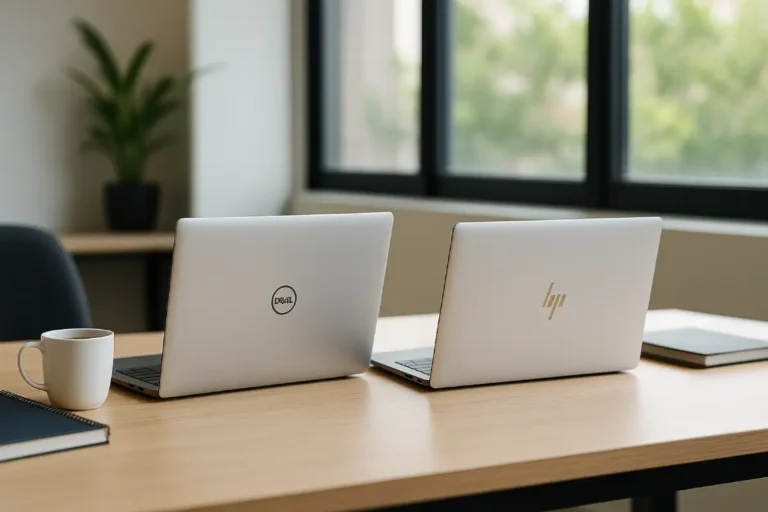
Top 10 Laptop Brands in India 2026: Trusted List
After 20+ years of building, testing, and repairing laptops in India, here’s the straight answer to the query top 10 laptop brands in India in 2026: HP, Lenovo, Dell, ASUS, Acer, Apple, MSI, Samsung, LG, and Xiaomi/Redmi. They’re the most practical mix of availability, model range, and service support you can usually rely on in India.
But the “best” brand still depends on you. A college student needs a durable keyboard and quick service. A creator needs a good screen and stable thermals. A startup needs easy scaling. Corporate IT needs a predictable warranty. And if your laptop is in repair, the best option is the one you can get today.
Below is a buyer’s guide built around real Indian scenarios, not generic lists.
What matters more than the brand (India buyer checklist)

Takeaway: In 2026, brand matters, but service + series + specs matter more.
- Service in your city
Check authorised service availability and typical turnaround for battery, display, and keyboard. Start with official locators like the HP authorised service center locator, Lenovo authorised service providers, and Dell warranty/support status check. - Series, not logo
Every famous laptop brand sells both great and average models. Always compare the exact series and SKU. - RAM + SSD first
For smooth daily work in 2026, 16GB RAM + SSD beats “Core i7” marketing with 8GB RAM. If you’re unsure what to pick, start with this quick guide on how much RAM is good for a laptop. - Thermals decide real speed
Same processor, different cooling = completely different experience in long calls, coding, exports, or gaming. If your laptop runs hot, start with how to prevent laptop from overheating. - Keyboard + ports are daily pain points
If you type and present often, don’t sacrifice comfort and ports for thinness.
Quick match table: best laptop brands 2026 by user type
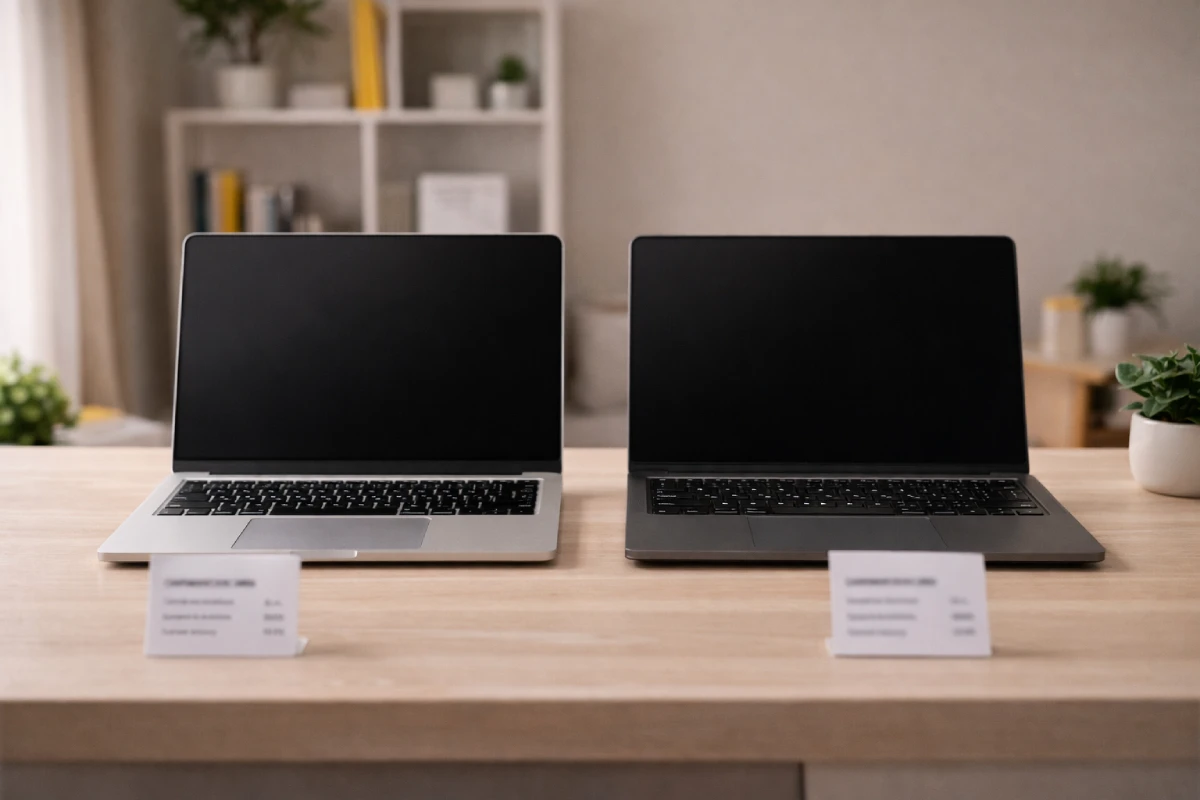
Takeaway: Use this table to shortlist brands, then pick the best model. This is the fastest way to use the list of the top 10 laptop brands in India.
| Brand | Best for (India 2026) | Why it’s popular | Watch-outs |
| HP | Students, office, corporate IT | Huge range, easy availability | Entry models may cut display/hinge quality |
| Lenovo | Business users, coders, SMBs | Great keyboards, strong business lines | Naming is confusing; verify exact SKU |
| Dell | Pros, enterprise fleets | Durable business lines, strong warranty options | Premium pricing on higher series |
| ASUS | Creators, students, gaming | Strong specs per rupee, good displays | Service experience can vary by city |
| Acer | Budget, students, gaming value | Aggressive pricing, wide options | Screen quality varies across budget models |
| Apple | Creators, premium pros | Battery efficiency, stable performance | App compatibility and upgrades cost more |
| MSI | Gaming, 3D, heavy creators | High GPU performance | Battery life often average; service narrower |
| Samsung | Thin-and-light office users | Clean design, good displays | Smaller lineup; offers change pricing fast |
| LG | Frequent travellers | Very light laptops | Limited lineup; stock varies by city |
| Xiaomi/Redmi | Budget productivity | Value pricing for specs | Service experience varies region to region |
The top 10 laptop brands in India (what each one is really good at)
Takeaway: Think of this as a fit guide. Each brand has a sweet spot in India based on service reach, price bands, and the series they offer.
Takeaway: Read this as “best fit”, not a ranking.

1) HP
Best for: students, office, mixed family use, corporate buying
Why it stands out: wide range across budgets; easy to buy and service
Watch-outs: avoid 4GB RAM models; pick IPS display where possible
2) Lenovo
Best for: typing-heavy work, coding, SMBs, corporate teams
Why it stands out: strong keyboards; durable business-focused lines
Watch-outs: double-check SKU (same name can hide different build/display)

3) Dell
Best for: professionals and enterprise deployments
Why it stands out: stable business lines and strong warranty choices
Watch-outs: you often pay extra for premium design; buy for needs, not hype

4) ASUS
Best for: creators, students who want more for less, gaming
Why it stands out: great specs and good screens at competitive prices
Watch-outs: don’t choose only on CPU label; check cooling and screen quality

5) Acer
Best for: student budgets, value office use, value gaming
Why it stands out: strong pricing and many options in every bracket
Watch-outs: screens and builds can vary a lot; inspect before buying

6) Apple
Best for: creators and premium professionals who are okay with macOS
Why it stands out: excellent battery efficiency and consistent performance
Watch-outs: ensure your key apps work on macOS; don’t underspec memory. If service access matters, use Apple’s authorised repair location finder. If you’re choosing between models, see MacBook Air vs MacBook Pro.
7) MSI
Best for: gaming, 3D, heavy editing (GPU-first workloads)
Why it stands out: performance laptops with strong GPU options
Watch-outs: don’t expect all-day battery; service centres are fewer in some cities
8) Samsung
Best for: thin-and-light office work, travel, presentations
Why it stands out: clean design and strong displays in select models
Watch-outs: fewer models to choose from; compare price-to-spec carefully. If you want a verified thin-and-light experience, look for Intel Evo laptops and what they require on Intel’s official Intel Evo Edition laptops page.
9) LG
Best for: people who carry a laptop daily
Why it stands out: ultra-light builds that reduce shoulder pain
Watch-outs: limited lineup and availability; check service access in your area
10) Xiaomi/Redmi
Best for: budget productivity for students and freelancers
Why it stands out: good specs at value pricing in a smaller lineup
Watch-outs: service experience varies; confirm warranty and service route
A 3-minute buying checklist (prevents most regrets)
Takeaway: Do these checks in-store or on delivery day.
- Display: IPS/OLED, comfortable brightness, no uneven patches
- Keyboard: no flex, consistent keys (especially spacebar and enter)
- Ports: at least one USB-A + USB-C; HDMI if you present often
- Specs: SSD only; aim for 16GB RAM; 512GB storage is practical
- Thermals: fan noise and heat should stay reasonable in a 10–15 min stress
- Warranty: know if it’s carry-in or on-site and how service works in your city
- Windows readiness: if you’re buying for long-term use, confirm Windows 11 support like TPM and Secure Boot using Microsoft’s Windows 11 specifications before you finalise a model
Brand Take: how to use a “top 10 laptop brands in India” list correctly
Takeaway: Most bad experiences come from the wrong model, not a “bad brand”.
A list can only do one job: shortlist. You still need to validate the exact model. If you want a simple spec-first explainer, read what makes a laptop fast before you compare two models. And before you buy, read at least one independent review that covers thermals and battery (Notebookcheck is a good starting point): Notebookcheck laptop reviews.
Ask these two questions before you pay:
- Can this exact laptop be serviced fast in my city?
- Does this exact model have the screen, RAM, and cooling my work needs?
If you can’t answer both, pause and re-check the SKU. That one habit saves more money than any marketing.
When renting beats buying (students, startups, urgent backup)

Takeaway: Renting is often the smartest option when time or cash is tight.
Renting makes sense if:
- your laptop is in repair and you need a backup today,
- you’re a freelancer taking a short project,
- your startup needs laptops for 3–6 months,
- your team needs devices for onboarding, training, or events.
CTA: Need a laptop today without the upfront cost?
If a broken laptop or a slow machine is blocking classes, client work, or office deadlines, rent the right-spec laptop and keep moving. New to rentals? Here’s a simple step-by-step on how to rent a laptop. Start here: laptop on rent in Mumbai.
FAQs
Which laptop brand is the best in India in 2026?
For most people, HP, Lenovo, and Dell are the safest picks because they’re widely available and easier to service across India.
Which laptop brand is best for students in India?
HP, Lenovo, and Acer are common student-friendly choices. Prioritise an SSD and at least 8GB RAM, ideally 16GB.
Which brand is best for office and professionals?
Dell and Lenovo business lines are strong for professional work. HP business models are also a reliable option for teams.
Which brand is best for creators and freelancers?
Apple and ASUS are popular for creator work. Choose based on screen quality, RAM, and cooling, not only the processor name.
Which laptop brand is best for gaming in India?
ASUS, MSI, HP gaming lines, and Lenovo gaming lines are common gaming picks. Check cooling and GPU wattage, not just the GPU name.
Dell vs HP: which one is better?
Both are good. Dell often feels stronger in business lines and warranty options, while HP offers more choices across budgets. If you want a deeper side-by-side, see our Dell vs HP laptops comparison.
Is Apple worth it in India?
Yes, if your main apps run well on macOS and you value battery life and build quality. It’s not ideal for Windows-only software needs.
How do I choose a good laptop quickly?
Pick your use case, fix your budget, shortlist 2–3 brands, then choose the model with SSD, enough RAM, and reliable service in your city.