Smart Questions to Ask Before Renting Laptop in Bulk
Before a bulk rental, ask about purpose, specifications, quoted cost, device condition, support, data security, return rules and availability. This checklist can help students, startups, colleges and business buyers identify unclear terms before they approve an order.
A good bulk laptop hiring choice starts with one rule: rent for the work your whole team or batch will actually do, not for the model name. Ask whether the laptops can handle your software, whether repair or replacement is included, whether the deposit is refundable, and what happens if devices fail during exams, training, onboarding, or client work.
Prepare your quantity, dates, location, workload and minimum configuration before requesting a quote. If you are new to the process, this beginner guide on how to rent a laptop explains the basic rental flow.
Why Questions to Ask Before Renting Laptop Matter in Bulk Rental
The right bulk laptop hiring questions protect your money, time, and data before the laptops reach your office, college, event venue, or training room. A cheap bulk rental can become costly if devices slow down, break, or come with unclear terms.
Bulk orders can go wrong when a request says only “20 i5 laptops” without confirming processor generation, RAM, SSD, battery expectations, charger condition, spare units or response time. Record those requirements in the quote or agreement instead of relying on the model label alone.
Ask these first:
- What work will the laptop handle?
- Which processor generation, RAM, and SSD will I get?
- Is the operating system genuine and updated?
- What is included in the rent?
- What support do I get if the laptop fails?
For basic study, browsing, classes, and MS Office, an i3 or i5 laptop with 8GB RAM and SSD usually works. For coding, heavy Excel, design, video editing, or multitasking, ask for i5/i7, 16GB RAM, SSD, and GPU if needed.
Bulk Laptop Rental Factors to Check Before Booking
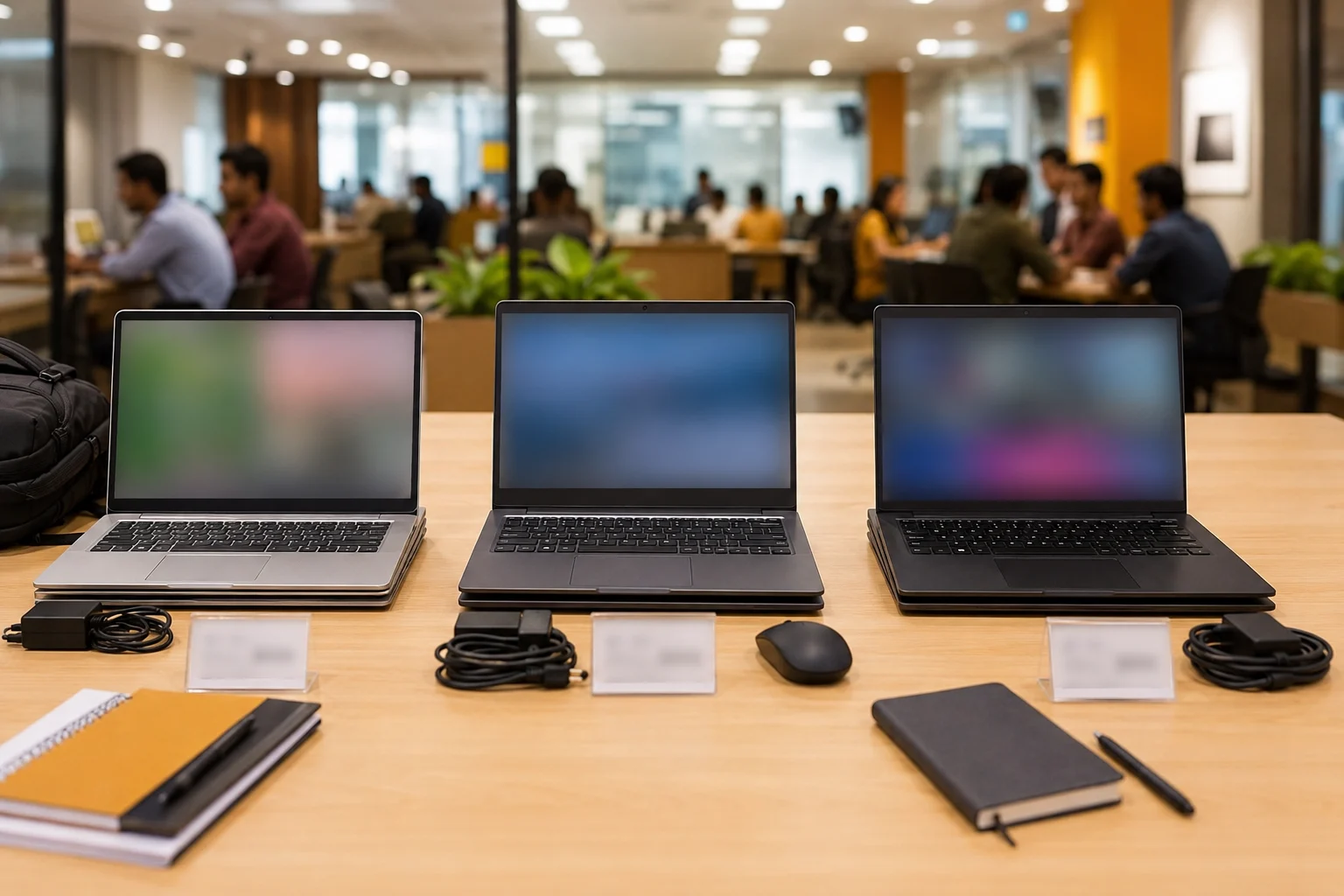
Match the bulk laptop order to your real workload before you compare price. The wrong configuration creates daily frustration for every user, even if the monthly rent looks attractive.
|
Use case |
Suggested rental specs |
|---|---|
|
Students and online classes |
i3/i5, 8GB RAM, 256GB SSD |
|
Office and startup work |
i5, 8GB-16GB RAM, SSD |
|
Coding and college projects |
i5/i7, 16GB RAM, 512GB SSD |
|
Design/video work |
i7, 16GB-32GB RAM, GPU if needed |
|
Training or events |
Same model batch preferred |
Do not place a bulk laptop hiring order only by saying “latest laptops.” Ask for exact model range, processor generation, RAM, storage type, screen size, battery health, ports, charger wattage, operating system, and same-model availability. For Windows devices, compare the configuration with Microsoft’s official Windows 11 system requirements so you do not accept underpowered machines for modern work.
Questions to Ask Before Renting Laptop in Bulk
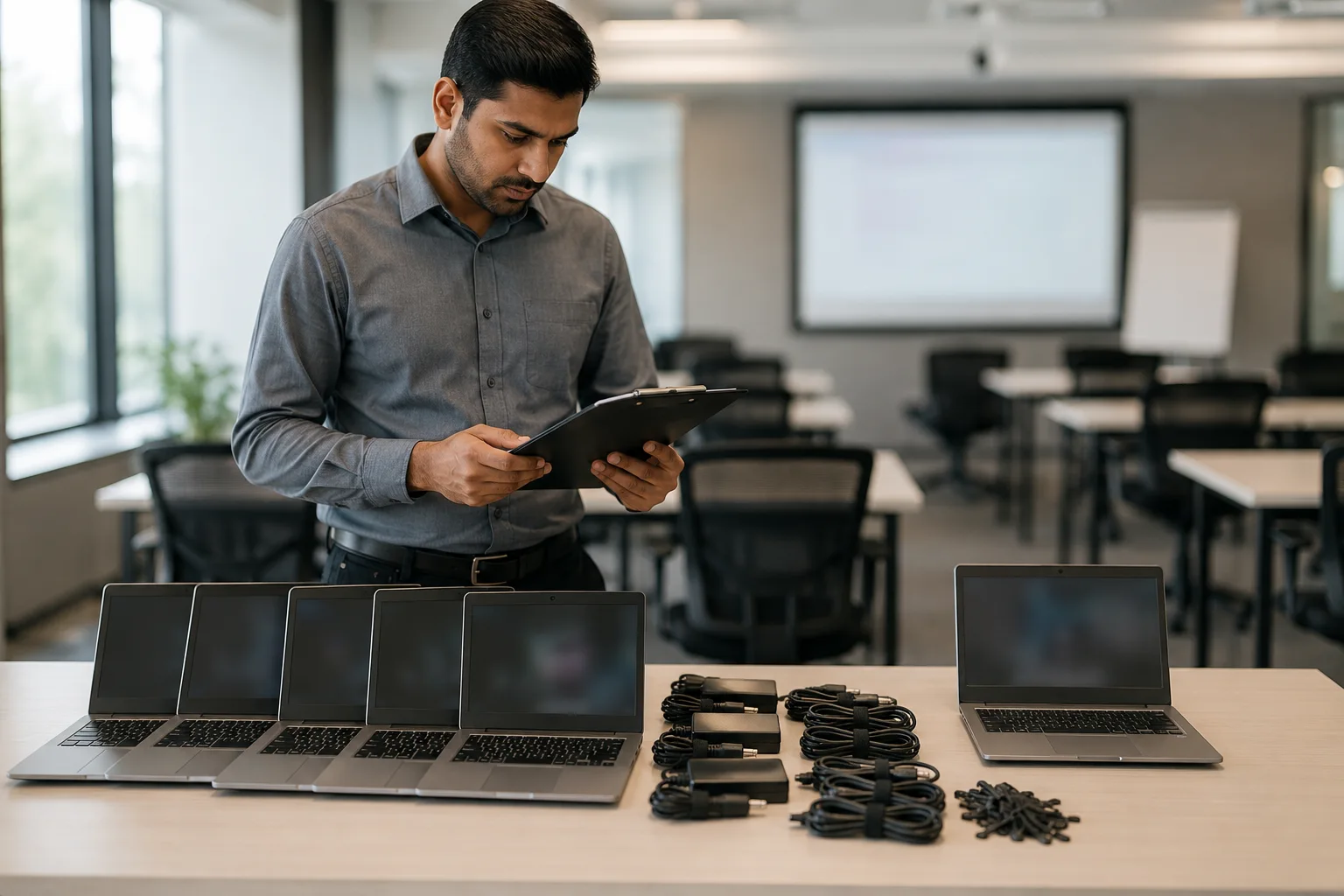
Bulk rentals benefit from a written plan for specifications, spares and support. A failed unit can interrupt a classroom, hiring drive, training batch or client demo, so confirm the response process before delivery. For a broader procurement comparison, read Laptop on Rent vs Buy in 2026.
Ask the provider:
- Can you provide the same or similar models for all users?
- How many spare laptops will be sent?
- Can laptops be pre-tested before dispatch?
- Can you preload approved software?
- Who handles setup at the location?
- What is the replacement time if multiple laptops fail?
- Can the quantity increase or decrease later?
For colleges and training institutes, identical specs reduce support issues. For startups, flexibility matters more. You may need 10 laptops this month and 25 next month. Check whether the vendor supports scale-up, scale-down, and upgrades without restarting the full process.
Bulk Laptop Hiring Pricing, Deposit, and Agreement Questions
Clear pricing is one of the most important bulk laptop rental factors. Ask for a written quote that separates rent, deposit, delivery, software, accessories, taxes, late fees, damage charges, and bulk discount terms. You can also review the basics of a laptop rental agreement to understand what should be clearly written before signing.
Before payment, ask:
- Is the security deposit refundable?
- What counts as normal wear and tear?
- Who pays for accidental damage or liquid damage?
- Are charger, bag, mouse, and docking station included?
- What happens if I return early or extend?
- Is GST included in the quote?
A bulk laptop hiring agreement should clearly mention device details, serial numbers, rental duration, payment cycle, return date, damage policy, support terms, spare-unit terms, and data wipe process. This matters more for business owners and startup founders who rent devices for employees.
Device Inspection: Do’s & Don’ts While Hiring Bulk Laptops
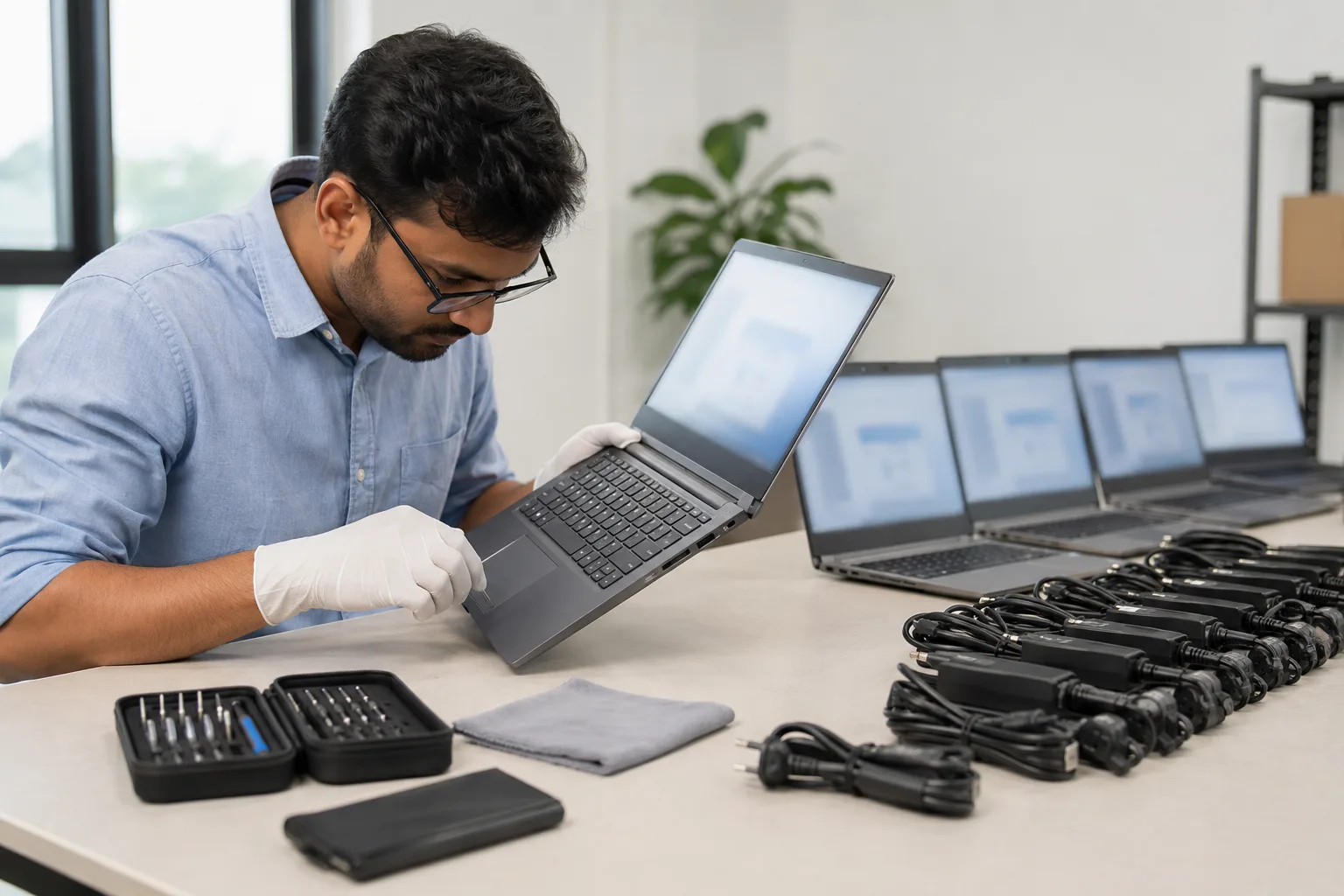
Always inspect the bulk laptop order before accepting it. This small step avoids disputes later and helps you spot hardware issues before users start work.
Do these checks at delivery:
- Check body dents, cracks, hinge movement, and missing screws.
- Test keyboard, touchpad, webcam, speaker, mic, USB, HDMI, Wi-Fi, and Bluetooth.
- Check battery charging and charger heating.
- Open a white, black, and grey screen to spot display marks.
- Look for dead pixels, white spots, lines, flicker, or pressure marks.
- Take photos or a short video during handover.
One tiny dead pixel may not affect office work, but a cluster of pixels, white patches, flickering lines, or a pressure mark can disturb design, study, or exam work. If both the laptop screen and an external monitor show strange blocks or artifacts, ask for replacement because it may point to GPU or board-level trouble.
Do not sign bulk delivery acceptance before checking chargers, screens, serial numbers, and accessories. Do not ignore loose hinges. Do not use cracked chargers. Do not return laptops with personal or company accounts logged in.
Data Security, Software, and Login Safety in Bulk Laptop Hiring

Data safety matters in every bulk laptop hiring plan, especially for companies handling customer, employee, student, or payment information. In India, personal data handling has become more serious after the Digital Personal Data Protection Act, 2023.
Ask your provider these questions before confirming the order. If security is a concern, also read whether rented laptops come with antivirus and what protection you should expect.
Ask your provider:
- Is the laptop wiped before delivery?
- Is antivirus or endpoint protection installed?
- Can device encryption in Windows be enabled?
- Is the OS genuine and updated?
- Will the laptop be wiped after return?
- Can I get written confirmation of the wipe policy, method and evidence? For business use, ask whether the process follows an established reference such as NIST SP 800-88 Rev. 2.
Your own do’s & don’ts while renting a laptop also matter. Use cloud storage, log out of Google, Microsoft, WhatsApp Web, Slack, banking, and email accounts before return. Back up files first, then delete local data. For businesses, avoid storing sensitive files only on the device.
Rentopay’s Practical View on Bulk Laptop Rental
The best rental laptop is the one that matches the workload, arrives under clear handover terms, and has support and replacement responsibilities confirmed in writing. The highest specification is not automatically the best fit.
Different users need different checks: students may prioritise price and battery condition; colleges may need matching configurations and a delivery plan; startups may need quantity flexibility; and businesses may need written support and data-handling terms. The guide to laptop rental benefits for corporate companies provides a separate framework for comparing rental with ownership.
Ask for a use-case-based quotation. A training batch may need matching Windows laptops and webcams; an event team should confirm delivery windows, setup responsibility, support availability and any spare-unit charges. See the planning guide to laptop rentals for corporate events. Design teams should state their RAM, graphics and display requirements rather than assume a standard model will fit.
Final Questions to Ask Before Renting Laptop in Bulk
Use this quick bulk laptop hiring checklist before paying:
- Confirm exact specifications and model range.
- Check rent, deposit, taxes, and add-ons.
- Ask for support and replacement time.
- Confirm software, OS, and security setup.
- Inspect the device at delivery.
- Keep handover proof.
- Back up and remove data before return.
- Read the rental agreement before signing.
A written checklist makes quotations easier to compare and can reduce surprises. Rentopay can assess a request by usage, budget, quantity, duration and location, subject to available stock and the terms confirmed in the quotation.
FAQs About Bulk Laptop Rental Questions
1. What are the most important bulk laptop hiring questions?
Ask about laptop quantity, specs, price, deposit, support, spare units, replacement time, software, data wipe, damage charges, and return rules.
2. What should I check before hiring bulk laptops in India?
Check RAM, processor generation, SSD, battery, charger, screen, keyboard, webcam, ports, documents, deposit, support time, and same-model availability.
3. Is bulk laptop hiring better than buying?
Yes, for short-term training, events, onboarding, exams, or projects, renting bulk laptops reduces upfront cost and allows flexible scaling.
4. What documents are needed to rent a laptop?
Most providers ask for ID proof, address proof, student ID or business verification, payment details, and a signed agreement.
5. What are the do’s & don’ts while hiring bulk laptops?
Do inspect every device, read terms, back up files, and log out. Don’t ignore damage terms, serial numbers, accessories, or sensitive local data.
6. How much does bulk laptop hiring cost in India?
Cost depends on specs, city, duration, quantity, accessories, support, and bulk discount. Basic laptops cost less than MacBooks and high-RAM models.
7. Can I install my own software during bulk laptop hiring?
Usually yes, if the software is legal and the provider allows it. Ask before installing paid, business, exam, design, or coding tools.
8. What happens if one laptop stops working in a bulk order?
The provider should offer repair, remote support, spare unit access, or replacement based on the agreement. Confirm the replacement timeline before booking.
Conclusion: your 10-minute checklist before you sign
If you remember nothing else, remember this:
- Confirm same model/specs, not vague “i5 laptops.”
- Lock software + updates before delivery.
- Ask for spares and a replacement plan.
- Get clarity on data wiping and documentation.
- Demand a clean price breakup and a clear damage policy.
When you treat it like a project (not a purchase), everything gets easier.
For a bulk laptop rental, send the dates, location, quantity, workload and minimum specifications, then ask for written confirmation of availability, spares, support, charges and return terms. Buyers with a Bangalore requirement can also review Laptops for Rent in Bangalore before requesting a location-specific quote.