Best Laptop for Graphic Design: Smart India Guide
The best laptop for graphic design in India is not always the most expensive laptop. It is the laptop that matches your design workload, software, display needs, and budget. A smart choice should help you design faster, avoid lag, and stay useful for the kind of projects you actually handle.
For most students, freelancers, startup founders, and business teams, a good laptop for graphic design should have at least a modern Intel Core i5/i7, AMD Ryzen 5/7, or Apple M-series chip, 16GB RAM, 512GB NVMe SSD, and a color-accurate Full HD or higher display. Popular laptop names to compare include Apple MacBook Air, Apple MacBook Pro, ASUS Vivobook Pro, ASUS ProArt, Acer Swift X, Dell XPS, HP ZBook, Lenovo LOQ, and Microsoft Surface Laptop. For 3D work, motion graphics, video editing, or heavy Adobe Creative Cloud projects, choose 32GB RAM and a dedicated NVIDIA RTX GPU.
So, which laptop is best for graphic design? From a hardware engineer’s view, a MacBook is excellent for portability, battery life, and display consistency. A Windows creator or gaming laptop gives better GPU power and upgrade flexibility for the price. If your workload changes often, renting from Rentopay can be smarter than buying too early.
What Makes the Best Laptop for Graphic Design in India
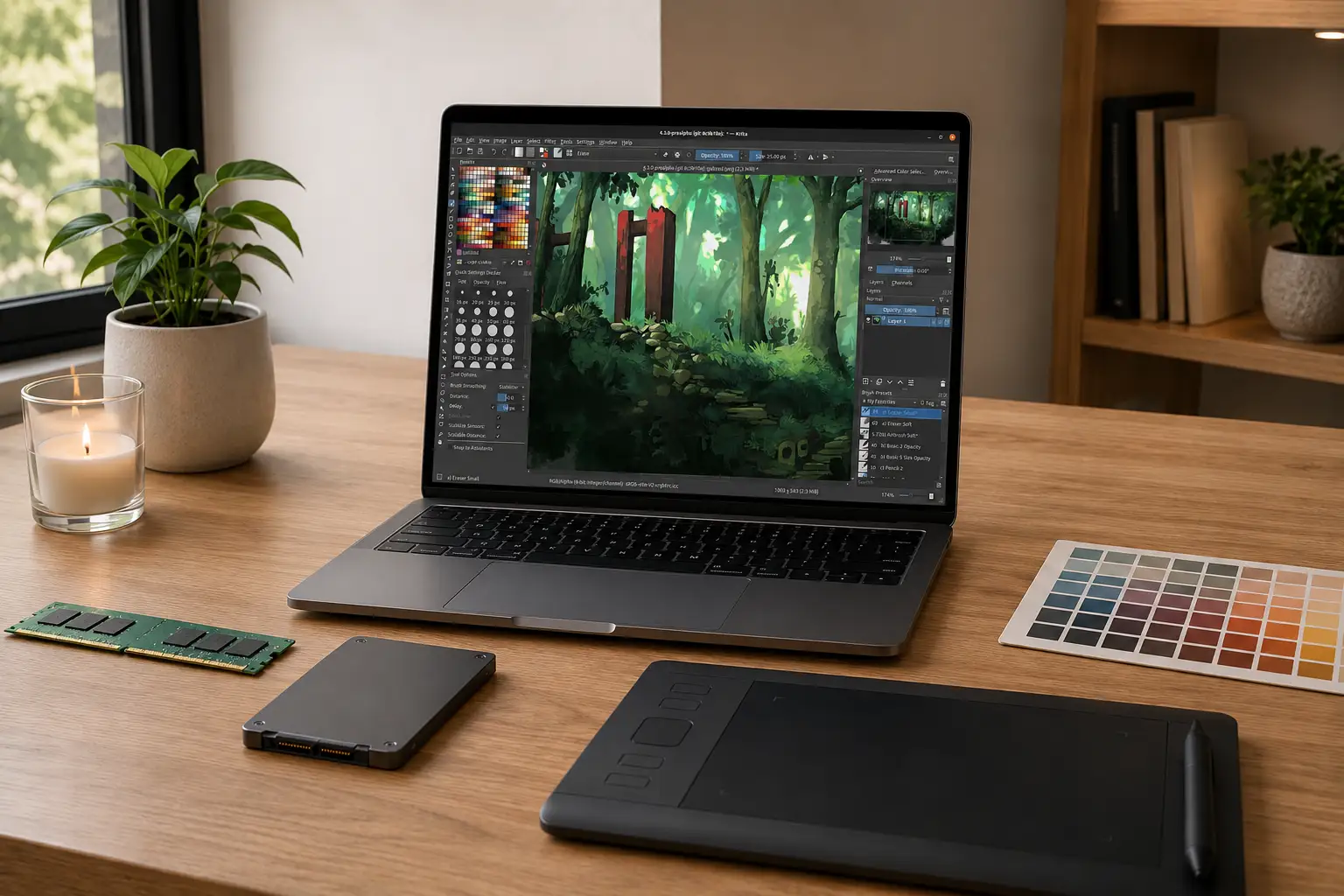
A good design laptop should stay fast under pressure, show accurate colors, and handle large creative files without freezing. It should also stay reliable during long working hours, because design work often involves multiple apps running together.
Many buyers focus only on processor names. That is a mistake. For graphic design, balance matters. A strong CPU helps with Photoshop filters, Illustrator files, Figma prototypes, and multitasking. RAM keeps large files open smoothly. SSD speed affects project loading, saving, and export time.
Adobe’s official Photoshop system requirements mention 16GB RAM as recommended, SSD storage, and GPU support for better performance. For Illustrator, Adobe also recommends 16GB RAM and SSD storage through its official Illustrator technical requirements.
Here is a simple buying guide:
|
User Type |
Recommended Specs |
|---|---|
|
Students and beginners |
i5/Ryzen 5/M-series, 16GB RAM, 512GB SSD |
|
UI/UX designers |
16GB RAM, sharp display, strong battery, 14-16 inch screen |
|
Professional designers |
i7/Ryzen 7/M Pro, 32GB RAM, 1TB SSD |
|
3D and motion designers |
32GB RAM, RTX GPU, 1TB SSD, strong cooling |
Graphic Design Laptop Requirements That Actually Matter
The right graphic design laptop requirements depend on whether you design posters, UI screens, brand assets, social media creatives, print layouts, 3D renders, or videos. A laptop that works well for Canva or Figma may not be enough for After Effects, Blender, or 4K editing.
For basic design, 16GB RAM works well. For large PSD files, Illustrator artboards, After Effects, and multiple apps, 32GB feels safer.
A hardware engineer’s practical advice is simple:
- Do not buy an 8GB laptop for serious design work unless your work is limited to Canva, browser tools, and light college assignments.
- Choose 16GB RAM as the real minimum for Photoshop, Illustrator, Figma, and multitasking.
- Choose 32GB RAM if you work with 4K video, motion graphics, 3D, or large client files.
- Pick SSD storage only. HDD-only laptops feel slow for modern design software.
For video-heavy design work, Adobe’s Premiere Pro technical requirements recommend 32GB RAM or more for 4K and higher media. If your design work includes reels, brand films, product videos, or motion graphics, also compare Rentopay’s guide on the best laptops for video editing.
Display Quality Matters More Than Many Buyers Think
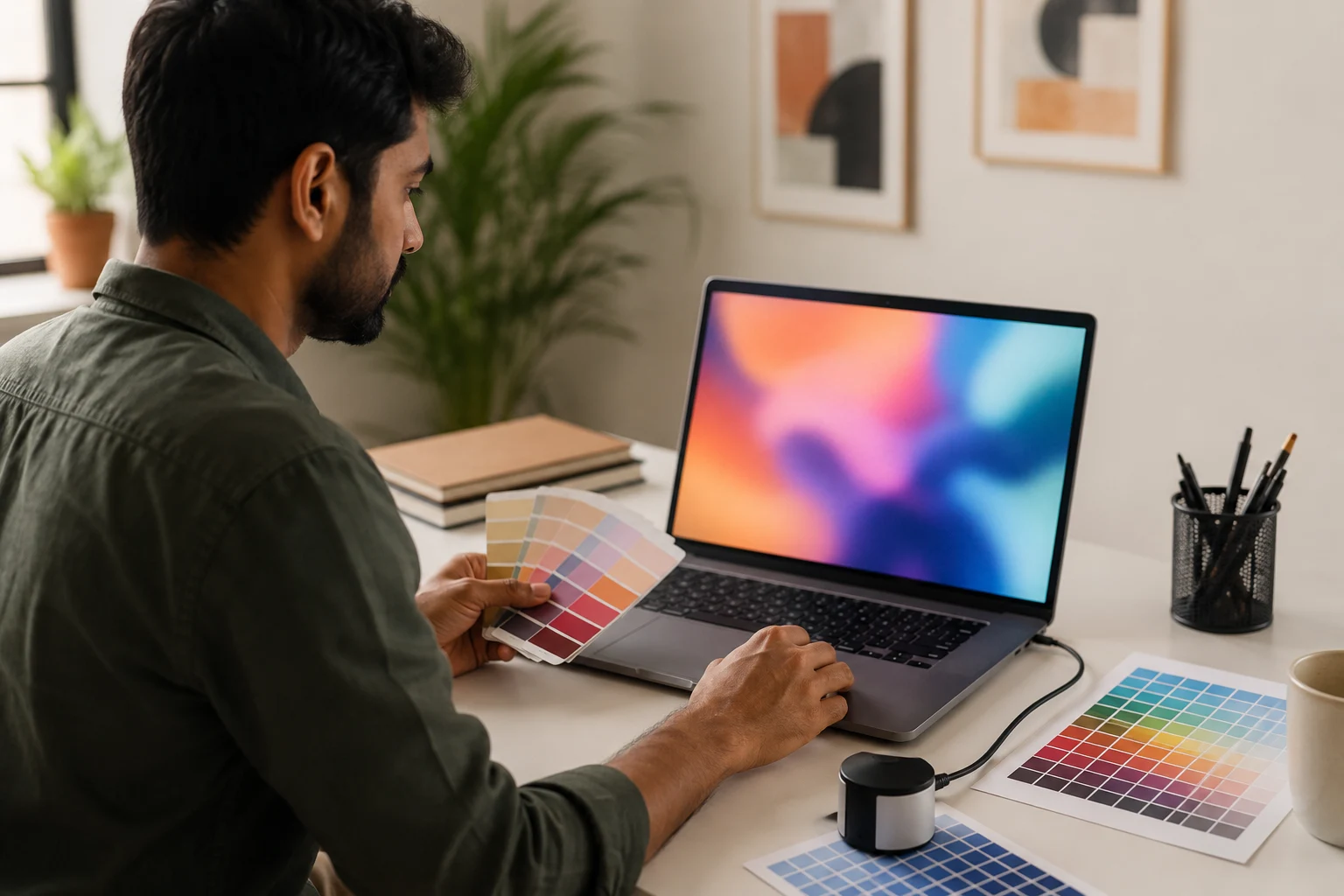
A laptop for graphic design must show colors correctly. A fast laptop with a poor display can still ruin design decisions. This matters even more when you design logos, packaging, product visuals, websites, or client brand assets.
Look for these display points before buying or renting:
- 100% sRGB for web graphics, UI design, and social media creatives
- DCI-P3 support for richer color work and premium displays
- Full HD as the minimum resolution
- 2K, 3K, or 4K display if you work on detailed layouts
- IPS, OLED, or Mini-LED display depending on budget
- Good brightness if you work in bright rooms or offices
OLED screens look rich and premium, but they can be glossy. IPS displays are often easier for long work sessions. Mini-LED displays offer strong brightness and contrast, but they cost more.
If color accuracy matters for print, branding, packaging, or product photography, use an external calibrated monitor when possible. Laptop screens are improving, but professional color work still benefits from calibration.
GPU and Creative Software Needs
A dedicated GPU is not compulsory for every designer. It becomes important when you use 3D tools, motion graphics, video editing, AI creative tools, and heavy visual effects. If your daily work is mostly Photoshop, Illustrator, Figma, and Canva, you can often save money by choosing balanced specs instead of chasing the highest GPU.
For Photoshop, Illustrator, Figma, and Canva, integrated graphics can work for basic and moderate tasks. For Blender, Premiere Pro, After Effects, Unreal Engine, 3D mockups, or 4K timelines, choose RTX graphics.
NVIDIA’s official Studio laptops for creators focus on RTX GPUs, Studio Drivers, RAM, SSD, and creator workflows. That matters because design is no longer only about static posters. Many graphic designers now create short videos, product visuals, 3D assets, and AI-assisted graphics.
For creator-focused workloads, you may also want to read Rentopay’s guide on choosing the best laptop for content creation.
Best Laptop for Designers by Real Workflow
The best laptop for designers changes with the kind of work they do every day. A UI designer, print designer, motion designer, and 3D artist will not need the same hardware configuration.
Students and Beginner Designers
For students, the best laptop for graphic design should be affordable, portable, and strong enough for Adobe basics, Canva, Figma, and college projects. A beginner does not always need the most expensive laptop for graphic design, but the laptop should still have enough RAM, SSD storage, and display quality to support daily design work.
A 16GB RAM laptop with Intel Core i5, Ryzen 5, or Apple M-series is enough for most beginners. Students can compare options like Apple MacBook Air, Acer Swift X 14, ASUS Vivobook Pro 15 OLED, Lenovo LOQ 15, HP Pavilion Plus, and Dell Inspiron 14 Plus based on budget, display quality, RAM, SSD storage, and portability. Do not overspend on RTX graphics unless your course includes animation, 3D design, video editing, or VFX.
Students who need a laptop only for a semester, internship, design course, or college project can explore student-friendly laptop rental plans instead of buying a high-cost machine too early. This is useful when you want to test different specs before deciding which laptop is best for graphic design in your long-term workflow.
MacBook for Graphic Design
A MacBook for graphic design is a strong choice if you value display quality, battery life, quiet performance, and long-term stability. It is especially useful for designers who travel often, work with clients, or need a premium screen and dependable battery backup.
Apple’s official MacBook Pro technical specifications list Liquid Retina XDR display, wide colour P3, high brightness, ProMotion refresh rate, and Apple silicon options, which explains why many designers prefer MacBook Pro models.
The MacBook Air works well for students, UI/UX designers, content creators, and light-to-medium Photoshop work. Heavy 3D, motion graphics, and 4K workflows usually need a MacBook Pro or a powerful Windows creator laptop.
If you want to try Apple hardware before buying, Rentopay has a simple guide on how to rent a MacBook. Mac users should also check how to optimize your MacBook for graphic design before blaming the hardware for slow performance.
Windows Creator and Gaming Laptops
Windows laptops offer more choice across HP, Dell, Lenovo, ASUS, Acer, MSI, and other brands. They often give stronger GPU power for the price. This makes them practical for designers who need performance, ports, upgrade options, and a wider budget range.
A Windows creator laptop is ideal if you need:
- NVIDIA RTX graphics
- Upgrade options
- More ports
- Better price-to-performance
- Larger screen choices
- Windows-only software compatibility
Gaming laptops can also work for design, but check the display carefully. Some gaming screens focus on high refresh rate, not color accuracy. For design, color quality matters more than 144Hz or 240Hz refresh rate.
Best Laptop for Design Software
The best laptop for design software depends on the heaviest app you use, not the lightest one. Always choose specs based on the most demanding software in your workflow, because that is what will slow you down first.
For Photoshop and Illustrator, focus on RAM, SSD, display, and CPU. For Premiere Pro and After Effects, add more RAM and GPU power. For Blender or 3D rendering, GPU becomes a major factor.
Use this quick match:
- Photoshop: 16GB RAM, SSD, good CPU, color-accurate display
- Illustrator: 16GB RAM, SSD, sharp display, stable processor
- Figma: 16GB RAM, strong browser performance, good screen
- Premiere Pro: 32GB RAM for 4K, dedicated GPU, 1TB SSD
- After Effects: 32GB RAM or more, strong CPU, GPU support
- Blender and 3D: RTX GPU, 32GB RAM, strong cooling
If you use multiple design tools together, do not choose specs based on only one app. A laptop that handles Photoshop alone may still struggle when Photoshop, Illustrator, Chrome, Figma, and Teams are open together.
Rentopay’s Practical Hardware View
The smartest choice is not always buying a costly laptop on day one. Test your real workload first, then commit. This is especially useful for students, freelancers, and startups because their software needs can change quickly.
At Rentopay, the practical view is simple. Many students, designers, agencies, and startups do not know their final hardware need until they start real projects. A student may begin with Canva and Figma, then move into Photoshop. A startup may need five design laptops for three months, then reduce the team. A freelancer may need RTX power only for one client project.
That is why renting makes sense in many Indian use cases. You can test MacBook vs Windows, upgrade when your workload grows, and avoid locking money into the wrong machine.
Should You Buy or Rent a Laptop for Graphic Design

Buy if your design workload is stable for two or more years and you know the exact specs you need. This works best when your software, project type, and performance expectations are already clear.
Rent if you are a student, freelancer, agency, startup, event team, or business owner who needs flexibility. Renting usually makes sense when your project runs for a few months, your team size may change, or you want to test MacBook vs Windows before buying.
Renting is useful when:
- You need a laptop for an internship or short course
- You have a temporary design project
- You need systems for a creative team
- You want to test MacBook before buying
- You need high-end specs only for a few months
- You want to avoid repair and upgrade worries
If your need is short-term, such as a client project, training batch, internship, event, or temporary hiring cycle, you can rent a laptop for a month and avoid spending heavily on hardware you may not use later.
Final Checklist Before Choosing the Best Laptop for Graphic Design
Before you choose the best laptop for graphic designers, ask these questions. A quick checklist can prevent overspending, weak performance, and choosing a laptop that looks good on paper but fails in daily design work.
- Can it handle your main design software?
- Does it have 16GB RAM or more?
- Is the display color accurate?
- Is the SSD large enough?
- Does it heat too much under load?
- Can you upgrade RAM or storage?
- Do you really need RTX graphics?
- Will you use it for 24 months or more?
- Is renting smarter for your current need?
Before finalizing a rental plan, also review these questions to ask before renting a laptop so you can check specs, support, delivery, replacement terms, and rental duration clearly.
For most Indian users, the safe choice is 16GB RAM, 512GB SSD, a modern i5/Ryzen 5/M-series chip, and a good display. For professional work, move to 32GB RAM, 1TB SSD, and a stronger GPU.
The best laptop for graphic design is the one that keeps your work smooth, your colors reliable, and your budget under control. Whether you buy or rent, the final decision should support your real projects, not just look impressive on a specification sheet.
Conclusion
Choosing the best laptop for graphic design becomes easier when you stop looking only at brand names and start matching the laptop to your real workload. For most Indian students, freelancers, and startup teams, 16GB RAM, SSD storage, a modern processor, and a color-accurate display are the safest starting points.
If your work includes 3D, motion graphics, video editing, or large Adobe files, move to 32GB RAM, stronger cooling, and a dedicated GPU. And if you are still unsure about your long-term needs, renting a laptop from Rentopay can help you test the right specs before making a costly buying decision.
FAQs About the Best Laptop for Graphic Design
These frequently asked questions answer the most common doubts Indian students, designers, freelancers, and business owners have before choosing a laptop for graphic design. The answers are kept short, clear, and practical for quick decision-making.
1. Which laptop is best for graphic design in India?
The best laptop for graphic design in India should have 16GB RAM, 512GB SSD, a modern Intel Core i5, Ryzen 5, or Apple M-series chip, and a color-accurate display. For professional design, choose 32GB RAM and a dedicated GPU.
2. Is MacBook good for graphic design?
Yes, a MacBook is good for graphic design because it offers strong battery life, excellent display quality, and smooth performance. Choose MacBook Pro for heavy design, video editing, and motion graphics.
3. How much RAM is needed for graphic design?
You need at least 16GB RAM for graphic design. Choose 32GB RAM if you work with large Photoshop files, 4K video, After Effects, 3D tools, or many apps at once.
4. Do graphic designers need a dedicated GPU?
Graphic designers need a dedicated GPU only for heavy work like 3D rendering, video editing, motion graphics, and AI-assisted creative tools. For Photoshop, Illustrator, Figma, and Canva, integrated graphics can work for basic tasks.
5. What is the best laptop for UI UX designer work?
The best laptop for UI UX designer work should have 16GB RAM, a sharp 14-16 inch display, good battery life, and smooth browser performance. A MacBook Air, MacBook Pro, or Windows ultrabook with a good screen can work well.
6. Can I use a gaming laptop for graphic design?
Yes, you can use a gaming laptop for graphic design if it has a color-accurate display. Many gaming laptops have strong CPUs and GPUs, but some screens focus more on refresh rate than color quality.
7. Is 8GB RAM enough for graphic design?
8GB RAM is only enough for very basic design tasks. For serious Photoshop, Illustrator, Figma, and multitasking, 16GB RAM is the safer minimum.
8. Should I rent or buy a laptop for graphic design?
Rent a laptop if you need it for a short project, college course, internship, event, or temporary team. Buy one if you will use the same specs for two years or more.