Laptop Screen Size Guide: What Size Is Best for You?
For most students and professionals in India, a 14-inch laptop offers the best balance of portability and workspace. Choose 15.6 or 16 inches when you need more screen space for spreadsheets, coding, editing or multitasking, while 17.3 inches is better suited to gaming and desk-based use.
Choosing the right laptop screen size sounds simple until you compare 13-inch, 14-inch, 15.6-inch, 16-inch and 17-inch models. The best laptop screen size is not simply the largest one available. Your ideal size depends on how often you travel, what applications you use, whether the laptop is your primary display and how much screen space you actually need.
Laptop screens are measured diagonally across the active display area, excluding the bezel. However, the advertised laptop display size does not tell you the laptop’s actual width, weight or overall footprint. Modern laptops use thinner bezels and higher screen-to-body ratios, so a newer 16-inch laptop can sometimes be surprisingly close in physical size to an older 15.6-inch model. This laptop screen size guide helps you choose based on real-world use rather than specifications alone.
Standard Laptop Sizes and Their Best Uses
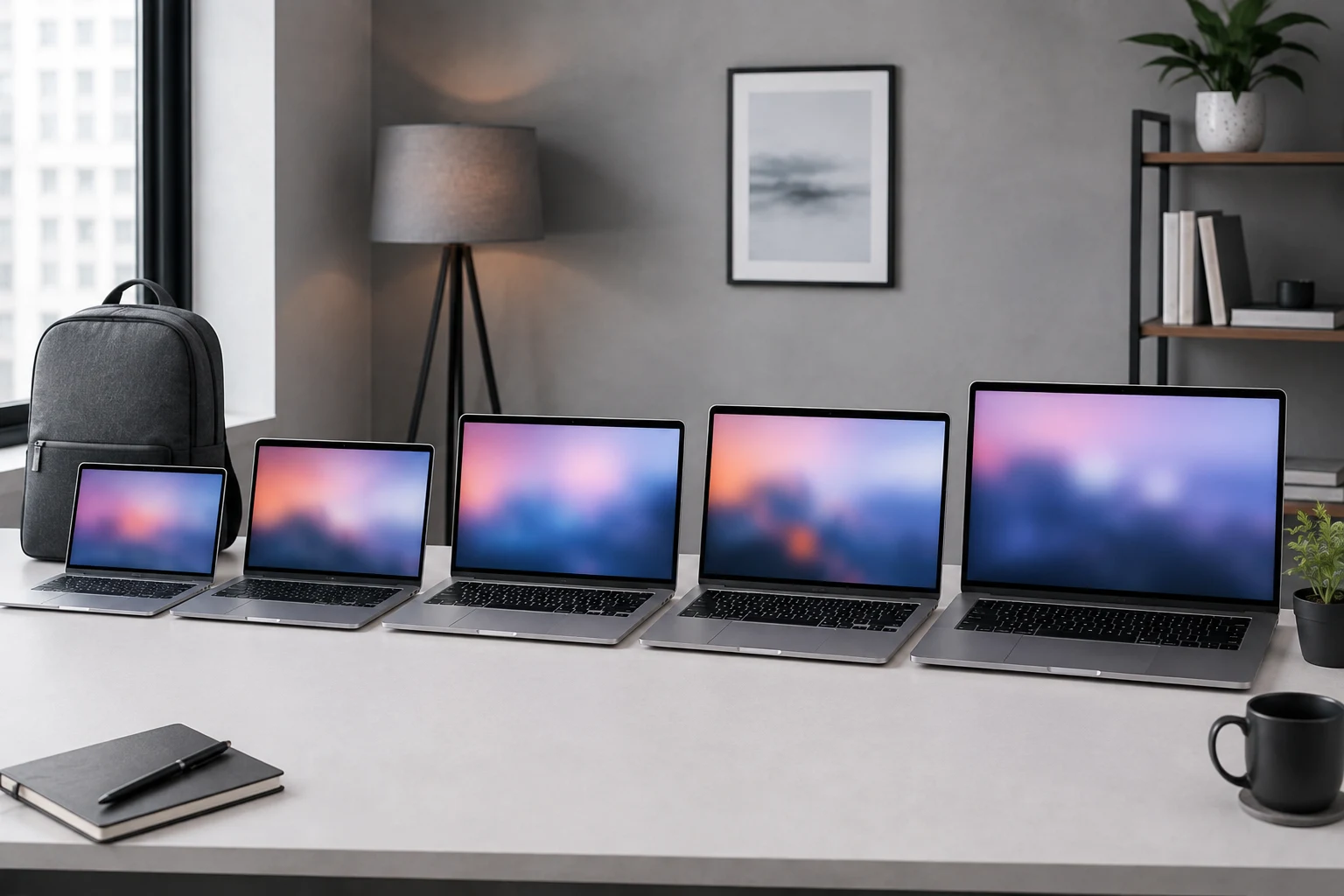
Laptop displays generally range from ultra-compact 11-inch models to large 17.3-inch desktop replacements.
Here is a simple comparison of the most common standard laptop sizes:
|
Laptop screen size |
Best suited for |
|---|---|
|
11–12 inches |
Travel and basic tasks |
|
13–14 inches |
Students, commuters, professionals |
|
15–15.6 inches |
Office work, study, entertainment |
|
16 inches |
Developers, creators, power users |
|
17–17.3 inches |
Gaming, editing, desk use |
These are useful starting points rather than strict rules. Two laptops with the same display size can still feel very different because of bezel thickness, aspect ratio, weight and chassis design.
13 to 14 Inch Laptop: Best for Portability
Choose a 13 or 14-inch laptop if you regularly carry your device between college, home, office, meetings or client locations.
A 13-inch laptop prioritises mobility. It fits easily into smaller bags and generally works well for browsing, writing, presentations, video calls and everyday productivity. HP’s laptop screen size guide also highlights smaller screen sizes as a practical choice for users who value portability.
A 14-inch laptop gives you slightly more usable workspace while remaining easy to carry. That makes it one of the most practical sizes for Indian students, hybrid employees, consultants and startup professionals.
A 14-inch screen is usually comfortable enough for:
- Documents and presentations
- Browsing and research
- Online classes and meetings
- Coding
- Basic spreadsheets
- CRM and browser-based applications
The limitation becomes noticeable when you frequently work with large Excel sheets, editing timelines or several applications side by side.
Also check the laptop’s weight and thickness before deciding. A lightweight 14-inch laptop can sometimes be easier to carry than a poorly designed 13-inch model.
14 vs 15 Inch Laptop: Which Is Better?
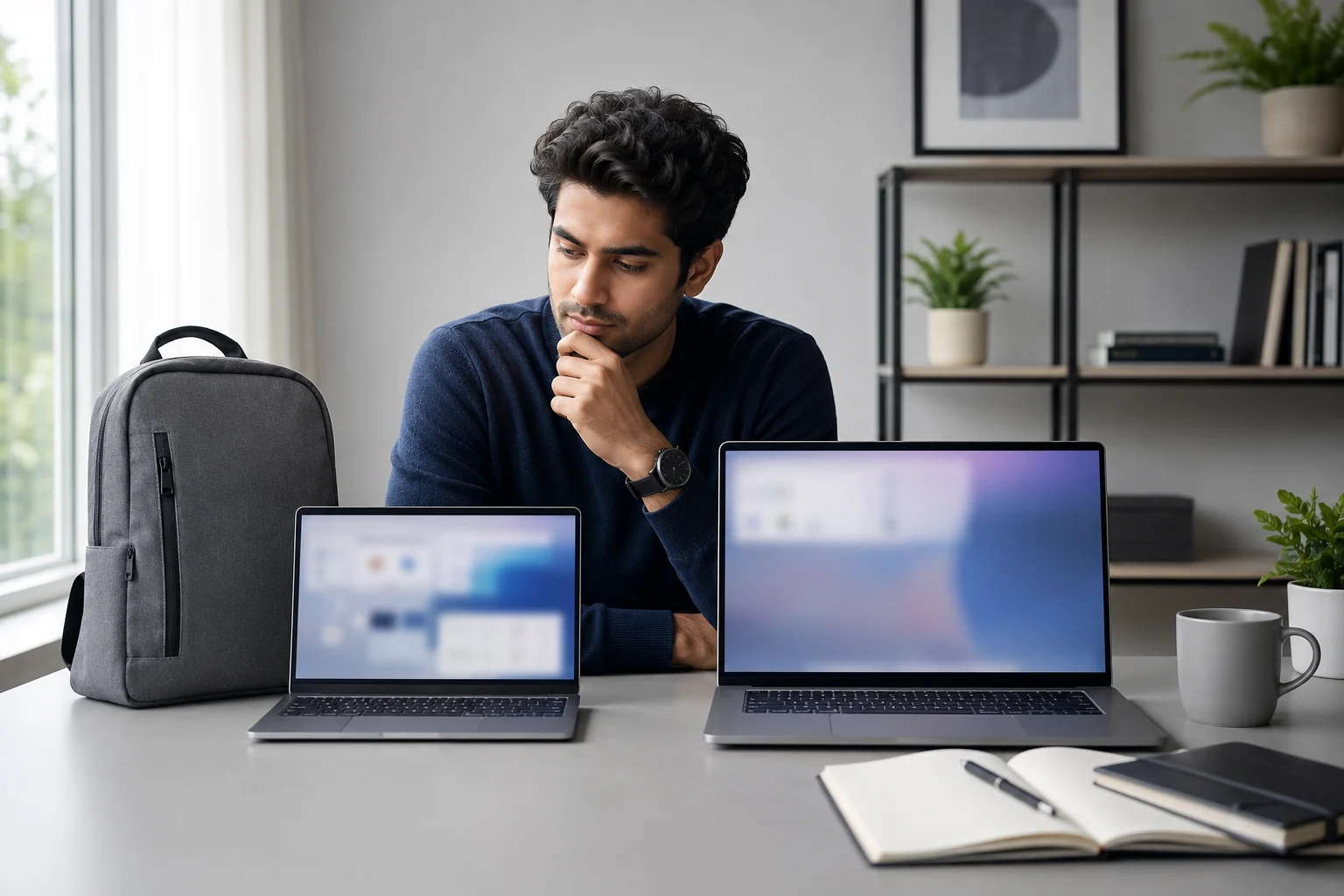
The 14 vs 15 inch laptop decision mainly comes down to mobility versus additional workspace. A 14-inch model is easier to carry, while a typical 15.6-inch laptop gives you more room for multitasking.
Many laptops casually described as 15-inch models actually use a 15.6-inch display, so always check the manufacturer’s exact specifications.
Choose a 14-Inch Laptop If:
- You travel or commute frequently.
- You attend college or move between classrooms.
- You work from cafes, coworking spaces or client offices.
- You prefer a lighter backpack.
- You use an external monitor at your main desk.
- Your work mostly involves browsers, documents and meetings.
Choose a 15.6-Inch Laptop If:
- The laptop will be your primary display.
- You regularly work with spreadsheets or dashboards.
- You use multiple applications side by side.
- You edit photos or videos.
- You want more space for entertainment or gaming.
- Portability is useful but not your highest priority.
A 15.6-inch laptop can feel noticeably more comfortable during long working sessions, but the extra size becomes equally noticeable when you carry it every day.
For more information about panel quality, read Rentopay’s guide to types of laptop displays.
15.6 vs 16 Inch Laptop: Which Gives More Workspace?
A 16-inch laptop is increasingly popular because it can provide more usable workspace without becoming as bulky as a traditional 17-inch machine.
One reason is the shift from the traditional 16:9 display aspect ratio to 16:10 on many productivity laptops.
A 16:10 screen gives you more vertical space, which can be especially useful when:
- Reading long documents
- Coding
- Browsing websites
- Editing content
- Working with spreadsheets
- Viewing timelines
That extra vertical space can make a larger difference to everyday productivity than the diagonal measurement alone suggests.
A 16-inch laptop is therefore a strong choice for developers, designers, analysts, content creators and business professionals who keep multiple windows open throughout the day.
Before choosing one, check the actual chassis dimensions and weight. Not every 16-inch laptop is equally portable.
Best Laptop Screen Size for Students

For most students, 14 inches is the best laptop screen size because it provides enough workspace for study while remaining convenient to carry.
College students often move between classrooms, libraries, hostels and home, so weight and portability matter just as much as screen size.
A 14-inch Full HD or Full HD+ display is generally suitable for:
- PDFs
- Research
- Assignments
- Presentations
- Coding
- Online classes
- Video calls
- Streaming
Students who mostly work at a desk and rarely carry their laptop may prefer a 15.6-inch display because it provides more screen space for research, assignments, presentations, spreadsheets and multitasking.
A matte or anti-glare display is also worth considering, especially for classrooms, libraries and other bright study environments. For more student-focused buying advice, check Rentopay’s best laptop for students guide for practical recommendations.
Best Laptop Screen Size for Professionals
A 14 to 15.6-inch laptop works well for most office professionals, while 16 inches can be more comfortable for demanding multitasking and larger workloads.
For email, presentations, browser-based software, video meetings and general office applications, a 14-inch laptop is usually sufficient. It is also easier to carry between home, office and client meetings without sacrificing too much workspace.
However, users who spend several hours working with the following may appreciate a 15.6 or 16-inch display:
- Large spreadsheets and financial reports
- Analytics and dashboard platforms
- Multiple browser windows
- Development and coding tools
- Project management software
- Side-by-side documents and applications
The extra screen real estate can reduce constant window switching and make long working sessions more comfortable. If portability is not a major concern, a larger display can be the more practical choice for a desk-based professional. can reduce constant window switching and make long working sessions more comfortable.
Best Laptop Screen Size for Business Owners and Startups
For business owners and startup teams, the best laptop screen size depends on the employee’s role, travel needs and daily workload rather than one standard size for everyone.
A 14-inch laptop makes sense for sales teams, consultants and employees who regularly travel between offices, client meetings and work locations. A 15.6-inch model works well for general office teams that need more workspace while maintaining reasonable portability.
A 16-inch laptop can be useful for developers, analysts and creative professionals who spend most of their day working with several applications at once. Businesses also do not need to give every employee the same screen size. Different roles may benefit from different form factors.
If your company needs devices for temporary teams, onboarding, events or short-term projects, explore Rentopay’s laptop rental plans across India.
Best Laptop Screen Size for Gaming
A 15.6 or 16-inch laptop is a strong choice for most gamers because it offers useful viewing space without the bulk of many 17.3-inch models.
However, screen size should never be the only deciding factor for gaming. A larger display does not automatically provide smoother gameplay or better image quality. The graphics hardware and display specifications matter just as much.
When choosing a gaming laptop, compare:
- Refresh rate
- Response time
- Screen resolution
- GPU performance
- Display brightness
- Cooling performance
A 17.3-inch gaming laptop makes more sense when the machine will mostly remain on a desk and portability is not a major concern. For frequent travel, a 15.6 or 16-inch model usually offers a better balance.
Best Laptop Screen Size for Graphic Design and Video Editing
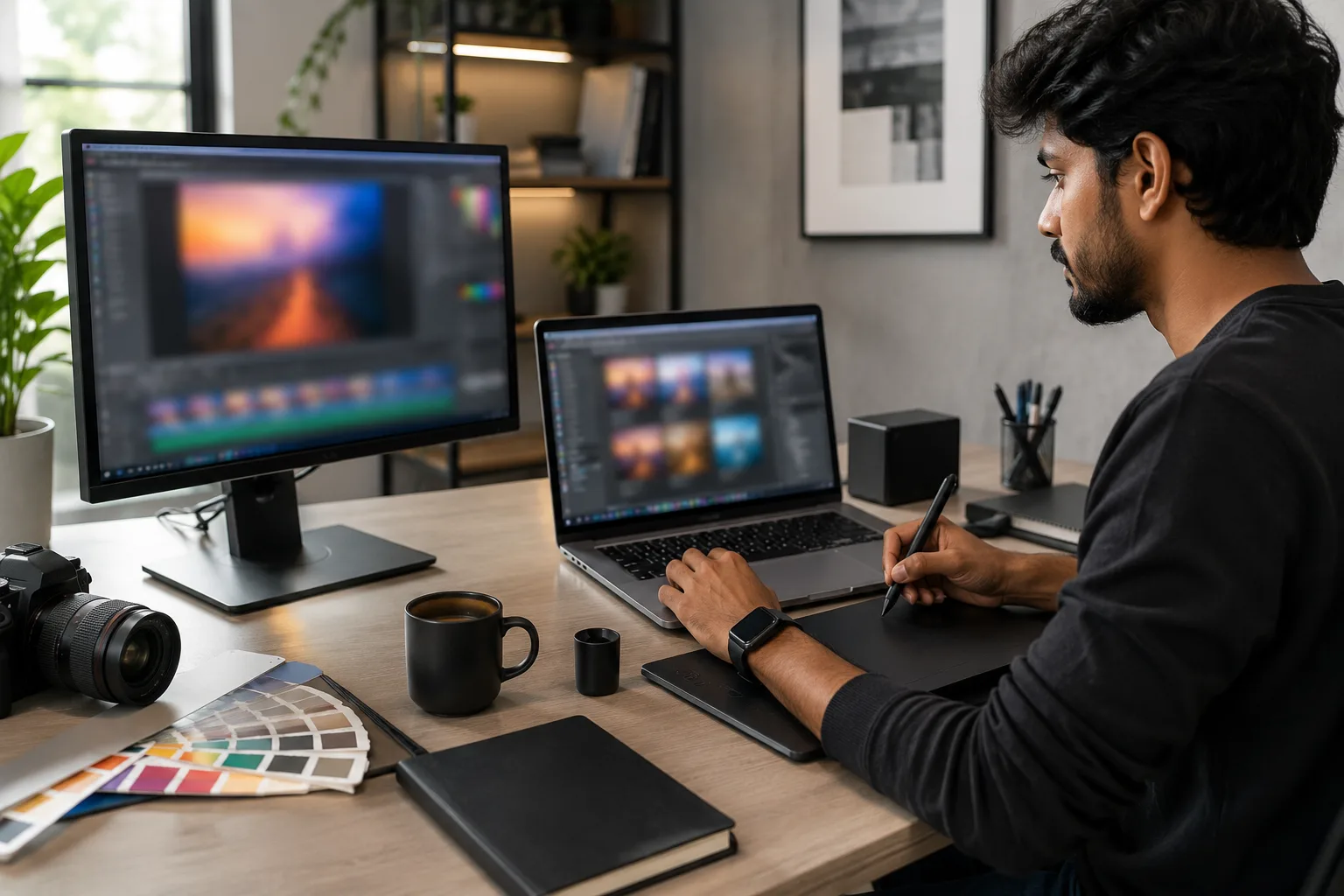
Creative professionals often benefit from 15.6 or 16-inch displays because the larger workspace makes editing timelines, toolbars and preview windows easier to manage.
For serious graphic design, photography or video editing, however, display quality matters more than diagonal size alone. A large screen with poor colour reproduction can be less useful than a smaller, accurate panel.
Look for:
- Accurate colour reproduction
- Good brightness
- Suitable resolution
- IPS or OLED panel
- Wide colour coverage
- Reliable factory calibration
A bright, colour-accurate 14-inch display can therefore be a better choice for design work than a poor-quality 16-inch panel. For wider hardware recommendations, read Rentopay’s best laptop for graphic design guide.
Laptop Display Size Is Not the Same as Resolution
Screen size and laptop screen resolution are different specifications, so a larger display does not automatically produce a sharper or more detailed image.
Screen size tells you the physical diagonal measurement of the display, while resolution tells you how many pixels the screen contains. Microsoft’s display guide also explains that resolution measures the number of pixels on a screen, with higher pixel counts generally producing a sharper image.
For example, common laptop resolutions include:
- Full HD: 1920 × 1080
- WUXGA: 1920 × 1200
- QHD-class: Higher pixel counts depending on the panel
- 4K UHD: 3840 × 2160
A smaller laptop with a higher resolution can look sharper than a larger laptop with fewer pixels. Pixel density also affects how fine text and images appear on screen.
Very high resolutions can require operating-system scaling and may consume more power depending on the panel and laptop configuration. Therefore, choose resolution based on your workload rather than assuming higher is always better.
IPS vs OLED: Does Panel Type Matter More Than Size?
Yes. Panel quality can have a greater effect on your viewing experience than screen size, so a high-quality 14-inch display can outperform a poor 16-inch panel.
IPS displays are popular because they generally provide good viewing angles, consistent colours and balanced performance for everyday work. OLED panels can deliver deeper blacks, stronger contrast and vibrant colours, making them attractive for entertainment and creative workloads.
Still, do not choose a laptop only because it uses IPS or OLED. Check brightness, resolution, colour coverage, refresh rate and the intended use of the machine.
For a detailed explanation of IPS, OLED, TN, VA and Mini-LED panels, see Rentopay’s laptop display technology guide.
What Else Should You Check Besides Laptop Screen Size?
Screen size is important, but these display specifications also affect your everyday experience:
- Weight: Always check weight alongside screen size if you carry the laptop frequently.
- Resolution: Full HD is enough for most users, while higher resolutions suit creative work
- Aspect Ratio: 16:10 offers more vertical workspace for documents, coding and spreadsheets.
- Brightness: Around 300 nits works well indoors; brighter screens help in well-lit spaces.
- Panel Type: IPS is a good all-round option, while OLED offers better contrast and deeper blacks.
- Refresh Rate: 60Hz is fine for work, while 90Hz or 120Hz provides smoother scrolling and motion.
- Anti-Glare: Helpful for classrooms, offices and bright environments.
- Colour Accuracy: Important for graphic design, photography and video editing.
Final Verdict: What Is the Best Laptop Screen Size?
For most students, professionals and startup users, 14 inches is the best overall laptop screen size. A 15.6 or 16-inch laptop is better for intensive multitasking, creative work and users who rely on the laptop as their main screen.
A simple rule is:
- 13 inches: Best for maximum portability.
- 14 inches: Best all-round balance.
- 15.6 inches: Better for everyday multitasking.
- 16 inches: Excellent for productivity, coding and creative work.
- 17.3 inches: Best for large-screen gaming and desk-based use
FAQs About Laptop Screen Size Guide
Choosing between laptop screen sizes becomes easier when portability, workspace and display quality are considered together. Here are answers to some of the most common questions users have before choosing a laptop display size.
1. What is the best laptop screen size for students?
A 14-inch laptop is generally the best choice for students because it balances portability and comfortable everyday use. Students who mainly work at a desk can consider 15.6 inches for extra screen space.
2. Is a 14-inch laptop too small for everyday work?
No. A 14-inch laptop is large enough for most office work, studying, browsing, meetings and coding. Users working heavily with spreadsheets, editing software or multiple windows may prefer 15.6 or 16 inches.
3. Is the 14 vs 15 inch laptop difference noticeable?
Yes. A typical 15.6-inch laptop provides more visible workspace, while a 14-inch laptop is usually easier to carry. The better option depends on whether portability or screen space matters more.
4. What is the most common laptop screen size?
14-inch and 15.6-inch laptops are both widely used across mainstream laptop ranges. The 15.6-inch format remains common for general-purpose and gaming systems, while 14-inch laptops are popular for portable productivity.
5. How is laptop screen size measured?
Laptop screen size is measured diagonally across the active display area from one corner to the opposite corner. The bezel is not included.
6. Is a bigger laptop screen always better?
No. Larger displays give you more workspace but usually reduce portability. Display resolution, brightness, panel quality, weight and your working style are equally important.
7. What laptop display size is best for gaming?
A 15.6 or 16-inch laptop is a good choice for most gamers. Also compare refresh rate, response time, resolution, GPU performance and cooling before choosing.
8. Does laptop screen size affect resolution?
No. Screen size and resolution are separate specifications. A smaller high-resolution display can look sharper than a larger screen with a lower pixel density.