Best Processor for Laptop: Powerful and Fastest in 2026
The best processor for laptop users in India depends on what you do every day. For most students, office users, and business teams, Intel Core Ultra 5, Intel Core i5, AMD Ryzen 5, or Ryzen AI 5 is enough. For designers, developers, and startup founders, Intel Core Ultra 7, AMD Ryzen 7, Ryzen AI 7, or Apple M-series chips make more sense.
The fastest laptop processor is not always the best choice. A powerful CPU can still feel slow if the laptop has weak cooling, only 8GB RAM, or a basic SSD. As a hardware engineer, I always suggest checking the full laptop, not just the processor name.
Laptop processor comparison: what should you check first?
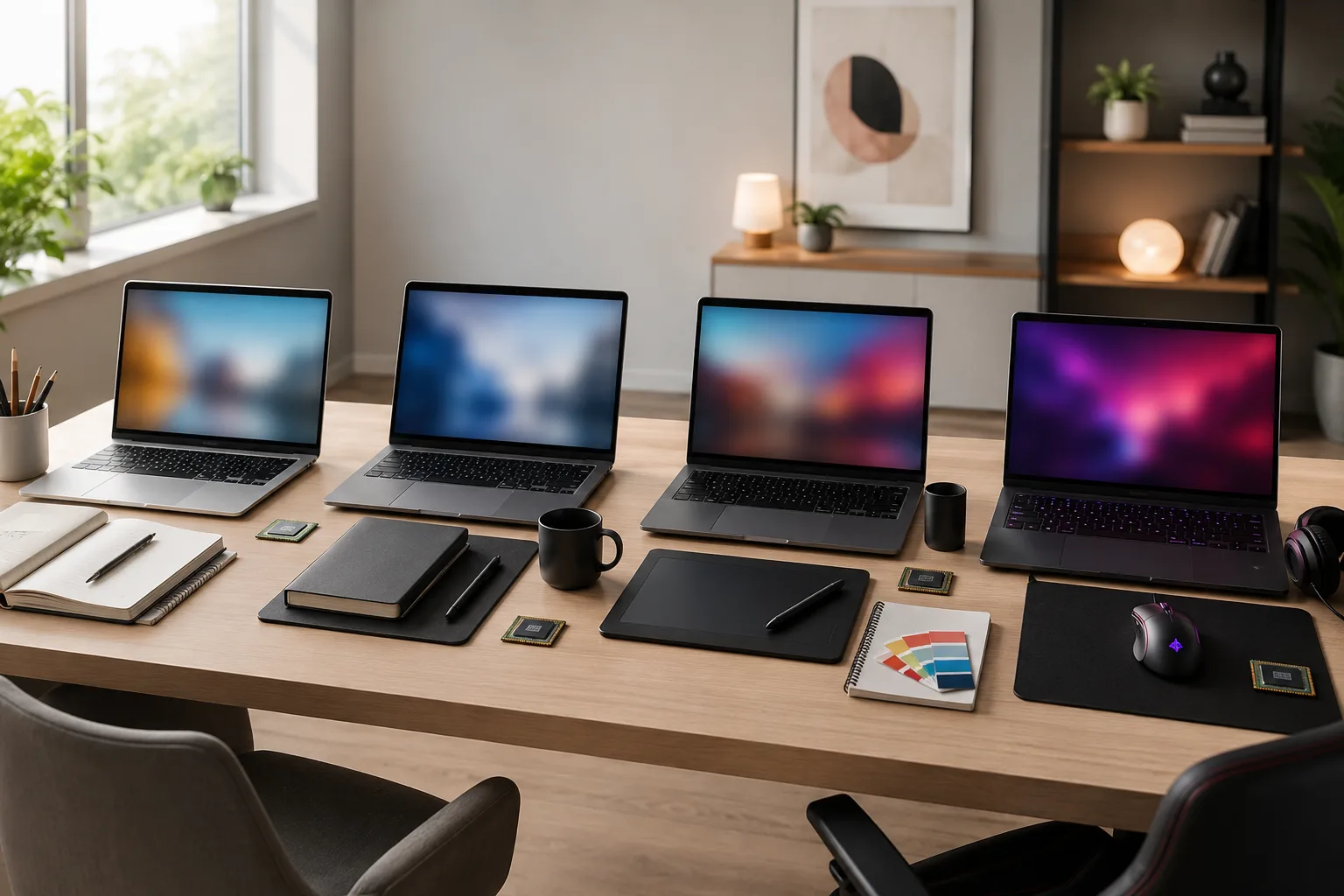
A useful laptop processor comparison should focus on real work, not only benchmark numbers. The right chip should match your software, budget, battery expectations, and upgrade needs.
Here is a simple table to help Indian buyers shortlist the right processor category.
|
User type |
Suggested processor |
Best for |
|---|---|---|
|
Students |
Intel Core i5, Core Ultra 5, Ryzen 5 |
Classes, browsing, assignments, basic coding |
|
Office users |
Core Ultra 5/7, Ryzen 5/7 |
Excel, meetings, CRM, multitasking |
|
Designers |
Core Ultra 7, Ryzen AI 7, Apple M-series |
Figma, Photoshop, Illustrator |
|
Developers |
Core Ultra 7, Ryzen 7/9, Apple Pro chips |
IDEs, builds, testing tools |
|
Gamers |
Intel HX, Ryzen HX |
Gaming with dedicated GPU |
|
Travel users |
Apple M-series, Snapdragon X, Core Ultra U |
Battery life and portability |
This table gives a practical starting point. Before buying or renting, also check RAM, SSD type, screen quality, warranty, and laptop cooling.
For a deeper speed checklist, read Rentopay’s guide on what makes a laptop fast.
Intel Core Ultra processors for Windows laptop users
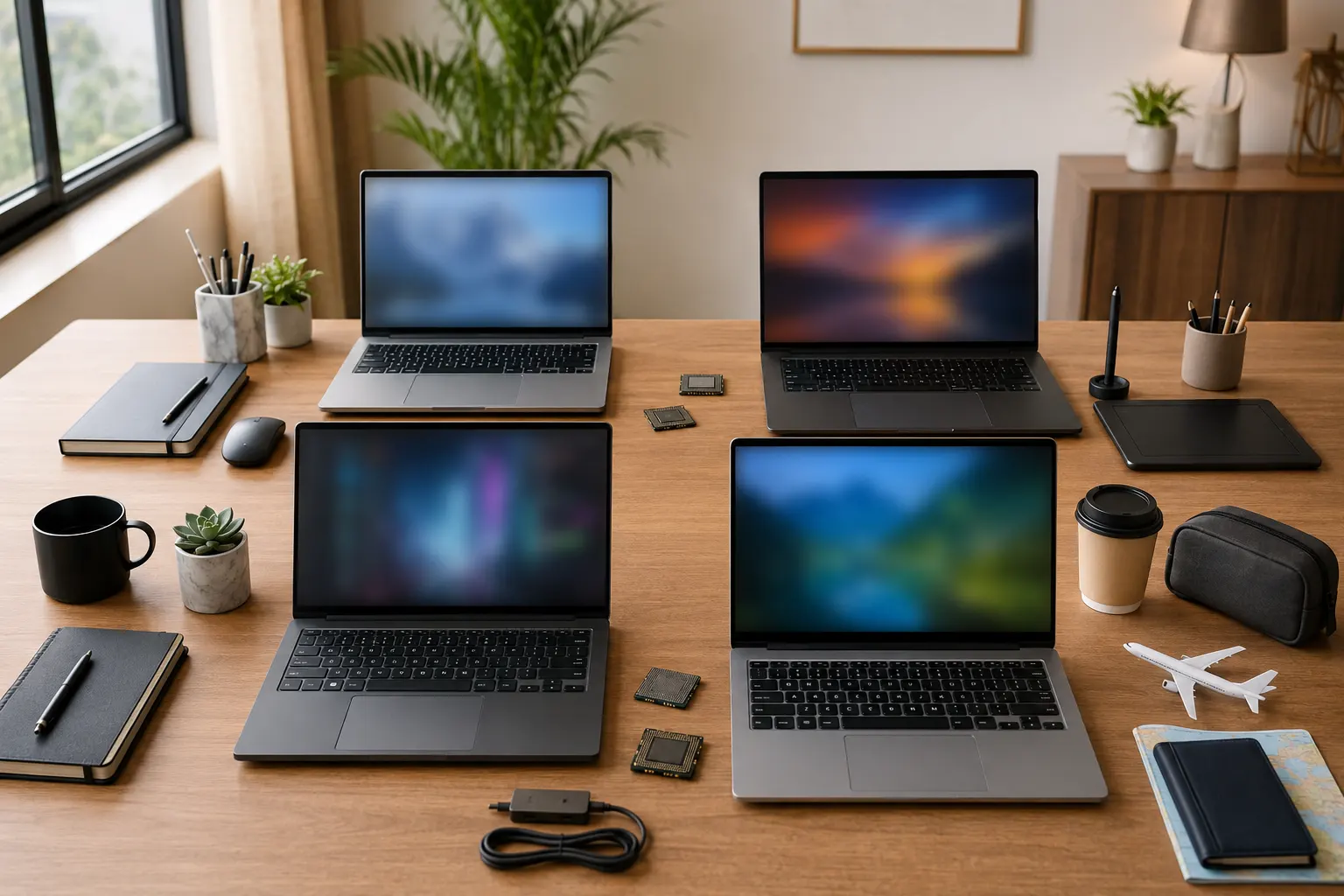
Intel Core Ultra processors are a safe choice for users who want strong Windows compatibility, good performance, and modern AI features. They work well for students, professionals, business owners, and teams using common Windows software.
Intel Core Ultra 5 is good for daily work, online meetings, light coding, and office tasks. Core Ultra 7 is better for heavier multitasking, dashboards, design apps, and development tools. Core Ultra 9 and HX-series chips suit gaming laptops and creator machines with stronger cooling.
Best use cases:
- Office work, video calls, and browser-heavy tasks
- Coding, Excel, analytics, and multitasking
- Light design and editing
- Gaming only when paired with a dedicated GPU
You can review Intel’s current processor positioning on the official Intel Core Ultra processor page. Always check the exact model number because “Intel processor” alone is not enough information.
AMD Ryzen and Ryzen AI laptop processors
AMD Ryzen processors are strong for users who want value, multi-core performance, and good integrated graphics. They are popular in student laptops, creator laptops, and gaming laptops in India.
Ryzen 5 is ideal for study, office work, browser tabs, and general productivity. Ryzen 7 gives better headroom for design tools, coding, light editing, and heavier multitasking. Ryzen 9, Ryzen HX, and Ryzen AI 9 are better for gaming, rendering, and professional workloads.
Best use cases:
- Students who need value for money
- Designers using Canva, Figma, Photoshop, or Illustrator
- Developers running heavier tools
- Gaming laptops with good cooling
AMD explains its laptop processor range on the official AMD Ryzen laptop processor page. If you are choosing a design laptop, also compare the processor with GPU, RAM, and display quality using Rentopay’s best laptop for graphic design guide.
Apple M-series processors for MacBook users
Apple M-series chips are excellent for users who want strong battery life, quiet performance, and smooth creative workflows. They are a good fit for designers, video editors, founders, and developers already using Apple devices.
Apple M-series laptops perform well because the chip, memory, GPU, and macOS work closely together. M5 Pro and M5 Max options are more suitable for professional creative work, software development, media editing, and heavy export tasks.
Best use cases:
- Graphic design and video editing
- iOS and macOS development
- Business users who need long battery life
- Premium portable workstations
Apple lists current MacBook Pro chip options and specifications on its official MacBook Pro technical specifications page. Before choosing Mac, check whether your business software, accounting tools, or Windows-only apps will work properly.
Qualcomm Snapdragon X laptop processors
Snapdragon X processors are built for thin, light, battery-focused Windows laptops. They suit users who work mostly in browser-based apps, cloud tools, video meetings, documents, and communication platforms.
The main advantage is efficiency. Snapdragon X laptops can be useful for founders, sales teams, students, and remote workers who need long battery life more than heavy gaming or advanced 3D work.
Best use cases:
- Travel-heavy professionals
- Online classes and remote work
- Cloud software and browser-based tools
- Long meetings and light daily work
Qualcomm explains its current laptop chip positioning on the official Snapdragon X laptop page. Before choosing Snapdragon, test app compatibility if your work depends on older Windows software, VPN tools, printers, or special drivers.ne.
What is latest processor in laptop models?

The answer to “what is latest processor in laptop” changes every year. In current premium laptops, you will commonly see Intel Core Ultra, AMD Ryzen AI, Apple M-series, and Qualcomm Snapdragon X families.
The latest processor does not automatically mean the best processor for laptop use. A newer low-power chip can be slower than an older performance chip if your work needs sustained speed.
When checking a latest laptop processor, look at:
- Exact processor model
- Number of cores and threads
- Power class such as U, H, HX, or similar
- NPU support for AI features
- Integrated or dedicated graphics
- Laptop cooling design
This is why renting can be useful for startups and teams. You can test a processor category for real work before spending heavily on permanent devices.
Fastest laptop processor vs best value
The fastest laptop processor is not always the smartest purchase. It usually costs more, consumes more power, and gives poor value when your work is light.
Benchmark sites such as PassMark laptop CPU benchmarks often place high-end Intel HX, AMD HX, and Apple Pro/Max chips near the top. That helps with raw laptop processor ranking, but it does not show India pricing, rental value, battery comfort, heat levels, or daily usability.
Choose a high-end CPU only if your workload can truly use that power.
Key signs you need a high-performance processor:
- You edit 4K videos or export large media files.
- You work with 3D rendering, animation, or CAD tools.
- You run large code builds, virtual machines, or heavy development tools.
- You use big Excel sheets, BI dashboards, or data analysis software.
- You play serious games or stream gameplay.
- You need a workstation-style laptop for professional tasks.
For normal office use, a mid-range CPU with 16GB RAM and SSD storage can feel faster than an expensive processor paired with low memory. In many cases, Intel Core Ultra 5, Core Ultra 7, AMD Ryzen 5, or Ryzen 7 gives the best value for students, business owners, and startup teams.
Gaming laptop processor: what matters most
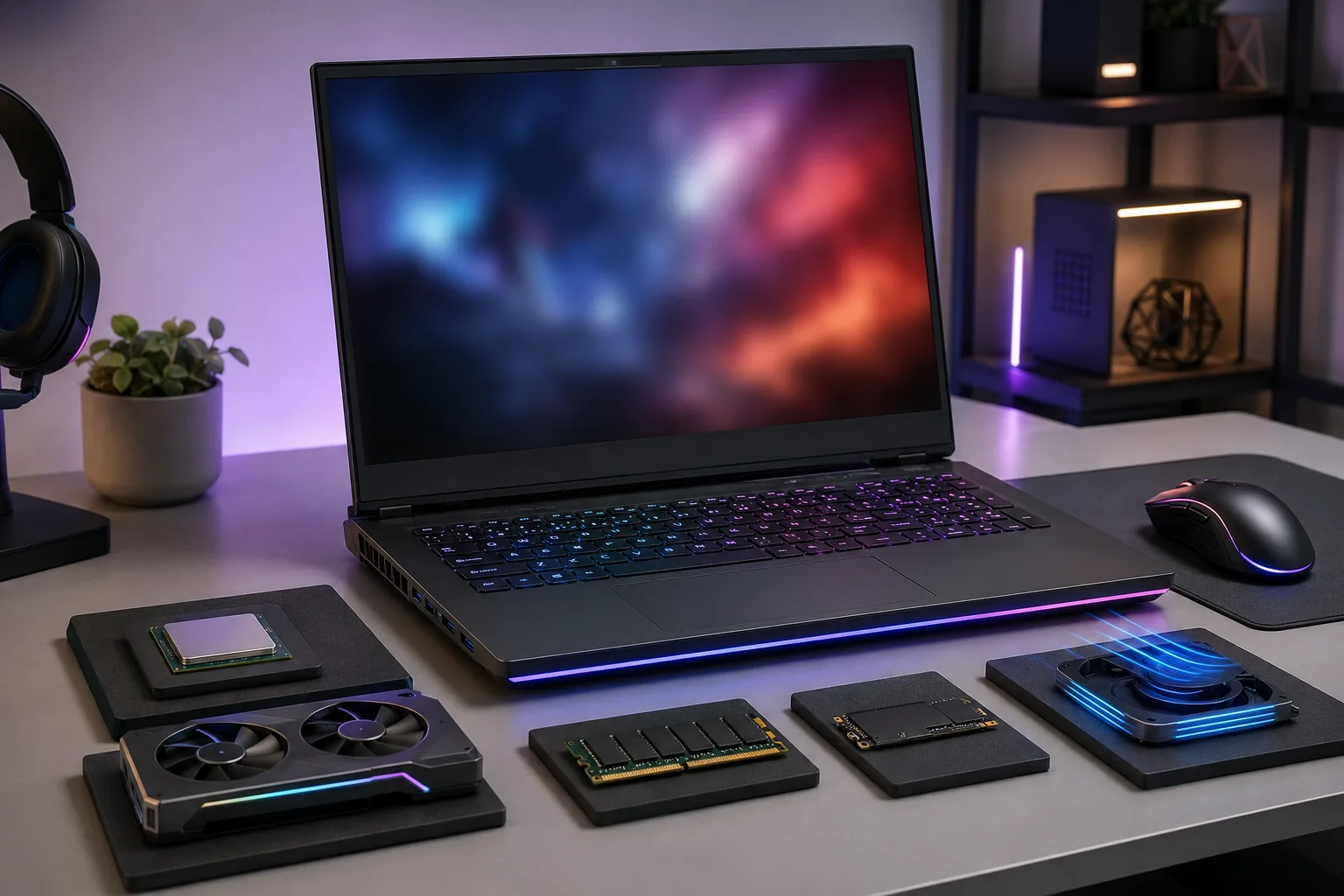
A gaming laptop processor matters, but GPU, cooling, RAM, SSD, and display refresh rate matter just as much. Do not buy a gaming laptop by CPU name alone.
For gaming, choose Intel Core Ultra 7/9 HX or AMD Ryzen 7/9 HX. These processors give enough headroom for high FPS gaming, streaming, recording, multitasking, and future game updates. But the graphics card still decides most gaming performance.
Before choosing a gaming laptop processor, check these points:
- Choose a dedicated NVIDIA RTX or AMD Radeon GPU.
- Pick at least 16GB RAM; 32GB is better for streaming and editing.
- Prefer NVMe SSD storage for faster game loading.
- Check for strong cooling vents and proper airflow.
- Choose a 144Hz or higher refresh rate display for smoother gameplay.
- Avoid very thin gaming laptops if you plan long gaming sessions.
- Check power adapter wattage, because low power limits can reduce performance.
A good gaming laptop should balance CPU, GPU, cooling, and display quality. Rentopay’s best gaming laptop India guide can help when you need gaming power without buying expensive hardware.
Rentopay Brand Take: choose the workload, not the hype
At Rentopay, the best processor for laptop selection starts with the user, not the spec sheet. A student, a designer, a developer, and a business owner do not need the same machine.
In real use, we see one common mistake. People overpay for a powerful processor but ignore RAM, SSD, battery health, screen quality, and cooling. That creates a costly laptop that still feels average.
Our practical recommendation:
- Choose Ryzen 5 or Core Ultra 5 for study and daily work.
- Choose Ryzen 7 or Core Ultra 7 for professional multitasking.
- Choose Apple M-series for premium creative and battery-focused work.
- Choose Intel HX or Ryzen HX only for gaming and heavy workloads.
- Choose Snapdragon X only after checking app compatibility.
Before finalizing a laptop, also read Rentopay’s guides on how much RAM is good for a laptop and types of SSD formats, speeds, and sizes.
How to choose the best processor for laptop rentals

The best processor for laptop rentals should match the work period, software needs, and performance level you expect. Renting gives students, businesses, and startup teams the flexibility to choose a better processor without paying the full cost of a new laptop.
When you compare options, do not select a laptop only from a laptop processor ranking. A proper laptop processor comparison should include RAM, SSD, battery health, screen quality, cooling, and support. For daily office work, Intel Core Ultra 5, Core i5, AMD Ryzen 5, or Ryzen AI 5 is usually enough. For coding, design, gaming, or editing, choose Core Ultra 7, Ryzen 7, Apple M-series, or a dedicated gaming laptop processor with strong graphics.
Before finalizing, ask these questions:
- What exact processor model does the laptop have?
- Is it suitable for my software or workload?
- Does it include at least 16GB RAM?
- Does it have NVMe SSD storage?
- Will it stay cool during long working hours?
- Is it better to rent this processor level instead of buying?
If you are not sure which laptop processor list fits your work, start with Rentopay’s guide on how to rent a laptop and compare it with laptop rental plans across India. This helps you choose the right processor for study, office work, creative projects, or temporary business needs.
FAQs on best processor for laptop
Here are the most common questions Indian users ask before choosing a laptop processor. These answers are written in a simple voice-search-friendly format.
1. Which is the best processor for laptop use in India?
Intel Core Ultra 5/7 and AMD Ryzen 5/7 are the best choices for most users. Students can choose Core i5 or Ryzen 5, while gamers should choose Intel HX or Ryzen HX.
2. What is latest processor in laptop models right now?
Current laptop processor families include Intel Core Ultra, AMD Ryzen AI, Apple M-series, and Qualcomm Snapdragon X. Availability depends on the laptop brand and model.
3. Which laptop processor ranking is best to follow?
Use PassMark or NanoReview as a starting point. Then check RAM, SSD, battery life, cooling, and real user reviews before making a final decision.
4. Is Ryzen better than Intel for laptops?
Ryzen often gives strong value and multi-core performance. Intel is strong for Windows compatibility, business laptops, and broad software support. The better option depends on your work.
5. Which is the fastest laptop processor?
High-end Intel HX, AMD Ryzen HX, AMD Ryzen AI Max, and Apple Pro/Max chips often rank among the fastest laptop processors. Real speed depends on cooling and laptop design.
6. Which gaming laptop processor should I choose?
Choose Intel Core Ultra HX, Intel Core i7/i9 HX, AMD Ryzen 7 HX, or Ryzen 9 HX. Also check the GPU, RAM, cooling, and display refresh rate.
7. Is Core i5 enough for students?
Yes, a recent Core i5 or Core Ultra 5 is enough for most students. Choose 16GB RAM and SSD storage for smoother performance.
8. Is processor more important than RAM?
Processor matters, but RAM affects daily smoothness. For most users, a mid-range processor with 16GB RAM and SSD is better than a high-end processor with low memory.
Conclusion
The best processor for laptop users in India depends on workload, budget, and software. Students can choose Core i5, Core Ultra 5, or Ryzen 5. Business users can choose Core Ultra 5/7 or Ryzen 5/7. Designers, developers, and founders should look at Core Ultra 7, Ryzen 7, Ryzen AI 7, or Apple M-series laptops.
If you need a gaming laptop processor, focus on Intel HX or AMD Ryzen HX with dedicated graphics. If you need battery life, Apple M-series and Snapdragon X laptops can be strong choices, but always check software support first.
For short-term work, events, student projects, remote teams, or startup hiring, renting can be smarter than buying. Explore Rentopay’s how to rent a laptop guide or check laptop rental plans across India to choose the right machine without locking money into the wrong processor.