MacBook Pro With PROLED XDR – Apple Touch Screen Laptop
With two MacBook Pro display options on sale in India, the chip name alone can lead you to the wrong model. If you’re shopping for an Apple touch screen laptop, look for the 14-inch or 16-inch MacBook Pro with PROLED XDR Display on the product listing. Both went on sale in India on 9 November 2026, with the 14-inch model starting at ₹3,49,900 at launch.
Before paying for the PROLED touch screen, think about where you’d use it. You might zoom into a design or scroll through a presentation with a finger. For text-heavy work, the keyboard and trackpad may be all you need. If touch is a reason you’re paying more, try the gestures you use most in your own apps before choosing a model.
Which Apple touch screen laptop can you buy in India?
If you want a MacBook touch screen laptop, look for the words PROLED XDR Display on the product listing and invoice, because Apple sells several laptops under the MacBook Pro name.
In its India launch announcement, Apple set 9 November 2026 as the availability date. Launch prices for the M5 Pro versions were ₹3,49,900 for the 14-inch and ₹4,09,900 for the 16-inch. Check the price for the memory, storage and display finish you choose.
|
Model |
Built-in touch |
|---|---|
|
MacBook Pro with PROLED XDR |
Yes |
|
MacBook Pro with Liquid Retina XDR |
No |
|
MacBook Air |
No |
Apple’s Liquid Retina XDR lineup lists the standard 14-inch model separately from the Apple touch screen laptop. Rentopay’s MacBook M6 launch guide for India covers the standard model’s pricing and configurations if you’re deciding between the two.
What can you do with the MacBook Pro touch screen?
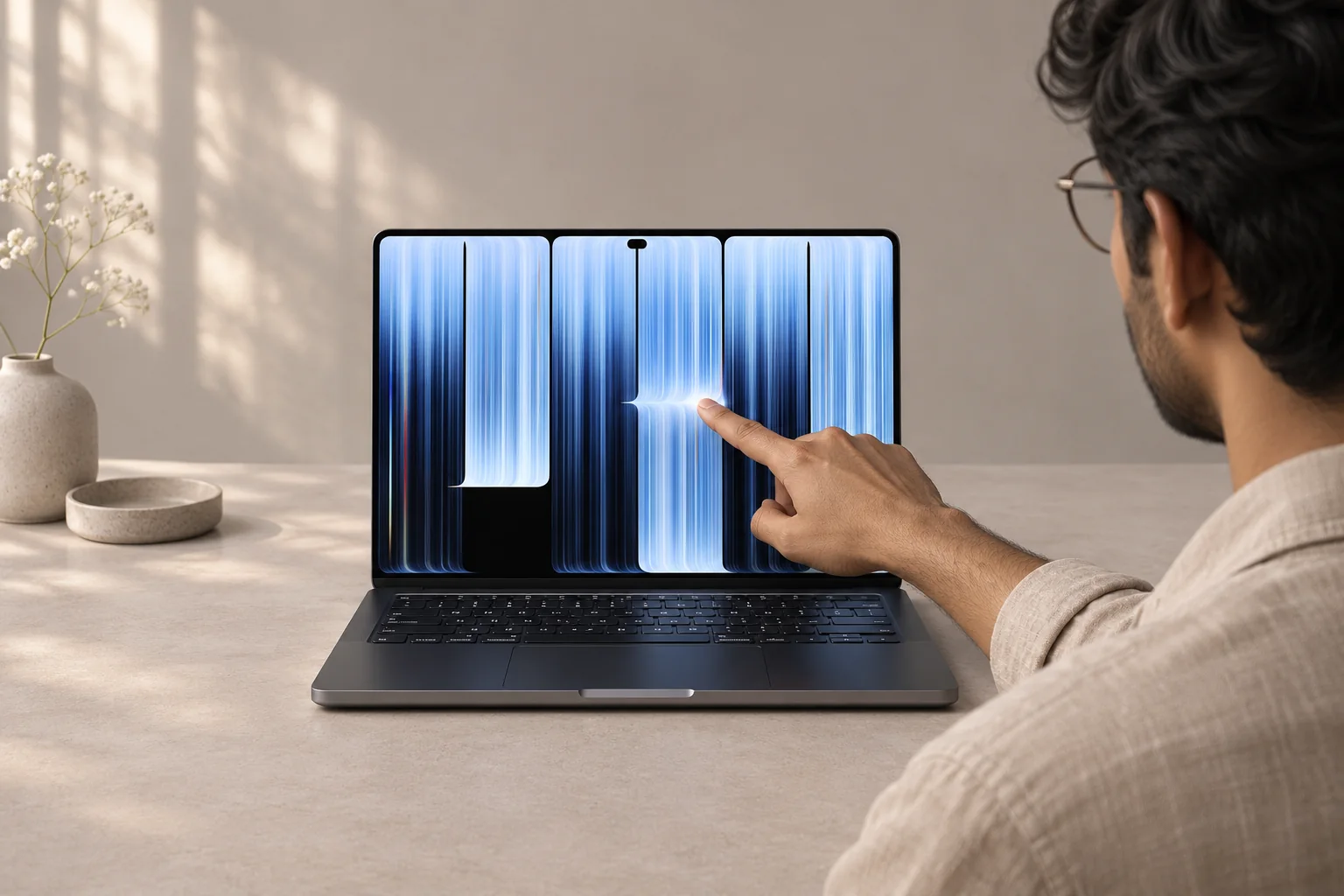
On the MacBook Pro touch screen, use your fingers to scroll through a document, zoom into a photo or move an object in an app that supports that gesture.
Apple shows examples in creative apps, including touch controls in DaVinci Resolve Studio. Try your own workflow in a demo. Zoom into a design file on the PROLED touch screen, make a rough selection, then switch back to the trackpad for precise edits. A gesture can feel quick in a short demo and tiring when you repeat it with your arm raised throughout the day.
Rentopay’s iPad versus laptop guide can help you compare a MacBook touch screen laptop with a compatible iPad and Apple Pencil for lecture notes or detailed drawing. With Apple’s Sidecar feature, you can extend or mirror the Mac display onto the iPad and draw there with the Pencil.
Is the touchscreen MacBook Pro worth the premium?
The premium makes more sense if you want the OLED display for daily work and expect touch to save time in apps you already use.
In WIRED’s hands-on MacBook Pro OLED review, the reviewer found touch useful in some situations and saw the display as the bigger upgrade. Dawan Africa’s review roundup reported a similar split. Reviewers liked the screen and still relied on the keyboard and trackpad for most work.
If you edit photos or video, try your own files in your usual lighting. Compare shadows, reflections and small text with the standard Liquid Retina XDR model. Then try the MacBook Pro touch screen at the angle you normally set the lid. If you need to lean forward every time you zoom in, you may reach for the trackpad more often. For writing and spreadsheets, see how often your fingers leave the keyboard during a typical session before deciding what the upgrade is worth.
Should you choose the 14-inch or 16-inch touchscreen MacBook Pro?
Choose the 14-inch if you carry your laptop between rooms or campuses. Choose the 16-inch if your work benefits from more space on screen.
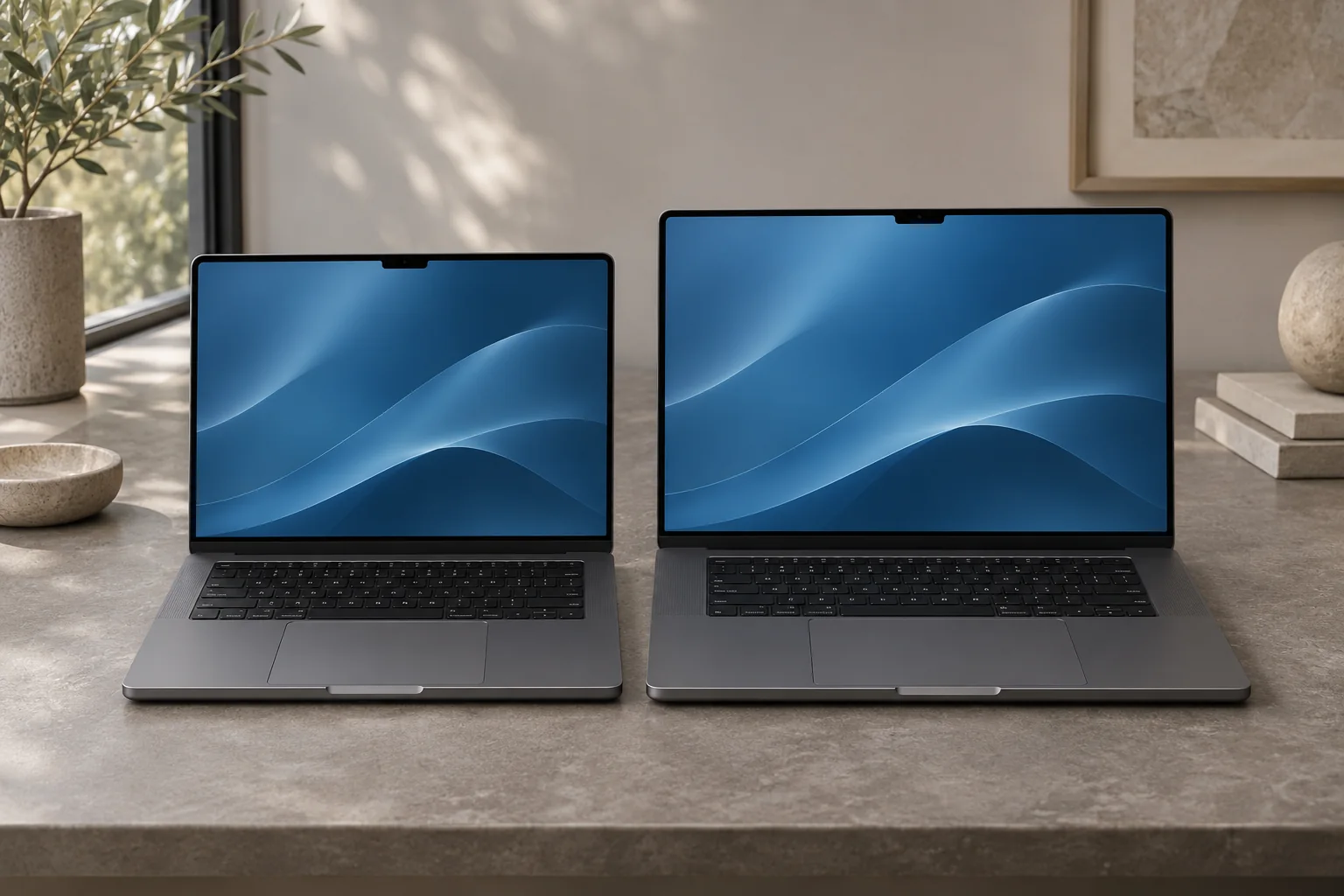
On Apple India’s PROLED XDR product page, the starting weights are 1.38 kg for the 14-inch and 1.82 kg for the 16-inch. Both sizes have a PROLED touch screen with the same basic finger gestures. The larger display gives a video timeline or two documents more room. The smaller MacBook takes up less space on a classroom desk or during a commute.
If you work with an external monitor, consider how often you’ll need the larger built-in display away from your desk. Compare both sizes with the same memory and storage to see how much the extra screen space adds to your budget. When buying or renting, check that the quote names PROLED XDR Display. The same M5 Pro and M5 Max chip names also appear on models with Liquid Retina XDR.
How the MacBook Pro touch screen changes macOS controls
Tapping the screen can make some macOS controls easier to reach, while the experience with smaller buttons and custom gestures depends on the app.
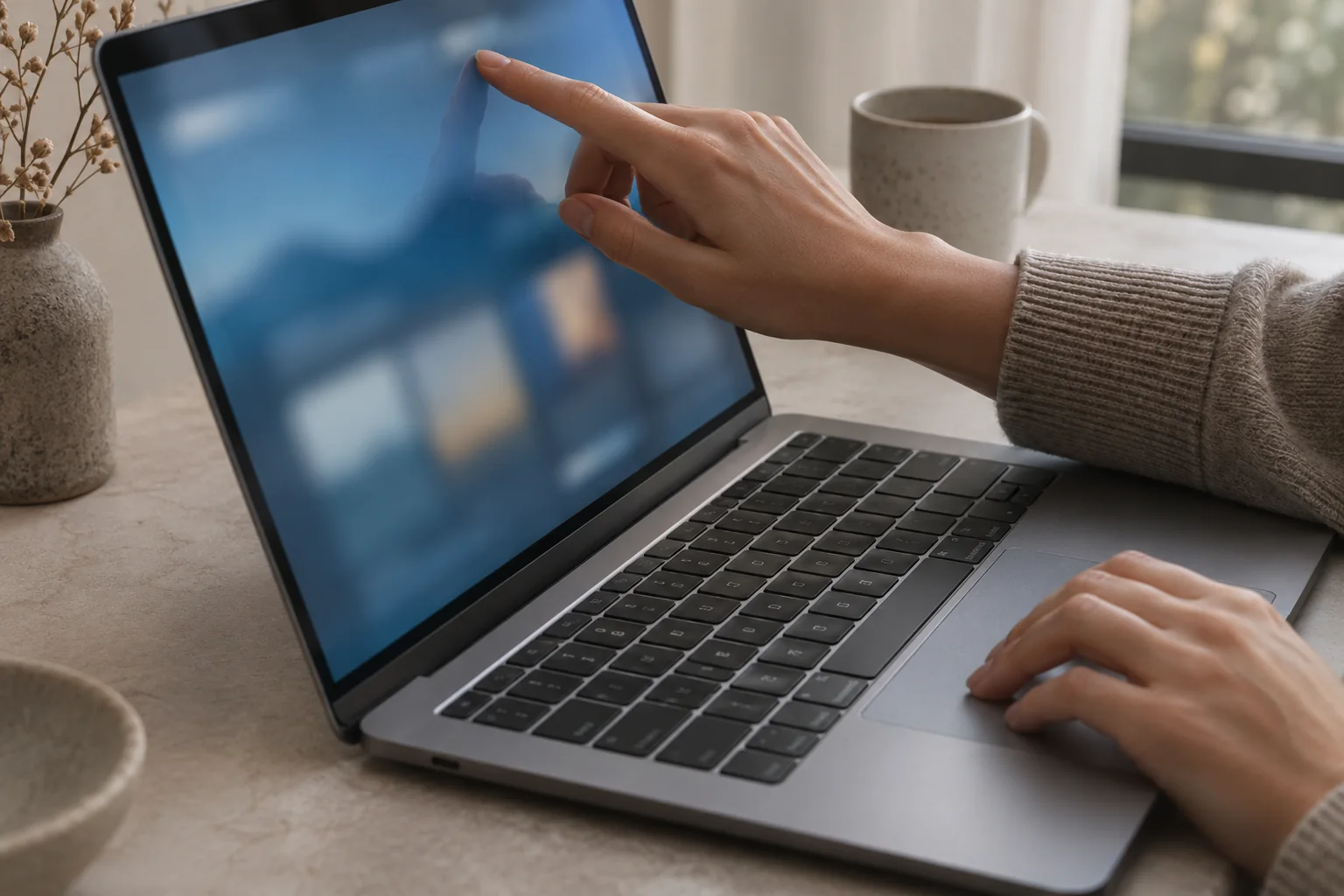
In WIRED’s review, tapping the window controls enlarged them, and the menu bar gave touch users more room to select an item. Some apps running through Rosetta lacked those enlarged controls, so try the exact app version you rely on.
During a demo, open a document, tap a menu and try dragging the scroll bar. If you keep missing small controls, use touch for scrolling and the trackpad for precise selections.
For a classroom demo or client meeting, try pinch-to-zoom on a slide, then switch to the trackpad to select a small toolbar icon. That gives you a better sense of where touch fits into a task. If you rely on a specialist app, repeat the test there. Tapping a button and using a gesture inside a drawing canvas are separate actions, and an app can handle them differently.
Standard glass or nano-texture on the PROLED touch screen?
Consider nano-texture if you often work near windows or under bright lights and reflections make it harder to see your work on screen.
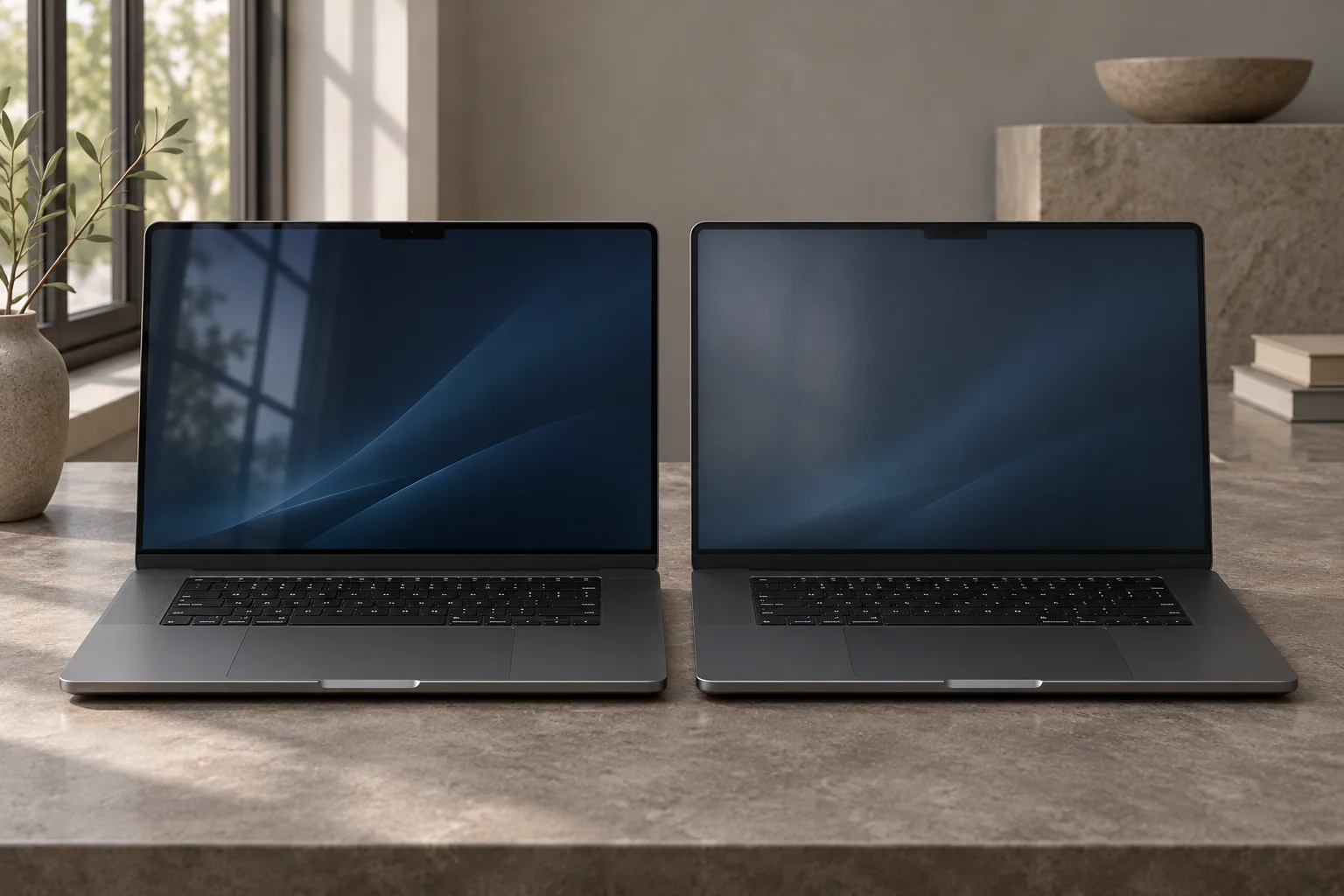
Apple’s display technology paper describes the anti-reflective treatment on standard glass and nano-texture as an option for less controlled lighting. If possible, check both finishes from your usual seat and viewing angle.
Compare both finishes with a dark image and a white document at the same brightness. Reflections are easier to spot on the dark image, while the document shows how each finish feels for everyday reading.
Think about where you spend most of your working day. If a window or overhead light regularly reflects in the screen and you can’t move your desk, nano-texture is worth comparing in person. In a room with lighting you can control, try repositioning the standard-glass model first. If a small change in angle clears the reflection, you may prefer to put the extra money toward storage or a larger screen.
Rentopay’s take: Test the work you do every week
Pay for a MacBook touch screen laptop when it saves effort in tasks you repeat, and try those tasks in your own apps before you commit to a model.
Students can try a full lecture’s worth of notes. College staff can test a lesson or document they present often. Founders and business owners can give one team member a trial unit and check how it handles their usual apps before ordering in bulk. Use Rentopay’s questions to ask before renting laptops to prepare for that conversation, then get the exact display, inspection window and replacement terms in writing.
How PROLED XDR, ProMotion and touch differ
PROLED XDR describes the panel, ProMotion controls how often the image updates, and the MacBook Pro touch screen uses a sensor to detect where your fingers meet the glass.
Tandem OLED stacks two light-emitting layers. Its pixels produce their own light, while the Liquid Retina XDR models use a mini-LED backlight behind an LCD. The PROLED XDR technical specifications list an adaptive refresh rate of 10Hz to 120Hz, which describes how often the picture can update. Look for Multi-Touch in the specs to verify finger input.
MacBook Touch Screen Laptop FAQs
Shopping for an Apple touch screen laptop in India? These answers explain which MacBooks support touch, how much they cost, whether Apple Pencil works, and where to adjust the touch settings.
1. Is MacBook touch screen support available now?
Yes. The 14-inch and 16-inch MacBook Pro models with PROLED XDR Display both support finger gestures on the built-in screen.
2. Does the MacBook Air have a touch screen?
No. The MacBook Air supports gestures on its trackpad and uses Touch ID for fingerprint sign-in. Its display does not respond to touch.
3. Does the 14-inch M6 MacBook Pro have a touch screen?
No. The 14-inch M6 MacBook Pro uses a Liquid Retina XDR display without touch. For a u003cstrongu003eMacBook Pro touch screenu003c/strongu003e, look for the PROLED XDR model with an M5 Pro or M5 Max chip.
4. What is the Apple touch screen laptop price in India?
At launch, the 14-inch MacBook Pro with PROLED XDR started at u003cstrongu003e₹3,49,900u003c/strongu003e, and the 16-inch model started at u003cstrongu003e₹4,09,900u003c/strongu003e. Both starting configurations used the M5 Pro chip.
5. Can you use Apple Pencil on the PROLED touch screen?
No. The u003cstrongu003ePROLED touch screenu003c/strongu003e supports finger gestures. For drawing with Apple Pencil while working in a Mac app, you can use a compatible iPad as a second display through Sidecar.
6. Can you turn off the MacBook Pro touch screen?
Yes. Open u003cstrongu003eSystem Settings → Accessibility → Touchu003c/strongu003e. You can turn off screen touch or adjust how the Mac responds to taps.
7. Do both sizes of the PROLED XDR MacBook Pro support the same touch gestures?
Yes. Both sizes support Multi-Touch gestures such as scrolling and pinching to zoom. Choose the 14-inch if you carry it often or the 16-inch if you need more screen space.