New Microsoft Surface Laptop Features That Impress
A microsoft surface laptop is a premium Windows laptop for people who want a clean design, sharp touchscreen, strong battery life, and smooth Microsoft 365 work. In India, it suits students, college professionals, startup founders, and business teams who need a reliable device for documents, online classes, Teams meetings, Excel, research, sales calls, and travel.
But buying one is not always the smartest move. The microsoft surface price in india often sits in the premium range, and accessories, repair, and model availability can increase the total cost. If you need it for a semester, internship, event, temporary team, project, or startup hiring phase, renting from Rentopay can give you the Surface experience without locking money into a high-value device. For short-term needs, you can also explore Rentopay’s guide on how to rent a laptop for a month.
Microsoft’s Surface Laptop page lists 13-inch, 13.8-inch, and 15-inch PixelSense touchscreen models. The microsoft surface pro is the flexible 2-in-1 option. Surface Laptop is better for long typing. Surface Pro is better for tablet use, pen input, and mobility.
Why the microsoft surface laptop attracts premium Windows users
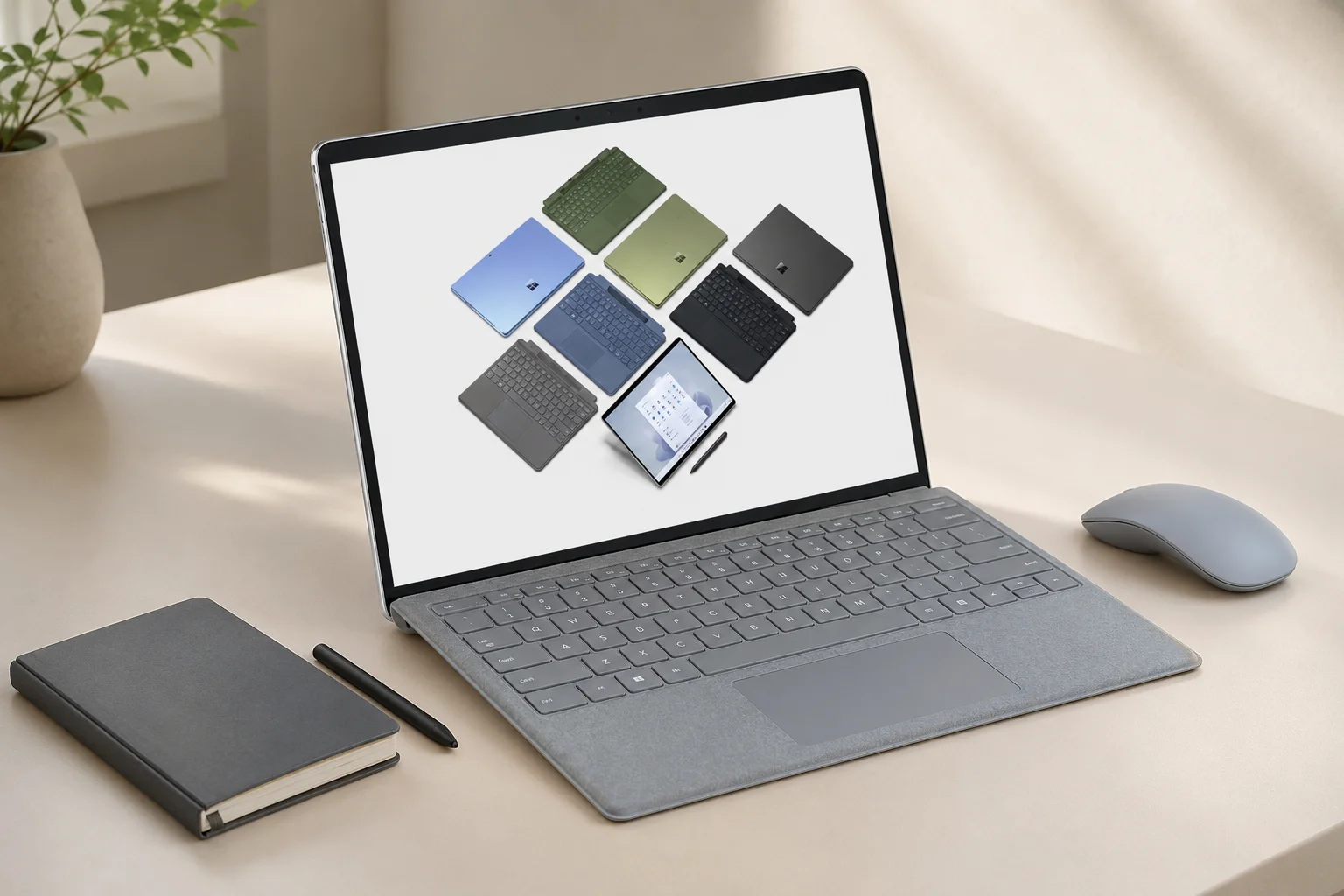
Surface Laptop works best when you need a refined Windows device that feels light, stable, and easy to use every day.
Microsoft controls both the hardware design and Windows experience. That usually means clean build quality, a good keyboard, a tall touchscreen, strong webcam quality, and fewer rough edges than many regular windows surface laptop options.
For students, that means smoother notes, research, presentations, and video calls. For business owners, it means a professional device for client meetings. For founders, it means one laptop for docs, dashboards, calls, pitch decks, and travel.
Microsoft lists Surface Laptop models with PixelSense touchscreens, Copilot+ PC experiences, Snapdragon or Intel options, and business-focused configurations. Retailers in India list many microsoft laptops in the ₹1 lakh-plus bracket, depending on RAM, storage, processor, and offer price.
The nuance is important. Surface is not a gaming laptop. It is not the best pick for heavy 3D work. It shines in premium productivity.
Microsoft Surface Laptop vs Microsoft Surface Pro in daily use
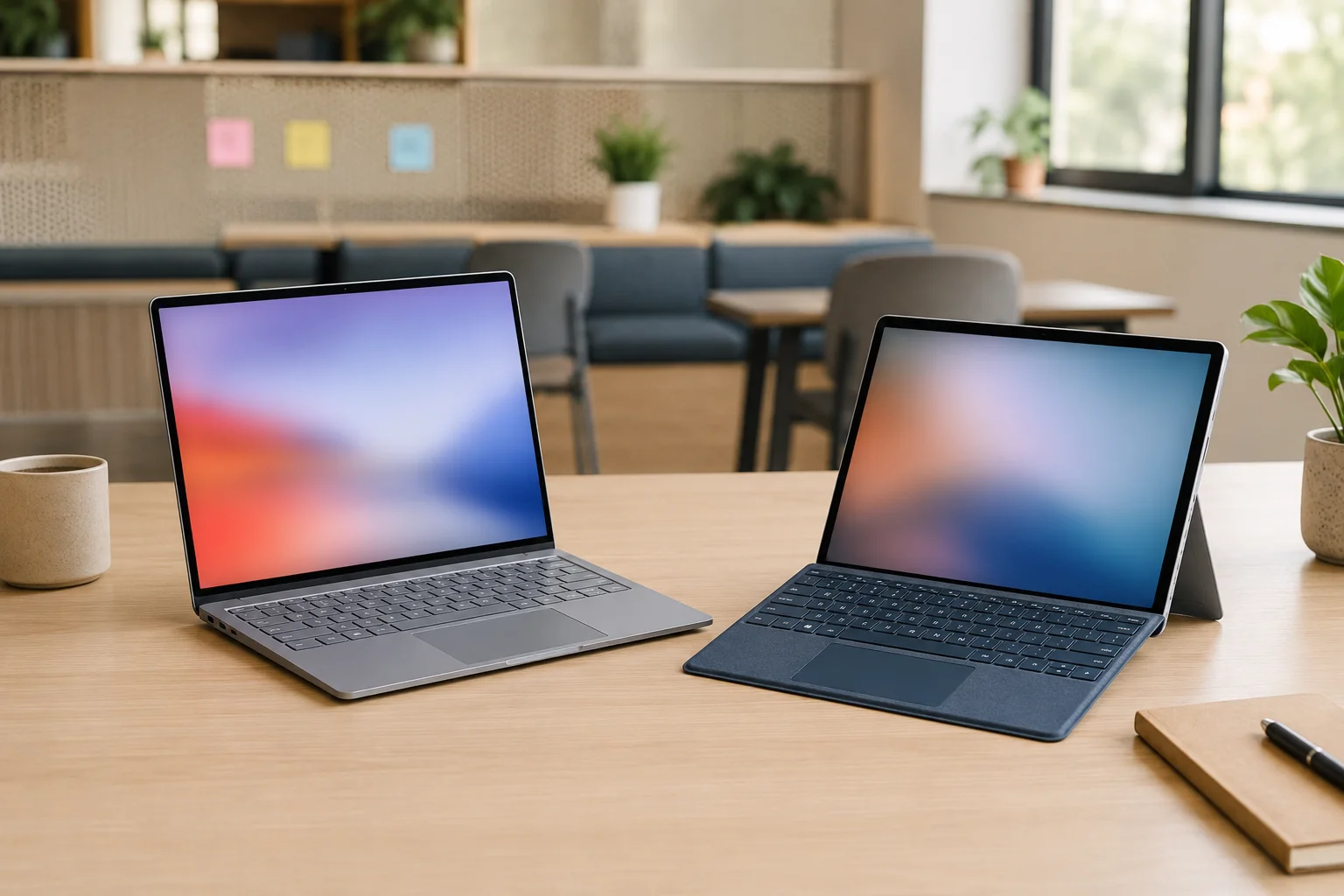
Choose Surface Laptop if typing comfort matters most. Choose microsoft surface pro if you need tablet flexibility, pen use, and a lighter meeting device.
Surface Laptop is a traditional clamshell laptop. Open it, type, work, close it. Surface Pro is a tablet first. Add the keyboard and it becomes a laptop-like machine. It works well for consultants, teachers, designers, and people who mark PDFs or write with a pen. If you are still comparing form factors, Rentopay’s laptop vs tablet guide can help you decide faster. But Surface Pro may still feel less stable on the lap than a fixed laptop.
|
Use case |
Better choice |
|---|---|
|
Long typing and office work |
Surface Laptop |
|
Notes, sketching, tablet use |
Surface Pro |
|
Student assignments and classes |
Surface Laptop |
|
Sales demos and travel meetings |
Surface Pro |
|
Temporary teams or events |
Rent from Rentopay |
If you need both formats, rent first. A one-month trial can show which form factor fits your real workflow.
Microsoft Surface price in India and the real cost of ownership
The microsoft surface price in india changes by model, display size, RAM, storage, processor, retailer offer, warranty terms, and accessories. Current online pricing can move during bank offers and sale periods, so treat these as practical reference points before you buy. For launch-level reference, Microsoft’s India announcement listed official MRP details for Surface Laptop 7th Edition and Surface Pro 11th Edition.
- Microsoft Surface Laptop 7, 13.8-inch, Snapdragon X Plus, 16GB RAM, 512GB SSD: commonly listed around ₹91,990 to ₹1,34,999, depending on retailer discount and bank offer. Microsoft’s Surface India launch pricing placed this configuration at ₹1,34,999 MRP.
- Microsoft Surface Laptop 7, 13.8-inch, Snapdragon X Elite, 16GB RAM, 1TB SSD: commonly listed around ₹1,57,990 to ₹1,75,999.
- Microsoft Surface Laptop 7, 15-inch, Snapdragon X Elite, 16GB RAM, 512GB SSD: commonly listed around ₹1,44,999 and above, depending on seller availability.
- Microsoft Surface Pro 11, Snapdragon X Plus, 16GB RAM, 512GB SSD: commonly listed around ₹1,34,990 to ₹1,34,999 before bank offers.
- Microsoft Surface Pro 11 with Snapdragon X Elite: launch pricing was reported from around ₹1,65,999, with higher RAM and storage models costing more.
- Older Surface Pro 9 models: still appear on Indian marketplaces, usually from around ₹1,13,990 to ₹1,98,999, depending on processor, RAM, storage, and stock condition.
Surface devices usually look expensive beside Dell, HP, Lenovo, or ASUS laptops with similar RAM and storage. That comparison is fair, but incomplete. Surface pricing includes premium build, display quality, touch support, portability, and design.
A hardware engineer would look beyond the sticker price. Add accessories, extended warranty, USB-C hub, replacement charger, keyboard cover for Surface Pro, pen if needed, and downtime if service is needed.
For a startup buying 10 microsoft laptops, the bill can become heavy. Renting works better when usage has a clear end date. Buying works better when one person will use the laptop daily for three to four years. To understand the cost and flexibility side better, read Rentopay’s guide on the top benefits of renting a laptop.
What specifications should Indian users choose
For most students and business users, 16GB RAM and 512GB storage is the safer Surface configuration today.
Do not judge a microsoft laptop only by processor name. Look at RAM, storage, battery claims, app compatibility, ports, and warranty. A Surface with 8GB RAM can work for light browsing, but it can feel tight with Teams, Chrome tabs, Excel, PDFs, and background apps.
Snapdragon X Plus and X Elite models offer strong battery life and efficient performance. Intel Core Ultra business models give wider comfort for older Windows tools, drivers, and enterprise software. This depends on your apps.
Check these before buying or renting:
- 16GB RAM for serious multitasking
- 512GB SSD if you store local files
- PixelSense touchscreen condition
- Webcam, keyboard, touchpad, speaker, and ports
- Microsoft 365, Teams, Chrome, Zoom, accounting tools, VPN, and printer support
- External monitor output if you use office desks
The edge case is ARM-based Windows. Many apps now run natively or through Microsoft’s Prism emulation for Windows on Arm, but driver-heavy tools, older printers, some antivirus apps, niche college software, and a few games may need checking first.
Surface Laptop display checks before you commit
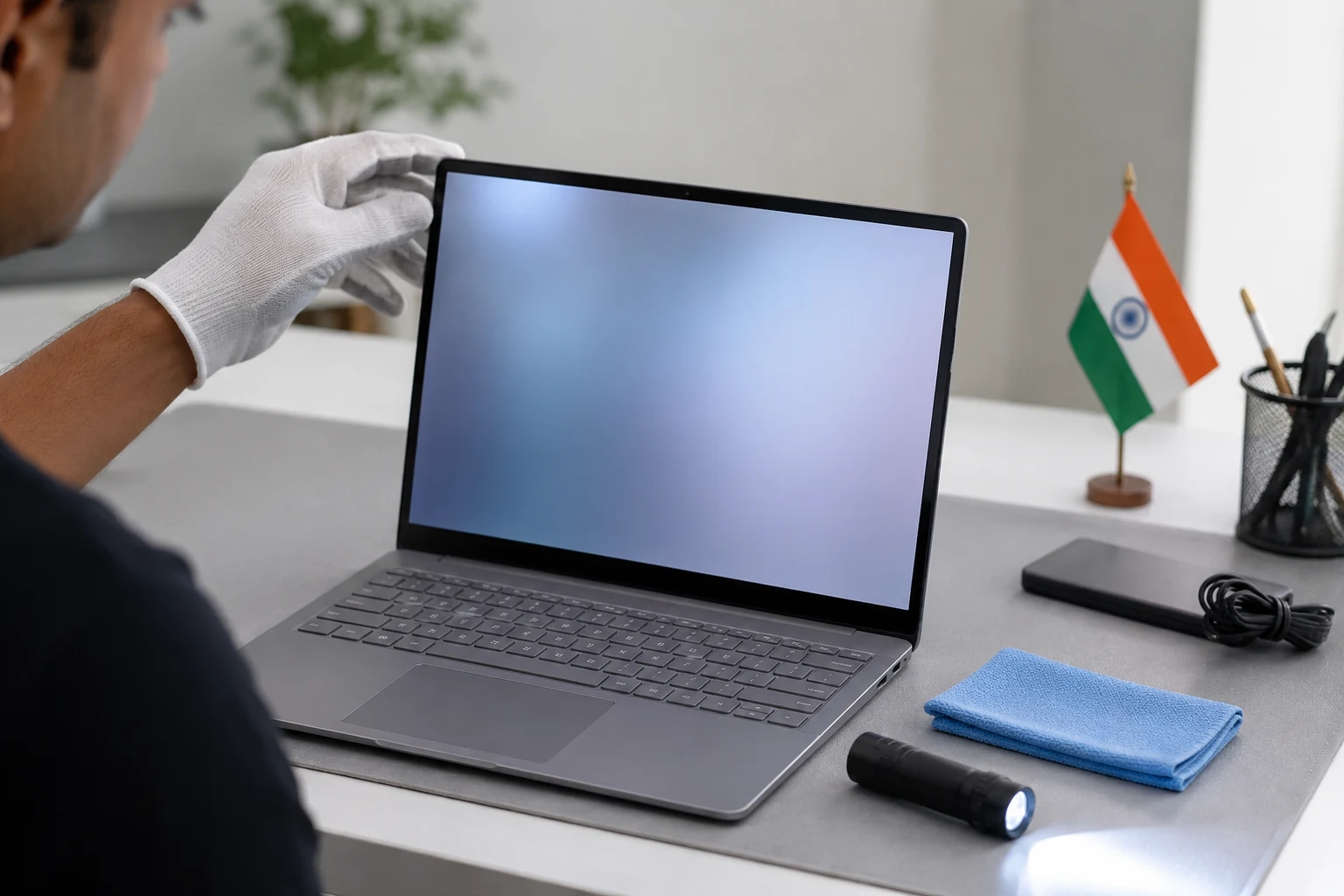
A clean display matters because Surface devices use premium touch panels, and small defects can affect daily reading, design, and presentation work. Before you accept a rental or buy a used device, run a quick screen check like a technician.
Use this Surface Laptop display checklist:
- Connect an external monitor: If the external display looks normal, the laptop panel or display cable may be the issue. If both screens show artifacts, the GPU, driver, or board may be involved.
- Open solid colour screens: Test white, black, red, green, and blue full-screen backgrounds. These colours make dead pixels, tint issues, and uneven brightness easier to spot.
- Check for dead pixels: A single dead pixel may not affect office work much, but a cluster near the centre can distract you every day. Look closely at the middle and corners of the screen.
- Look for pressure marks: Bright or dark patches can appear when a panel has pressure damage. These marks usually show more clearly on white or light grey backgrounds.
- Watch for white spots and cloudy patches: White spots may point to panel pressure, while cloudy areas can suggest backlight or diffuser issues. These defects matter more if you read, design, or present often.
- Test for flicker and lines: If you notice flashing lines, colour breaks, or sudden screen flicker, restart the laptop and check again. If the issue repeats, do not ignore it.
- Connect an external monitor: If the external display looks normal, the laptop panel or display cable may be the issue. If both screens show artifacts, the GPU, driver, or board may be involved.
When renting a Laptop is smarter than buying
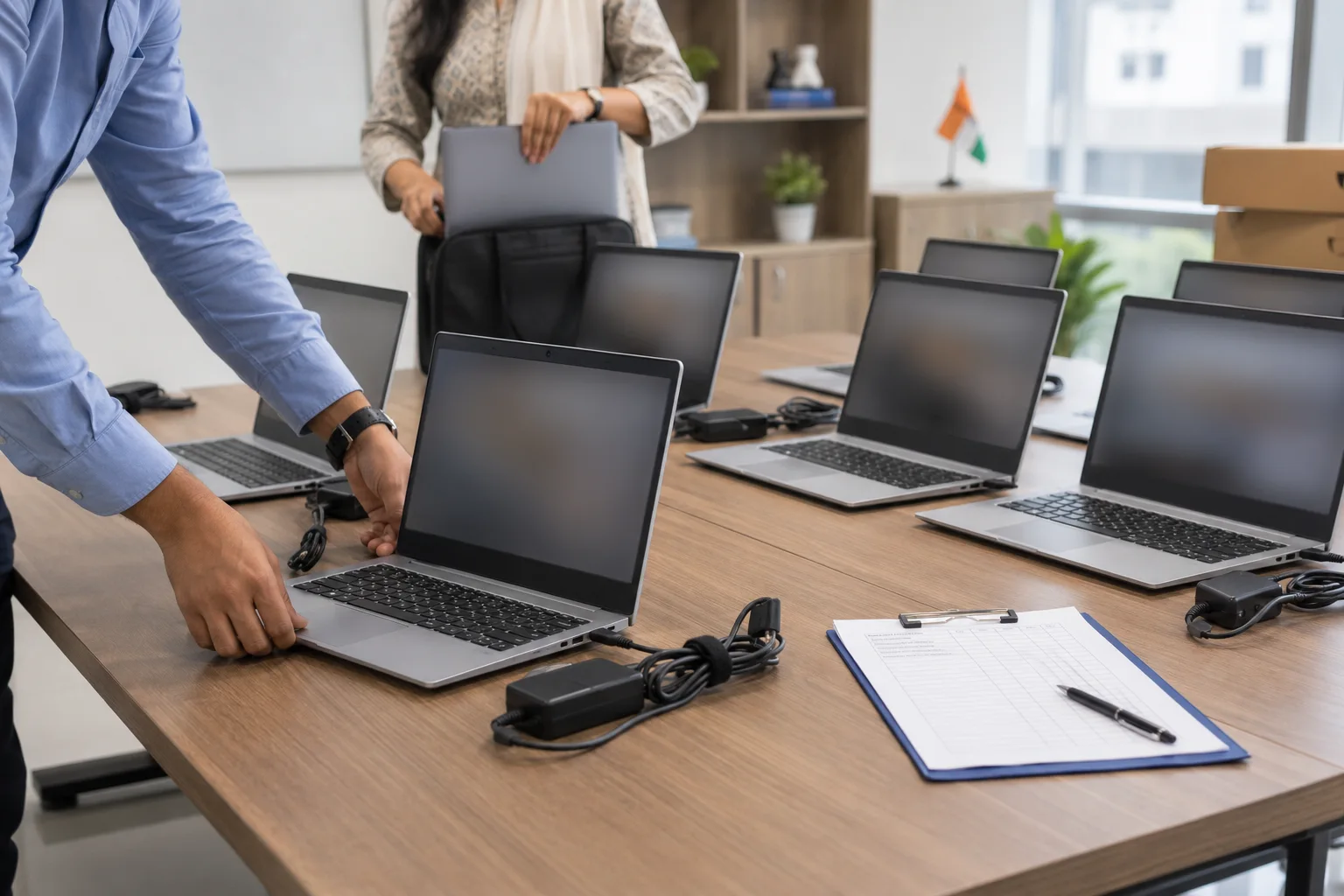
Renting is usually smarter when you need premium hardware for a fixed period, a temporary team, a training batch, or a business project.
Rentopay helps students, college professionals, business owners, and startup founders access laptops without large upfront purchases. This matters when cash flow is more important than ownership.
Common rental cases include internships, semester projects, exam preparation, online classes, startup hiring, freelance contracts, corporate events, training, and onboarding. Students can also explore student-friendly laptop rental plans, while companies planning launches or training sessions can read about laptop rentals for corporate events.
The benefit is flexibility. A student may need a lightweight Surface for notes and research. A founder may need multiple windows surface laptop units for a team. A business may need a batch of microsoft laptops for one quarter, then return them.
Ownership gives control. Rental gives agility. The right choice depends on duration, budget, and workload.
Brand Take from Rentopay
A premium laptop should solve a work problem, not create a cash-flow problem. That is the practical way to look at the new Microsoft Surface Laptop. It looks polished, feels premium, and brings useful productivity features, but the final decision should still come down to your actual workload and usage period.
After two decades of working around hardware decisions, one pattern is clear. Most buyers overpay when they choose devices by brand emotion instead of workload. Microsoft Surface is excellent hardware, but excellence still needs context, especially when students, startups, and business teams need to manage budgets carefully.
The smartest question is not “Is Surface good?” It is “Do I need Surface performance, portability, touchscreen quality, and battery life long enough to justify ownership?” If the answer is yes, buy the right configuration. If the answer is maybe, rent first and test how the device fits your daily work before spending heavily.
Rentopay makes that decision safer because you can use a premium Surface-style workflow for real tasks without locking your money into one device. This is useful for temporary projects, student needs, events, and startup teams with changing headcount. Before finalizing any rental, it is also worth checking the common mistakes to avoid when renting a laptop.
What this really means for Indian students and businesses
The microsoft surface laptop is best for people who want premium productivity, clean Windows performance, and a polished device for study or work.
Students should pick it for portability, assignments, online classes, and presentations. College professionals should check app compatibility before choosing Snapdragon models. Business owners should consider Surface for client-facing teams and leadership users. Startup founders should rent first when headcount or project duration may change.
A microsoft surface device feels premium because of its screen, keyboard, design, and Windows integration. But the best laptop is the one that fits your budget, timeline, and actual workload.
If you need flexible laptop access, Rentopay can help you rent laptops for students, professionals, startups, and business teams with practical plans that avoid heavy upfront spending. You can also compare lightweight rental options in Rentopay’s guide to the best lightweight laptops for rent.
FAQs on Microsoft Surface Laptop in India
These FAQs answer the most common questions users ask before choosing a Microsoft Surface Laptop for study, work, business, or rental use. The answers are short, practical, and written to help you compare features, pricing, and real-world value quickly.
1. Is a Microsoft surface laptop good for students in India?
Yes. A microsoft surface laptop is good for students who need a light Windows laptop for classes, assignments, research, presentations, and video calls. It is usually better for study and productivity than gaming or heavy design work.
2. What is the Microsoft surface price in india?
The microsoft surface price in india depends on the model, RAM, storage, processor, and retailer offer. Surface devices usually fall in the premium laptop range, so check current prices before buying.
3. Which is better, Microsoft Surface Laptop or Microsoft Surface Pro?
Surface Laptop is better for long typing and stable desk work. microsoft surface pro is better if you need tablet mode, pen input, and a lighter device for travel or meetings.
4. Can I run normal Windows apps on a Microsoft Surface laptop?
Usually, yes. Intel Surface models run regular Windows apps directly. Snapdragon Surface models run many apps natively or through Prism emulation, but older drivers, printers, games, and niche software should be checked first.
5. Is a Surface Laptop good for business owners?
Yes. A Surface Laptop is good for business owners who need a premium Windows device for calls, documents, spreadsheets, presentations, and client meetings. For short projects, renting may be more cost-effective.
6. Should I buy or rent a Microsoft laptop for my startup?
Rent a microsoft laptop if your team size or project duration may change. Buy only when the laptop will be used daily for several years and the upfront cost does not affect cash flow.
7. Is Microsoft Surface good for online classes and remote work?
Yes. Microsoft Surface devices are good for online classes, remote meetings, browsing, Microsoft 365, and multitasking. Choose enough RAM and check webcam, battery, keyboard, and Wi-Fi performance.
8. Can I rent a Surface Laptop from Rentopay?
Rentopay provides laptop rental solutions for students, professionals, startups, and businesses in India. Availability can vary by model and configuration, so contact Rentopay with your required duration and use case.
Conclusion
The new Microsoft Surface Laptop is a strong choice for users who want a premium Windows device with a sharp touchscreen, clean design, dependable performance, and easy portability. But for students, startups, and business teams, the smarter decision depends on how long the device is needed, how many units are required, and whether ownership makes financial sense.
Rentopay helps users access premium laptop options without heavy upfront investment, especially for study, remote work, events, and growing teams. You can explore laptops for rent in Bangalore or check laptop on rent in Mumbai to find flexible rental support based on your location and requirement.