Best Laptop for Office Use from Lenovo in 2026
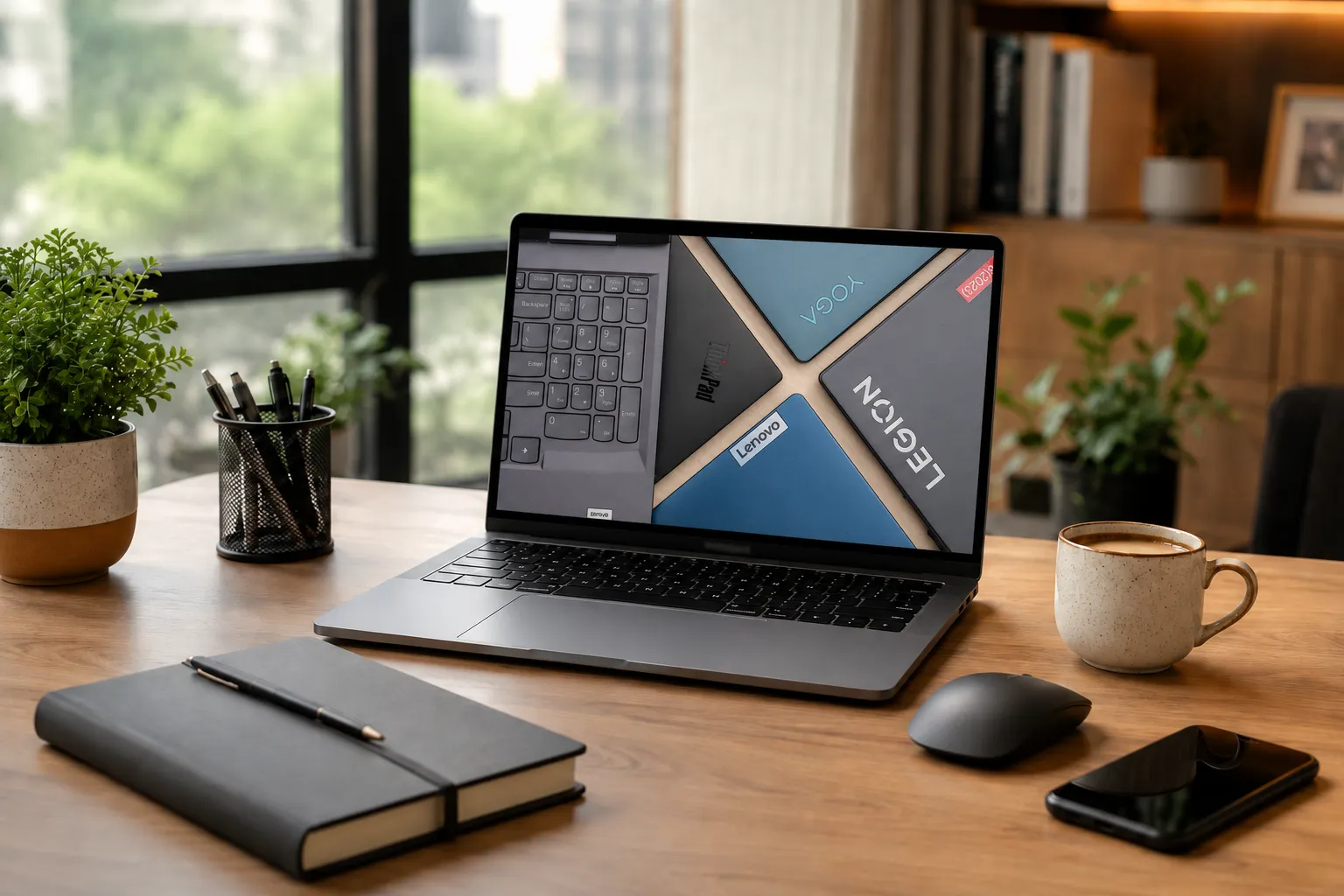
If you are choosing from Lenovo, the best laptop for office use in India is usually a ThinkPad or ThinkBook with a modern Intel Core Ultra, Intel Core i5, AMD Ryzen 5, or Ryzen AI processor, 16GB RAM, 512GB SSD, a full-HD or better anti-glare display, strong battery backup, Wi-Fi 6 or Wi-Fi 7, a comfortable keyboard, and dependable service support. Lenovo’s Yoga and IdeaPad models can also work well for students, founders, and professionals who want a lighter or more flexible office laptop.
A good laptop for office work does not need gaming-level power. It needs stable performance during video calls, browser tabs, spreadsheets, CRM tools, emails, presentations, accounting software, and cloud apps. That is why many Indian businesses choose Lenovo ThinkPad and ThinkBook models for everyday reliability. If your team needs laptops for business purpose for a project, training, hiring cycle, or temporary setup, Rentopay’s flexible laptop rental plans across India can make better financial sense than buying every device outright.
How to choose the best laptop for office use from Lenovo
The right Lenovo laptop for office use should match your daily workload, not just the highest-looking specification on paper. Start with RAM, SSD, keyboard comfort, battery, display, and warranty.
From a hardware engineer’s point of view, office performance fails first in three areas: low memory, slow storage, and poor thermals. A laptop with 8GB RAM may run basic work, but 16GB RAM feels smoother when you keep Chrome, Excel, Teams, WhatsApp Web, PDF files, and dashboards open together. A 512GB SSD should be the minimum for most professionals because it keeps boot time and app switching fast.
Processor choice depends on usage. For normal office work, Intel Core i5, Intel Core Ultra 5, AMD Ryzen 5, or Ryzen AI 5 class chips are enough. For heavy Excel sheets, analytics, design tools, coding, or founder-level multitasking, move to Intel Core Ultra 7 or Ryzen 7. Do not buy only by processor name. Check generation, RAM, SSD type, screen quality, ports, and repair support.
Recommended Lenovo laptop specs for office users
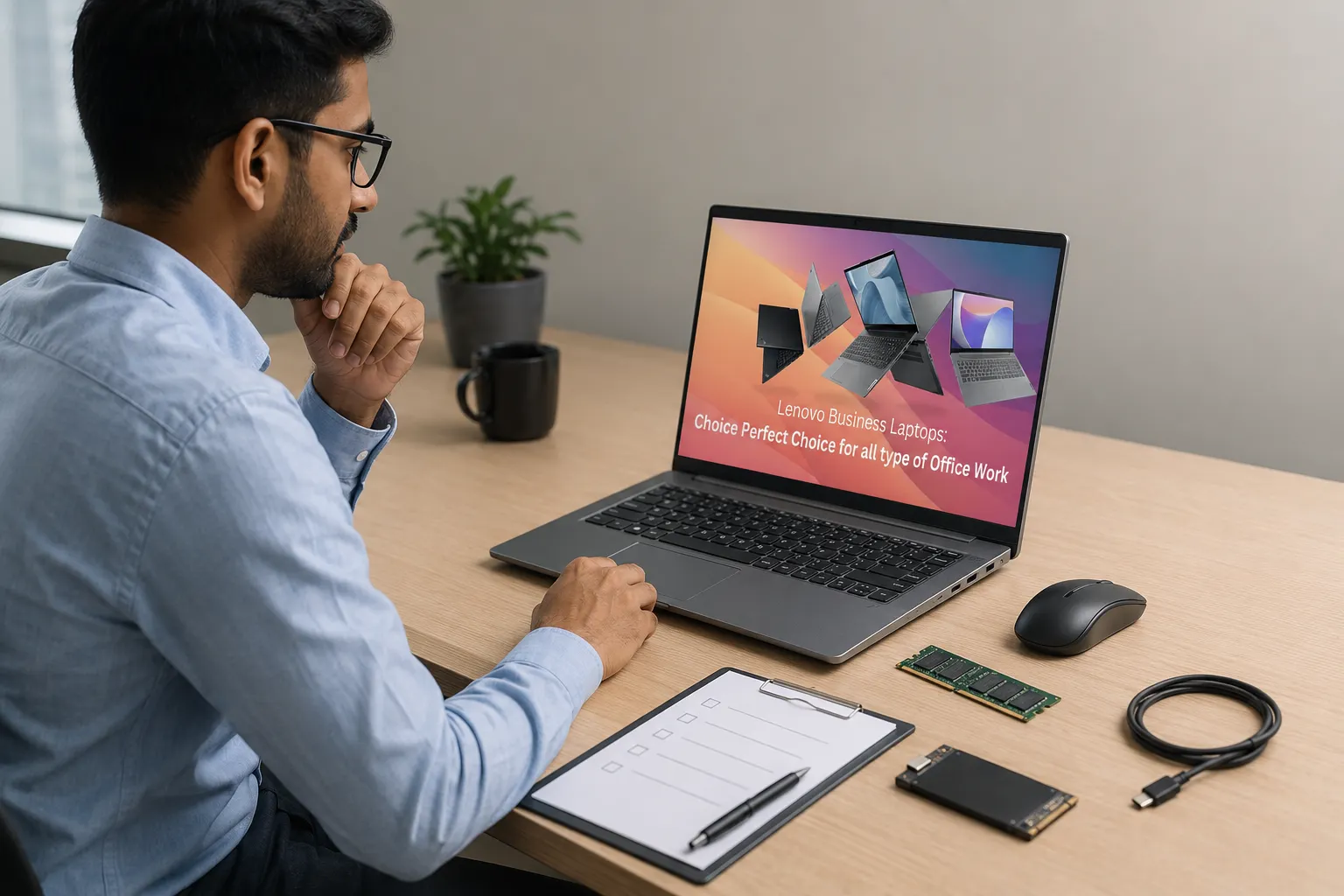
Most buyers overpay in one area and underpay in another. This quick table shows what usually works for Indian office users.
|
User type |
Suggested specs |
Best fit |
|---|---|---|
|
Students and interns |
Core i5 or Ryzen 5, 16GB RAM, 512GB SSD |
Classes, projects, documents |
|
Office professionals |
Core Ultra 5 or Ryzen AI 5, 16GB RAM, 512GB SSD |
Email, calls, Excel, presentations |
|
Business owners |
Core Ultra 7 or Ryzen 7, 16GB to 32GB RAM, 1TB SSD |
Finance, CRM, meetings, reports |
|
Startup teams |
Business laptop, 16GB RAM, SSD, warranty support |
Hiring, hybrid teams, short projects |
|
Designers or analysts |
Core Ultra 7 or Ryzen 7, 32GB RAM, better display |
Creative apps, data, multitasking |
A good laptop for office work should also include a 1080p webcam or better, noise reduction microphones, USB-C charging, HDMI or docking support, and a sturdy keyboard. This matters because Microsoft’s official Teams client system requirements show that video meeting tools still depend on processor, RAM, display, graphics, and storage basics. Students and college professionals who need a device only for projects, exams, internships, or online classes can also compare student-friendly laptop rental plans before buying a new Lenovo laptop.
Why Lenovo business laptops are practical for office work
A Lenovo business laptop often works well in offices because Lenovo ThinkPad laptops focus on keyboard comfort, durability, security, and lifecycle support. These points matter more than flashy design for daily work.
ThinkPad models have built a strong reputation among professionals because they usually offer excellent keyboards, practical ports, business-grade security options, and a clean work-focused design. A Lenovo office laptop like a ThinkPad or ThinkBook suits users who type a lot, attend frequent calls, travel between meetings, or need reliable performance for many hours.
A Lenovo professional laptop is not always the cheapest choice, but it can reduce hidden costs. Poor keyboards slow typing. Weak hinges fail faster. Low brightness screens strain the eyes. Limited ports force employees to carry adapters. These problems do not look big on day one, but they hurt productivity across months.
Here are a few practical reasons Lenovo works well for office users:
- Comfortable typing: ThinkPad and ThinkBook keyboards are useful for people who write emails, reports, proposals, and documentation every day.
- Business-ready ports: Many Lenovo business models include useful ports for monitors, projectors, docks, USB accessories, and office peripherals.
- Stronger daily reliability: Business laptops usually handle long working hours, repeated travel, and office handling better than entry-level consumer laptops.
- Security-focused features: Options like fingerprint login, privacy shutter, TPM, and BIOS-level controls help protect business data.
- Better for team deployment: Lenovo business ranges are easier to standardise across teams, which helps with support, replacements, and IT management.
Best Lenovo laptops for office use in 2026
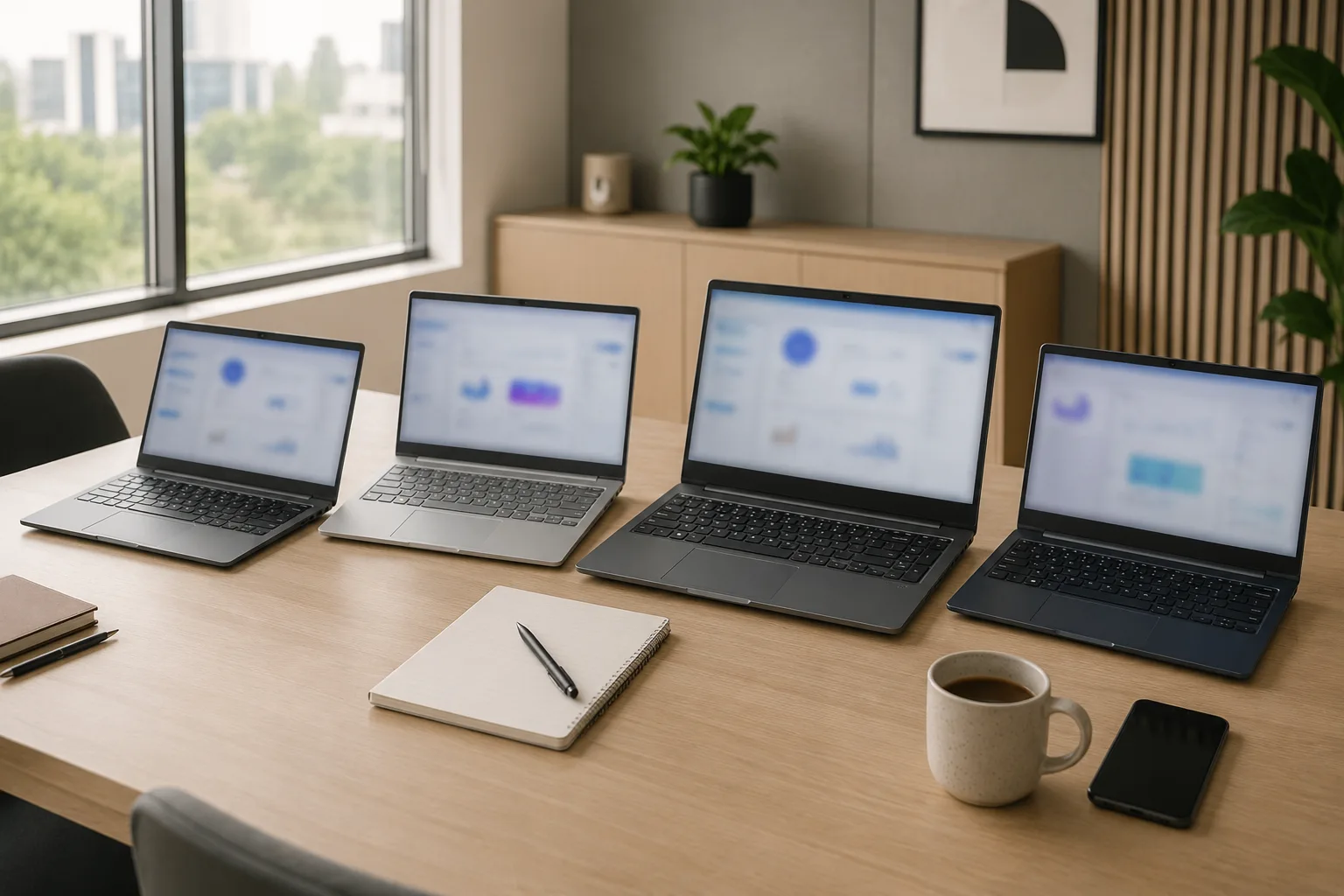
The best Lenovo laptop for office use depends on your work style. For most Indian users, these 4 models cover daily productivity, business travel, large-screen work, and budget-friendly office use.
1. Lenovo ThinkPad T14 Gen 7
The Lenovo ThinkPad T14 Gen 7 is one of the best Lenovo laptops for office users who want a balanced business machine for daily work.
- Processor: Intel Core Ultra Series 3 options
- Display: 14-inch business laptop display
- Memory and storage: 16GB RAM and 512GB SSD or higher is ideal for office use
- Best feature: Strong ThinkPad keyboard, business durability, AI-ready productivity, and easy portability
- Best for: Office professionals, managers, startup teams, and users who need a dependable Lenovo business laptop
2. Lenovo ThinkPad T16 Gen 5
The Lenovo ThinkPad T16 Gen 5 is a better choice for users who want a larger display for long office hours.
- Processor: Intel Core Ultra Series 3 options
- Display: 16-inch screen for better viewing comfort
- Memory and storage: 16GB RAM with 512GB SSD or 1TB SSD, depending on workload
- Best feature: More screen space for Excel sheets, dashboards, reports, CRM tools, and presentations
- Best for: Finance teams, HR teams, operations teams, business owners, and back-office users
3. Lenovo ThinkPad X13 Gen 7
The Lenovo ThinkPad X13 Gen 7 is a compact Lenovo office laptop for professionals who travel often or work from different locations.
- Processor: Intel Core Ultra Series 3 options
- Display: 13.3-inch compact business laptop display
- Memory and storage: 16GB RAM and 512GB SSD is a practical office configuration
- Best feature: Lightweight design, business security, AI-ready productivity, and easy portability
- Best for: Founders, consultants, executives, sales teams, field teams, and remote workers
4. Lenovo ThinkBook 14 Gen 8
The Lenovo ThinkBook 14 Gen 8 is a practical option for students, interns, small businesses, and growing teams that want a good laptop for office work at a sensible budget.
- Processor: Intel Core or Intel Core Ultra options, depending on configuration
- Display: 14-inch office-friendly screen
- Memory and storage: 16GB RAM and 512GB SSD is recommended for smooth multitasking
- Best feature: Professional design, useful business features, and better value than many premium models
- Best for: Students, college professionals, interns, small business teams, and startup teams
Latest Lenovo laptops launched recently
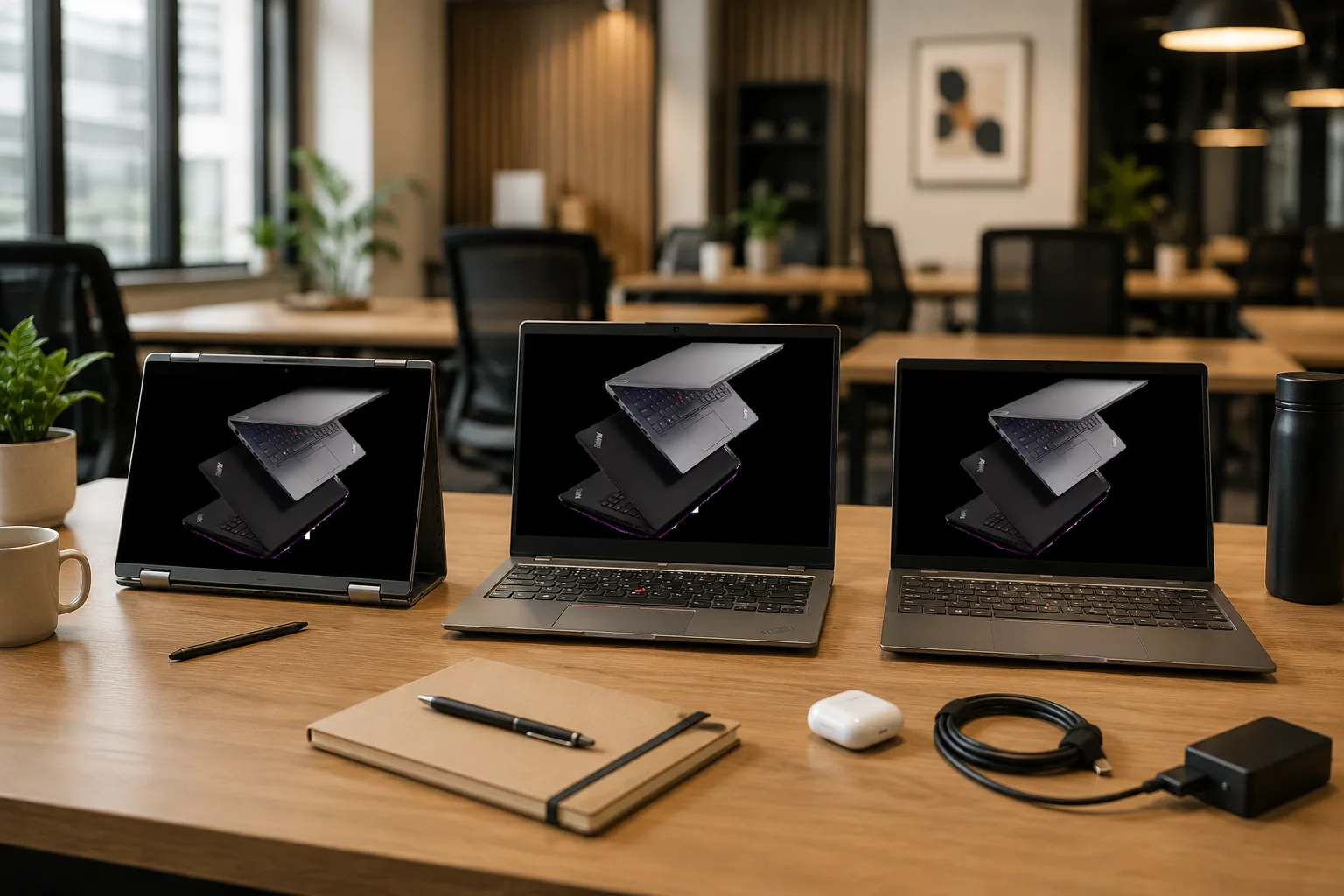
Lenovo has also refreshed several laptop ranges recently, especially around AI PCs, business productivity, and hybrid work. Lenovo’s official 2026 ThinkPad business laptop update confirms recent T-series, convertible, and ThinkBook updates. These latest models are different from the best office picks listed above, so readers can clearly separate recommended office laptops from newly launched Lenovo options.
1. Lenovo ThinkPad T14s 2-in-1 Gen 2
The ThinkPad T14s 2-in-1 Gen 2 is a newer convertible business laptop for users who want flexibility along with professional performance.
- Key feature: 2-in-1 convertible design for laptop, tablet, and presentation-style use.
- Office benefit: Useful for client meetings, note-taking, document review, training sessions, and hybrid work.
- Best suited for: Consultants, trainers, founders, client-facing teams, and professionals who prefer flexible usage modes.
2. Lenovo ThinkPad P14s Gen 7
The ThinkPad P14s Gen 7 is a compact mobile workstation for professionals who need more power than a regular office laptop.
- Key feature: Workstation-class performance in a portable 14-inch design.
- Office benefit: Better for design tools, engineering work, development, analytics, and heavier multitasking.
- Best suited for: Designers, engineers, developers, analysts, and technical professionals.
3. Lenovo Yoga Slim 7x
The Lenovo Yoga Slim 7x is a newer AI-focused laptop for users who want a slim device for remote work, meetings, and daily productivity.
- Key feature: Thin and light design with AI PC features and a premium display experience.
- Office benefit: Good for video calls, travel, presentations, online meetings, and long workdays away from a desk.
- Best suited for: Students, startup founders, creators, remote workers, and professionals who want a lightweight laptop.
Other latest Lenovo options include ThinkPad T14s Gen 7, ThinkPad L14 Gen 7, ThinkPad L16 Gen 3, Yoga Slim 7i Ultra Aura Edition, Yoga 7 2-in-1 Series, and IdeaPad 5 2-in-1 Series. Availability and exact specifications can vary by India channel, city, configuration, and launch phase, so always verify the model before purchase or rental.
Lenovo business laptop features that actually matter
The best Lenovo business laptop is not always the most expensive model. It is the one that stays fast, comfortable, and repairable through daily office pressure.
Before finalising any laptops for business purpose, check these features:
- RAM: Choose 16GB RAM wherever possible for smoother multitasking.
- Storage: Pick SSD storage, not HDD, because SSDs make the laptop faster and more responsive.
- Screen size: Prefer 14-inch if travel matters. Choose 15.6-inch or 16-inch if screen space matters more.
- Ports: Check whether the laptop has enough ports for monitors, projectors, docking stations, and accessories.
- Camera and microphone: For hybrid work, webcam and microphone quality matter more than many buyers realise.
- Battery backup: Aim for 5 to 8 hours of mixed work in real office usage. Screen brightness, video calls, browser tabs, and background apps can reduce battery life.
- Charging: For field sales, training, and travel-heavy teams, lighter models with USB-C charging make daily use easier.
- Security: Look for fingerprint login, camera shutter, TPM, BIOS protection, and device management features to protect business data.
Should you buy or rent Lenovo office laptops
Buying a Lenovo office laptop works when you need a fixed device for three to five years. Renting works when your workload, team size, budget, or project timeline keeps changing.
Many Indian startups and SMEs buy laptops too early and then struggle with repairs, upgrades, depreciation, and idle stock. Renting can solve this problem during hiring, audits, training batches, events, internships, exams, or client projects. Startup founders can also read how laptop rentals support startup budgets before deciding whether to buy devices for every employee.
If the requirement is short-term, a monthly plan can work better than a full purchase. This is useful for temporary hiring, exam preparation, business events, client demos, training programs, and short projects. Rentopay’s guide on how to rent a laptop for a month explains where monthly rentals make sense.
For hybrid teams, freelancers, and professionals working outside the office, choosing the right device also depends on portability, battery backup, webcam quality, and support. If that sounds like your use case, this guide on how to rent a laptop for remote work is a useful next read.
Rentopay brand take from a hardware engineer
The smartest office laptop decision is not “which model is most powerful?” It is “which device will create the least friction for the workday?”
After seeing laptops used in real office conditions for years, one thing is clear. Most failures come from poor matching, not poor branding. A thin premium laptop may disappoint an Excel-heavy finance user. A gaming laptop may look powerful but feel heavy, noisy, and inefficient for office travel. A budget laptop may seem affordable but slow down fast with 8GB RAM and weak storage.
For Rentopay customers, the better approach is simple. Match the laptop to the role. Give sales teams portable machines. Give finance teams larger screens and strong keyboards. Give developers more RAM. Give founders premium battery and webcam quality. Give temporary teams rental laptops instead of locking money into hardware that may sit unused later. For larger orders, review these questions to ask before renting laptop in bulk so you can check specs, rental terms, device condition, support, and data safety before booking.
That is how you choose the best laptop for office use with less risk.
Final checklist before choosing a Lenovo office laptop
A practical checklist prevents costly mistakes. Use it before you buy or rent any Lenovo office laptop.
- Choose at least 16GB RAM for smoother multitasking.
- Pick 512GB SSD or higher for faster boot time and app loading.
- Prefer an anti-glare display for long work hours.
- Check keyboard comfort if you type daily.
- Look for Wi-Fi 6 or newer for stable office connectivity.
- Make sure the webcam and microphone can handle video meetings.
- Check warranty, service support, and rental replacement terms.
- Avoid gaming laptops unless your office work needs graphics power.
The best laptop for office use should start fast, run quietly, connect easily, survive daily handling, and let you focus on work instead of troubleshooting. If you are still comparing ownership with rental, this guide on the top benefits of renting a laptop can help you understand cost savings, flexibility, upgrades, and maintenance support.
FAQs on the best Lenovo laptop for office use
1. Which is the best laptop for office use in India
The best laptop for office use in India is one with 16GB RAM, 512GB SSD, a modern Core i5, Core Ultra 5, Ryzen 5, or better processor, a comfortable keyboard, good webcam, and reliable service support. For teams, Lenovo ThinkPad and ThinkBook models are usually safer choices.
2. Is 8GB RAM enough for office work
8GB RAM is enough only for basic office work like email, documents, and light browsing. For smoother multitasking with video calls, Excel, CRM tools, and many browser tabs, 16GB RAM is the better choice.
3. Which processor is good for laptop for office work
For most office users, Intel Core i5, Intel Core Ultra 5, AMD Ryzen 5, or Ryzen AI 5 is good enough. For heavy Excel, analytics, design, coding, or business management work, choose Core Ultra 7 or Ryzen 7.
4. Is Lenovo good for office use
Yes, Lenovo is good for office use, especially its ThinkPad and ThinkBook series. A Lenovo business laptop usually focuses on keyboard comfort, durability, security, and serviceability, which makes it practical for long workdays.
5. Which Lenovo office laptop is best for business users
For most business users, Lenovo ThinkPad T, L, X, and ThinkBook models are practical choices. The right Lenovo office laptop depends on your role. Choose ThinkBook for value, ThinkPad T or L for teams, ThinkPad X for travel, and ThinkPad P for heavy professional workloads.
6. Should a business buy or rent office laptops
A business should buy laptops when the team size and usage are stable for several years. It should rent laptops when hiring changes, project needs are short-term, budgets are tight, or the company wants lower upfront cost and easier scaling.
7. Is SSD necessary for a good laptop for office work
Yes, SSD storage is necessary for a good laptop for office work. It makes Windows boot faster, opens apps quickly, improves file access, and keeps the laptop more responsive than an old HDD-based system.
8. What is the best business laptop configuration for startups
The best business laptop configuration for startups is usually a Core Ultra 5 or Ryzen AI 5 processor, 16GB RAM, 512GB SSD, full-HD anti-glare display, good webcam, USB-C charging, and warranty or rental support. Developers, designers, and analysts may need 32GB RAM.