Best Laptop for Web Design: Smart India Guide
If you want the best laptop for web design, buy a 14-inch or 15-inch laptop with 16GB RAM, a 512GB SSD, a modern Intel Core Ultra 5 or 7, Ryzen 5 or 7, or Apple M-series chip, and a display with at least 100% sRGB or P3 colour support. That is the sweet spot for most students, freelancers, startup owners, and business users in India.
Here’s the thing. Web design work rarely depends on one big spec. It depends on how smoothly your laptop handles Figma, Canva, Chrome with many tabs, Photoshop or Illustrator, VS Code, video calls, and local testing tools at the same time. If you want a clearer breakdown of performance basics, read what makes a laptop fast. That is why a balanced machine beats a flashy one.
For most people, a MacBook Air with 16GB memory is the best Mac option. On Windows, a creator or premium productivity laptop with 16GB RAM, strong battery life, and a colour-accurate screen is usually the better value. Only step up to a heavier Pro or GPU laptop if you also do motion graphics, 3D, advanced Adobe work, or large multi-monitor workflows.
Best laptop for web design in 2026
For most real-world web design work, balance matters more than raw power. You need a laptop that stays fast after six months, not one that only looks good on a product page.
Adobe now recommends 16GB or more for Photoshop, and Illustrator also lists 16GB as the recommended level, while SSD storage remains the sensible choice for responsive daily work. Figma’s system requirements are lighter, but that does not mean a low-spec laptop feels good once you add browsers, image tools, meetings, and multitasking.
That is why I do not recommend 8GB as a comfortable long-term choice for a web design laptop anymore. It can still work for light student use, but it feels tight once your projects grow. If you are buying today, 16GB should be your floor.
The sweet spot specs for most users
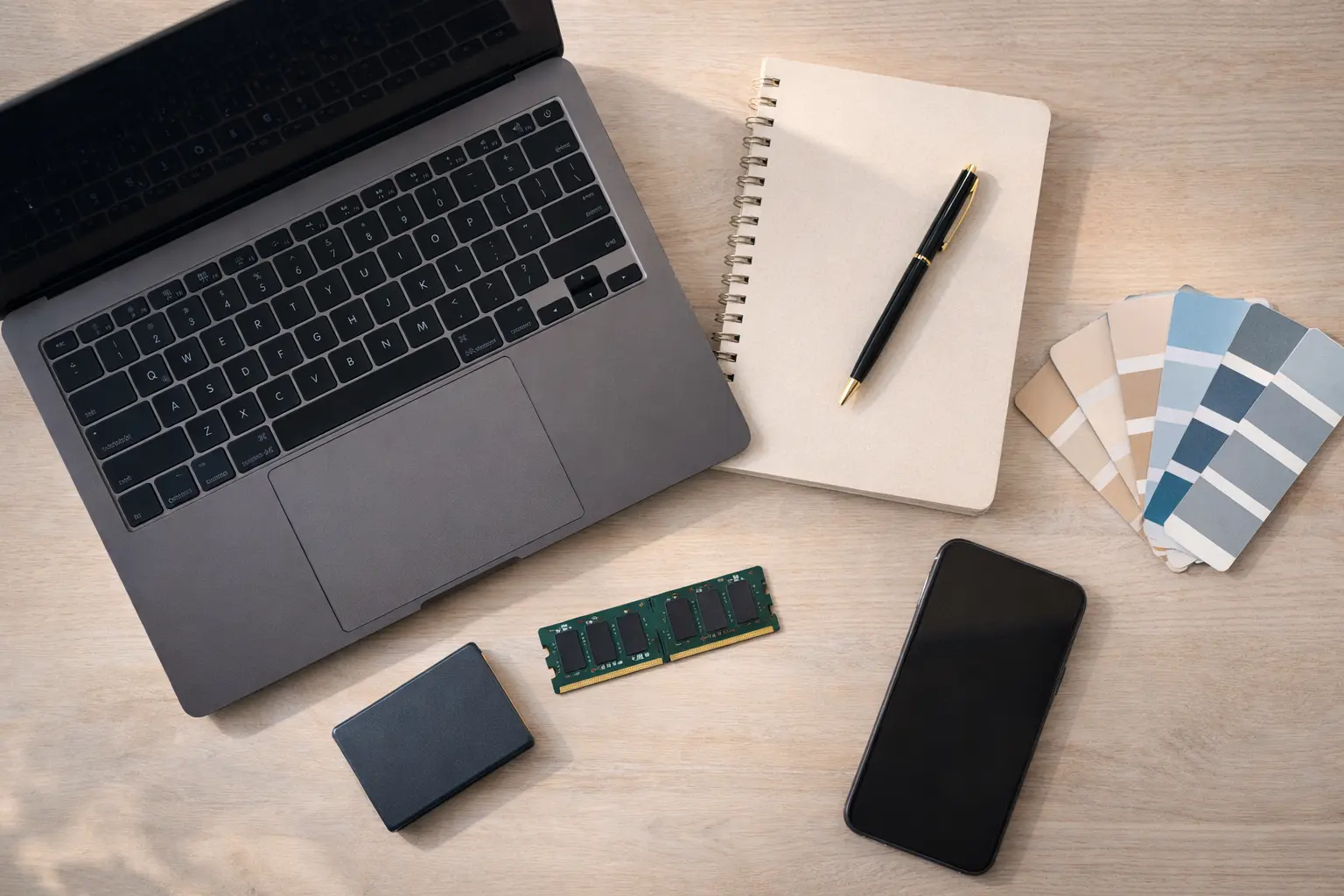
A smart web design laptop does not need workstation-level power. It needs the right base specifications.
|
Use case |
Sensible specs |
|---|---|
|
Students and beginners |
Core Ultra 5 / Ryzen 5 / Apple M-series, 16GB RAM, 512GB SSD, Full HD+ or better |
|
Freelancers and agency work |
Core Ultra 7 / Ryzen 7 / Apple M-series, 16GB to 32GB RAM, 512GB to 1TB SSD, 100% sRGB or P3 display |
|
Heavy Adobe and multitasking |
Higher-end Core Ultra 7 or Apple Pro chip, 32GB RAM, 1TB SSD, better cooling |
|
Motion, 3D, advanced UI animation |
32GB RAM, 1TB SSD, dedicated GPU only if your work truly needs it |
What matters most in a web design laptop
A good web design laptop should make your workflow smoother every day. In my experience, five things matter more than most buyers think.
1. Display quality matters more than extra speed
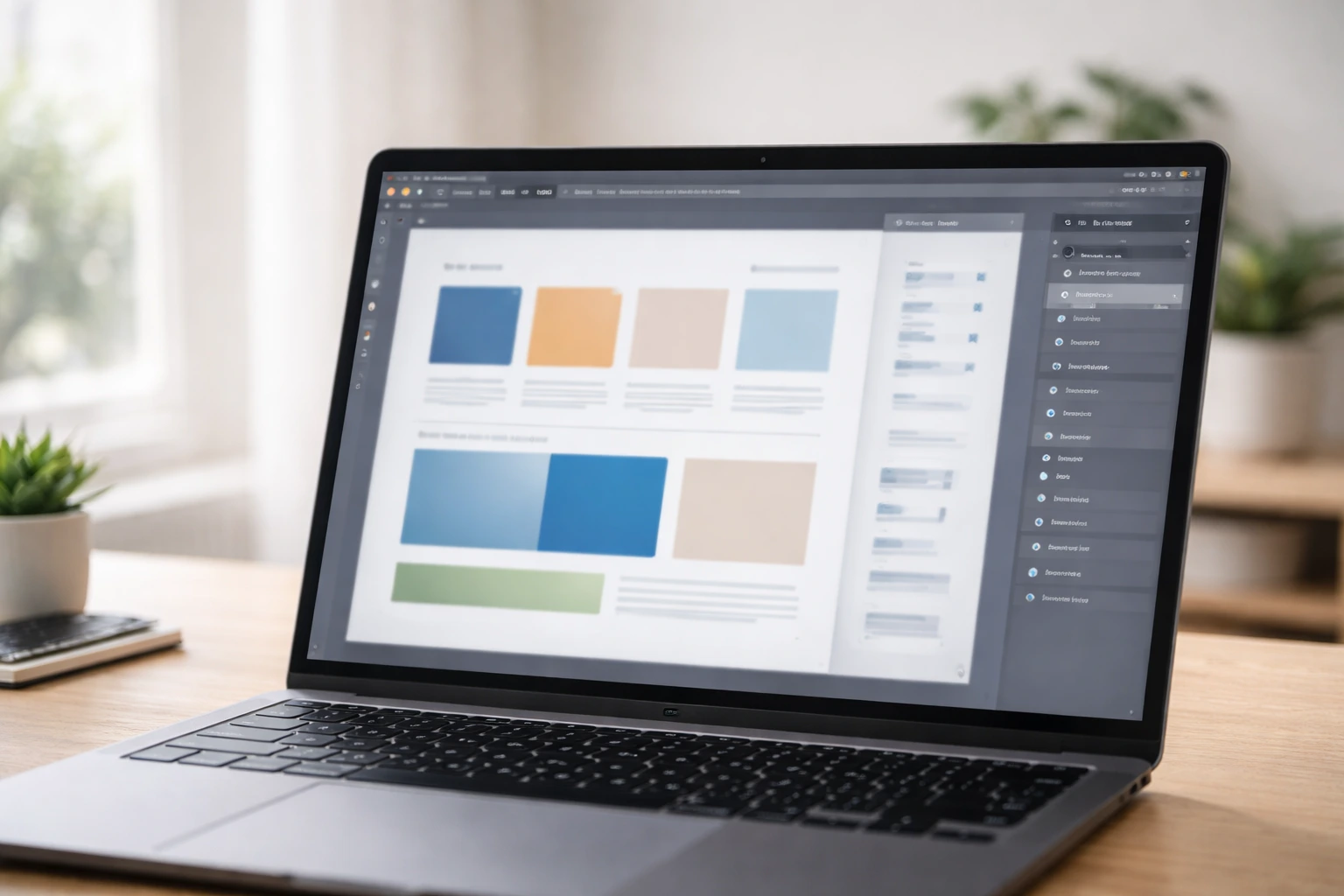
If your colours look wrong, your work looks wrong. That is the simple truth.
Choose a laptop with at least 100% sRGB coverage. If you get a P3 or high-quality OLED panel, even better. Good brightness also helps if you work near windows or move between office, home, and client spaces. A poor display can make a strong processor feel wasted.
2. 16GB RAM is the real starting point
RAM gives your system breathing room. Web design today means more tabs, heavier browser sessions, bigger assets, and more apps open at once.
If you run Figma, Photoshop, Chrome, Slack, Zoom, and a local website together, 16GB feels normal. If you manage large Adobe files, many browser tabs, or multiple external displays, 32GB gives a better long-term cushion. This is also why it helps to understand how much RAM is good for a laptop before you choose a machine.
3. SSD storage keeps daily work fast
A 512GB SSD is the safe minimum for most people. It gives you room for software, assets, exports, fonts, and project backups without feeling cramped too quickly.
A 256GB SSD can work for very light use, but it fills up fast. For professional work, it usually becomes annoying sooner than expected.
4. Battery life and thermals affect real productivity
A laptop that gets hot, noisy, or dies early becomes tiring. If battery life matters in your workflow, this guide to laptops with the best battery life in India is worth checking. That matters a lot if you work from cafes, coworking spaces, classrooms, or client offices.
Fanless laptops can feel silent and elegant, but they may slow down under long heavy loads. Laptops with better cooling usually hold performance longer.
5. Ports and external monitor support matter
Many web designers use at least one external monitor. So check USB-C, HDMI, and charging support before buying.
A thin laptop with only two ports may still be a great buy, but budget for a proper hub or dock. That small extra cost often gets ignored when people compare laptops.
Best MacBook for web design
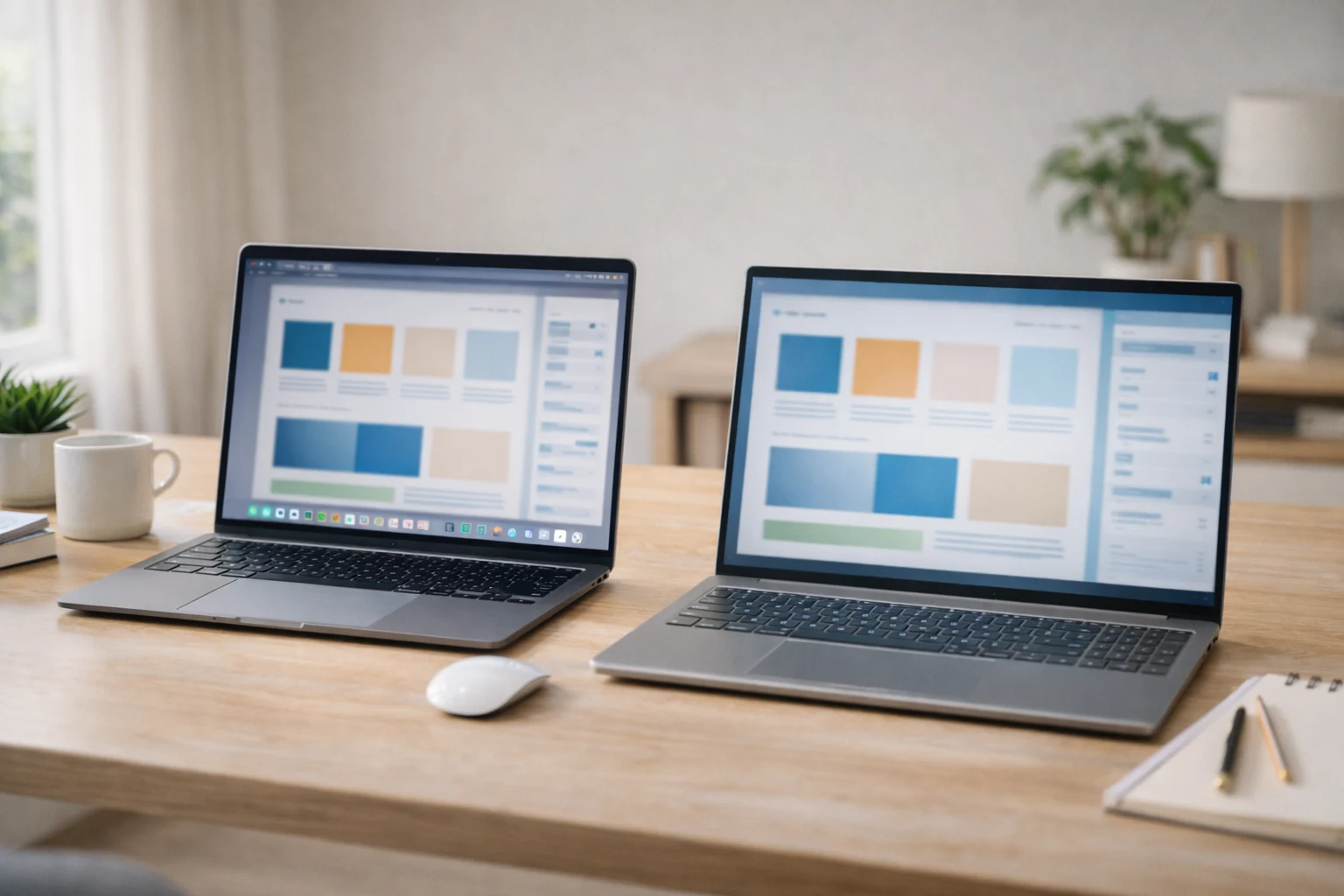
For most users, the best MacBook for web design is the MacBook Air with 16GB unified memory. If you are deciding between Apple options, this comparison of MacBook Air vs MacBook Pro will help. It gives you strong performance, long battery life, a sharp display, and easy portability.
Apple’s current MacBook Air specifications start with 16GB unified memory, and the newer Air lineup offers strong efficiency and a high-quality Retina display. That makes the Air an excellent fit for students, freelancers, and startup owners who mainly use Figma, browsers, Canva, light to medium Photoshop, and front-end tools.
Choose a MacBook Pro only if your work includes heavier Adobe workflows, advanced multitasking, long sustained rendering, or you simply want more ports and thermal headroom. The Pro is better, but it is not automatically better value for everyone.
So if you are asking about the best laptop for website design on macOS, the honest answer is simple. MacBook Air for most people. MacBook Pro for heavier creative workloads.
Best Windows laptop for website design
A good Windows option usually gives better price flexibility. If you are still weighing both ecosystems, see this detailed look at MacBook vs Windows laptop rentals. That makes it a smart choice for Indian buyers who want more configuration options.
Look for a 14-inch or 15-inch Windows laptop with:
- Intel Core Ultra 5 or 7, or Ryzen 5 or 7
- 16GB RAM minimum
- 512GB SSD minimum
- Full HD+ or 2.8K display
- 100% sRGB or better colour support
- Solid keyboard and good battery life
This type of setup works well as a best laptop for website editing choice because it handles design tools, browsers, code editors, and meetings without pushing you into expensive creator-laptop territory.
If you want cleaner Windows buying logic, think like this: do not chase gaming branding unless your work needs GPU power. A quiet, well-built productivity or creator laptop usually serves web design better than a bulky gaming machine.
Do you need a dedicated GPU for web design?
Most web designers do not need a dedicated GPU. Integrated graphics are usually enough for Figma, browser-based design, front-end work, Canva, and moderate Photoshop use.
Buy a laptop with a dedicated GPU only if you do one or more of these regularly. If your work often overlaps with heavier creative tasks, this guide to the best laptop for content creation adds useful context:
- heavy Photoshop composites
- large Illustrator projects
- motion design
- video editing
- 3D work
- advanced UI animation
- multi-app creative workflows for long hours
This is where many guides go wrong. They treat all design work like video editing. Web design is different. A balanced CPU, enough RAM, and a strong display usually matter more.
Best laptop picks by user type in India
The right laptop website design setup depends on how you work, not just what you can spend.
Students
Go for value and comfort first. A light 14-inch laptop with 16GB RAM and 512GB SSD is more useful than a flashy model with weak battery life.
Freelancers
Prioritise display quality, battery life, keyboard comfort, and portability. You need a machine that travels well and still feels reliable during long client days.
Startup owners
Buy for stability and flexibility. If your work mixes design reviews, website editing, content, meetings, and operations, a balanced mid-range premium laptop is the best choice.
Business owners and agencies
Think beyond one person. Standardised laptops are easier to manage, train on, and scale. If your team grows or project loads change often, renting can be smarter than buying.
What I would recommend after 20+ years with hardware
Most buyers overspend on processor branding and underspend on screen quality, RAM, and long-term comfort. That is the mistake I would avoid first.
For web design, I would choose this order of priority:
- display quality
- 16GB or 32GB RAM
- reliable battery life
- fast SSD
- processor class
- GPU only if your workflow proves you need it
That order gives better real productivity than chasing the most expensive chip.
Should you buy or rent a laptop for web design?

Renting makes sense when you want the right machine now without blocking cash flow. That matters for students, freelancers, project teams, agencies, and startups.
If you only need a laptop for a course, a client project, temporary hiring, or team expansion, renting gives you flexibility. It also helps to compare laptop on rent vs buy and understand how to rent a laptop before you decide. It also helps you test whether you really need a MacBook, a creator laptop, or a simpler productivity machine before making a bigger commitment.
With Rentopay, you can choose a laptop that matches your web design workflow without the pressure of paying the full purchase cost upfront. That is often the smarter move when your work, team size, or software needs may change in the next few months.
The smart final takeaway
The best laptop for web design is not the most expensive one. It is the one that gives you a colour-accurate screen, enough memory, fast storage, solid battery life, and smooth everyday multitasking.
For most people in India, that means 16GB RAM, 512GB SSD, a modern mid-range chip, and a good display. Choose a MacBook Air if you want simplicity and efficiency. Choose a strong Windows productivity or creator laptop if you want better pricing flexibility. Move to a Pro model or dedicated GPU only when your real workload demands it.If you want a reliable machine for web design without a heavy upfront investment, explore flexible rental options from Rentopay and get the setup that fits how you actually work.
Best laptop for web design FAQs
1. Which laptop is best for web design in India?
For most people in India, the best laptop for web design has 16GB RAM, a 512GB SSD, a modern Intel Core Ultra or Ryzen chip, and a colour-accurate display.
2. Is 8GB RAM enough for web design?
8GB can work for basic student use, but 16GB is the better long-term choice for smoother multitasking with Figma, Chrome, Photoshop, and meetings.
3. What is the best MacBook for web design?
The best MacBook for web design for most users is the MacBook Air with 16GB memory. Choose the Pro only for heavier Adobe or multi-app workflows.
4. Do web designers need a graphics card?
Usually no. Most web designers can work well with integrated graphics. A dedicated GPU helps mainly with motion graphics, video editing, 3D, and heavier Adobe work.
5. Which screen size is best for web design?
A 14-inch laptop gives the best balance of portability and workspace. If you multitask heavily, a 15-inch screen feels more comfortable.
6. Is Windows or Mac better for website design?
Both work well. Mac is great for battery life and simplicity. Windows gives you more models, price points, and upgrade flexibility.
7. How much SSD storage is enough for a web design laptop?
512GB is the sensible minimum for most users. It gives enough space for apps, assets, exports, fonts, and ongoing projects.
8. Should I buy or rent a laptop for website editing?
Renting is a smart option if you need a laptop for a course, project, short contract, or growing team and want to avoid a heavy upfront cost.