MacBook vs Windows: Brutal Truth for Rentals
For rentals, the better choice is the laptop that matches your apps and your work style. In the MacBook vs Windows decision, the smart pick depends on workload, not the logo. After years of laptop hardware and fleet support experience, the rule is simple:
Rent a MacBook when you need long battery life, cool and quiet operation, and a dependable setup for meetings, coding, and many creative workflows.
Rent a Windows laptop when you need maximum app compatibility, more ports and model choices, a dedicated GPU for 3D or gaming, or a tighter budget.
If you are comparing macbook vs windows laptop options for the same project, start with your software list, then choose the best-built model in that category.
Quick start: before you book, go through Rentopay’s MacBook rental guide and laptop rental guide to compare options clearly and avoid a spec mismatch.
What macbook vs windows specs and standards actually show

Official specs and real rental use show where u003cstrongu003emacbook vs windowsu003c/strongu003e really differs in battery, performance, compatibility, and security.
1. u003cstrongu003eBattery life (why MacBook rentals feel easier on the road)u003c/strongu003e
Battery varies with brightness and the apps you run, but specs still help. Apple lists u003cstrongu003eup to 15 hours of wireless webu003c/strongu003e and u003cstrongu003eup to 18 hours of video streamingu003c/strongu003e for MacBook Air models. See:u003ca href=u0022https://www.apple.com/in/macbook-air/specs/u0022u003e MacBook Air technical specifications (Apple India)u003c/au003eu003cbru003eu003cbru003eWindows battery depends heavily on the model. If you want a safer “all-day” signal in a u003cstrongu003emacbook vs windowsu003c/strongu003e rental comparison, look for u003cstrongu003eIntel Evou003c/strongu003e laptops. Intel highlights u003cstrongu003e9.5+ hours of real-world battery lifeu003c/strongu003e on full HD designs, plus fast wake. See:u003ca href=u0022https://www.intel.com/content/www/us/en/support/articles/000057480/processors/intel-core-processors.htmlu0022u003e Intel Evo platform overview and requirementsu003c/au003e
2. u003cstrongu003ePerformance, heat, and the “slow after 10 minutes” problemu003c/strongu003e
In u003cstrongu003emacbook vs windowsu003c/strongu003e rentals, steady performance matters more than peak benchmarks. Many MacBooks use u003cstrongu003eApple siliconu003c/strongu003e with u003cstrongu003eunified memoryu003c/strongu003e (CPU and GPU share one fast memory pool). This often stays cool and quiet in office work, coding, and light editing.u003cbru003eu003cbru003eWindows laptops can match it, but cheaper thin models can hit u003cstrongu003ethermal throttlingu003c/strongu003e under sustained tasks like exports and heavy multitasking. That is why two laptops with “similar” specs can feel very different during real work.
3. u003cstrongu003eSoftware fit: the real difference between MacBook and laptopu003c/strongu003e
The u003cstrongu003edifference between MacBook and laptopu003c/strongu003e is mainly the operating system. A MacBook runs macOS. Most other laptops run Windows. That choice decides app support and drivers, and it often settles the u003cstrongu003emacbook vs windowsu003c/strongu003e debate quickly.u003cbru003eu003cbru003eTwo real-world checks:u003cbru003eu003cbru003e• Editing:u003ca href=u0022https://helpx.adobe.com/in/premiere/desktop/get-started/technical-requirements/adobe-premiere-pro-technical-requirements.htmlu0022u003e Adobe Premiere Pro technical requirementsu003c/au003eu003cbru003e• CAD:u003ca href=u0022https://www.autodesk.com/support/technical/article/caas/sfdcarticles/sfdcarticles/Compare-Features-AutoCAD-for-Windows-vs-AutoCAD-for-Mac.htmlu0022u003e AutoCAD for Windows vs AutoCAD for Mac feature comparisonu003c/au003e
4. u003cstrongu003eSecurity in rentals: process beats platformu003c/strongu003e
In a u003cstrongu003emacbook vs windowsu003c/strongu003e rental decision, security depends more on process than brand. Ask for a clean user profile or fresh OS image on delivery, and a documented u003cstrongu003edata wipeu003c/strongu003e after return. u003cbru003eu003cbru003eWindows 11 also includes built-in protections like Microsoft Defender and Smart App Control.u003ca href=u0022https://www.microsoft.com/en-us/windows/learning-center/windows-11-security-featuresu0022u003e Windows 11 security features overviewu003c/au003eu003cbru003eu003cbru003eRental-specific:u003ca href=u0022https://rentopay.in/do-rented-laptops-come-with-antivirus/u0022u003e Do rented laptops come with antivirus software?u003c/au003e
MacBook vs Windows depends on your rental scenario
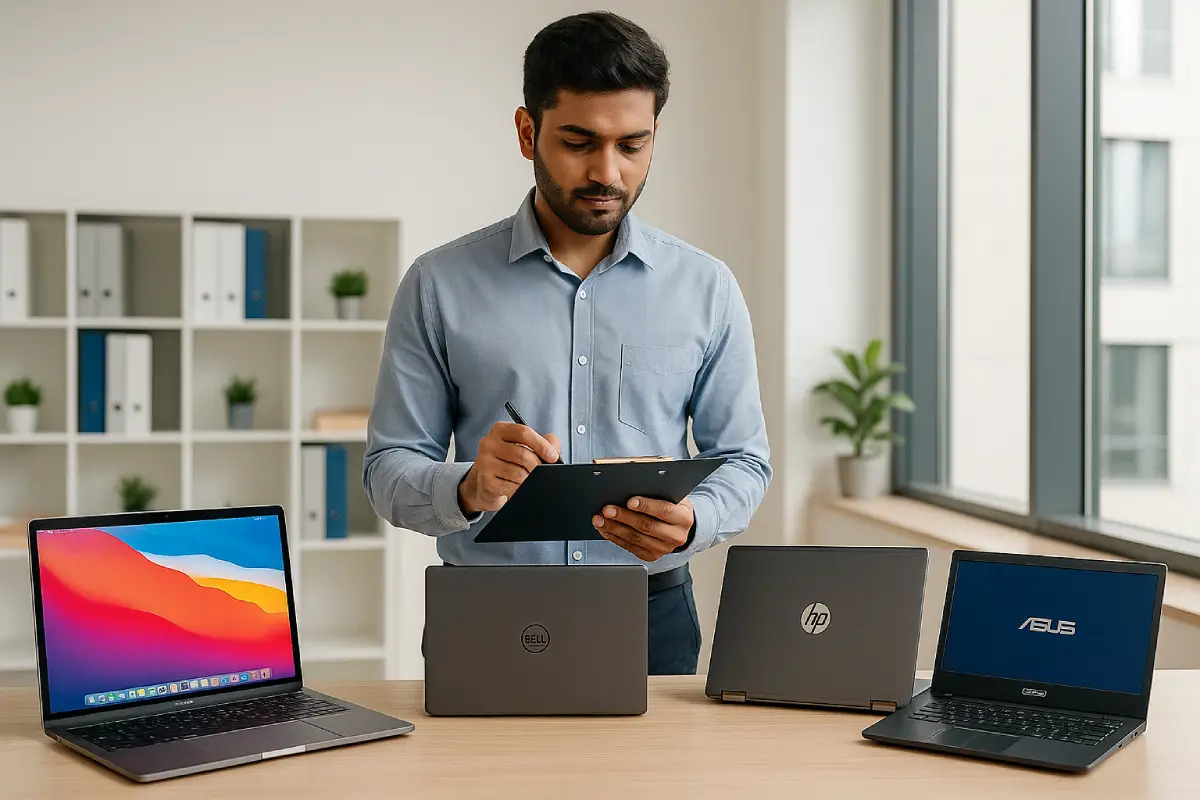
If you are renting for a deadline, this section helps you pick fast based on your use case, required software, and the risk of compatibility issues.
MacBook vs Windows fast decision guide (use this scorecard)
|
Rental need |
Usually better |
|---|---|
|
Travel, meetings, remote work |
MacBook or Intel Evo Windows |
|
Design and editing |
MacBook Pro or Windows creator laptop |
|
Coding and web development |
MacBook or high-spec Windows |
|
Engineering and Windows-only apps |
Windows laptop |
|
Gaming and 3D |
Windows gaming laptop |
Choose MacBook rentals when you want fewer surprises
A MacBook rental usually makes sense when your work involves meetings, browser tools, coding, and common creative apps. If you need help choosing the tier, read: MacBook Air vs MacBook Pro.
Choose Windows rentals when one requirement can break the job
A Windows rental is safer when you have Windows-only software, you need an NVIDIA RTX GPU, or you depend on HDMI and USB-A without adapters. This is where macbook vs windows laptop comparisons become very practical, not emotional.
Windows also gives you more pricing choices. For cost-sensitive rentals, bulk orders, event setups, and specialized workflows, that flexibility matters.
One common trap when you think a rented Mac can run Windows apps
Some Windows apps run in a virtual machine, but driver-heavy and GPU-heavy tools often disappoint. If the app is critical, rent Windows and remove risk.
If the app is critical to the job, rent Windows and remove the risk.
What to check before booking (India-friendly checklist)
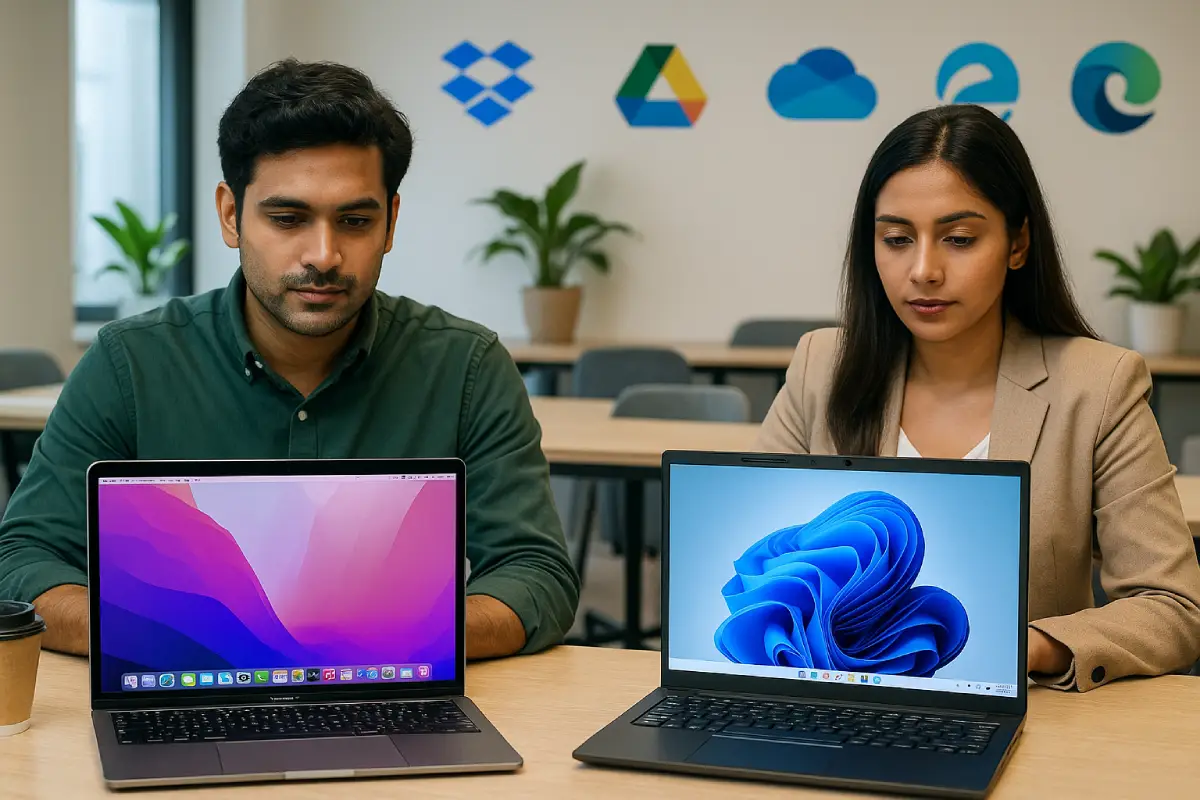
Before you finalize macbook vs windows, confirm these basics:
- RAM and SSD: For most rentals, 16GB RAM and an SSD keep things smooth. Guide: How much RAM is good for a laptop
- Ports: Confirm HDMI, USB-A, and whether you get the required adapters.
- Same model for teams: Standardize the same model and specs in bulk rentals. Checklist: What to ask before renting 50 laptops
- Policy fit: If your team debates rentals vs personal devices, read: Laptop rental vs BYOD
- Downtime plan: Ask about replacement time if a device fails.
Our engineer’s view on MacBook vs windows rentals
Rentals need uptime. In real macbook vs windows rentals, MacBook options often reduce battery anxiety and driver friction, so they feel predictable for remote workers and creators.
Windows rentals win when your workflow has hard requirements: Windows-only apps, specific ports, or dedicated GPU performance. In those cases, choose a well-built Windows model and the right specs, not the cheapest config.
Frequently asked questions about MacBook vs Windows rentals
u003cstrongu003e1) Is a MacBook better than a Windows laptop for rentals?u003c/strongu003e
In u003cstrongu003emacbook vs windowsu003c/strongu003e rentals, MacBook is often better for travel and remote work because battery life and quiet use help. Windows is often better for compatibility and budget.
u003cstrongu003e2) MacBook vs Windows laptop: which is better for coding?u003c/strongu003e
MacBooks work great for web development. Choose Windows for Windows-native development or company policies.
u003cstrongu003e3) Can I run Windows software on a rented MacBook?u003c/strongu003e
Sometimes. Light apps can work in a virtual machine, but heavy tools may not. If it’s critical, rent Windows.
u003cstrongu003e4) Which is better on rent for video editing?u003c/strongu003e
Both can work. MacBook Pro is strong for many editors. Windows can win with an NVIDIA RTX GPU and the right app.
u003cstrongu003e5) Which is cheaper to rent in India, MacBook or Windows?u003c/strongu003e
Windows is usually cheaper because there are more models at more price points.
u003cstrongu003e6) What should I check before renting a MacBook or Windows laptop?u003c/strongu003e
Check RAM, SSD, ports, charger type, and your exact app list. For bulk rentals, confirm identical configs.
u003cstrongu003e7) What is the difference between a MacBook and a laptop?u003c/strongu003e
A MacBook is Apple’s laptop running macOS. A laptop can be any brand, often running Windows. The OS controls compatibility.
u003cstrongu003e8) Should students rent a MacBook or a Windows laptop?u003c/strongu003e
If your course needs Windows-only software, rent Windows. For documents, coding, and battery life, a MacBook can be a good rental.
Talk to Rentopay for the right rental
Still confused about macbook vs windows for your rental? Share your app list, usage, and rental duration with Rentopay. We’ll match the right device and help you avoid last-minute compatibility and adapter issues. Compare Rentopay’s MacBook rental choices, then start with how to rent a laptop, and compare options with laptop rental plans across India.