Powerful MacBook Neo Review: India Buying Guide
The MacBook Neo is Apple’s entry-level new Mac for people who want macOS, strong battery life, and a premium build without moving straight to the MacBook Air price range. For Indian students, college professionals, startup founders, and small business owners, the short answer is simple: buy or rent the MacBook Neo only if your work is mostly browsing, documents, online classes, video calls, spreadsheets, light Canva, light coding, and AI tools. Choose MacBook Air if you need heavier multitasking, 4K editing, design software, more external display flexibility, or longer future-proofing.
This macbook neo review is written from a hardware engineer’s viewpoint, not a hype angle. The machine is impressive because Apple finally brought the Mac experience closer to regular buyers. But the macbook neo also has clear limits. The key is not whether it is “good” or “bad.” The better question is whether it fits your workload and budget in India.
MacBook Neo in India for Students and Professionals
The MacBook Neo is best seen as a clean, light, everyday Mac for users who value battery life, build quality, and simple performance over raw power.
Apple positions the macbook neo as a new apple laptop for everyday work, learning, entertainment, and Apple Intelligence. If you want to understand Apple’s broader laptop strengths before comparing models, Rentopay’s guide on features of Apple MacBook gives useful context. Apple’s official MacBook Neo technical specifications list the A18 Pro chip, 8GB unified memory, 256GB or 512GB SSD storage, a 33.02 cm Liquid Retina display, and up to 16 hours of video streaming battery life.
That tells us the product direction clearly. This is not a MacBook Pro replacement. It is not built for heavy 3D work, professional video timelines, large code builds, or serious multitasking across many resource-heavy apps. It is built for students writing assignments, founders making pitch decks, business owners handling invoices, and teams working inside browser-based tools.
In India, that matters. Many people want a new mac but cannot justify spending close to premium laptop money for basic use. The macbook neo fills that gap better than older Intel MacBooks or risky used machines.
MacBook Neo Review for Daily Work Performance

The macbook neo feels fast for common tasks because the A18 Pro chip handles light workflows efficiently, but it does not replace M-series MacBooks for demanding users.
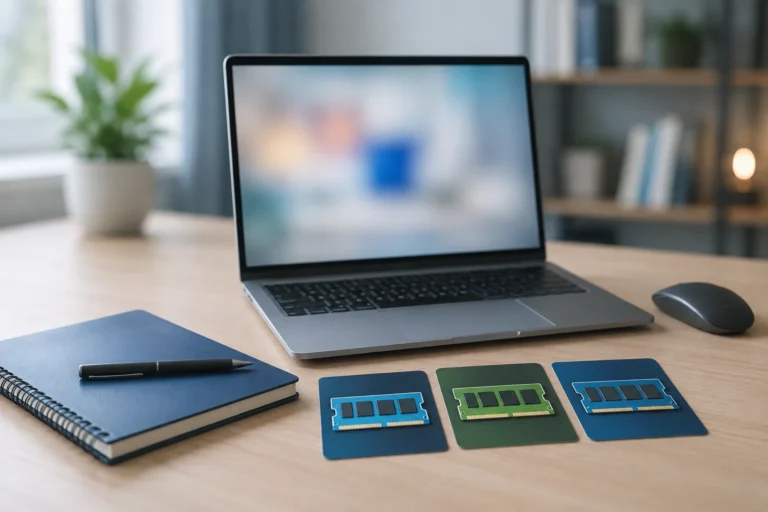
For normal use, the A18 Pro chip is more than capable. It can handle Chrome or Safari tabs, Google Docs, Microsoft 365, Zoom, WhatsApp Web, Canva, Notion, email, and light photo edits. Apple’s unified memory helps the system move data efficiently between the CPU, GPU, and Neural Engine. That is why 8GB on a Mac can feel smoother than 8GB on many low-end Windows laptops.
But memory is still memory. If you keep 25 browser tabs open, run Figma, edit videos, use multiple AI tools, and keep Slack, Teams, and Excel running together, you will feel the ceiling. The system may still work, but it will start managing memory in the background. That can reduce speed over time.
For college professionals and business owners, the safe rule is this: macbook neo is good for routine productivity. MacBook Air is better for users who expect their workload to grow.
MacBook Neo vs Air: Which One Should You Choose?

The macbook neo vs air decision depends on how long you plan to use the laptop and how heavy your work will become in the next two to three years. Apple’s MacBook Neo comparison page is useful for checking model-by-model display, chip, memory, and storage differences before you decide.
|
Use Case |
Better Choice |
|---|---|
|
Online classes, notes, browsing, PDFs |
MacBook Neo |
|
Startup founder using CRM, docs, calls |
MacBook Neo or Air |
|
Coding, Figma, analytics dashboards |
MacBook Air |
|
Video editing, design, content production |
MacBook Air or Pro |
|
Short-term project or training batch |
Rent from Rentopay |
MacBook Air gets the advantage with the M5 chip, higher memory options, better port setup, stronger camera features, longer battery claims, and better long-term headroom. Apple’s MacBook Air technical specifications are helpful if you want to compare memory, storage, charger, and display options in detail. If you are also comparing higher Apple models, this MacBook Air vs MacBook Pro guide can help you understand where the Air sits in Apple’s lineup. The macbook neo wins when the buyer wants the most affordable macbook new option and does not need high-end performance.
Here’s the practical Indian buyer logic. If you are a student in the first year and only need assignments, browsing, classes, and presentations, the macbook neo makes sense. If you are studying design, data science, computer science, video editing, architecture, or development, MacBook Air is usually the safer investment.
Best Users for the New Apple Laptop
The new apple laptop works best for people who want Mac reliability for simple daily tasks, not for users who push hardware every day.
Students will like the macbook neo because it is light, has strong battery life, and handles classwork well. College professionals can use it for research, online meetings, documents, and presentations. Business owners can run billing sheets, inventory dashboards, web apps, and video calls. Startup founders can use it for pitch decks, email, CRM work, investor notes, and basic marketing tasks. If your team is still unsure about Apple or Windows, Rentopay’s MacBook vs Windows laptop rentals guide explains the choice from a rental and business-use angle.
The edge case is creative work. Light Canva, basic photo editing, reels planning, and small video edits should be fine. Heavy Adobe Premiere Pro, large Lightroom libraries, long 4K timelines, Android Studio, Docker-heavy development, or machine learning work should push you toward MacBook Air, MacBook Pro, or a rented high-spec laptop.
This is where many new macbooks confuse buyers. Apple branding makes every Mac feel powerful. In reality, each Mac fits a different workload.
Display, Keyboard, Ports, and Real-World Comfort
The macbook neo has a bright and crisp display, but its keyboard and port choices show where Apple reduced cost.
The 13-inch Liquid Retina display is one of the strongest parts of the macbook neo guide. Text looks sharp, videos look clean, and the brightness level works well for classrooms, co-working spaces, and office desks. It is not the same as a high-end MacBook Pro display, but for this price segment, it feels premium.
The keyboard is comfortable for typing, but the base model does not give the full premium MacBook feel. Some buyers may miss backlit keys, especially if they study late at night or work in low-light rooms. Touch ID also depends on the configuration, so check the exact model before paying.
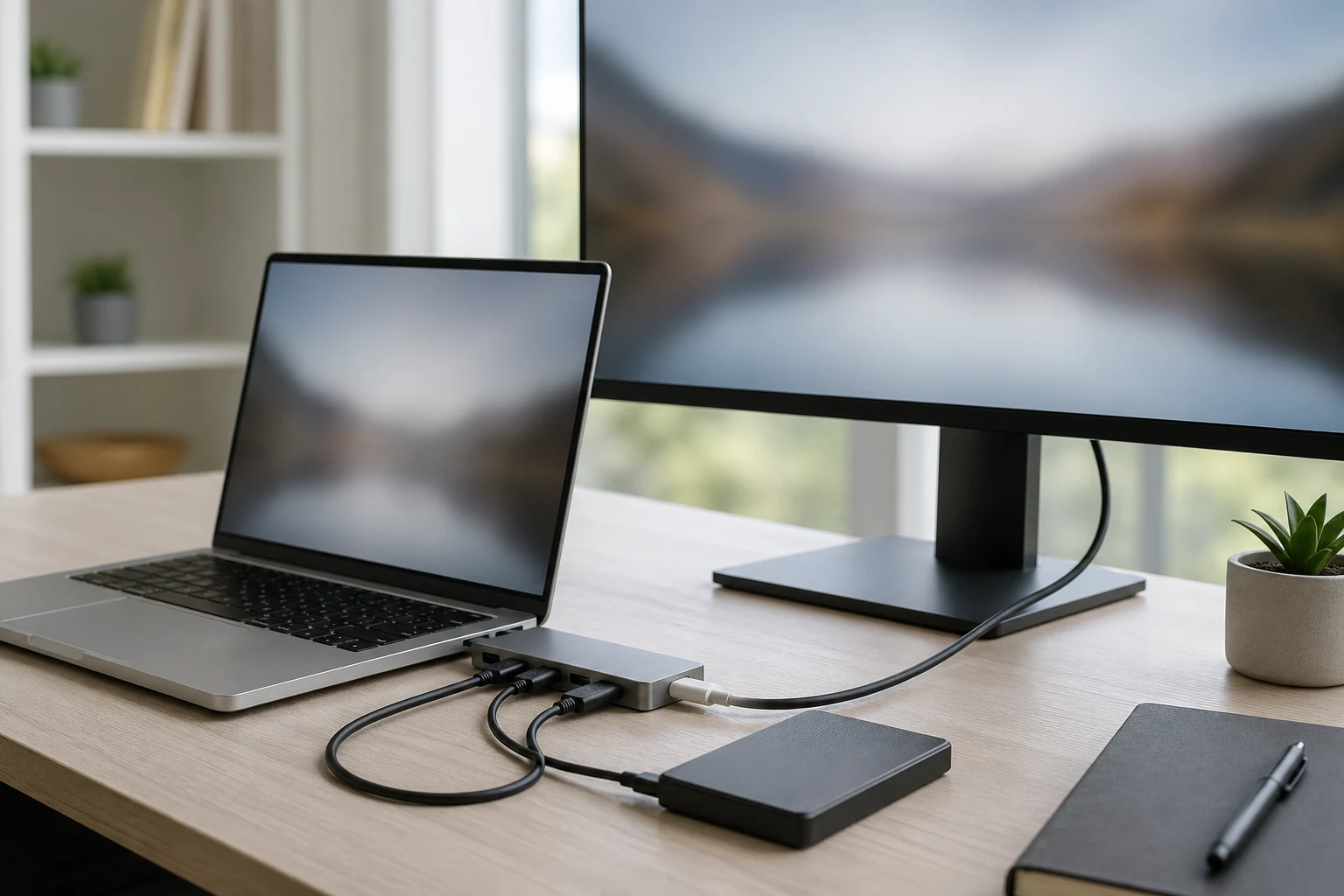
Ports need more attention. The macbook neo has two USB-C ports, but they are not equal in speed. One supports USB 3 speeds, while the other is slower USB 2. For a normal charger, mouse receiver, or basic accessory, that is fine. For external SSDs, displays, docks, and fast data transfer, it can become annoying.
If your work depends on an external monitor, confirm the supported resolution and refresh rate before buying. Apple Support’s guide to connecting external displays with a Mac is a useful reference before you buy adapters, hubs, or monitors. If you use two monitors, this is not the right laptop.
Is 8GB Unified Memory Enough in 2026?
8GB unified memory is enough for light daily use, but it is not ideal for buyers who want one laptop for every future workload. For a deeper breakdown, read Rentopay’s guide on how much RAM is good for a laptop.
The answer depends on the user. For a student writing notes, watching lectures, browsing, and making presentations, 8GB is usually fine. For a founder working in browser apps, email, payments, and spreadsheets, it should also work well.
The problem starts when your work expands. More tabs, more apps, large Excel files, content tools, coding environments, and design files all eat memory. You cannot upgrade MacBook memory later. What you buy on day one is what you keep.
As a hardware engineer, I would treat the macbook neo as a carefully balanced entry-level Mac. It is not weak. It is controlled. Apple has tuned it well for the user it wants to serve. But if you already know your workload is growing, the MacBook Air is the better long-term machine.
Rentopay Brand Take: Buy, Rent, or Upgrade Later?

For Indian users, the smartest laptop decision is not always buying the newest Mac. It is matching the device cost to the actual use period.
Rentopay sees this pattern often with students, startups, events, and business teams. A student may need a Mac only for one semester. A startup may need ten laptops for a training batch. A founder may need MacBooks during hiring, testing, or a client project. In these cases, buying new macbooks can block cash that could go into marketing, hiring, or operations. This is why the laptop on rent vs buy decision should always include usage period, cash flow, and upgrade needs.
The macbook neo is attractive because it lowers the Mac entry price. But renting can make more sense when the need is temporary. You avoid a large upfront cost, you can choose specifications based on the project, and you do not get stuck with a device if your needs change.
For long-term personal use, buy the macbook neo if your work is light. For business, training, internships, and project-based work, renting from Rentopay can give better flexibility and better cash flow.
MacBook Neo Guide: Who Should Avoid It?
Avoid the macbook neo if you already know your work needs more RAM, more ports, stronger graphics, or serious external display support.
You should skip the macbook neo if you do full-stack development with containers, edit long videos, work with large Photoshop files, use Blender, run virtual machines, or manage very large datasets. You should also avoid it if you need two external monitors or fast transfer from external SSDs every day.
For these users, the small saving may become expensive later. A slow laptop wastes time. Time is cost, especially for business owners and startup founders.
If your workload is uncertain, rent first. Use the laptop for a few weeks during real work. Rentopay’s guide on how to rent a MacBook is useful if you want to test the Mac experience before making a long-term decision. Real usage will tell you more than any spec sheet.
Final Verdict: Is MacBook Neo Worth It in India?
The macbook neo is worth it for everyday users in India, but it is not the best choice for power users or buyers who need long-term performance headroom.
This apple neo style laptop is one of the most interesting new macbooks because it makes macOS more accessible. It gives students, first-time Mac buyers, and small business users a real Apple laptop without forcing them into a premium tier.
The best part is the balance. It gives a strong display, good battery life, clean build quality, Apple Intelligence support, and a simple macOS experience. The weak parts are also clear: limited memory, limited ports, no serious upgrade path, and less power than the Air.
So the buying answer is simple. Choose macbook neo for light work, classes, documents, browsing, calls, and short-term business use. Choose MacBook Air if your work will grow. Choose Rentopay if you need laptops for a fixed period, a project, a training batch, or a flexible business setup. For a rental requirement, compare Rentopay’s available MacBook rental options. If you want a stronger Apple laptop for temporary use, you can also explore MacBook Air M4 on rent.
MacBook Neo FAQs for Indian Buyers
1. Is MacBook Neo good for students in India?
Yes, MacBook Neo is good for Indian students who need a laptop for online classes, notes, assignments, browsing, presentations, and video calls.
2. Is MacBook Neo better than MacBook Air?
MacBook Neo is better for budget and light use, while MacBook Air is better for heavy multitasking, coding, design, editing, and long-term performance.
3. What is the main difference between MacBook Neo and Air?
The main difference is performance headroom. MacBook Neo uses the A18 Pro chip, while MacBook Air uses the stronger M-series chip with better memory and ports.
4. Is 8GB RAM enough on MacBook Neo?
Yes, 8GB unified memory is enough for browsing, documents, calls, and light creative work, but not ideal for heavy editing, coding, or multitasking.
5. Does MacBook Neo support external monitors?
Yes, MacBook Neo supports one external display, but it is not the best choice if you need multiple monitors or advanced display setups.
6. Is MacBook Neo good for coding?
MacBook Neo is fine for basic coding, web learning, and college projects. For app development, Docker, data science, or large builds, choose MacBook Air or higher.
7. Should startups buy or rent MacBook Neo?
Startups should rent if they need laptops for projects, internships, events, or training. Buying makes sense only for long-term fixed team members.
8. Is MacBook Neo worth buying in India?
Yes, MacBook Neo is worth buying in India if your work is light and you want the Mac experience at a lower entry cost.