Best Laptop Accessories for Smarter Work in India
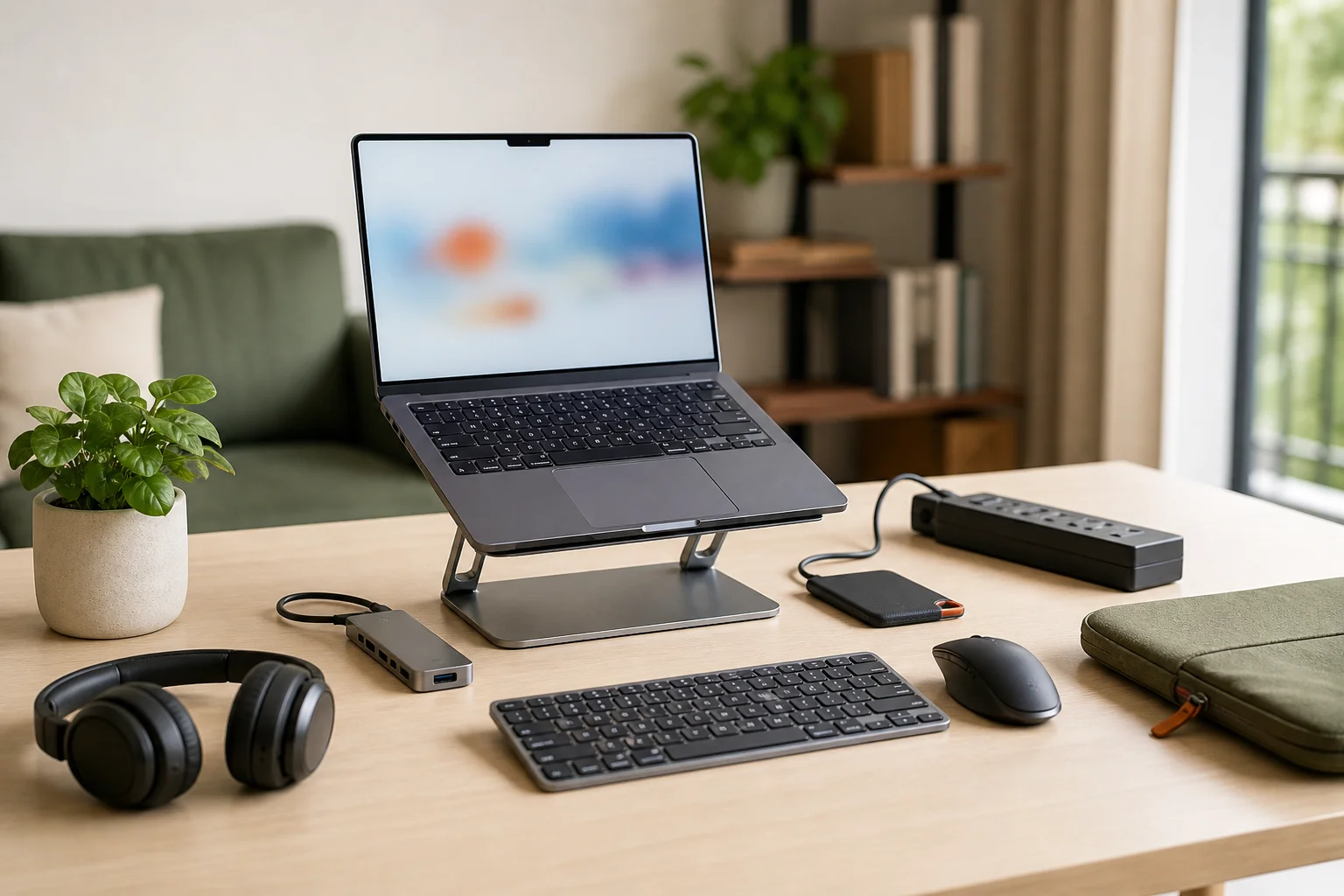
The best laptop accessories are the ones that protect your laptop, improve comfort, and make daily work faster without adding clutter. For most students, professionals, founders, and business owners in India, the practical list starts with a padded sleeve or backpack, USB-C hub, wireless mouse, laptop stand, external keyboard, surge protector, cleaning kit, external SSD, webcam cover, and a good headset.
You do not need all laptop accessories on day one. A student may need a bag, mouse, USB hub, and headphones first. If you are studying on a budget, Rentopay’s guide to student-friendly laptop rental plans can help you decide what to rent and what to buy. A founder may need a dock, monitor, keyboard, and backup drive. A business owner may need protection for devices moving between office, home, events, and client sites.
At Rentopay, we look at laptop essentials like hardware engineers: choose what solves a real problem.
Must Have Laptop Accessories by User Type
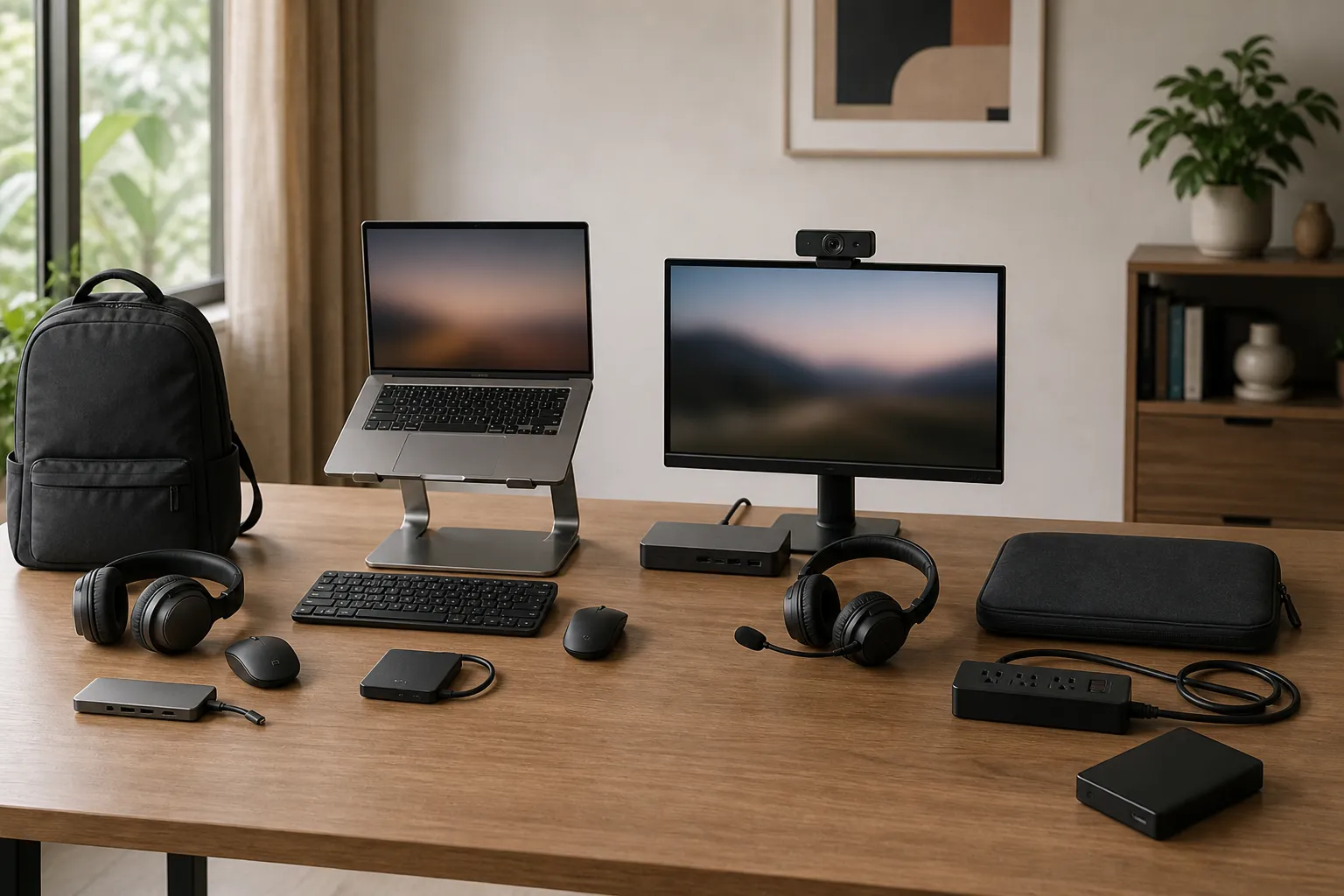
The best laptop accessories depend on your work style, travel routine, laptop ports, and comfort needs.
|
User type |
Best first picks |
Why it matters |
|---|---|---|
|
Students |
Backpack, mouse, USB hub, headphones |
Travel, classes, assignments |
|
College professionals |
Stand, keyboard, mouse, SSD |
Comfort and faster work |
|
Startup founders |
USB-C dock, monitor, webcam, headset |
Meetings and multitasking |
|
Business owners |
Sleeve, surge protector, backup drive |
Protection and data safety |
If your laptop has only USB-C ports, buy a hub early. If you type for hours, choose a stand, keyboard, and mouse before decorative accessories.
Best Laptop Accessories for Comfort and Productivity
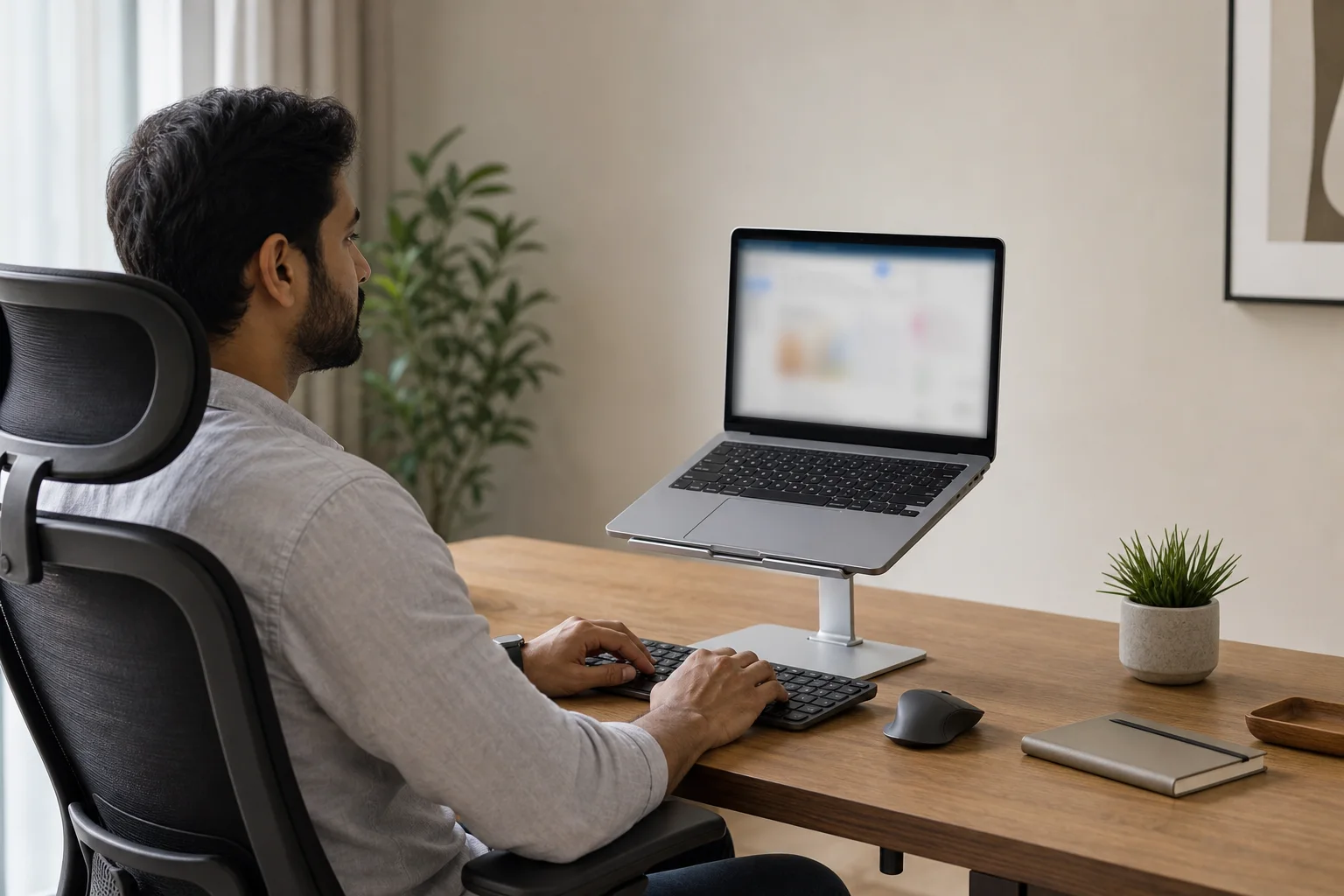
A laptop stand, external keyboard, and mouse can turn a cramped laptop into a proper workstation.
The Mayo Clinic’s office ergonomics guide advises laptop users at a desk to use a stand with an external keyboard and mouse because laptop screens sit low and built-in keyboards feel tight. This matters for people who spend long hours on reports, coding, classes, or calls.
Choose an adjustable stand that keeps the screen near eye level. Pair it with a compact keyboard and a comfortable mouse. A stand alone can backfire if you keep typing on the raised laptop, because your wrists may bend upward.
A simple stand, mouse, and keyboard often give the biggest comfort upgrade.
Laptop Protection Accessories That Actually Help
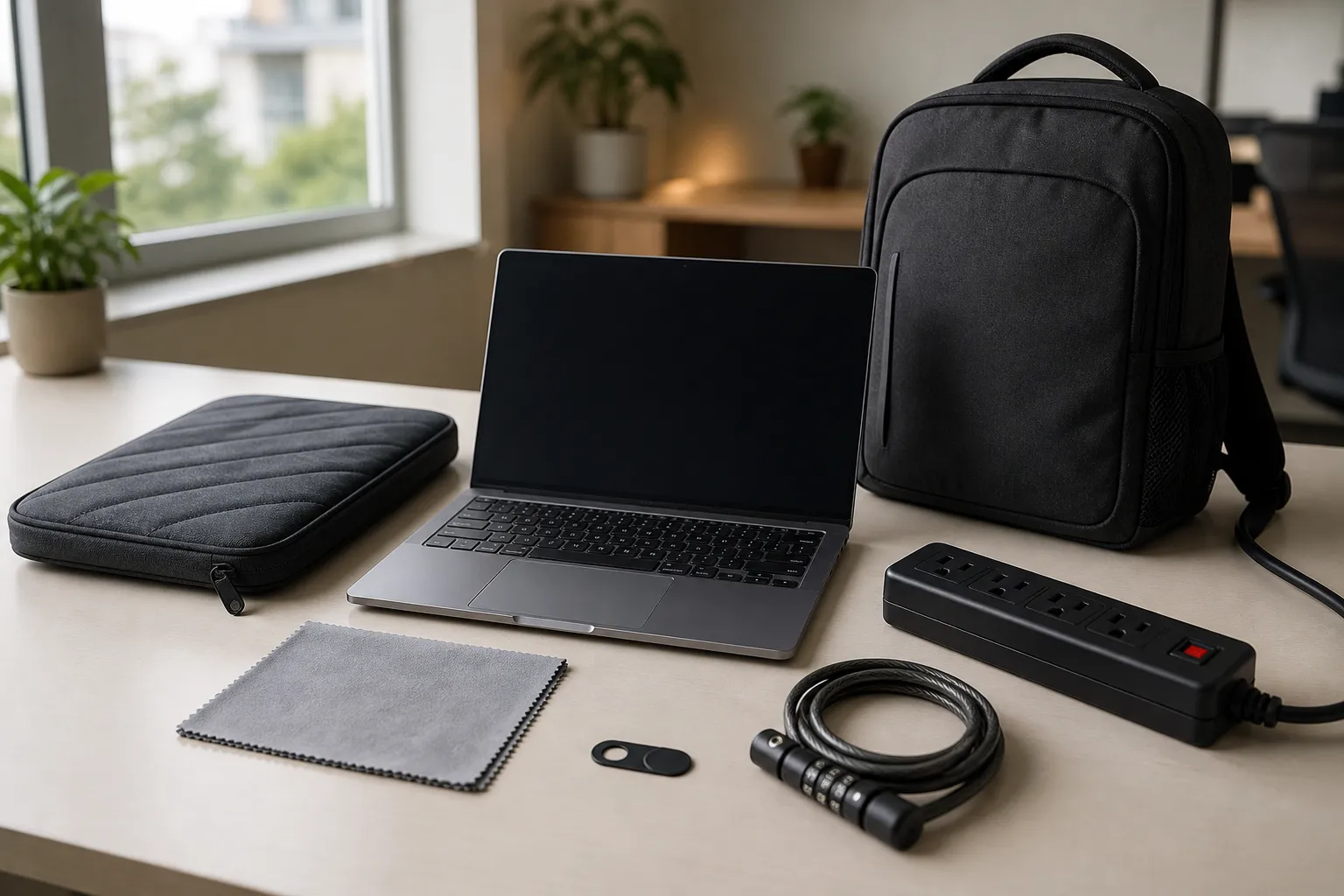
Protection should reduce scratches, dust, drops, heat, and power risk without blocking vents or pressing the display.
Start with a padded laptop sleeve or backpack. In daily travel, corner padding and water-resistant fabric matter more than fancy looks.
Useful laptop protection accessories include a sleeve, microfiber cleaning cloth, slim webcam cover, surge protector, laptop lock, and a keyboard cover only if it does not trap heat.
Also understand what protection cannot fix. A screen guard will not repair a dead pixel, white spot, pressure mark, backlight patch, display line, GPU artifact, cable issue, or refresh-rate glitch. Test with an external monitor. If the mark appears only on the laptop screen, the panel or cable may be involved. If it appears on both screens, software, driver, or GPU issues may be possible.
Best Laptop Gadgets for Ports, Power, and Storage
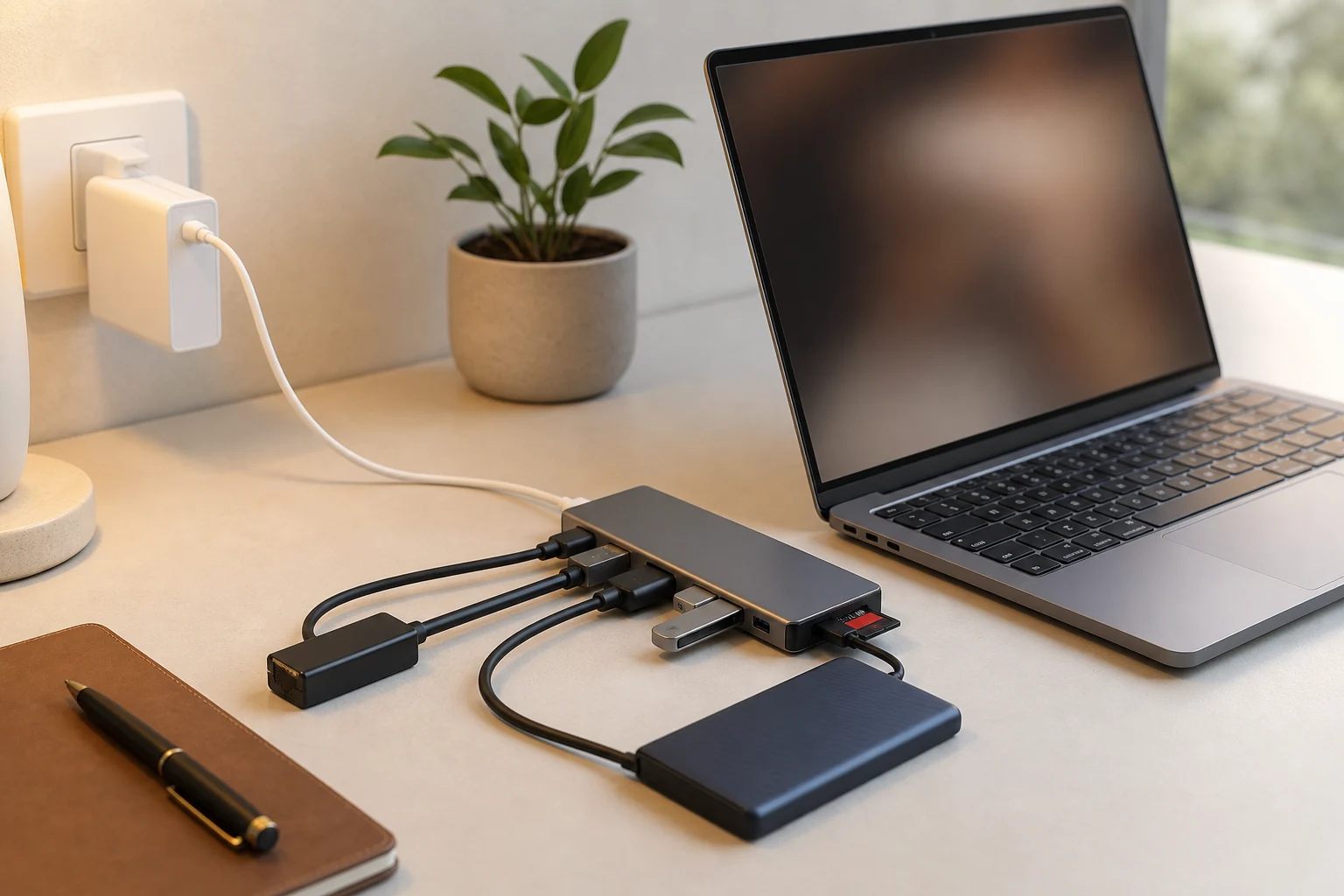
The best laptop gadgets solve boring but painful problems: fewer ports, weak charging, slow file transfer, and poor backup habits.
A USB-C hub can add HDMI, USB-A, Ethernet, SD card support, and charging pass-through. But check your laptop model first. Some USB-C ports support display and charging. Some support only data.
For chargers, match the wattage with the laptop’s requirement. HP support explains that AC adapters are designed for specific notebook models, while Apple Support recommends using a USB-C adapter with equal or greater wattage than the adapter that came with the Mac. USB-IF’s USB Power Delivery guidance also explains that USB-C Power Delivery can support higher power levels, but the laptop, charger, and cable must all support the needed level. If performance is also a concern, see Rentopay’s breakdown of what makes a laptop fast.
An external SSD is one of the most useful laptop essentials for creators, students, coders, and small teams. A 500GB or 1TB SSD usually works well for projects, videos, backups, and transfers. If you want to compare storage types before buying, this guide on SSD formats, speeds, and sizes is a useful next read. HDDs cost less, but SSDs handle movement better and work faster.
Cleaning Kit, Cooling Pad, and Safe Daily Care
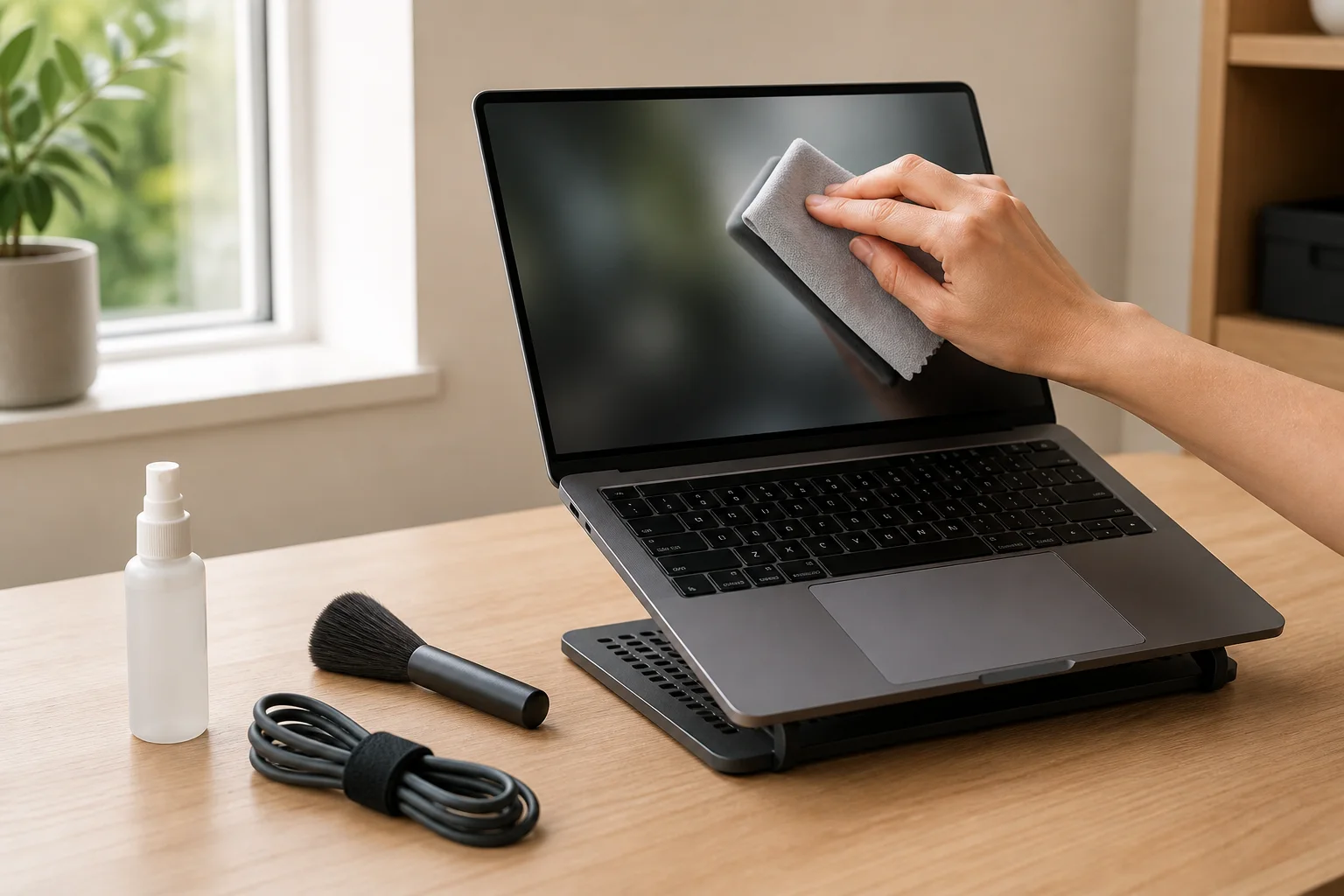
Small maintenance accessories can prevent common problems like dirty screens, sticky keys, blocked vents, and overheating.
ASUS laptop cleaning guidance advises users to turn off the laptop, remove the adapter, and apply cleaning liquid to a soft cloth instead of spraying directly on the screen. Follow that simple rule. Avoid tissue paper, rough cloth, harsh cleaners, and too much pressure.
A cooling pad can help during gaming, editing, and long rendering work, but it cannot fix clogged vents, dried thermal paste, or a failing fan. For a deeper step-by-step check, read Rentopay’s laptop overheating prevention guide. For light work, a ventilated laptop stand may be enough.
For rented or office laptops, avoid thick skins, glue-heavy stickers, or covers that block airflow.
Accessories for Online Classes and Business Meetings
Clear audio, stable internet, and better camera quality can make classes, interviews, sales calls, and investor meetings feel more professional. For larger training setups, product demos, and conferences, Rentopay’s guide to laptop rentals for corporate events explains how teams can plan devices at scale.
Built-in microphones often pick up fan noise, traffic, and room echo. A headset with a clear mic is one of the most must have laptop accessories for online work. A webcam helps in low light. An Ethernet adapter helps during exams, webinars, and client calls when Wi-Fi drops.
A ring light is useful only if your room lighting is poor. Do not buy it before basics like a headset, hub, and stable power setup.
Rentopay’s Practical Take on Choosing Better Accessories
A strong laptop setup is not about owning everything; it is about choosing accessories that match your real workload.
From a rental and hardware-use perspective, our order is simple: protect the laptop first, improve comfort second, improve speed third. Decorative skins, RGB extras, and premium desk gadgets can wait.
Students should keep laptop essentials light. Businesses should choose durable tools teams can use without confusion, especially when planning device setups for employees. Rentopay’s article on laptop rental benefits for corporate companies explains why this matters for growing teams. Founders can save time with a dock, monitor, keyboard, mouse, headset, and backup drive. If you are building a lean team, also read how laptop rentals help startups control budgets.
For temporary needs, renting the right laptop may be smarter than buying extra hardware. Rentopay offers laptops on rent in India with flexible rental plans.
How to Choose the Best Laptop Accessories in India
Choose best laptop accessories by checking compatibility, build quality, warranty, portability, and the exact problem you want to solve.
Ask five questions before buying:
- Does it fit my laptop size and port type?
- Will I use it every week?
- Does it protect the laptop or improve comfort?
- Does the brand clearly mention specifications?
- Is there warranty or support in India?
Do not buy all laptop accessories from one random list. Start with protection, comfort, power safety, storage backup, and clear audio. Add extras only when work demands them.
Final Thoughts
The best laptop accessories for India are practical, durable, and easy to use every day. Students need portable basics. Professionals need comfort and backup. Teams need repeatable setups that work without daily troubleshooting.
Rentopay believes the right laptop and the right accessories should make work easier, not more complicated. Choose wisely, keep the setup clean, and let every accessory earn its place in your bag.
FAQs About Best Laptop Accessories and Laptop Essentials
1. What are the best laptop accessories for students in India?
The best laptop accessories for students are a padded backpack, wireless mouse, USB-C hub, headphones, cleaning cloth, and external SSD if they handle large files.
2. Which laptop accessories are necessary for office work?
For office work, the must have laptop accessories are a laptop stand, external keyboard, mouse, headset, USB-C dock, surge protector, and backup storage.
3. Do I need a cooling pad for my laptop?
You need a cooling pad only if your laptop heats during gaming, editing, or heavy software. For normal work, a raised stand may be enough.
4. Are laptop protection accessories worth buying?
Yes, laptop protection accessories are worth buying if you travel, share devices, or use laptops in offices, hostels, events, or classrooms.
5. What are the best laptop gadgets for startup founders?
The best laptop gadgets for startup founders are a USB-C dock, monitor, webcam, headset, wireless keyboard, mouse, and external SSD for quick backups.
6. Should I buy all laptop accessories together?
No. Buy all laptop accessories only if you clearly need them. Most users should start with protection, comfort, charging, storage, and audio.
7. Can I use any USB-C charger for my laptop?
No. Use a USB-C charger only if the wattage, cable, and laptop support the required power level. Check the original charger or model specifications first.
8. What laptop essentials should I carry daily?
Carry a charger, mouse, USB hub, headphones, sleeve, microfiber cloth, and backup drive if you work with important files every day