
Best ASUS Laptop in India: Powerful 2026 Picks
The best asus laptop in India depends on your work. For students and everyday office users, ASUS Vivobook is usually the safest choice. For professionals who want a premium display and lightweight build, ASUS Zenbook makes more sense. For gaming, editing, 3D work, and high-performance use, ASUS TUF and ASUS ROG are stronger picks.
Here’s the simple answer: choose Vivobook for value, Zenbook for portability, TUF for gaming on a budget, and ROG for serious performance. If you only need the laptop for a few months, renting can be smarter than buying. This is especially true for students, startups, business owners, and event teams that do not want to lock money into fast-changing hardware.
Before buying or renting, check four things: processor, RAM, SSD, and display quality. A laptop with 16GB RAM and 512GB SSD is a good starting point for most users in 2026. For gaming or design, look at dedicated graphics, cooling design, and refresh rate.
Which ASUS Laptop Is the Best for Your Use?
The best asus laptop is not the costliest one. It is the one that matches your daily workload without wasting money on specs you will not use.
For students, the ASUS Vivobook range works well because it balances price, portability, and performance. If you attend online classes, prepare presentations, browse heavily, and use basic editing tools, you do not need an expensive ROG machine. You need a reliable laptop with good battery backup and enough RAM.
For business owners and startup founders, ASUS Zenbook is often a better fit. It looks professional, feels light, and usually offers strong display quality. If your day includes meetings, Excel, CRM tools, video calls, and travel, a slim machine matters more than gaming power.
For users comparing brands, this guide on Lenovo vs ASUS laptops can help you understand where ASUS stands against another popular business and student laptop brand.
Top ASUS Laptops by Category in India

The top asus laptops should be judged by real use, not only by processor numbers. A laptop that looks powerful on paper can still feel poor if it heats up, has weak battery life, or uses a dull display.
Here is a simple category map:
|
User Type |
Better ASUS Series |
|---|---|
|
Students |
Vivobook |
|
Business users |
Zenbook / ExpertBook |
|
Gamers |
TUF / ROG |
|
Creators |
Zenbook / ROG |
|
Budget users |
Vivobook Go / Vivobook |
ASUS India lists laptops across home, work, student, creator, and gaming categories on its official laptop store. That split itself shows why one “best” model cannot serve every buyer. You can check the latest official ASUS models on the ASUS India laptop store before making a final decision
Top 5 ASUS Laptops in India Right Now
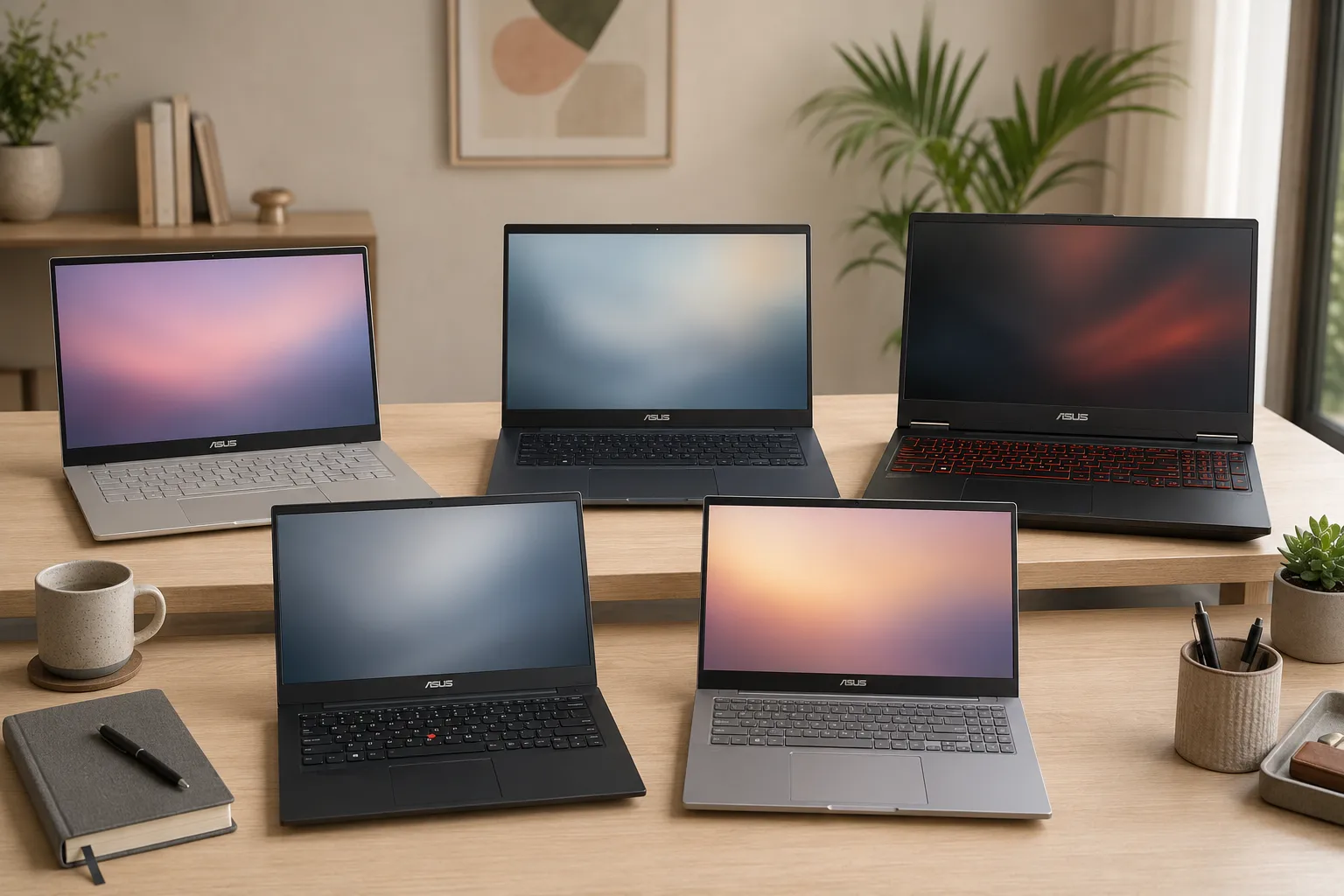
If you are searching for the best asus laptop, these are some of the most popular and recommended ASUS laptop models across different categories. Instead of focusing only on price, look at how each model fits your work, study, gaming, or business needs.
1. ASUS Vivobook 15 OLED
ASUS Vivobook 15 OLED is a strong pick for students, office users, and everyday multitaskers. It offers a bright OLED display, fast SSD storage, and enough performance for study, browsing, presentations, video calls, and light creative work.
Key points:
• Vibrant OLED display with excellent colours
• Intel Core Ultra or AMD Ryzen processor options
• Lightweight design suitable for students and office users
• Good battery life and fast SSD storage
2. ASUS Zenbook 14 OLED
ASUS Zenbook 14 OLED is better for users who want a premium, lightweight laptop. It suits founders, business professionals, college professionals, and creators who need a sharp display and easy portability.
Key points:
• Premium ultra-portable design
• High-quality OLED display with sharp visuals
• Strong battery backup for travel and meetings
• Ideal for professionals, founders, and creators
3. ASUS TUF Gaming A15
ASUS TUF Gaming A15 is a practical choice for users looking for the best asus gaming laptop without moving into very expensive premium gaming models. It gives strong GPU options, better cooling, and a high refresh rate display.
Key points:
• Dedicated NVIDIA RTX graphics
• High refresh rate display for gaming
• Durable build quality
• Excellent value for gamers on a budget
4. ASUS ROG Strix G16
ASUS ROG Strix G16 is built for serious gaming, streaming, editing, and heavy workloads. It is a better choice when performance, thermal design, and display refresh rate matter more than budget.
Key points:
• Powerful Intel or AMD processor options
• Advanced cooling system for heavy workloads
• High-performance RTX graphics
• Suitable for gaming, streaming, and content creation
5. ASUS ExpertBook B1
ASUS ExpertBook B1 is useful for startups, office teams, and business users who need reliable work laptops. It focuses more on productivity, portability, and business-friendly features than gaming or entertainment.
Key points:
• Business-focused design with security features
• Lightweight and easy to carry
• Reliable performance for office applications
• Good option for startups and corporate teams
To make the choice easier, think of these five models like this:
- Pick Vivobook 15 OLED if you want a practical laptop for study, office work, and daily browsing.
- Pick Zenbook 14 OLED if you travel often and want a premium lightweight laptop.
- Pick TUF Gaming A15 if you want gaming performance without entering the premium price range.
- Pick ROG Strix G16 if gaming, streaming, editing, or heavy creative work is your main use.
- Pick ExpertBook B1 if you need a clean business laptop for work, teams, and office tasks.
This simple split helps readers compare ASUS laptops by need, not just by model name or price.
Best ASUS Laptop for Students

The best asus laptop for students should have smooth performance, decent battery life, light weight, and enough storage for projects, notes, videos, and browser tabs.
A good student configuration is Intel Core i5, AMD Ryzen 5, or newer Core Ultra 5 class processor, 16GB RAM, and 512GB SSD. If the budget is tight, 8GB RAM can work for basic tasks, but 16GB will feel better for the next few years. Avoid old HDD-only laptops because they slow down quickly.
ASUS Vivobook models are practical for college students because they usually offer a large screen, good keyboard comfort, and fair pricing. Students in coding, design, or media courses should look higher, especially if they run tools like Visual Studio Code, Figma, Photoshop, Premiere Pro, or Android Studio.
Students should also check comfort before choosing a laptop. A good keyboard, clear webcam, stable Wi-Fi, and low fan noise matter a lot during online classes, exams, and long study sessions.
For most college users, these features are enough:
- 14-inch or 15.6-inch Full HD display
- 8GB RAM minimum, 16GB preferred
- 512GB SSD for faster loading
- Lightweight body for daily carrying
- Good battery backup for classes and travel
Avoid buying a heavy gaming laptop only for basic student use. It may cost more, weigh more, and offer less battery life for regular college work.
You can also compare student needs with Rentopay’s student-friendly laptop rental plans if you need a device for a semester, course, internship, or exam project.
Best ASUS Gaming Laptop for Indian Buyers
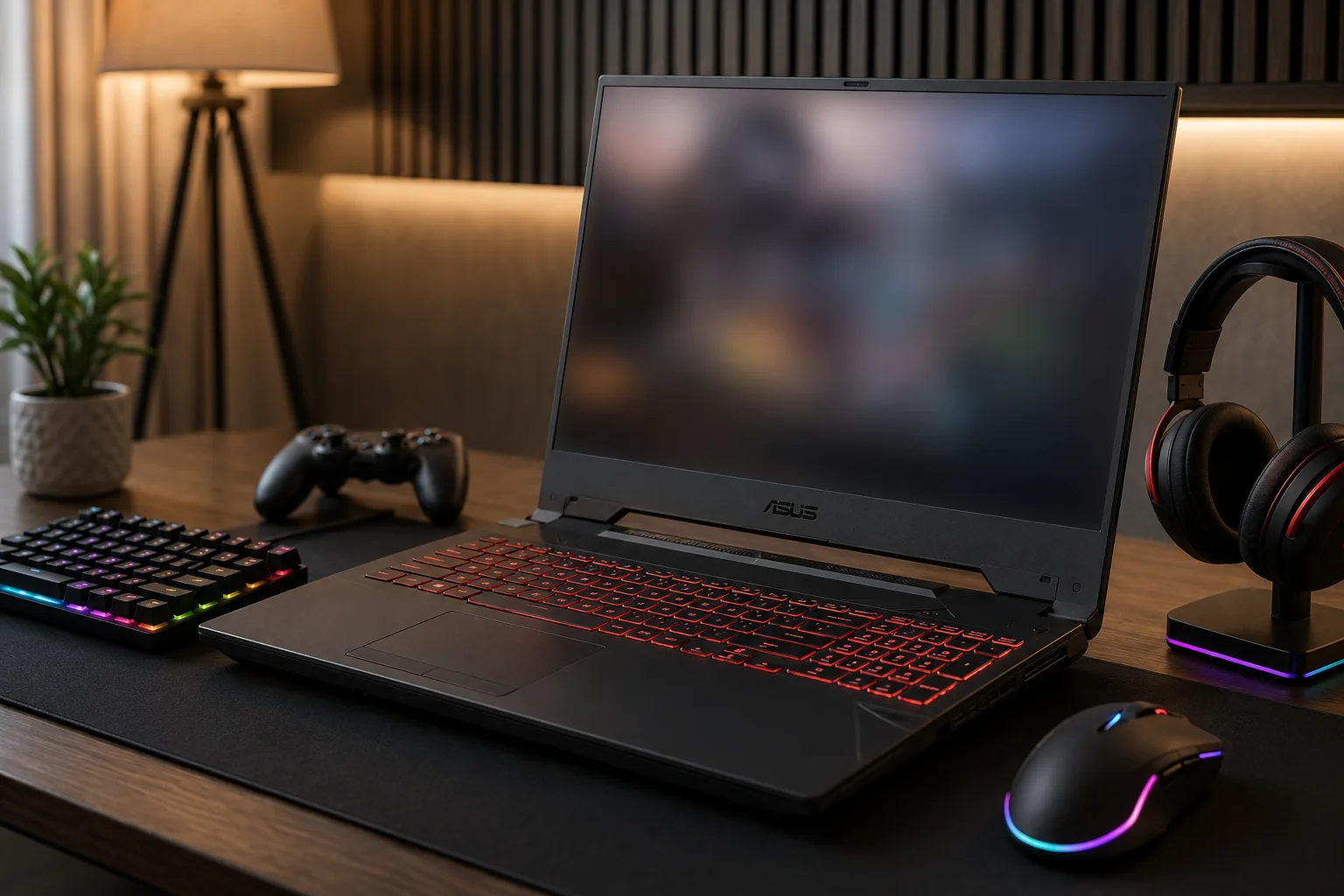
The best asus gaming laptop should have a dedicated GPU, strong cooling, a high refresh rate display, and enough RAM to handle modern games without frame drops.
ASUS TUF is the better value choice for most gamers. It usually gives strong gaming hardware at a more controlled price. ASUS ROG is the premium line for people who want higher performance, better display quality, stronger design, and advanced cooling. If you play casual games, TUF is usually enough. If you stream, edit, or play demanding titles, ROG gives more headroom.
For 1080p gaming, look for at least 16GB RAM, 512GB SSD, and a dedicated NVIDIA RTX GPU. A 144Hz or higher refresh rate display makes gameplay feel smoother. For creators who also game, check colour accuracy and ports, not just FPS.
Gamers should not judge a laptop only by the graphics card name. Cooling, display refresh rate, RAM, and power limits also affect real gaming performance.
Before choosing between TUF and ROG, check these points:
- RTX GPU series and graphics power rating
- 144Hz or higher refresh rate display
- 16GB RAM minimum for modern games
- Extra SSD slot if you install many games
- Good cooling vents and fan design
ASUS TUF is usually the practical gaming choice. ASUS ROG is better when you want premium performance, better thermals, and a more polished gaming experience.
ASUS lists its TUF Gaming and ROG models separately, and the official ASUS TUF Gaming lineup shows how gaming laptops differ by GPU, display, memory, storage, and refresh rate. You can also read Rentopay’s detailed guide on the best gaming laptop in India before choosing.
ASUS Budget Laptop: What Should You Check?
An asus budget laptop can be good for daily work, but you must check the parts carefully. Low price alone does not mean good value.
In budget ASUS laptops, focus on SSD storage first. A 512GB SSD is better than a large but slow hard disk. Next, check RAM. For simple office work and online classes, 8GB RAM may work. For long-term use, 16GB RAM is safer. Also check whether RAM can be upgraded later.
Display quality matters too. A Full HD screen should be the minimum. If you read, study, or work long hours, a dull screen can strain your eyes. Battery backup also varies by model, so avoid judging only by brand name.
A budget ASUS laptop should still feel fast in daily use. Do not compromise on SSD storage just to save a small amount because storage speed affects boot time, app opening, and multitasking.
Before finalising an ASUS budget laptop, avoid these common mistakes:
- Buying a laptop with only HDD storage
- Choosing 4GB RAM for modern work
- Ignoring screen quality
- Forgetting to check upgrade options
- Buying based only on discount price
A slightly better configuration can save you frustration later. In many cases, spending a little more on RAM and SSD gives better value than choosing a higher-looking model with weak basics.
If your budget is limited, renting may give access to a better laptop than buying a weak new one. Rentopay’s guide on laptop on rent vs buy explains when monthly rental makes more financial sense.
ASUS Vivobook vs Zenbook vs TUF vs ROG
ASUS Vivobook, Zenbook, TUF, and ROG serve different buyers. Once you understand the series, choosing the best asus laptop becomes much easier.
Vivobook is the practical daily-use range. It suits students, office users, and home users. Zenbook is more premium and portable. It is better for professionals, founders, and frequent travellers. TUF is performance-focused and budget-conscious for gamers. ROG is the high-performance gaming and creator range.
If you want a laptop for Excel, browsing, video calls, and online tools, do not overspend on ROG. If you edit videos, play games, or run GPU-heavy software, do not expect a basic Vivobook to behave like a workstation.
For creative users, Rentopay’s guide on the best laptop for graphic design can help you compare display, GPU, RAM, and storage needs in more detail.
What a Hardware Engineer Would Check First
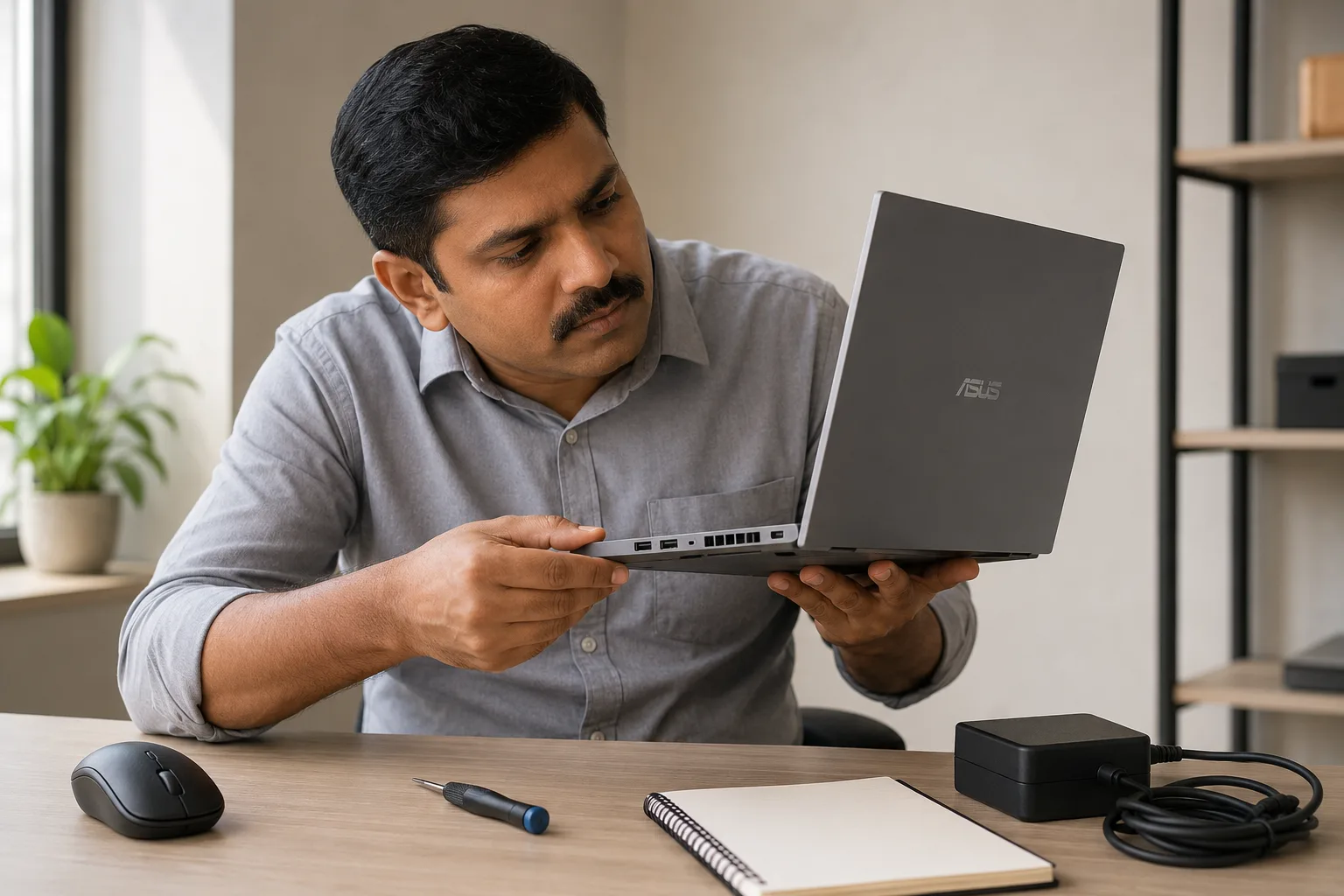
A laptop is not just a processor name. After 20 years of looking at machines in real working conditions, I always check thermals, upgrade options, battery wear, display quality, and service support before recommending any model.
Many buyers choose a laptop by looking only at CPU generation. That is risky. A powerful processor inside a poorly cooled laptop may throttle under load. That means the speed drops when the machine heats up. This matters for gaming, video editing, coding builds, and long multitasking sessions.
Check the air vents. Check the charger wattage. Check if RAM is soldered or upgradeable. Check whether the SSD is NVMe. Check ports if you use external monitors, projectors, LAN adapters, or drawing tablets. For business teams, also check warranty terms and support availability through the ASUS India support page.
A practical way to test a laptop is to think about your heaviest day, not your easiest day. If the laptop can handle your busiest workload without heating, slowing, or draining too fast, it is a safer choice.
For real-world checking, look at:
- Heat near keyboard and bottom panel
- Fan noise during video calls or heavy apps
- Battery drain during normal browsing
- Display brightness in daylight
- Port placement for charger, mouse, HDMI, and USB devices
These small checks matter because laptops are daily-use machines. A laptop with strong specs but poor comfort can become irritating within a few weeks.
This is where renting gives one more advantage. You can match the laptop to the project instead of forcing one machine to do everything for years.
Rentopay Brand Take: Buy for Stability, Rent for Flexibility

For Indian students, startups, founders, and businesses, the smartest choice is not always buying the newest ASUS laptop. The smarter choice is matching cost to usage time.
If you need an ASUS laptop for four years, buying may work. If you need laptops for training, events, internships, remote teams, short-term projects, gaming tests, or temporary hiring, renting is often better. You avoid heavy upfront cost, old hardware risk, and idle devices after the project ends.
Rentopay helps users access laptops based on use case, duration, and budget. If you are new to the process, read this simple guide on how to rent a laptop. For companies, this guide on laptop rental benefits for corporate companies explains how rentals support growing teams.
Quick Buying Checklist for the Best ASUS Laptop
The best asus laptop should feel fast today and remain useful for the next few years. A small checklist can prevent expensive mistakes.
Choose 16GB RAM if your budget allows. Pick SSD storage, not HDD. Prefer Full HD or better display. For gaming, choose a dedicated GPU. For travel, choose lighter weight and better battery. For office teams, check warranty, support, and availability.
Also think about software needs. A student using Google Docs does not need the same machine as a video editor. A founder doing meetings and dashboards does not need the same laptop as a gamer. That is why there is no single asus best laptop for everyone.
If performance is your main concern, Rentopay’s guide on what makes a laptop fast can help you understand the role of RAM, SSD, CPU, and background load.
Final Verdict: Which ASUS Laptop Is the Best?
The best asus laptop for most Indian students and everyday users is usually an ASUS Vivobook with 16GB RAM and SSD storage. The best ASUS laptop for professionals is usually a Zenbook. The best ASUS gaming laptop for value is usually from the TUF range, while ROG suits users who want premium gaming and creator performance.
Your decision should depend on use, budget, duration, and upgrade needs. Buy if you need long-term ownership. Rent if you want flexibility, lower upfront cost, or a laptop only for a project, course, event, or short business requirement.
For many Indian users, the right question is not only “which asus laptop is the best?” The better question is, “Which ASUS laptop fits my work without wasting money?”
FAQs on Best ASUS Laptop
ASUS laptop buyers in India often ask similar questions before buying or renting. These answers are written in a simple voice-search style so users can get quick, clear guidance.
1. Which ASUS laptop is the best in India?
The best ASUS laptop in India depends on your use. Vivobook is best for students and daily work, Zenbook is best for professionals, TUF is best for value gaming, and ROG is best for premium performance.
2. Which ASUS laptop is best for students?
The best ASUS laptop for students is usually an ASUS Vivobook with 16GB RAM, 512GB SSD, and a Full HD display. It works well for classes, projects, browsing, and online learning.
3. Is ASUS Vivobook good for office work?
Yes, ASUS Vivobook is good for office work if you choose the right configuration. For smooth multitasking, pick at least 16GB RAM and SSD storage.
4. Which is better, ASUS TUF or ASUS ROG?
ASUS TUF is better for value gaming, while ASUS ROG is better for high-end gaming, streaming, and creator workloads. Choose TUF for budget control and ROG for maximum performance.
5. Is ASUS Zenbook worth buying?
Yes, ASUS Zenbook is worth buying if you want a premium, lightweight laptop with strong display quality and good portability. It suits founders, professionals, students in creative fields, and business users.
6. What is the best ASUS budget laptop?
The best ASUS budget laptop is usually from the Vivobook or Vivobook Go range. Look for SSD storage, Full HD display, and at least 8GB RAM, though 16GB is better.
7. Should I buy or rent an ASUS laptop?
Buy an ASUS laptop if you need it for many years. Rent one if you need it for a course, project, event, internship, startup team, or short-term business use.
8. How much RAM is good for an ASUS laptop?
For most ASUS laptops, 16GB RAM is the safer choice in 2026. Basic users can manage with 8GB, but students, designers, gamers, and professionals should prefer 16GB or more.