What Makes a Laptop Fast? Powerful, Simple Truths
A laptop feels fast when it can finish small tasks quickly and keep that pace while you multitask. In real life, speed comes from a balanced mix of CPU performance, enough RAM, fast SSD storage, good cooling, and clean software.
If you want the shortest checklist for what makes a laptop fast, focus on these five things:
- A modern CPU (good single-core speed plus enough cores)
- 16GB RAM for most people who multitask
- An SSD (NVMe if the laptop supports it)
- Cooling that prevents overheating and throttling
- Fewer heavy apps running in the background
Here’s the thing: one “best” part does not save a weak system. A powerful CPU still feels slow if your laptop runs out of RAM and starts using the disk as memory. A large SSD will not help if the CPU constantly overheats. When everyday users ask me which components improve laptop speed, I tell them to think in chains. The slowest link sets the pace.
How to choose the hardware that makes a laptop fast
I’ve worked with laptops for over two decades, from office machines to high-performance mobile workstations. The same pattern shows up every time: users blame the processor, but the real bottleneck often sits in storage, memory, or heat.
1) CPU: the brain that sets your base speed
Your CPU decides how quickly your laptop can respond to clicks, open apps, and run many tasks at once. When people ask what makes a laptop fast, this is usually the first part they think about. Three CPU ideas matter most for everyday speed:
• Single-core performance: this affects snappy feel in common tasks like opening apps, switching tabs, and spreadsheets.
• Core count: more cores help when you run many apps together or do heavier work.
• Cache and sustained boost: cache reduces trips to memory; sustained boost depends on cooling.
If you want a clear explanation of clock speed (GHz) and why higher speeds can also mean more heat, Intel explains it well in this CPU clock speed guide.
A simple buying rule for India: prefer a recent-generation Core i5 / Ryzen 5 or better for most users. If you edit videos, code, or run heavy Chrome tabs all day, step up to i7 / Ryzen 7 class.
2) RAM: the workbench that prevents slowdowns
RAM holds what you are actively using. When RAM runs out, the laptop shifts data to disk, called paging or swapping. Windows does this using a page file (virtual memory), which Microsoft explains in this intro to the page file. That shift creates the stutters people describe as hangs. If you want a simple way to choose between 8GB, 16GB, or 32GB, read our guide on how much RAM is good for a laptop.
Practical RAM guidance:
• 8GB: okay for light browsing, basic Office work, and streaming, if you keep tabs and apps under control.
• 16GB: the sweet spot for most users who multitask with work, meetings, and 15+ tabs.
• 32GB: useful for creators, developers, and advanced workloads.
Also, look for dual-channel memory. Two matching RAM sticks often feel smoother than one stick of the same total size, especially with integrated graphics.
3) Storage: SSD speed affects how fast your laptop feels
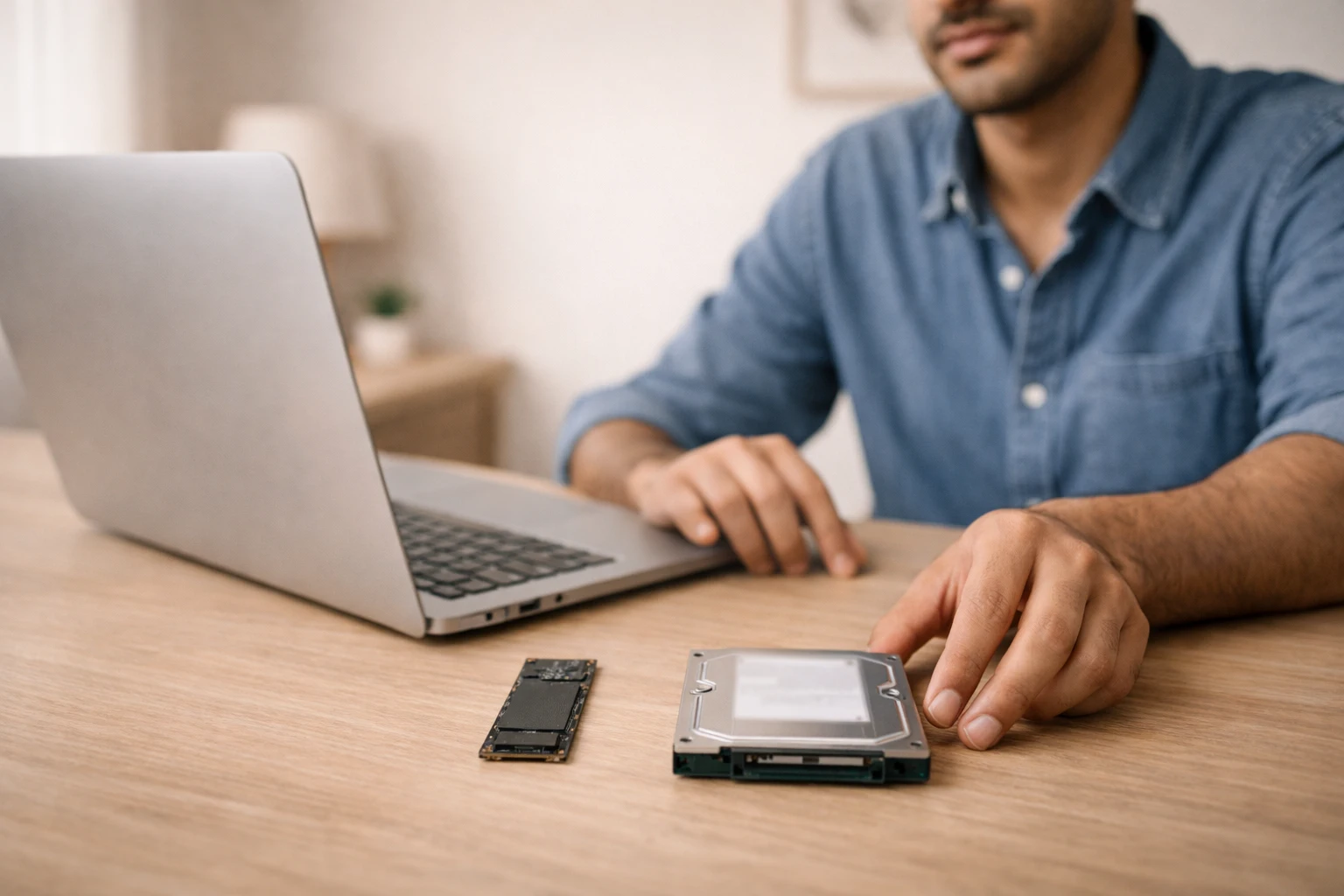
Storage controls boot time, app launch time, file searches, and how quickly your laptop recovers when it runs low on RAM. In the real-world checklist for what makes a laptop fast, storage often delivers the biggest visible change. If you still use an HDD, you will feel slow startup and long loading times even on a decent CPU. Kingston gives a simple, practical breakdown of why SSDs feel so much faster than hard drives. If you want to fix that, follow this step-by-step guide to upgrade your laptop HDD to SSD.
For speed:
• SSD is mandatory for modern everyday use.
• NVMe SSD usually beats older SATA SSDs, especially in heavy file work and multitasking. If you want the difference explained without hype, see Kingston’s NVMe vs SATA guide.
• Keep free space too, when storage crosses roughly 80–85% usage, many systems slow down during updates, caching, and temp-file work.
4) Cooling and thermals: the hidden speed killer
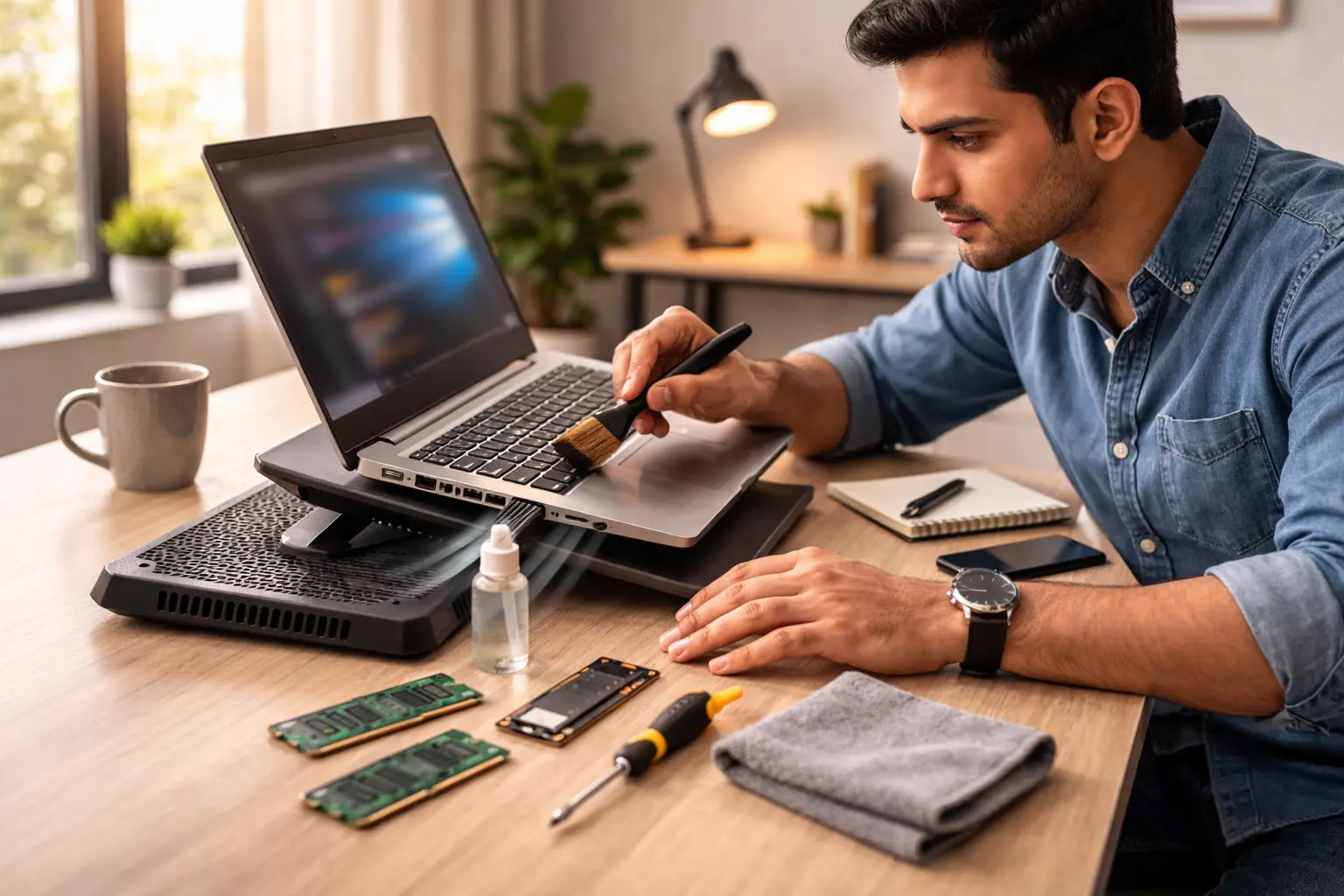
Many thin laptops look fast on paper, but they cannot maintain speed under load. Heat triggers thermal throttling, where the CPU or GPU reduces speed to protect itself. Intel describes throttling as a protective mechanism when temperatures go beyond safe limits in this throttling overview. Users feel this as sudden lag during meetings, exports, or even heavy browsing. Start here for practical fixes: how to prevent a laptop from overheating.
If your laptop slows down after 10–15 minutes, suspect heat. Dust, blocked vents, old thermal paste, and using the laptop on a bed or sofa can all raise temperatures.
5) GPU: only matters for the right workloads

A GPU does not make a laptop faster for basic browsing or Word. It matters for:
• gaming
• video editing and rendering
• 3D work
• some AI and design tools
If you do not run those workloads, a strong CPU + 16GB RAM + SSD will deliver more value than paying extra for a mid-range GPU.
How to identify which upgrade will make your laptop faster
If your laptop feels slow, this table helps you choose the most effective fix first.
|
Symptom you feel |
Likely bottleneck |
|---|---|
|
Slow boot, slow app opening |
HDD or slow SSD, low free space |
|
Stutters when many tabs/apps open |
Not enough RAM |
|
Fast at first, then slows down |
Overheating, throttling |
|
Slow exports in editing/gaming |
CPU/GPU limitation |
Why a fast spec sheet still feels slow
Now we get into the real-world details. These points explain why two laptops with similar headline specs can feel totally different.
Power limits and battery mode can cap speed
Many laptops reduce performance on battery to extend runtime. Some also limit peak power even when plugged in, depending on the adapter and internal design. If your laptop feels slower only on battery, check your power mode and battery health.
One heavy background app can ruin everything
Modern apps love to run helpers in the background: auto-updaters, sync tools, chat apps, antivirus scans, and launchers. Each one steals CPU time, RAM, and disk access. The result: the laptop feels slow even when the hardware looks fine.
A simple test: open Task Manager and sort by CPU, Memory, and Disk. You will spot the real offender quickly. If you want to cut slowdowns fast, Microsoft shows how to disable startup apps in Windows.
Storage speed can mask RAM problems, but only for a while
An SSD helps when the system needs to page to disk, but paging still slows you down compared to real RAM. That’s why users sometimes say: I installed an SSD, but the laptop still lags with many tabs. In that case, RAM becomes the next limit.
Heat, dust, and Indian summers change the story
In India, heat and dust affect laptops more than most people expect. A laptop that runs fine in an air-conditioned office can throttle in a warm room. Dust build-up reduces airflow over time. If your laptop works harder and the fans are loud, it usually runs slower too.
The right laptop depends on your daily workload
When someone asks me what hardware makes a laptop fast matters most, I always ask one thing: what do you do for 6 hours a day?
- Students and office users: mid-range CPU, 16GB RAM, SSD. Prioritize battery and keyboard too.
- Sales, marketing, and multi-tab users: 16GB RAM matters more than a top-tier CPU.
- Creators and editors: CPU class and GPU matter, plus fast NVMe storage. If this is you, use this guide: best laptop for content creation.
- Developers: CPU plus 16GB or 32GB RAM, and enough storage for tools, containers, and projects.
How laptop speed actually works: a simple mental model
A laptop makes millions of tiny decisions every second. Think of it like a kitchen:
- The CPU is the chef.
- RAM is the counter space.
- The SSD is the pantry.
- The cooling system is the ventilation.
A great chef still struggles with a tiny counter, a slow pantry, or bad ventilation. That’s why balance matters more than chasing one big number.
A practical checklist before you buy or rent

If you want a laptop that feels fast for everyday use in 2026, these specs usually deliver a smooth experience. They cover the most important parts of what makes a laptop fast without overspending:
- Recent Core i5 / Ryzen 5 or better
- 16GB RAM, preferably dual-channel
- 512GB SSD, NVMe if available
- Good cooling and a chassis that can sustain performance
- Clean Windows install or a setup with minimal bloat
If you care about consistent everyday speed plus strong battery standards, it’s worth understanding Intel Evo-certified laptops.
If you already own a laptop, use this quick checklist first: 10 easy tips to improve laptop performance.
If you already own a laptop, try this order of fixes:
- Disable unnecessary startup apps
- Free up storage space
- Update drivers and OS
- Service cooling by cleaning vents, checking the fan, and renewing thermal paste if needed
- Upgrade SSD or RAM if your model supports it
This is where the phrase components improve laptop speed becomes practical. You rarely need everything. You need the right bottleneck fix.
How to choose a laptop that stays fast all day

Most buying guides push raw specs. I care about sustained performance.
Here’s my opinion after 20+ years of testing and troubleshooting laptops: the fastest laptop is not the one that hits a high benchmark for 30 seconds. It’s the one that stays stable for hours. That stability comes from:
- smart power design
- cooling that prevents throttling
- enough RAM to avoid swapping
- storage that stays responsive under load
So if you want a laptop that feels fast every day, do not chase the highest GHz number or the biggest up to claim. Keep asking one simple question: what makes a laptop fast for your exact daily tasks? Chase balance and thermals. That is the most overlooked part of what makes a laptop fast.
FAQs About Laptop Speed
1) What makes a laptop fast for everyday use?
A laptop feels fast when it has a modern CPU, 16GB RAM, and an SSD. Good cooling and fewer background apps also keep it smooth.
2) Does an SSD alone make my laptop fast?
An SSD makes a big difference in boot time and app loading. But if you run out of RAM or the laptop overheats, you will still see lag.
3) Is 8GB RAM enough for Windows laptops in India?
Yes, for light use like browsing and documents. For multitasking, online meetings, and many Chrome tabs, 16GB usually feels much smoother.
4) Which processor should I choose for a fast laptop?
For most users, a recent Core i5 or Ryzen 5 is a safe choice. If you edit videos, code, or game, go for i7 / Ryzen 7 class for extra headroom.
5) Why is my laptop slow even with an SSD?
Most often, you run too many startup apps, your RAM is low, or your laptop overheats. Check Task Manager, free storage space, and clean the vents.
6) Do I need a graphics card to make my laptop fast?
Not for basic work. A dedicated GPU helps mainly in gaming, video editing, 3D design, and some creative apps.
7) Can overheating really reduce laptop speed?
Yes. Heat triggers thermal throttling, which lowers CPU or GPU speed to protect the hardware. Better airflow and cleaning often restore performance.
8) What is the quickest way to speed up a slow laptop?
Disable unnecessary startup apps, keep at least 20% storage free, and remove heavy background tools you do not use. If it still lags, upgrade RAM or move to an SSD.
Need a fast laptop without the headache?
If your current laptop freezes during meetings, takes ages to boot, or struggles with everyday tabs and tools, you do not need to suffer through it.
At Rentopay, we help you choose the right configuration for your real workload, not just a spec sheet. If you feel confused about what makes a laptop fast, we’ll translate your needs into the right CPU, RAM, SSD, and cooling. Tell us what you do daily, whether that is work, study, editing, or gaming, and we’ll suggest a laptop that stays fast, stays cool, and stays reliable. You can also start here: how to rent a laptop. Visit Rentopay and talk to our team for a practical solution that fits your budget and timeline.