Best Gaming Laptop in India: Powerful 2026 Guide
The best gaming laptop in India is not always the most expensive model. For most students, college professionals, startup founders, and business owners, the best choice is a laptop with a strong NVIDIA RTX GPU, 16GB RAM, SSD storage, a 144Hz or better display, and cooling that can handle long sessions.
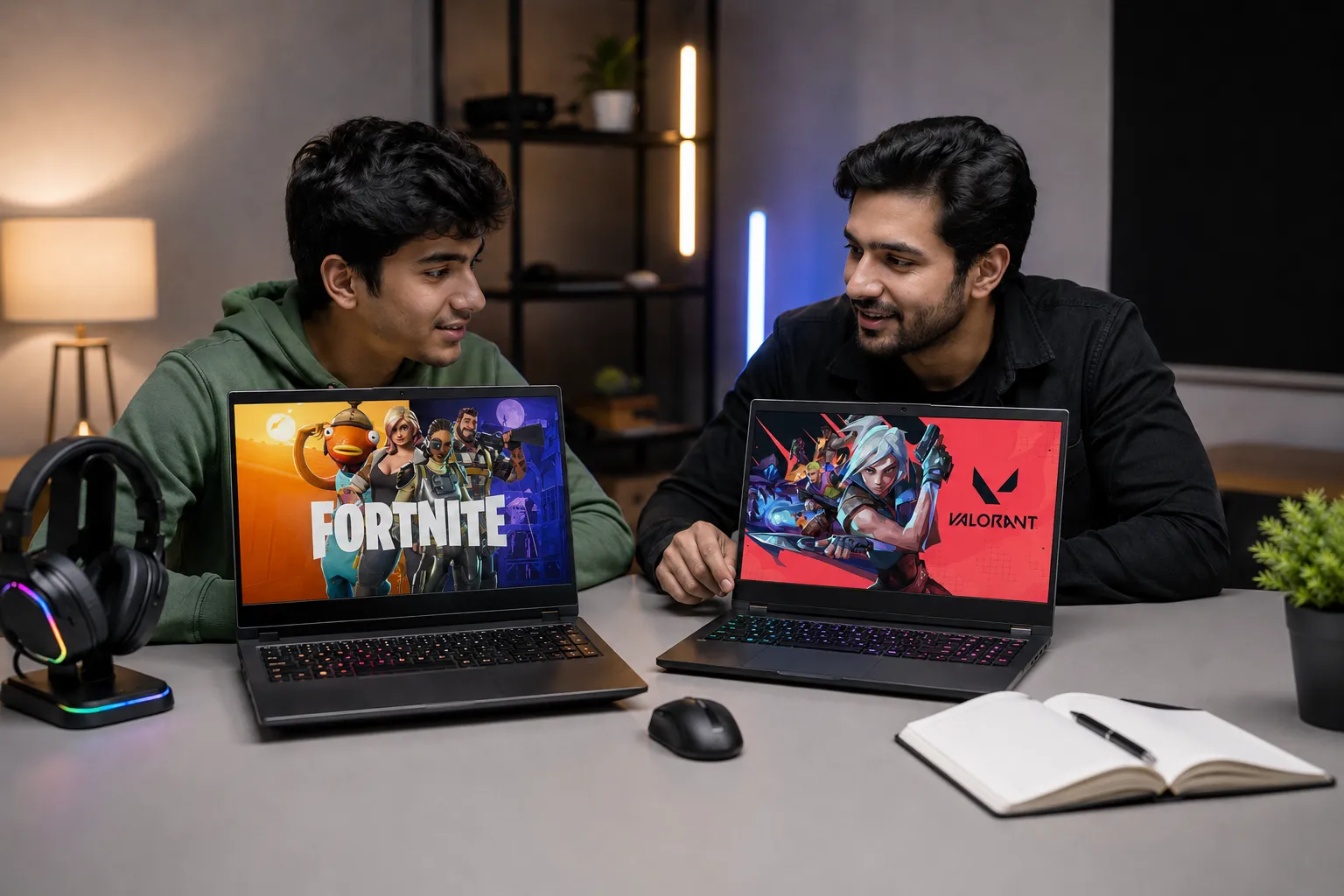
If you play esports games like Valorant, CS2, or Fortnite, a mid-range gaming laptop with RTX 4050, RTX 5050, or RTX 5060 graphics is usually enough. If you play AAA titles, edit videos, stream, or run 3D tools, choose RTX 4060, RTX 5060, RTX 5070, or higher. NVIDIA’s laptop GPU comparison shows that RTX 50 Series laptop GPUs vary widely in power, memory, and GPU wattage, so the exact laptop model matters as much as the GPU name.
Best Gaming Laptop Specs to Check Before Buying
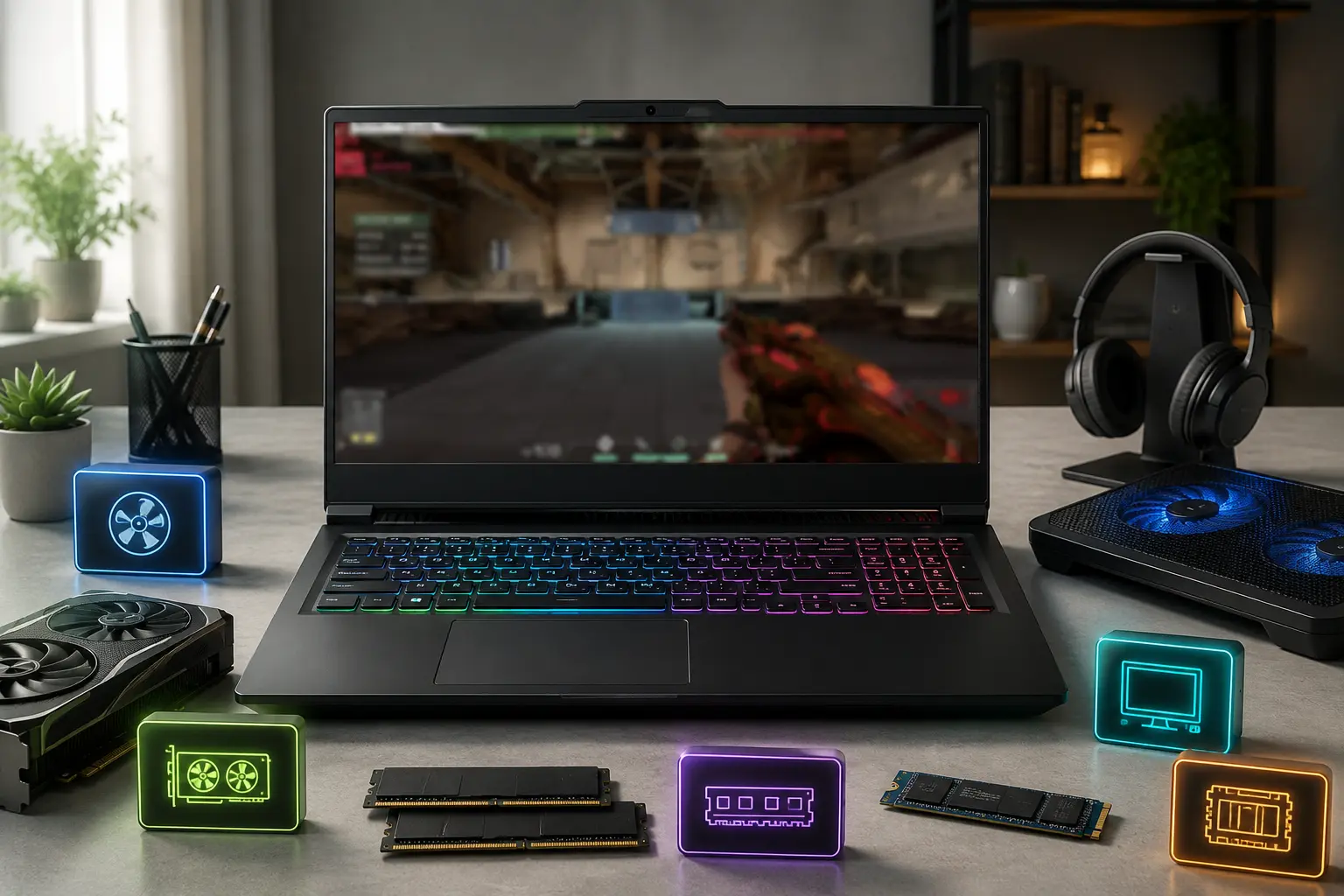
A good gaming laptop should match your games, your work, and your budget instead of chasing only the highest GPU number. This helps you avoid overspending on power you may not use and focus on smoother real-world performance.
Start with the GPU. It decides gaming performance more than the CPU in most titles. But check GPU TGP, which means how much power the graphics chip can use. Two gaming laptops with the same RTX 4060 or RTX 5060 can perform differently if one has a lower power limit. Acer’s official gaming laptop GPU power specification page shows how RTX laptop GPUs can have different wattage limits across models, which directly affects real gaming performance.
For Indian buyers, this simple spec target works well:
|
User Type |
Recommended Specs |
|---|---|
|
Casual gaming and study |
RTX 3050/4050, 16GB RAM, 512GB SSD, 144Hz display |
|
Esports and college work |
RTX 4050/5050/5060, 16GB RAM, 1TB SSD |
|
AAA gaming and editing |
RTX 4060/5060/5070, 16GB to 32GB RAM, QHD display |
|
Heavy creative or AI work |
RTX 5070 Ti/5080/5090, 32GB RAM, strong cooling |
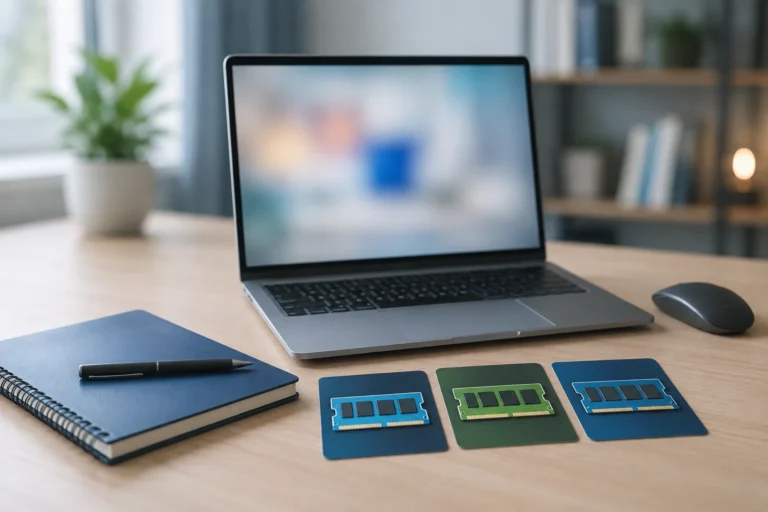
For RAM, 16GB is the safe minimum in 2026. For storage, pick at least a 512GB SSD, but 1TB feels better because modern games can use large storage space. You can read Rentopay’s guide on how much RAM is good for a laptop and types of SSD formats and speeds before finalizing specs.
Which Laptop Is Best for Gaming in India?
The best laptop for gaming depends on your budget, but Lenovo LOQ, HP Victus/Omen, ASUS TUF/ROG, Acer Nitro/Predator, Dell G/Alienware, and MSI Katana/Raider are strong names. Retail category pages like Croma’s gaming laptop collection also show how these brands commonly appear across Indian gaming laptop price ranges.
If your budget is under ₹80,000, focus on value. Lenovo LOQ, ASUS TUF, Acer Nitro, and HP Victus models often appear in this range. If your budget is ₹1 lakh to ₹1.5 lakh, look for RTX 4050, RTX 5060, or RTX 4060 laptops with better cooling and 1TB SSD. If your budget is above ₹1.5 lakh, compare ASUS ROG, Lenovo Legion, HP Omen, Acer Predator, MSI Raider, and Alienware.
Many top gaming laptops now use Intel Core Ultra HX or AMD Ryzen 9 chips. Intel announced its Core Ultra 200HX Plus mobile processors in March 2026 for gaming, streaming, content creation, and workstation use. AMD also promotes the Ryzen 9 9955HX3D as a high-end mobile gaming processor with 2nd Gen 3D V-Cache technology.
5 Best Gaming Laptops in India with Name and Specs
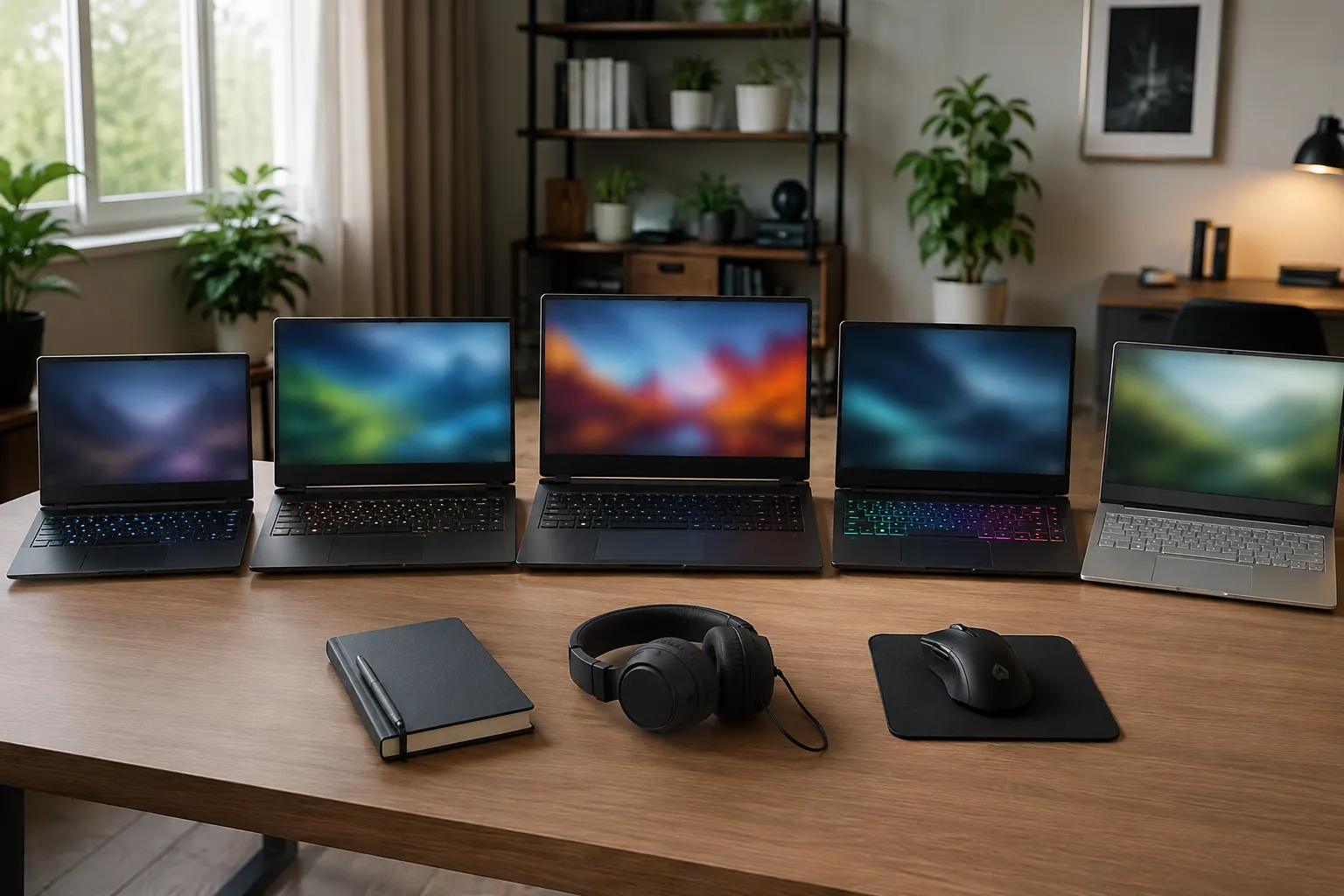
These 5 gaming laptops are practical options to compare in India. Prices and exact variants change often, so verify the latest configuration before buying or renting.
|
Laptop Name |
Key Specs |
Best For |
|---|---|---|
|
HP Victus 15-fa2308TX |
Intel Core i7-13620H, RTX 5060 8GB, 24GB DDR5 RAM, 1TB SSD, 15.6-inch FHD 144Hz display |
Best value gaming laptop for students and 1080p gamers. |
|
Lenovo Legion Pro 5i Gen 10 |
Intel Core Ultra series, RTX 5060 8GB GDDR7, 16GB DDR5 RAM, 16-inch class gaming build |
Best balanced gaming laptop for performance and thermals. |
|
ASUS ROG Strix G16 2025 |
Ryzen 9 8940HX or Intel Core Ultra 9, RTX 5060/5070 options, 16-inch 2.5K 240Hz display, 1TB SSD |
Best for high-refresh gaming and creator work. |
|
Acer Predator Helios Neo 16S AI |
Intel Core Ultra 7 255HX, RTX 5060 8GB, 16GB RAM, 1TB SSD, WQXGA OLED 240Hz display |
Best premium OLED gaming option. |
|
MSI Katana 15 HX B14W |
Up to Intel Core i9-14900HX, up to RTX 5070 8GB, QHD 165Hz or FHD 144Hz display |
Best for users who want strong specs at a mainstream gaming price. |
The HP Victus is a good starting point if your budget is controlled. The Lenovo Legion is better if you want a more serious long-term machine. ASUS ROG suits users who care about display and speed. Acer Predator works well for users who want premium visuals. MSI Katana gives strong specs for gaming, editing, and AI-assisted workloads.
Gaming Laptops for Students, Startups, and Creators
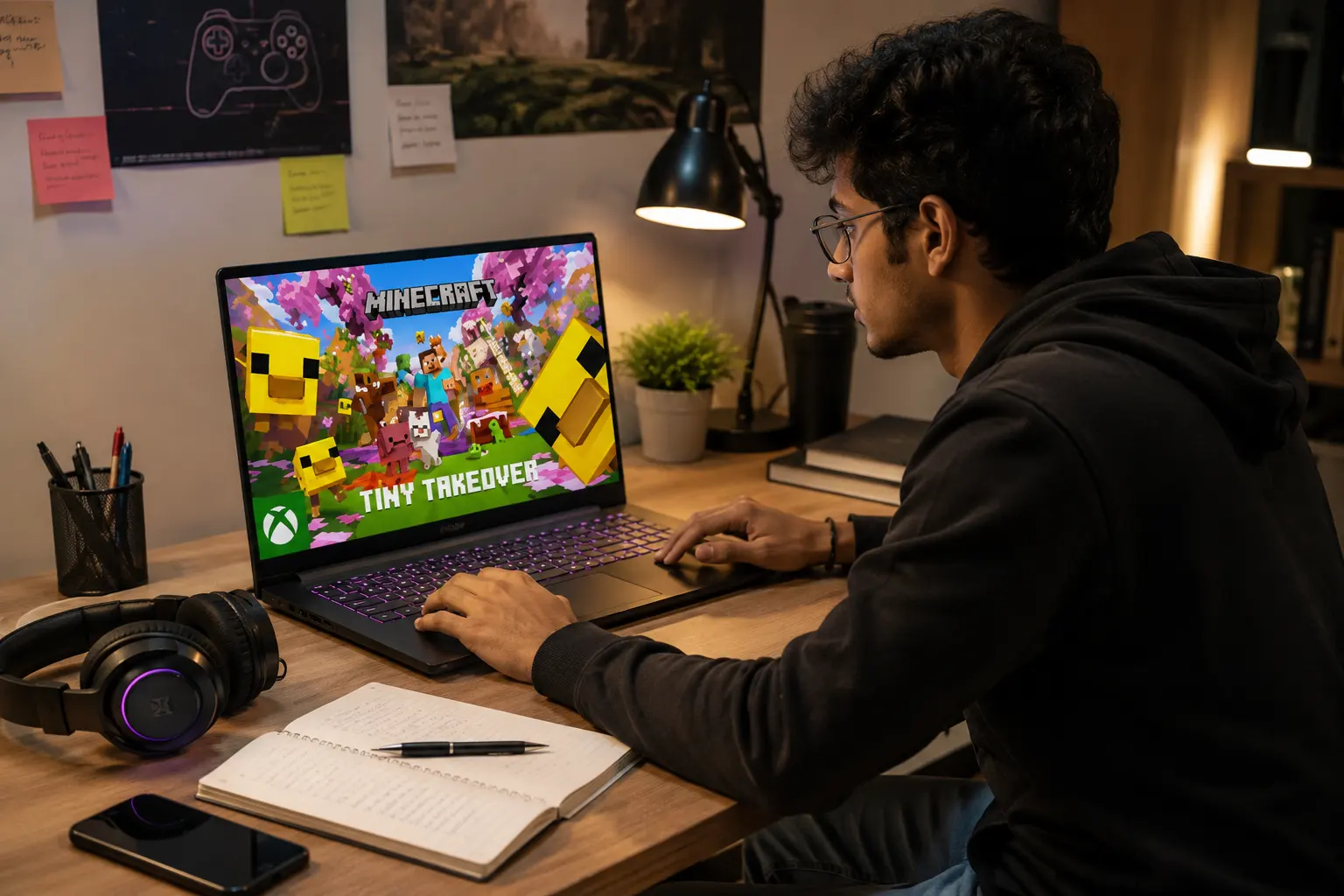
Students and startups usually need one laptop that can game, study, code, design, edit, and present without slowing down. The right gaming laptop can reduce the need for multiple devices and support both entertainment and serious work in one setup.
For students, a gaming laptop can handle gaming, online classes, coding, design tools, and video editing. But battery life is usually weaker than thin office laptops. If you carry it daily, avoid very heavy 17-inch or 18-inch models.
For startup founders and business owners, gaming laptops make sense when your team needs extra performance for product demos, video editing, 3D modelling, AI tools, or event setups. Renting can be smarter than buying if the need is short-term. Rentopay already covers this angle in its guide on laptop on rent vs buy and student-friendly laptop rental plans.
If your main need is gaming only, you can also compare laptop rental with a gaming PC rental in India, because desktops usually offer better cooling and upgrade options.
What Most Buyers Miss: Cooling, MUX Switch, and Display
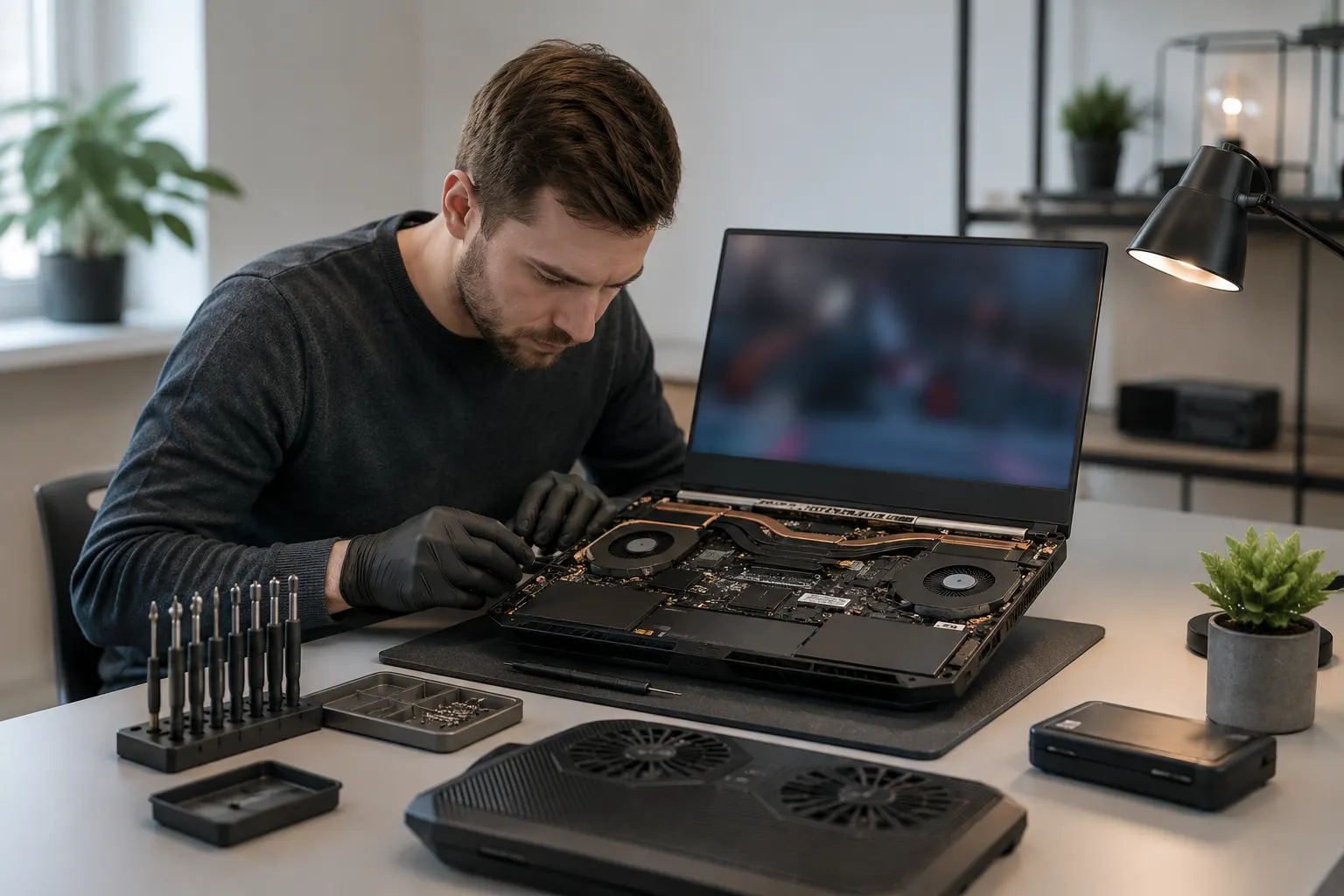
A good gaming laptop must control heat. Weak cooling can reduce frame rates even when the specs look powerful. Strong thermal design helps the laptop maintain smooth performance during long gaming sessions, editing work, and heavy multitasking.
Before choosing any gaming laptop, check fan noise, keyboard heat, GPU temperature, and performance after 30 minutes of gaming. A laptop that performs well only for five minutes is not a good gaming laptop. For long use, a cooling pad and clean vents help, but they cannot fix poor thermal design. Rentopay’s laptop overheating prevention guide explains this in simple steps.
Also check the display carefully. A single stuck pixel is different from a cluster of white dots. A pressure mark, backlight diffuser issue, white dots with lines, GPU artifacting, cable fault, or refresh rate bug can look similar. Connect the laptop to an external monitor. If the issue appears only on the laptop display, it may be a panel or cable issue. If it appears on both screens, check the GPU driver or graphics hardware.
A MUX switch also helps in many gaming laptops. ASUS explains in its MUX switch guide for gaming laptops that it lets the dedicated GPU send frames directly to the display, which can improve performance and reduce latency in some games.
Upcoming Gaming Laptops: Should You Wait?
You should wait only if you need the latest RTX 50 Series, newer AI processors, or better battery efficiency. Otherwise, a good current deal is usually smarter.
In 2026, several brands are refreshing gaming laptops with RTX 50 Series GPUs and newer Intel or AMD processors. NVIDIA’s RTX 50 Series laptop GPUs include RTX 5050, 5060, 5070, 5070 Ti, 5080, and 5090 options, with different GPU power ranges and memory configurations.
But upcoming gaming laptops often launch at higher prices. Early models may also have limited availability in India. If you need a laptop for college, work, gaming events, or a short project, renting first can help you test the performance before spending heavily. Rentopay’s rent a gaming laptop under 10000 guide is useful for buyers who want performance without full ownership cost.
Rentopay’s Practical View
The smartest gaming laptop choice is the one that gives stable performance for your real use, not the one with the loudest spec sheet.
As a hardware engineer would say, heat, power limits, display quality, and service support decide the real experience. A balanced RTX 4060 or RTX 5060 laptop with good cooling can feel better than a poorly cooled higher GPU model. For students and startups, renting also keeps cash free for other priorities.
Before renting or buying, ask these questions: What games will you play? Do you need portability? Is 16GB RAM enough? Can the SSD be upgraded? Does the laptop overheat? What is the replacement or support process? Rentopay’s guide on questions to ask before renting a laptop helps you make that decision with less risk.
FAQs About the Best Gaming Laptop in India
Choosing the best gaming laptop can feel confusing because every brand promotes different specs, prices, and performance claims. These FAQs answer the most common questions people ask before buying or renting gaming laptops in India, especially for students, professionals, startup teams, and business users.
1. Which is the best gaming laptop in India?
The best gaming laptop in India for most users is one with RTX 5060 graphics, 16GB or 24GB RAM, 1TB SSD, and a 144Hz or better display.
2. Which laptop is best for gaming and study?
For gaming and study, choose HP Victus, Lenovo LOQ, Lenovo Legion, ASUS TUF, or ASUS ROG with RTX 4050, RTX 5050, or RTX 5060 graphics.
3. Is RTX 5060 good for gaming laptops?
Yes. RTX 5060 is a strong choice for 1080p gaming, esports, content creation, and light QHD gaming. Always check GPU wattage before buying.
4. How much RAM is enough for top gaming laptops?
16GB RAM is enough for most top gaming laptops. Choose 24GB or 32GB if you edit videos, stream, code, design, or multitask heavily.
5. Which are the best gaming laptop brands?
The best gaming laptop brands in India include Lenovo, ASUS, HP, Acer, MSI, Dell, and Alienware. The best choice depends on model, specs, and service support.
6. Should I buy or rent the best gaming laptop?
Buy if you need it daily for years. Rent if you need it for short-term gaming, college projects, events, business work, editing, or testing.
7. Are gaming laptops good for business owners?
Yes. Gaming laptops are useful for business owners who need video editing, product demos, AI tools, presentations, 3D work, or high-performance software.
8. What should I check before choosing a gaming laptop?
Check GPU, GPU TGP, RAM, SSD, cooling, display refresh rate, MUX switch, weight, battery, upgrade options, warranty, and local service support.
Conclusion
The best gaming laptop is the one that fits your gaming style, study needs, work tasks, and budget without forcing you to overspend. For most users in India, a laptop with RTX 4050, RTX 5050, or RTX 5060 graphics, 16GB RAM, SSD storage, and strong cooling gives the right balance of speed and value. If you need high performance only for a short period, renting a gaming laptop through Rentopay can be a smarter choice than buying. It lets students, professionals, and business teams use powerful gaming laptops without locking money into expensive hardware.