Complete Guide to the Best Laptop for AI in India
The best laptop for AI in India is usually a Windows model with an NVIDIA RTX 5060-class GPU, at least 8GB VRAM, 32GB RAM, a 1TB NVMe SSD, and a recent Intel Core Ultra or AMD Ryzen AI processor. This setup handles Python, data science, computer vision, smaller deep-learning models, and local generative AI experiments.
Not everyone needs a costly GPU laptop. If you mainly use ChatGPT, Copilot, Python notebooks, Google Colab, or cloud GPUs, a lighter machine with 16GB RAM, 512GB SSD, and a 40+ TOPS NPU is enough. Google Colab offers hosted notebooks with GPU and TPU access, although free resources vary. Google explains the limits in its official Colab FAQ.
What Is an AI Laptop?
An AI laptop is a computer designed to run artificial intelligence features more efficiently through an NPU, GPU, specialised software, or a combination of these technologies.
An NPU handles low-power AI tasks such as background blur, noise cancellation, live captions and supported Copilot+ features. A dedicated GPU is more useful for demanding work such as machine learning, computer vision, model training and local generative AI.
The term AI laptop can include:
- Thin Copilot+ laptops with dedicated NPUs
- Apple Silicon MacBooks with Neural Engines
- NVIDIA RTX laptops built for GPU-accelerated AI
- Gaming laptops used for machine learning and deep learning
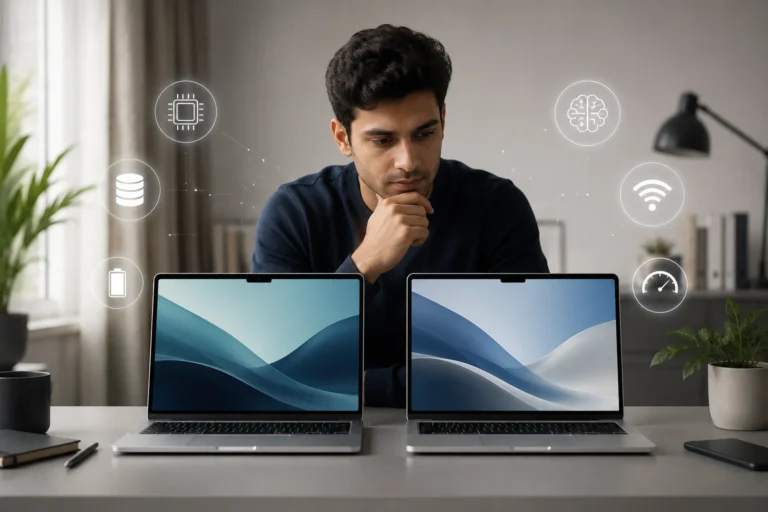
The best laptop for AI is not defined by one processor badge or a high TOPS number. The right choice depends on whether your AI workload runs through the NPU, the local GPU, or a cloud platform such as Google Colab.
Best Laptop for AI: Specifications That Matter
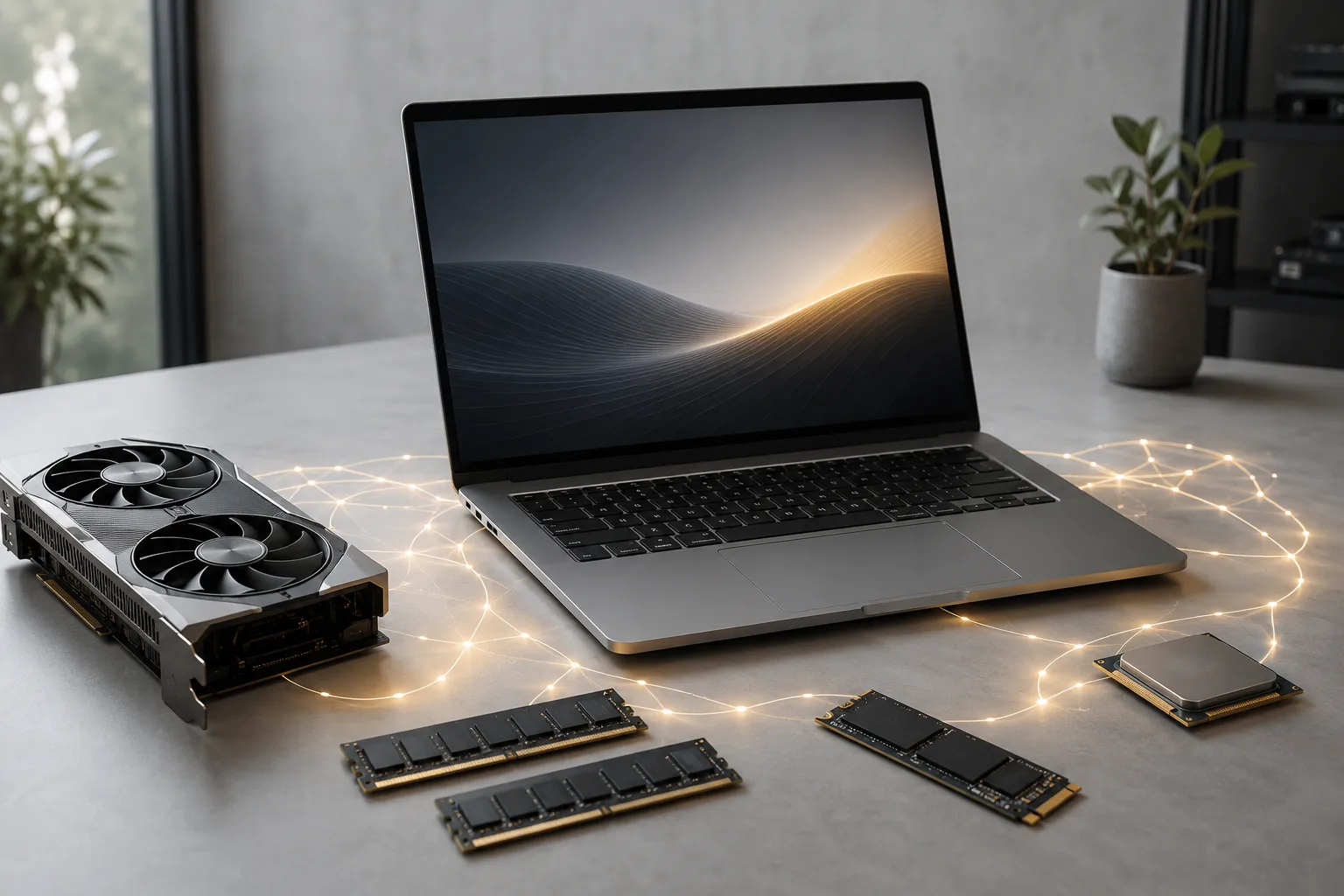
When comparing the best laptop for AI, GPU memory, RAM, cooling, and software compatibility matter more than marketing labels or a high NPU TOPS number.
|
AI workload |
Practical configuration |
|---|---|
|
AI tools and cloud notebooks |
16GB RAM, 512GB SSD, modern AI processor |
|
College machine-learning projects |
32GB RAM, 1TB SSD, RTX 5060 8GB |
|
Deep learning and local AI |
32–64GB RAM and maximum affordable GPU VRAM |
|
Business productivity |
16–32GB RAM, 40+ TOPS NPU, strong battery |
Prioritise GPU VRAM for Local AI
An NVIDIA GPU remains the safest choice for CUDA-based tools. NVIDIA says RTX laptops accelerate AI, deep learning and data-science applications, while its local AI developer guidance covers major frameworks and open models.
Aim for at least 8GB VRAM. More VRAM supports larger models and batch sizes. An NPU improves efficient on-device features, but it does not replace a strong GPU for training.
Choose 32GB RAM and a 1TB SSD
Sixteen gigabytes works for beginners and cloud-first users. For notebooks, browsers, datasets and development tools running together, 32GB offers better long-term value.
Check whether the memory is upgradeable, and use this guide on how much RAM you need before selecting a configuration. A 1TB NVMe SSD is practical because datasets, Docker images and model files grow quickly.
Strong cooling also prevents performance drops. Keep the vents clear and follow these laptop overheating prevention tips during long workloads.
Best AI Laptop Recommendations in India
The best AI laptop depends on whether you value CUDA performance, portability, battery life or local model capacity. These current model families cover the main use cases.
1. ASUS Vivobook S14 M3407 for Cloud-First Students
- Ryzen AI 7 350 option includes a 50 TOPS NPU, suitable for AI-assisted tasks.
- Ideal for coding, data analysis, Copilot features and cloud-based model training.
- Integrated graphics are not suitable for CUDA-based deep learning workloads.
- Best choice when portability and battery efficiency are more important than GPU power.
2. Lenovo LOQ 15AHP10 for Affordable Local AI
- RTX 5060 8GB GPU enables CUDA, computer vision and small deep-learning projects.
- Recommended configuration includes 32GB RAM and 1TB storage for smoother performance.
- Heavier than typical student laptops, making it less portable.
- Gaming-style cooling system supports longer AI workloads without overheating.
3. ASUS TUF Gaming A14 2026 for Portable Power
- Combines Ryzen AI processor, dedicated NPU and RTX 5060 GPU.
- Offers a strong balance between portability and local AI performance.
- Compact 14-inch design makes it easier to carry than larger gaming laptops.
- Fans may become loud during extended AI model training sessions.
- Important to compare GPU power limits and RAM configurations before buying.
4. HP OMEN 16 for Sustained Workloads
- RTX 5060 with 24GB or 32GB RAM supports AI training, video editing and gaming.
- Larger chassis improves cooling for long-duration workloads.
- Suitable for desk-based use rather than frequent travel.
- Bulkier design and charger may be inconvenient for daily commuting students.
5. MacBook Pro 14 with M5 Pro for Apple Workflows
- More suitable for Apple ecosystem users than CUDA-focused learners.
- M5 Pro chip includes unified memory, Neural Engine and efficient AI acceleration.
- Works well for Core ML, MLX, coding and cloud-based AI development.
- Recommended to choose at least 24GB unified memory for AI tasks.
- Does not support NVIDIA CUDA, limiting compatibility with some AI frameworks.
Best Laptop for Artificial Intelligence Students by Use Case

Most students need a dependable device for coding, experiments, reports and cloud computing, not a portable data centre.
- Beginner: Choose 16GB RAM and a 512GB SSD. Use Colab or Kaggle for GPU exercises.
- AI or data-science degree: Aim for 32GB RAM, a 1TB SSD and an RTX 5060 8GB where affordable.
- Computer vision or deep learning: Prioritise NVIDIA VRAM, cooling and upgradeable memory.
- Startup or business use: Prioritise warranty, battery life and service unless local models are essential.
For wider development needs, compare these options with the best laptops for coding and programming in India.
AI Laptop vs Normal Laptop
An AI laptop adds a neural processing unit, or NPU, for selected low-power AI tasks. Microsoft defines Copilot+ PCs as systems with an NPU capable of at least 40 TOPS and other minimum hardware requirements. Its official NPU guidance explains supported on-device features.
A normal laptop can still use web-based AI tools and basic machine learning. The NPU becomes useful for supported features such as live captions, camera effects, local search and noise removal.
It does not guarantee faster model training. A normal RTX gaming laptop may outperform a thin AI-branded laptop when the workload depends on GPU acceleration.
AI Laptop vs Gaming Laptop for Machine Learning
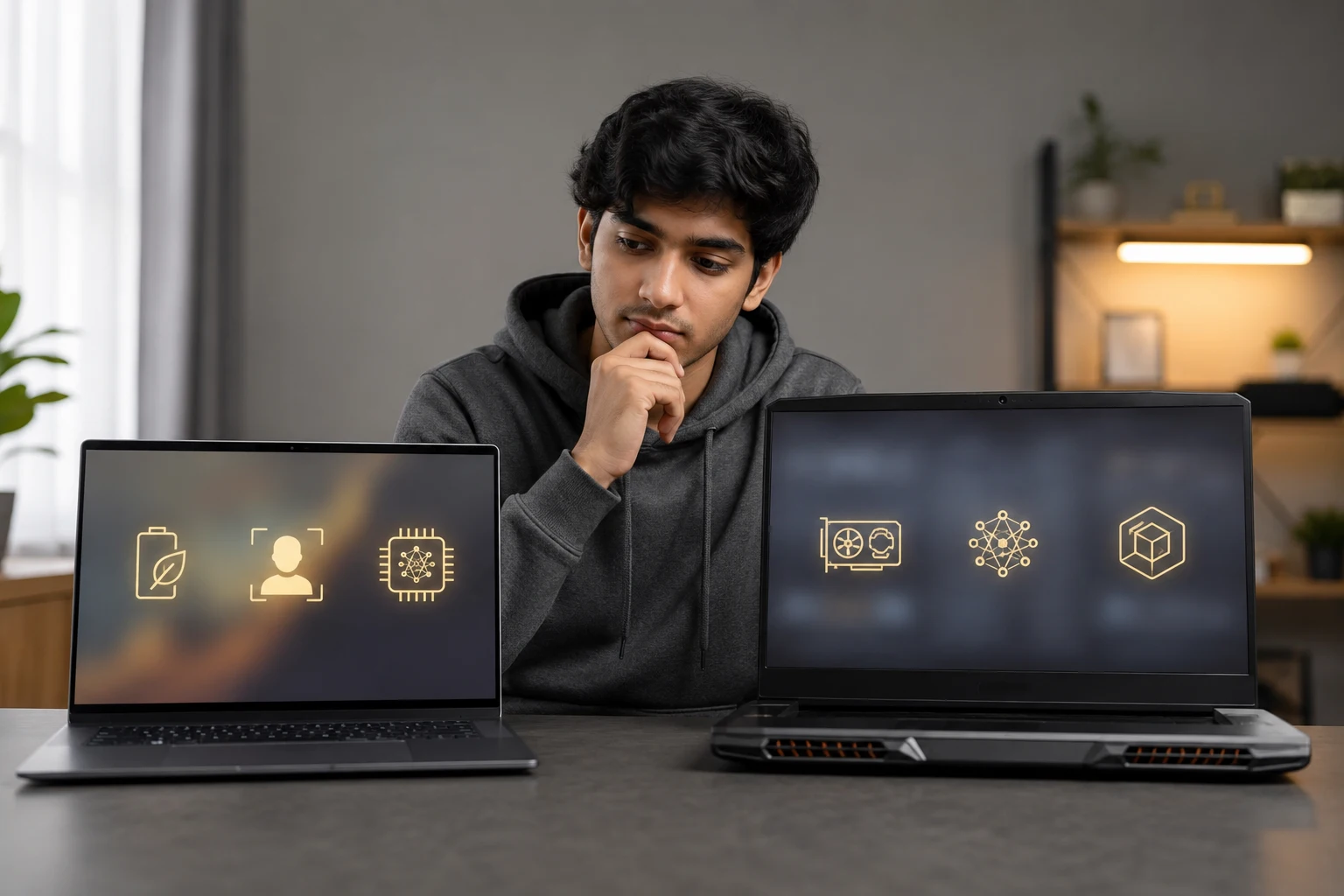
A gaming laptop is often better for local AI because it includes a discrete GPU and stronger cooling. A thin AI laptop usually focuses on NPU efficiency, portability and battery life.
Choose an AI productivity laptop for:
- Cloud notebooks and browser-based AI tools
- Office work and Copilot+ features
- Long battery life and frequent travel
Choose a gaming laptop for:
- CUDA acceleration and local model experiments
- Longer training sessions
- Upgradeable RAM and higher GPU power
A gaming model can be an excellent machine-learning laptop without an AI label. Rentopay’s guide to the best gaming laptops in India explains related performance factors.
Rentopay Brand Take: Do Not Pay for an AI Badge Alone

After more than two decades of evaluating computer hardware, the biggest mistake I see is treating NPU TOPS as a complete performance score. It is not.
TOPS does not show Python speed, available model memory, CUDA compatibility, or sustained thermal performance. Students and startups should test their real software before committing to an expensive configuration.
Renting helps you compare an RTX laptop, a Copilot+ PC and a Mac without making a large upfront purchase. Review laptop rental versus buying and explore student-friendly laptop rental plans when project requirements may change.
Final Verdict
For most serious learners, the best laptop for AI in India has an RTX 5060 8GB GPU, 32GB RAM and a 1TB SSD. Choose a lighter 16GB NPU model for cloud-first work, and choose a Mac only when your software stack fits Apple Silicon.
Before renting, use these questions to ask before renting a laptop to confirm the exact GPU, RAM, storage and support terms.
FAQs About the Best Laptop for AI in India
These common questions address the main doubts students and professionals have while comparing AI laptops in India.
1. Which Laptop Is Best for AI Students?
A Windows laptop with RTX 5060 8GB, 32GB RAM and a 1TB SSD is the best balanced choice. Cloud-first beginners can start with 16GB RAM.
2. Is 16GB RAM Enough for Artificial Intelligence?
Yes, for coding, basic machine learning and cloud work. Choose 32GB for larger datasets, local models, Docker and heavy multitasking.
3. Do I Need an NVIDIA GPU for Machine Learning?
Not for basic learning or cloud platforms. For local deep learning, NVIDIA remains easier because many frameworks and courses support CUDA.
4. Is an AI Laptop Better Than a Gaming Laptop?
An AI laptop favours battery life and on-device features. A gaming laptop usually trains local models better because it has a stronger GPU and cooling.
5. How Much VRAM Is Enough for AI Work?
Eight gigabytes is a practical starting point for student projects and smaller local models. Larger models and batch sizes need more VRAM.
6. Can a MacBook Run AI Software?
Yes. Apple Silicon supports Python, Core ML, MLX and cloud platforms. Avoid it when a course specifically requires NVIDIA CUDA.
7. Are Snapdragon AI Laptops Good for Students?
They suit cloud tools, productivity and long battery life. Confirm that the required development tools and college applications support Windows on Arm.